
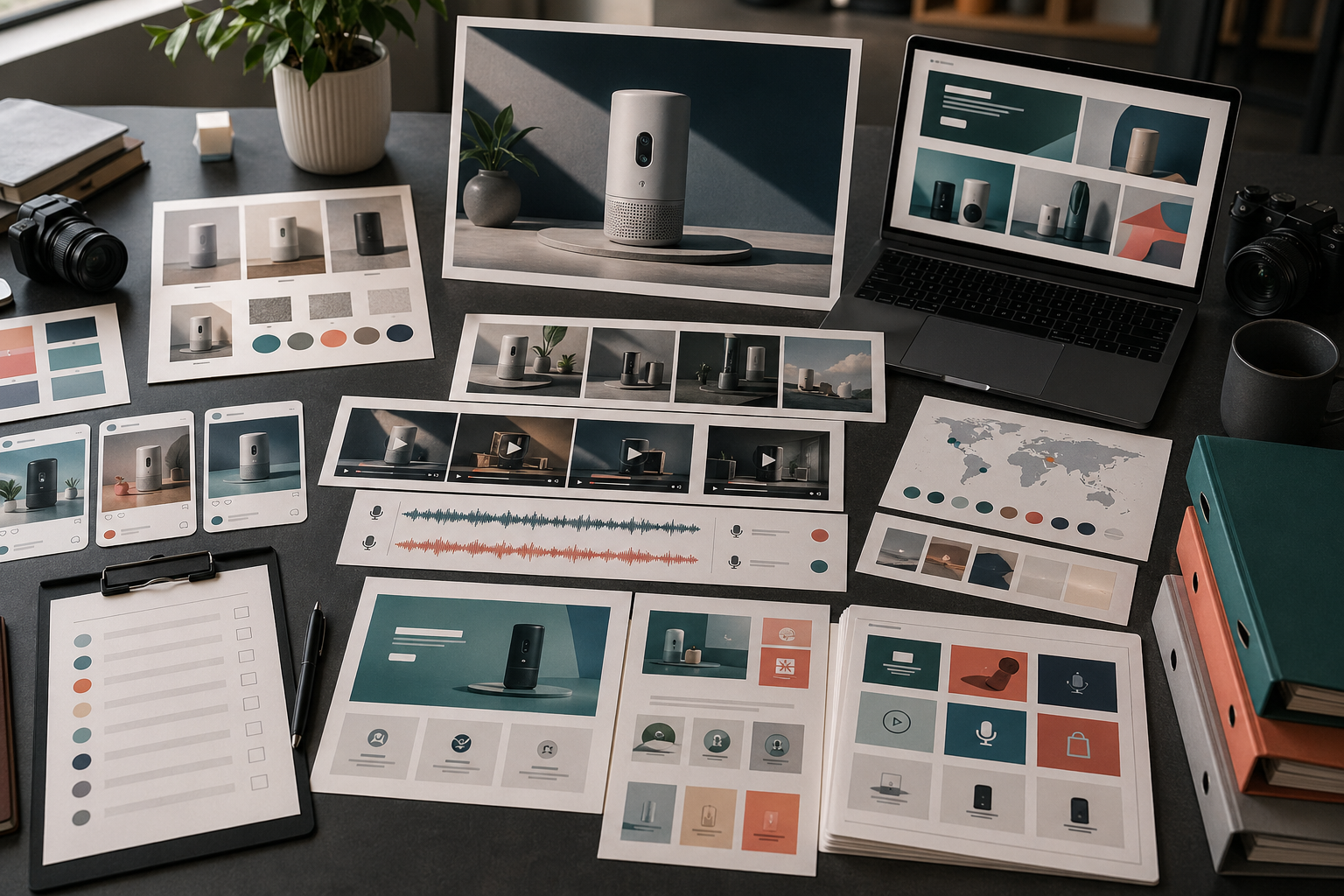
A product launch usually needs more than one hero image.
It needs a small asset system: one message, several formats, clear review rules, and enough reuse after launch. Rivya is useful when you plan that system before generating individual pieces.
The Launch Asset Matrix
Start by mapping surfaces to assets:
| Surface | Asset | Purpose | Rivya path |
|---|---|---|---|
| Landing page | Hero visual | Explain the main promise quickly | Image Studio |
| Product page | Clean product still | Show the product clearly | Image Studio |
| Social | Square or vertical teaser | Create discovery and reminders | Image Studio / Video Studio |
| Paid ads | Offer-led variant | Test one hook or benefit | AI Ad Creative Workflow |
| Video | Short demo clip | Show one product action | Video Studio |
| Voice | Launch voice-over | Explain the message quickly | Audio Studio |
| Support | Help or onboarding visual | Reduce confusion after launch | Chat Studio + Image Studio |
You do not need every asset for every launch. But you should know which surfaces matter before generating.
Write The Launch Message
Before producing assets, write the launch message in one sentence.
Examples:
A faster way to turn product photos into launch-ready visuals.A simple workspace for generating image, video, and audio assets in one place.A new workflow for making product demos without starting from a blank timeline.
Use this as the anchor. The formats can change, but the story should not drift.
Build The Core Asset Set
A practical launch set often includes:
one primary product hero
one clean product still
one benefit-led visual
one short product demo video
one social crop or teaser
one voice-over or narration option
one fallback asset for reuse
Start with the hero or product still. If that direction does not work, the rest of the launch set will usually drift too.
Use Rivya By Asset Type
Split production by asset type:
Image and Image Studio in Rivya for heroes, product stills, and landing-page visuals
Video and Video Studio in Rivya for demo clips, teasers, and motion tests
Audio and Audio Studio in Rivya for voice-over, narration, or localized audio
Prompt Writing Basics in Rivya when the direction needs a cleaner brief
History in Rivya to preserve useful directions and continue from them
This keeps each asset tied to its actual job.
Review The Launch As A Set
Do not review launch assets only one by one.
Put them together and check:
is the same product recognizable?
is the benefit consistent?
does the visual quality level match?
do landing-page and social assets feel related?
does any asset imply a claim you cannot support?
does the set have enough variety without feeling random?
can the assets survive mobile crop and feed context?
Launch consistency is easier to see in a grid than in isolated files.
Plan Post-Launch Reuse
Launch assets should not disappear after launch week.
A good launch asset can become:
a retargeting ad
a social follow-up
a help-center visual
an onboarding image
a sales email graphic
a localized version
a product update reminder
Use Downloading and Using Outputs to decide what to save, download, and continue.
Common Launch Asset Mistakes
Avoid:
generating social posts before the core message is stable
making a beautiful hero that does not explain the product
using different visual rules across surfaces
launching without a clean product still
making video before the visual direction works
forgetting support and onboarding assets
skipping commercial review for claims
A launch asset system should make the product clearer, not just louder.
Next Steps In Rivya
Start asset production from Image, Video, or Audio, and use AI Models when the first decision is model fit.
Use How to Plan an AI Creative Campaign for the campaign-level plan.
Use AI Social Media Content Workflow for launch distribution.
Use AI Product Demo Video Generator for demo-focused launches.
Review Ownership and Commercial Use in Rivya before publishing assets.



