
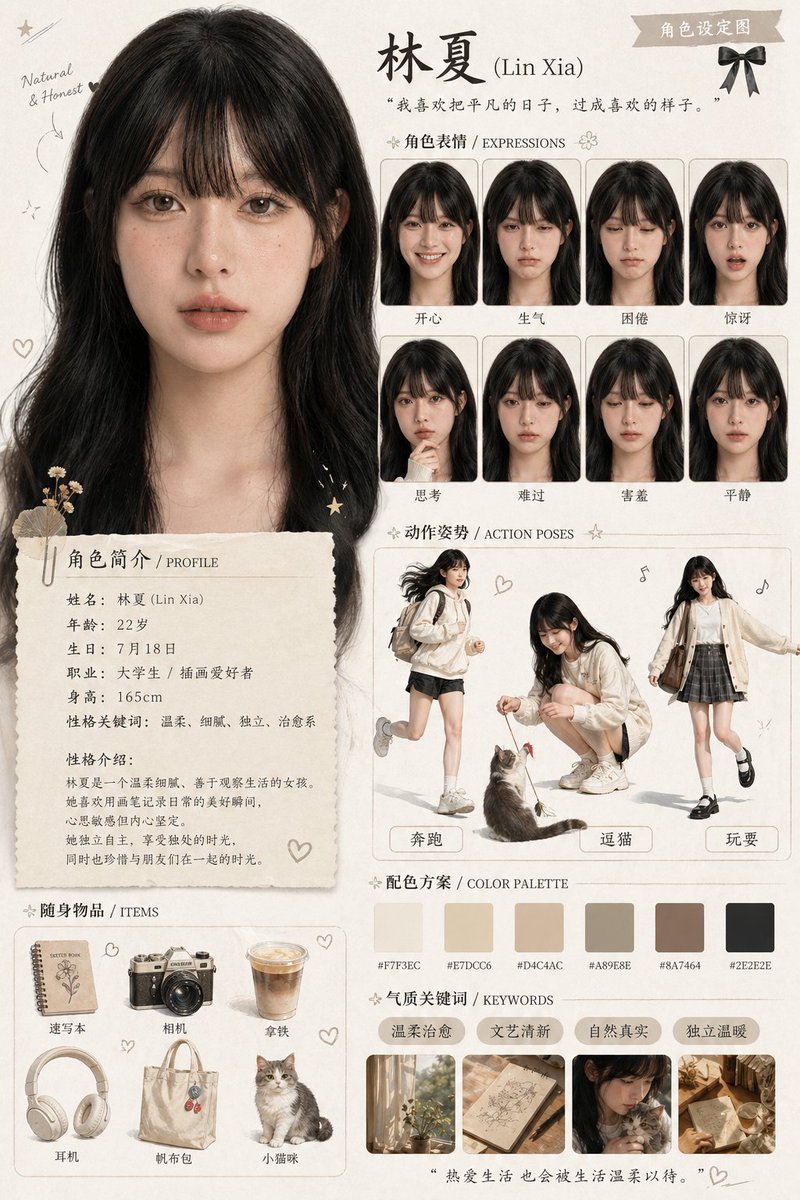
GPT Image 1.5 is Rivya's quality-tier OpenAI image model for structured prompts, reference-led edits, and high-fidelity product or campaign visuals when the brief needs stronger detail control than a quick draft.
The final task cost is rounded up to whole credits.
Example output
Example; generating model unverified · Preview for Character Mascot Scene Pack, focused on identity consistency, expression range, pose variety, editable marks, and brand-safe scene design.
Text to Image · Image to Image
Example output
Example; generating model unverified · Preview for Character Mascot Scene Pack, focused on identity consistency, expression range, pose variety, editable marks, and brand-safe scene design.
Best for
Supports
Online trial
No results to display yet.
Prompt starters
Model examples
Browse template previews for ideas. Each caption indicates whether generation with this model has been verified.
Example; generating model unverified · Preview for Character Mascot Scene Pack, focused on identity consistency, expression range, pose variety, editable marks, and brand-safe scene design.
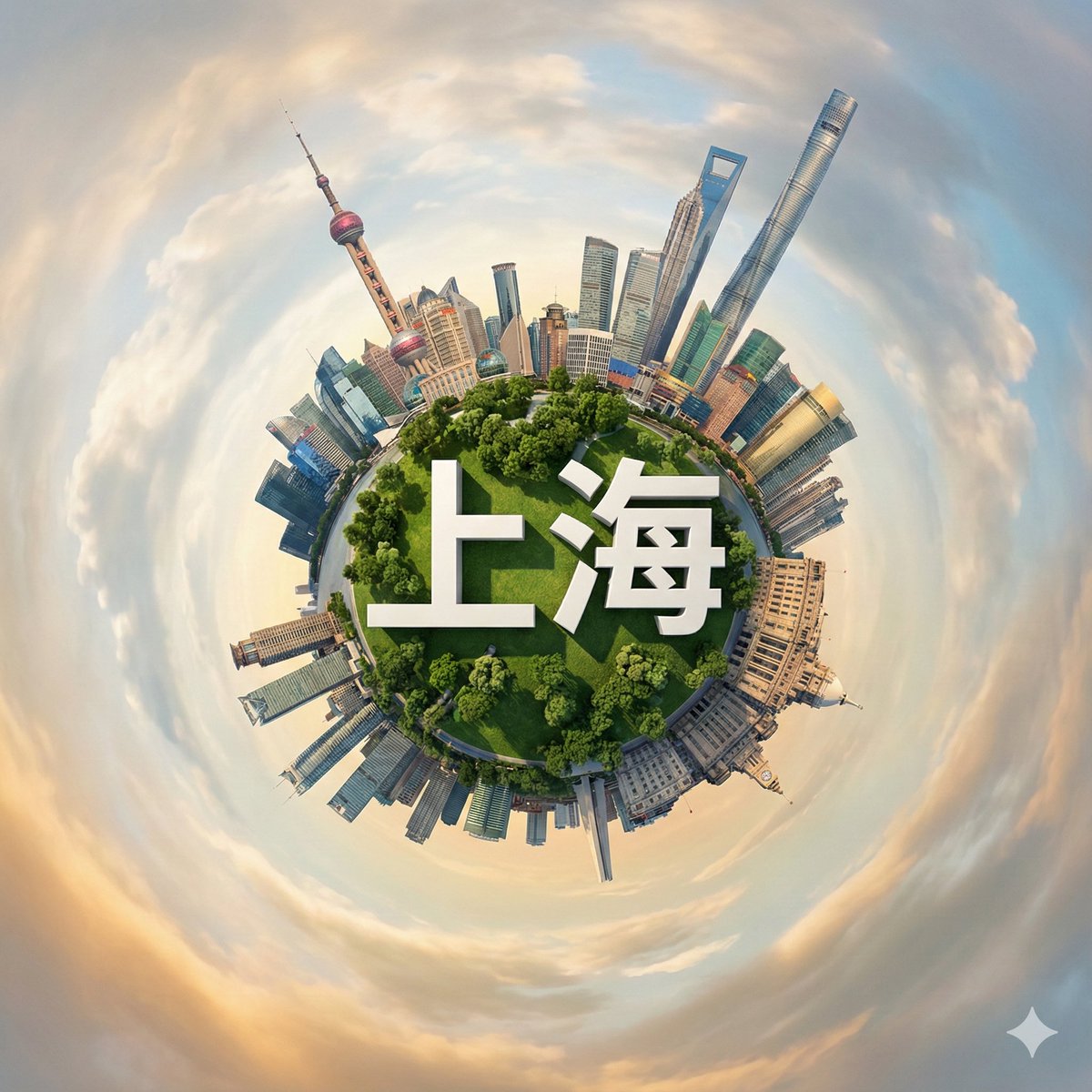
Example; generating model unverified · Preview for Shanghai Mini Planet Landmark, focused on composition, editable details, visual hierarchy, and brand-safe production constraints.
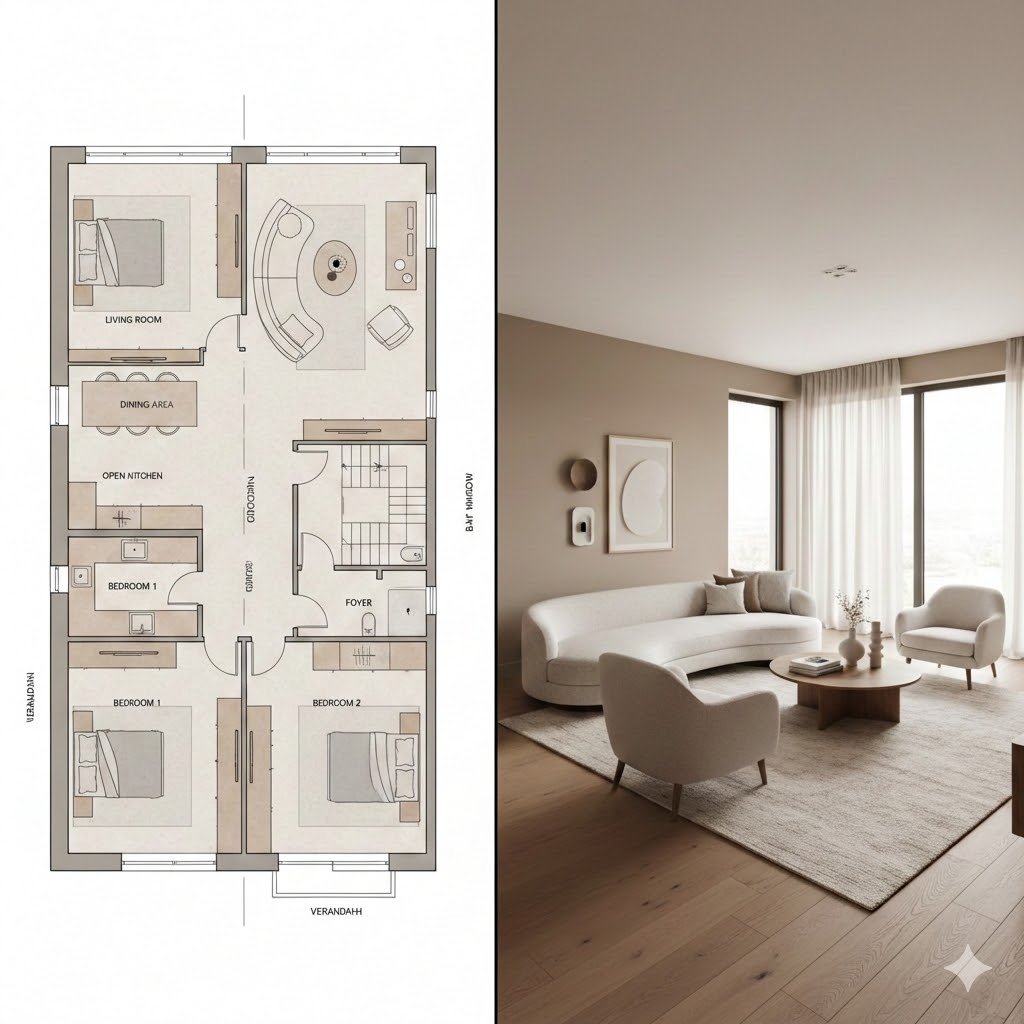
Example; generating model unverified · Preview for Blueprint to Cozy Interior Render, focused on plan-to-room transition, material warmth, believable scale, and client-ready delivery.
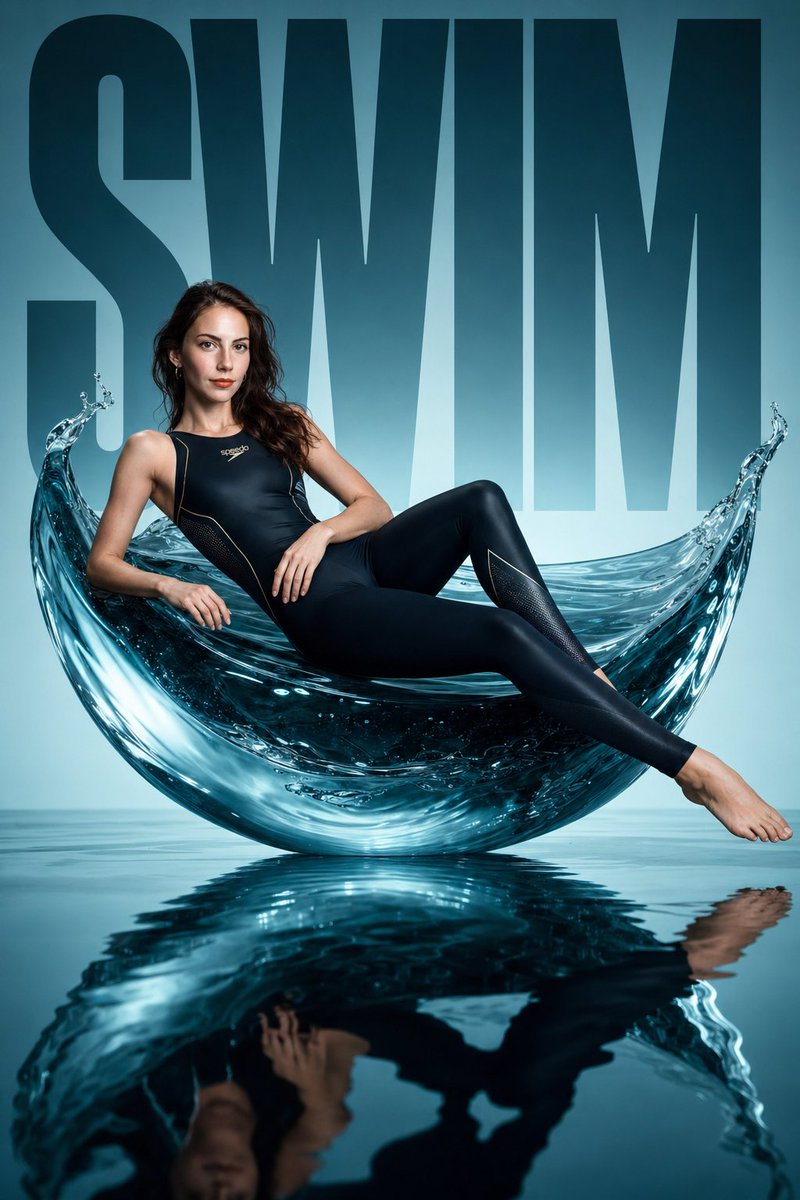
Example; generating model unverified · Preview for a water-sculpture athletic fashion campaign, focused on sculptural water, performance styling, studio reflections, and brand-safe layout control.
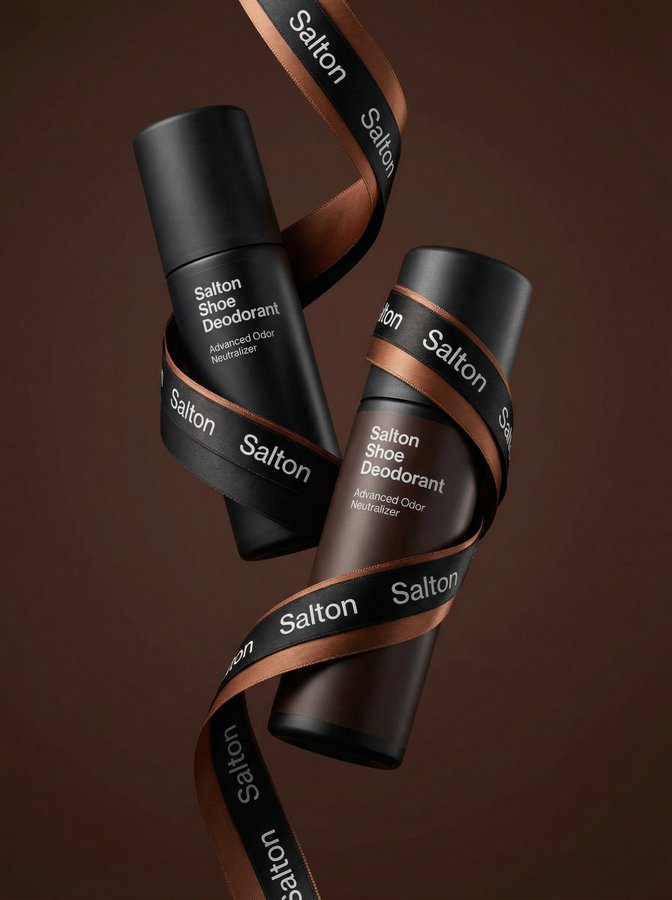
Example; generating model unverified · Preview for Levitating Ribbon Product Campaign, focused on diagonal product hierarchy, ribbon packaging, and clean ad layout control.
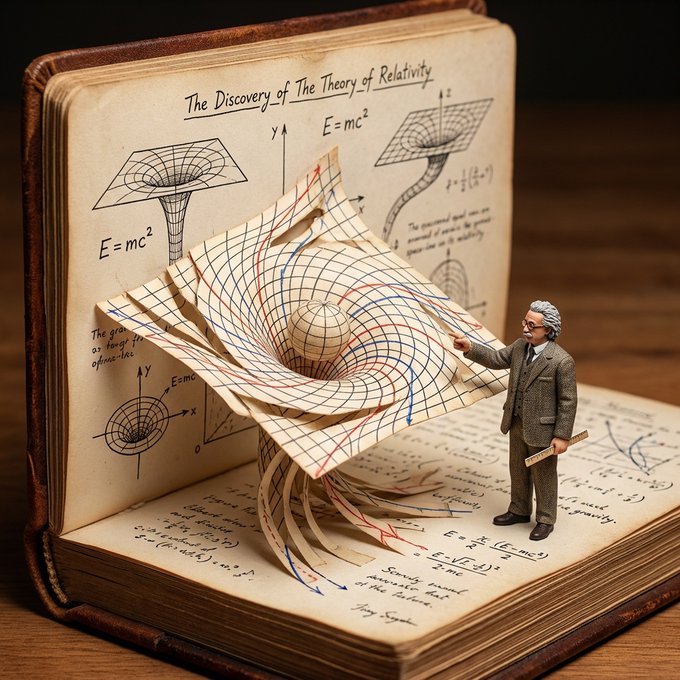
Example; generating model unverified · Preview for Scientific Pop-Up Discovery Diorama, focused on paper model construction, academic diagrams, miniature scale, and macro texture.
Decision fit
Decision fit
GPT Image 1.5 FAQ
GPT Image 1.5 is strongest when the prompt reads more like a design brief than a mood word: multiple objects, explicit layout rules, do-and-don't constraints, and reference-led edits that need tighter obedience. It is a better fit for structured scene logic than for loose vibe-hunting.
On Rivya, GPT Image 1.5 currently runs as both text-to-image and image-to-image, and it can take up to 16 reference images, which is the highest reference cap in the current catalog. That makes it useful for image tasks where hierarchy, reference priority, and instruction stacking all matter at the same time.
The most revealing first checks are Medium or High quality, aspect ratio, and which references are truly mandatory versus just nice to have. On this model, too many references can create noise if the instruction hierarchy is not clear, so the real test is whether the brief stays organized under pressure.
Current pricing is 4 credits per generation for Medium and 22 credits for High.
Choose GPT Image 1.5 when the scene has rules, the prompt has structure, and the references need to behave like inputs instead of decoration. Use a lighter option when you mainly want fast stylistic exploration and do not care as much about exact layout or instruction discipline.
This page is best for the first result on image tasks where the instructions are already dense: structured campaign visuals, multi-object scenes, and reference-led edits that need stronger control. It is a good place to see whether GPT Image 1.5 can keep the brief organized before you open a longer iteration thread.
You can use it for text-to-image, image-to-image, and up to 16 reference images on the public page setup. That means you can test prompt-only work, edit-style work, or a heavy reference stack without switching into the studio first.
Before the first result, decide whether Medium is enough or High is worth it, lock the aspect ratio, and trim the references down to the ones that truly carry the brief. GPT Image 1.5 usually performs best when the instruction stack is clear, not merely large.
The page is public, but running the model or uploading references requires sign-in. Medium costs 4 credits and High costs 22 credits per generation.
Stay here while you are still pressure-testing the first structured brief and the first reference stack. Open the full Studio once you need saved versions, branching edits, asset management, or several rounds of instruction tuning around the same scene.
Compare alternatives
Generate images from text or edit with up to 16 reference images. Choose 1K, 2K, or 4K and an automatic, transparent, or opaque background.
Why consider it
Consider it when the credit note fits your next run: Credit rate: 3–16 / image.
Generate images from text or edit with up to 16 reference images. Choose 1K, 2K, or 4K and an automatic, transparent, or opaque background.
Why consider it
Consider it when the credit note fits your next run: Credit rate: 3–16 / image.
OpenAI's newer GPT Image model on Rivya, with text-to-image, image-to-image, up to 16 reference images, and clear 1K / 2K / 4K credit tiers.
Why consider it
Consider it when the credit note fits your next run: Credit rate: 3–8 / image.
Best-fit tasks
Use it when the task looks like this
Model details
Provider
OpenAI
Category
Image
Capabilities
Text to Image · Image to Image
Credit model
Credit rate: 4–22 / image
Input path
Prompt + optional images
Prompt setup
Prompt-guided
Developer access
GPT Image 1.5 has callable Public API modes, but reference-media modes still need Files API upload support. Check the model reference before submitting.