
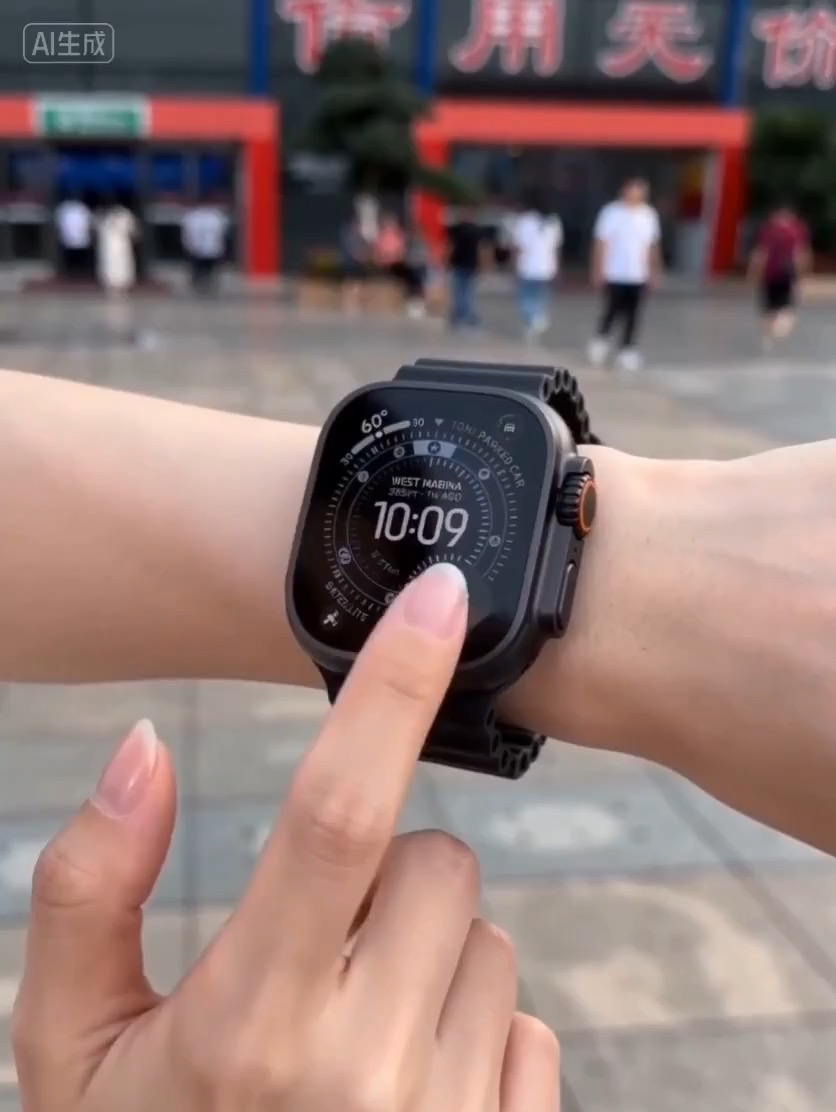
15.2 sec
Luxury watch macro reveal video preview with dark reflective surface, light sweep, close dial detail, and clean product hero frame.
Video brief: premium watch / macro detail / controlled light sweep / slow push-in / commerce hero frame
Seedance 2.0 is Rivya's fuller Seedance AI video generator for text-to-video, frame-guided animation, multimodal references, and more polished scene output than Fast.
The final task cost is rounded up to whole credits.
Example output
Example; generating model unverified · Preview clip for a luxury watch macro reveal brief, focused on controlled studio lighting, precise watch geometry, and a commerce-ready final frame.
Text to Video · Image to Video
Example output
Example; generating model unverified · Preview clip for a luxury watch macro reveal brief, focused on controlled studio lighting, precise watch geometry, and a commerce-ready final frame.
Best for
Supports
Online trial
No results to display yet.
Prompt starters
Model examples
Browse template previews for ideas. Each caption indicates whether generation with this model has been verified.
Example; generating model unverified · Preview clip for a luxury watch macro reveal brief, focused on controlled studio lighting, precise watch geometry, and a commerce-ready final frame.
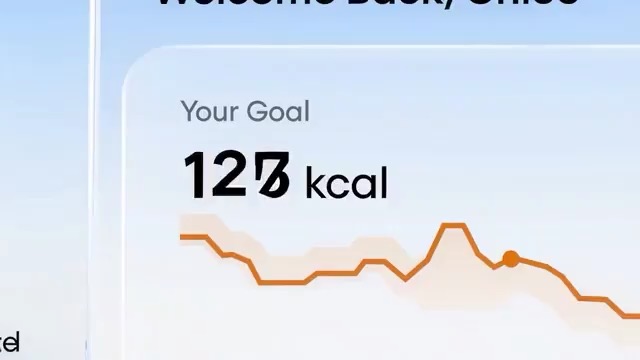
Example; generating model unverified · Preview for a SaaS feature loop storyboard, focused on app context, UI transition path, readable copy, editable metrics, and the loopable final frame.
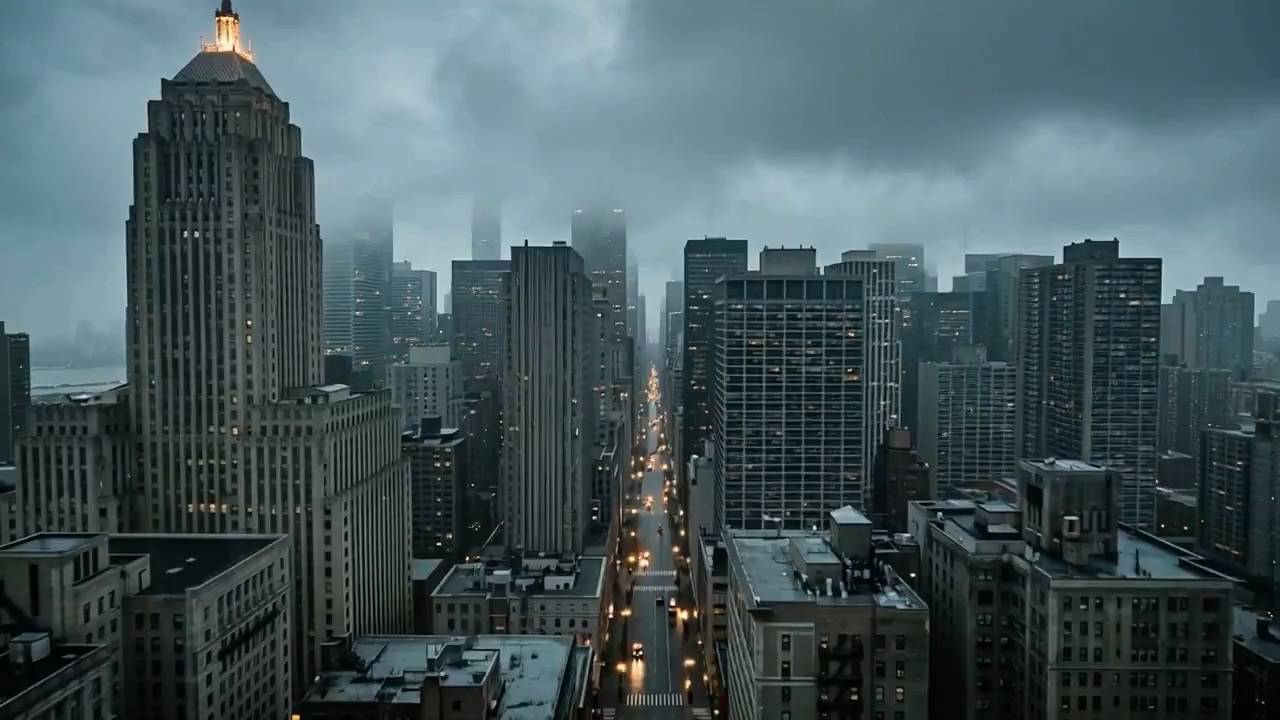
Example; generating model unverified · Preview for a blue-hour neo-noir city scene, focused on scene setup, camera path, motion continuity, editable details, and the final frame.
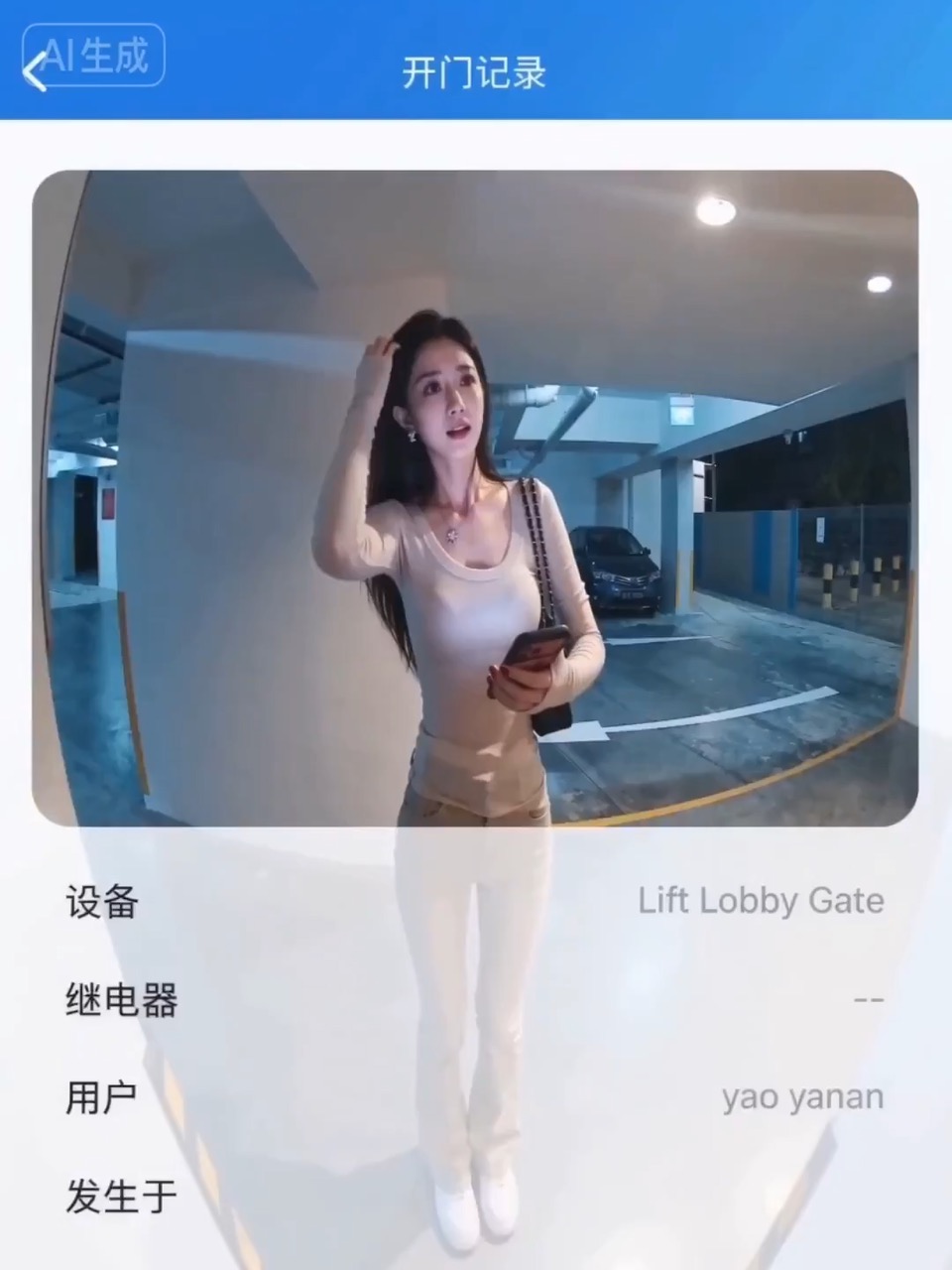
Example; generating model unverified · Preview for an access-denied surveillance moment, focused on scene setup, fixed camera framing, motion continuity, editable details, and the final hero frame.
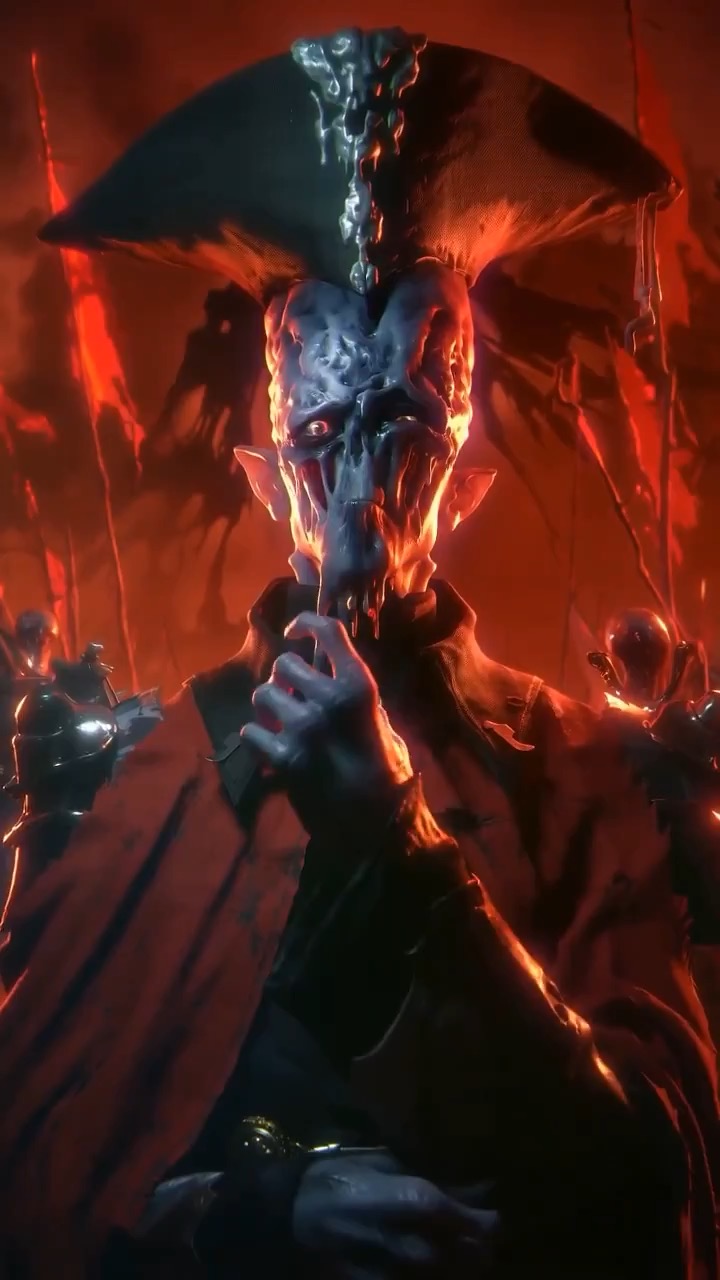
Example; generating model unverified · Preview clip for character and background motion sync, focused on scene beats, camera rhythm, continuity, and the final aligned moment.
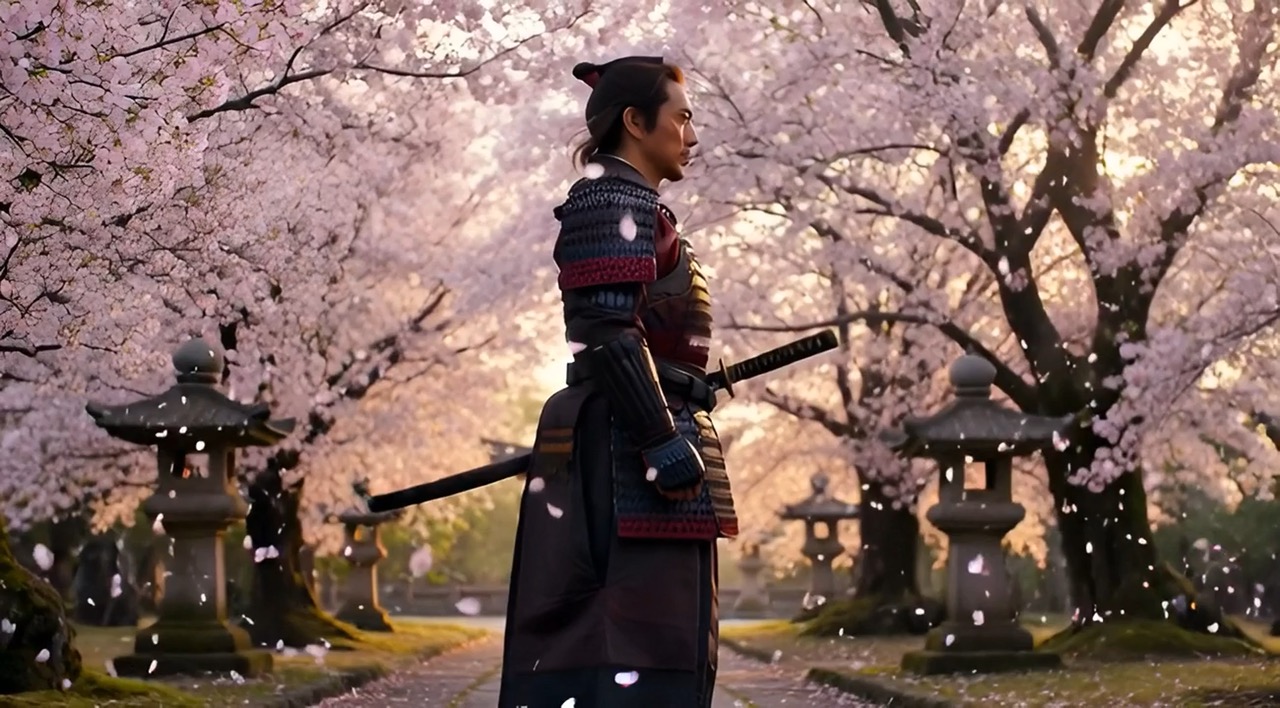
Example; generating model unverified · Preview clip for Video Prompt Architecture Walkthrough, focused on scene beats, camera rhythm, continuity, and the final hero moment.
Decision fit
Decision fit
Best-fit tasks
Use it when the task looks like this
Model details
Provider
ByteDance
Category
Video
Capabilities
Text to Video · Image to Video · Reference to Video
Credit model
Credits depend on inputs and settings. Check the estimate before generating.
Input path
Prompt, frames, or image/video/audio references
Prompt setup
Up to 20,000 chars
Developer access
Call Seedance 2.0 from Public API v1 after checking the model fields, reference media rules, and credit behavior.
Seedance 2.0 FAQ
Use Seedance 2.0 for higher-quality short videos from prompts, start and end frames, or multimodal reference bundles. It is the full Seedance 2.0 option when image, video, and audio references need to guide one clip and clearer motion control matters more than the Fast tier's lower cost.
On Rivya, Seedance 2.0 currently supports text to video, image to video, and reference to video. If the task needs live research grounding, that is already part of the public control set here.
Choose Seedance 2.0 when prompt-led, frame-led, and multimodal reference video projects need to stay in one model while keeping their input rules separate. If you are still narrowing down the direction, start with a lighter draft option.
Start here when the first run is aimed at higher-quality short videos from prompts, frames, or reference bundles, frame-constrained motion design where start and end images matter, and multimodal reference synthesis with image, video, and audio inputs. That keeps the first run practical: check the input, direction, and output quality here before turning it into a longer project.
This page currently supports text to video, image to video, and reference to video. That makes it easier to see whether a pure shot description or a still-led start is the better way into higher-quality short videos from prompts, frames, or reference bundles.
Stay on this page while you are still validating the first shot, source type, and whether the first result is getting you close to higher-quality short videos from prompts, frames, or reference bundles on Seedance 2.0. Open the full Studio once the work needs saved versions, repeated clip iterations, multiple assets, or a longer production thread around the same scene set.
Compare alternatives
Seedance 2.5 is Rivya's larger Seedance workflow for prompt-only video, first- and last-frame guidance, multimodal references, and video-guided transformation. It adds a 1080p tier, output up to 30 seconds, automatic duration, MP4 or MOV output, and substantially larger image, video, and audio reference capacity than Mini.
Why consider it
Consider it when your next task needs Up to 50 reference files.
ByteDance's faster Seedance 2.0 video model with full scene routing for prompt-only generation, frame-driven image animation, and multimodal reference video generation. Rivya keeps the documented scene split explicit so first/last-frame inputs do not collide with reference image, video, and audio roles.
Why consider it
Consider it for this task fit: Fast ad previs from prompts or storyboard frames.
Seedance 2.0 Mini is Rivya's lower-rate multimodal Seedance workflow for prompt-only video, first- or first-and-last-frame animation, and mixed image, video, or audio references. Its 480p and 720p tiers cover 4-to-15-second output while keeping the three input scenes mutually exclusive.
Why consider it
Consider it when your next task needs Up to 15 reference files.