
GPT Image 2 is Rivya's OpenAI image model for structured prompts, reference-led edits, and predictable 1K, 2K, or 4K output. Use it when product visuals, campaign scenes, or brand layouts need clearer instruction following.
The final task cost is rounded up to whole credits.
Example output
Example; generating model unverified · Preview for Minimalist White Product Showcase, focused on composition, editable details, visual hierarchy, and brand-safe production constraints.
Text to Image · Image to Image
Example output
Example; generating model unverified · Preview for Minimalist White Product Showcase, focused on composition, editable details, visual hierarchy, and brand-safe production constraints.
Best for
Supports
Online trial
No results to display yet.
Prompt starters
Model examples
Browse template previews for ideas. Each caption indicates whether generation with this model has been verified.
Example; generating model unverified · Preview for Minimalist White Product Showcase, focused on composition, editable details, visual hierarchy, and brand-safe production constraints.
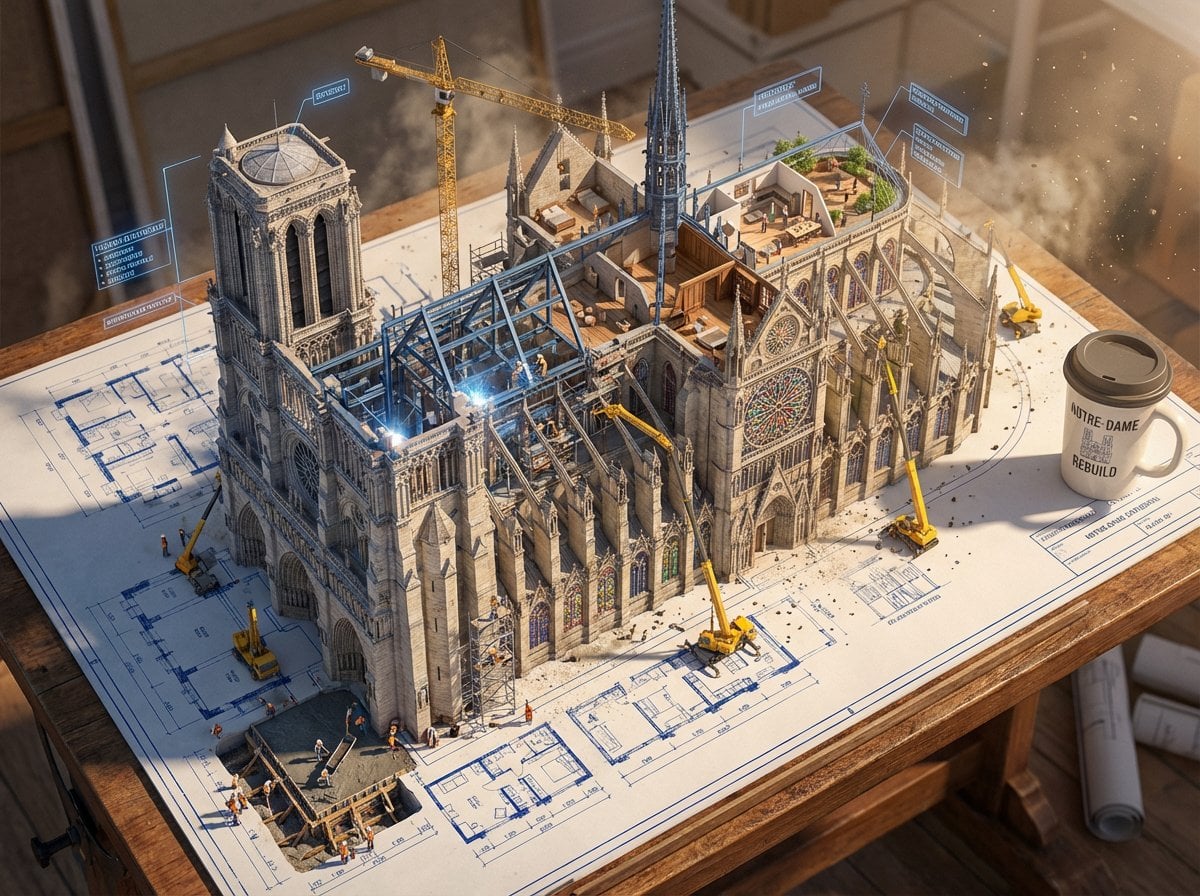
Example; generating model unverified · One supplied column grid remains aligned through every model stage.
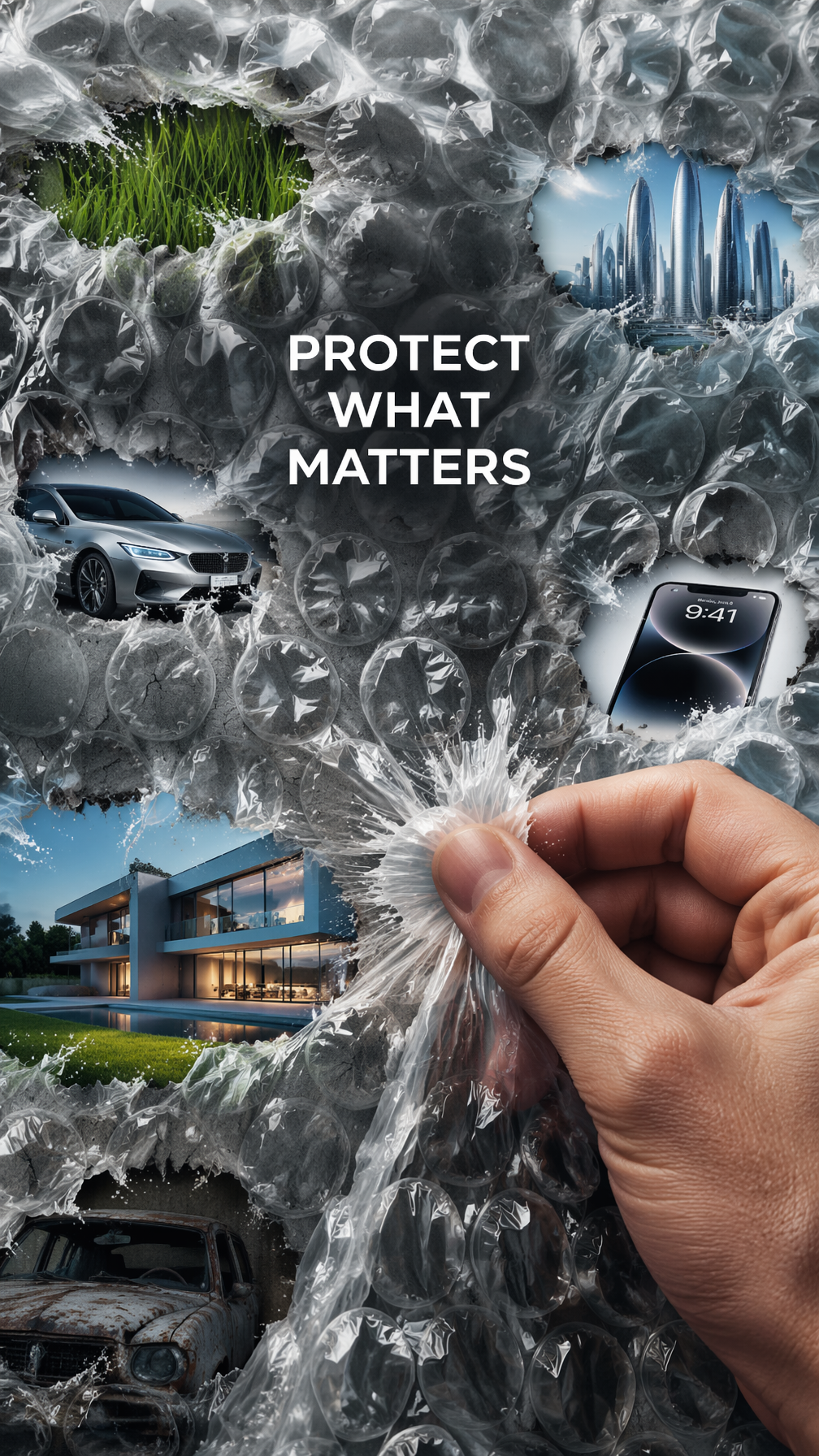
Example; generating model unverified · Each flattened cell aligns one original transformation while the remaining bubbles stay intact.
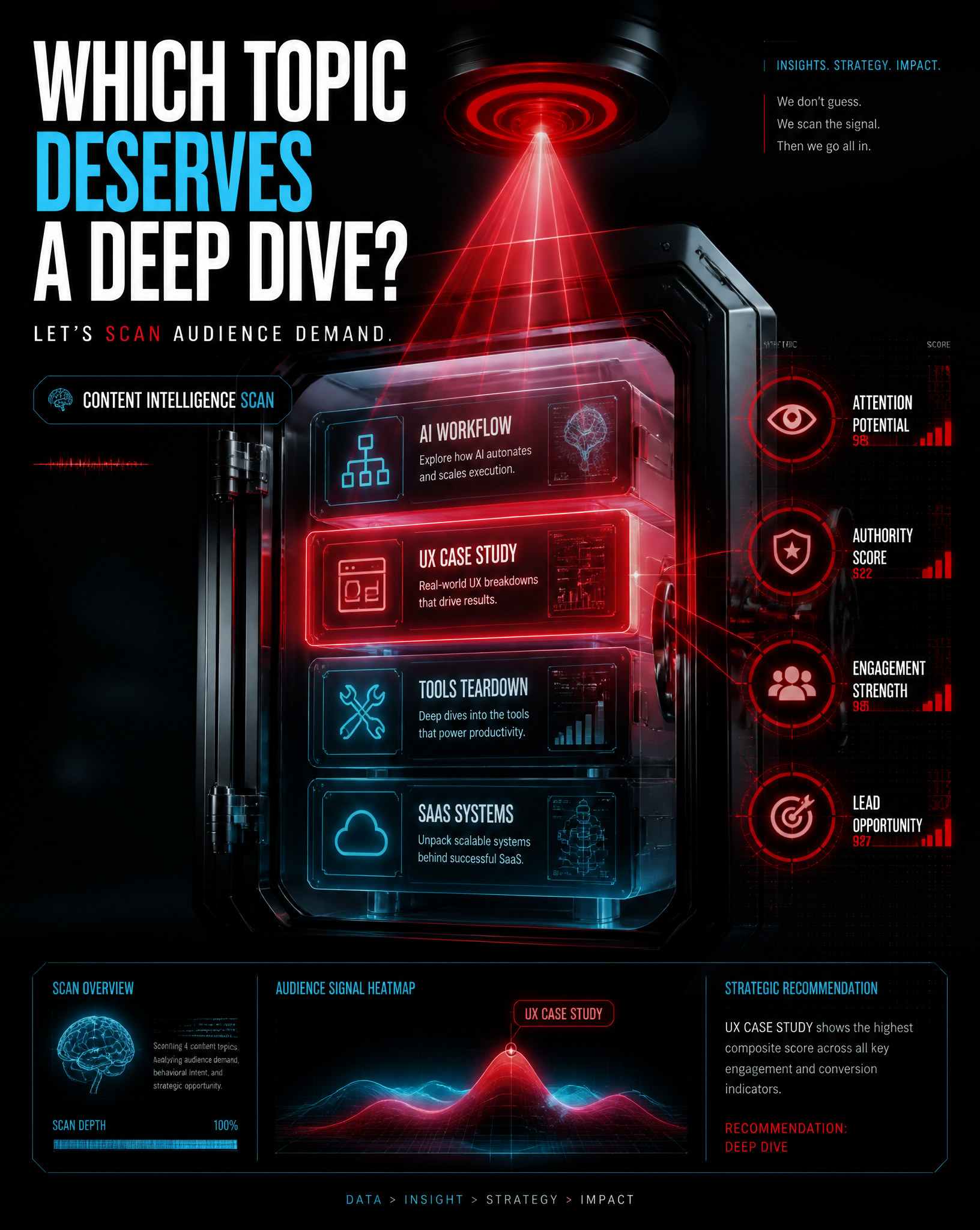
Example; generating model unverified · Blank comparable criteria expose the decision structure without pretending to measure results.
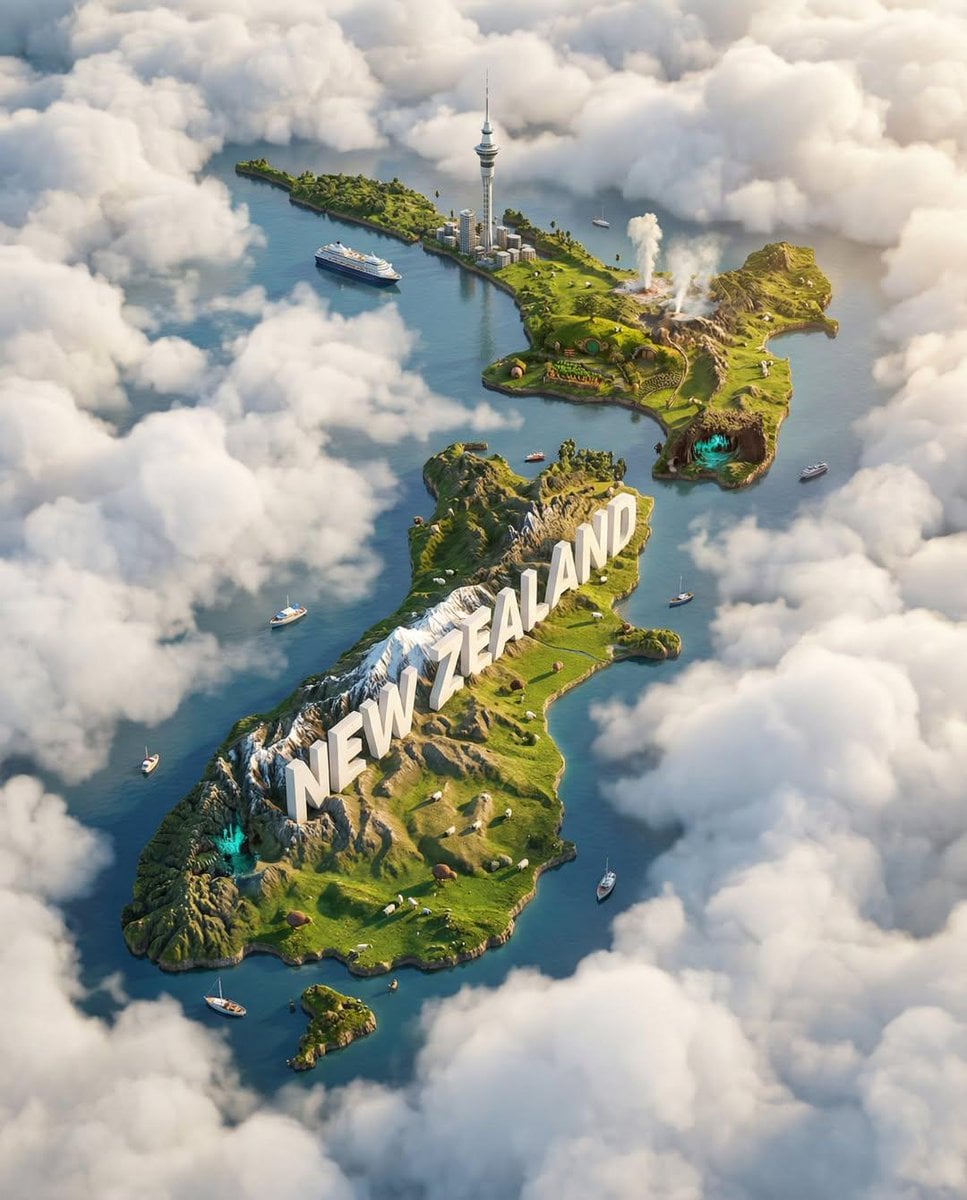
Example; generating model unverified · Each supplied landmark changes one third of the island's terrain rather than sitting as decoration.
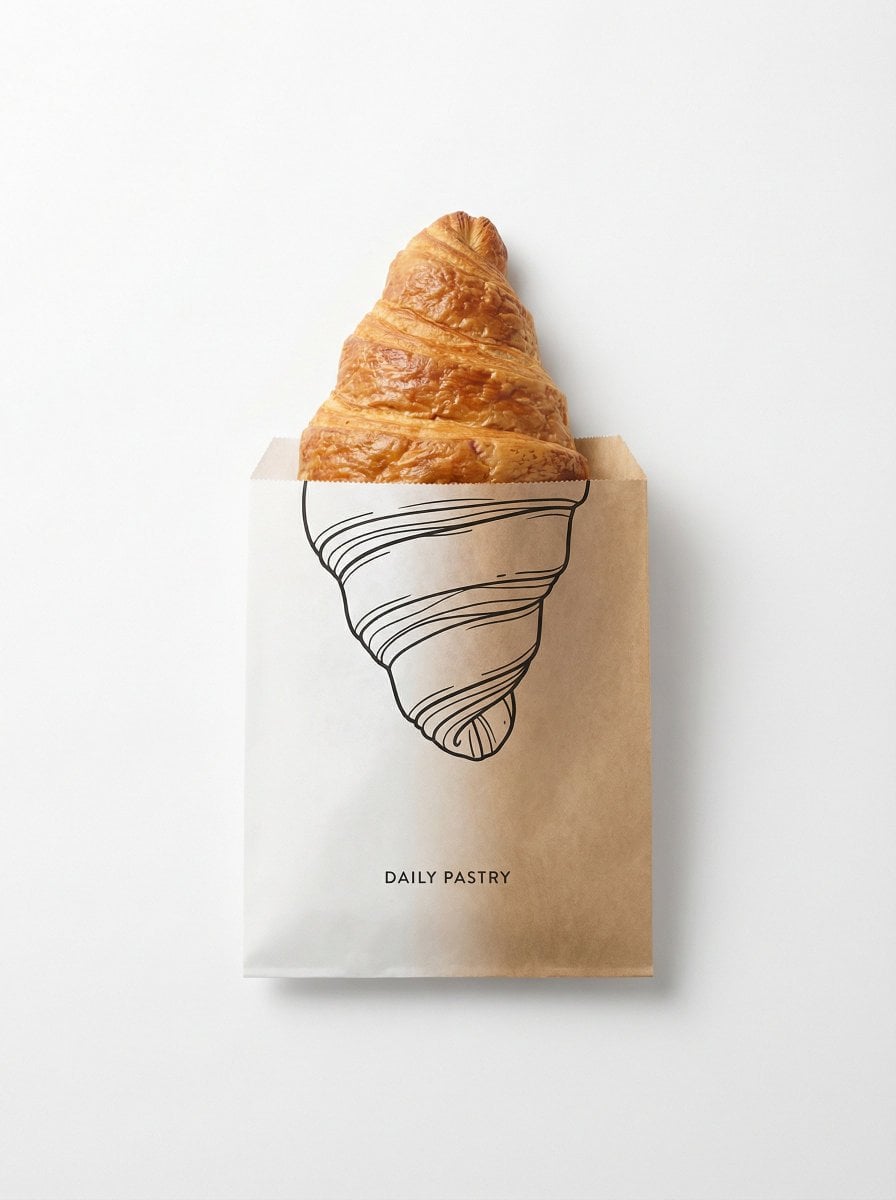
Example; generating model unverified · The illustration remains inside the package face and registers exactly at the physical edge.
Decision fit
Decision fit
Best-fit tasks
Use it when the task looks like this
Model details
Provider
OpenAI
Category
Image
Capabilities
Text to Image · Image to Image
Credit model
Credit rate: 3–8 / image
Input path
Prompt + optional images
Prompt setup
Up to 20,000 chars
GPT Image 2 FAQ
GPT Image 2 is best when you already have a structured brief: product visuals, campaign concepts, reference-led edits, or scenes where object placement and instruction hierarchy matter. It keeps the OpenAI image workflow but makes resolution the main budget control.
Yes. On Rivya, GPT Image 2 supports text-to-image and image-to-image, with up to 16 reference images to guide an edit.
All six aspect ratios shown here, including Auto and 1:1, support 1K, 2K, and 4K output. Choose resolution according to the detail you need and review the credit estimate before generating.
GPT Image 1.5 uses Medium and High quality tiers. GPT Image 2 uses 1K, 2K, and 4K resolution tiers, making it easier to match cost to the delivery stage. Both remain useful, so Rivya keeps them as separate model pages rather than replacing one with the other.
If you only need the cheapest rough visual, a lighter model may be enough. If you choose 4K before the prompt or references are stable, you may spend more credits on avoidable reruns.
You can draft a prompt, choose aspect ratio and resolution, add reference images, and test whether GPT Image 2 fits your task before moving deeper into the Rivya studio workflow.
You can inspect the page and prepare the prompt publicly, but submitting a generation and uploading reference images require signing in so Rivya can manage credits and task history.
All six aspect ratios shown here, including Auto and 1:1, support 1K, 2K, and 4K output. Choose resolution according to the detail you need and review the credit estimate before generating.
Stay on this page for a first structured test. Move to the full workspace when you need saved history, repeated variants, deeper asset management, or multiple rounds around the same visual direction.
Compare alternatives
Generate images from text or edit with up to 16 reference images. Choose 1K, 2K, or 4K and an automatic, transparent, or opaque background.
Why consider it
Consider it when the credit note fits your next run: Credit rate: 3–16 / image.
Generate images from text or edit with up to 16 reference images. Choose 1K, 2K, or 4K and an automatic, transparent, or opaque background.
Why consider it
Consider it when the credit note fits your next run: Credit rate: 3–16 / image.
OpenAI's image model with medium/high quality tiers and up to 16 reference images. Excels at following complex instructions and rendering coherent scenes with accurate spatial relationships.
Why consider it
Consider it when the credit note fits your next run: Credit rate: 4–22 / image.
Developer access
GPT Image 2 has callable Public API modes, but reference-media modes still need Files API upload support. Check the model reference before submitting.