
Rivya Journal

Author
Categories
Keep exploring
Continue with related guides, product notes, and workflow breakdowns from the Rivya team.
An AI creative campaign should not start with ten random prompts.
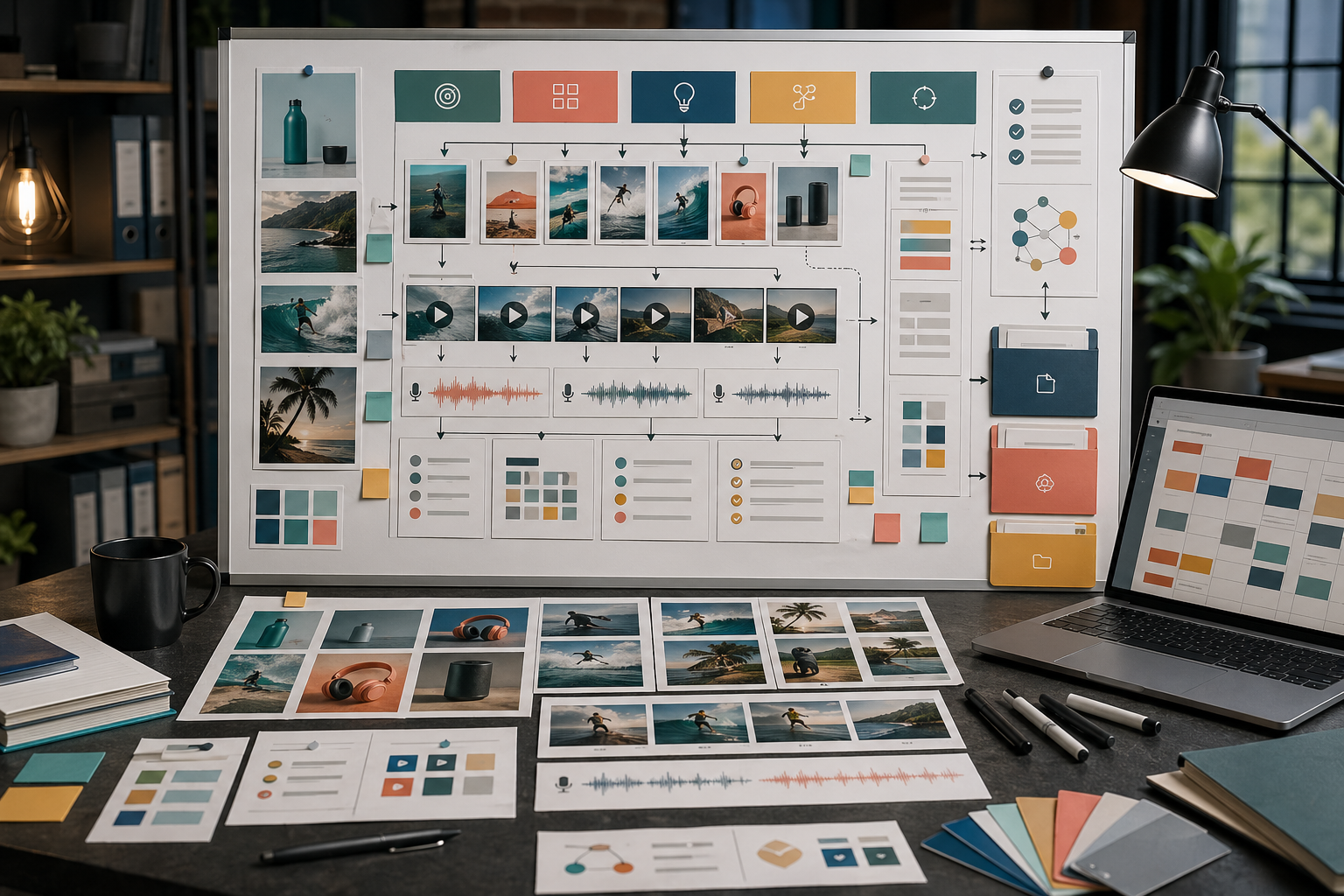
It should start with a brief that tells every image, video, voice clip, and variant what job it has. Rivya can generate across formats, but campaign planning is what keeps those outputs connected.
Use this before generating:
Campaign goal: [launch, test, educate, retarget, localize]
Audience: [who needs this]
Offer: [what they should notice]
Product proof: [why the claim is believable]
Primary asset: [the first asset that proves the direction]
Supporting assets: [image, video, voice, social, localized, retargeting]
Brand rules: [visual tone, voice tone, do-not-use items]
Review criteria: [what makes this usable]
Example:
Campaign goal: launch a new product feature.
Audience: ecommerce founders.
Offer: create launch-ready product visuals without planning a photoshoot.
Product proof: show product stills, demo motion, and saved workflow continuity.
Primary asset: product-led landing-page hero.
Supporting assets: paid-social image, short demo video, founder-style voice-over, localized social variant.
Brand rules: clean product clarity, warm neutral palette, no fake claims.
Review criteria: product recognizable, benefit clear, mobile crop works, no unsupported promise.
This is the difference between a campaign system and a pile of unrelated outputs.
First decide what the campaign needs to do.
Common jobs include:
launch a new product
test a paid-social angle
explain one feature
promote a seasonal offer
localize a message
retarget users with proof or reminders
turn a product workflow into a repeatable asset set
A campaign with no job may still produce attractive assets. They just will not work together.
Write one sentence that anchors the campaign.
It should include:
the audience
the product or offer
the main reason to care
the expected action
Example:
Help ecommerce founders turn product photos into launch-ready images and short videos without planning separate shoots.
This sentence guides the prompts. It does not need to appear in every asset.
A practical campaign set may include:
| Asset | Job | Rivya path |
|---|---|---|
| Product still | Make the product clear | Image + Image Studio |
| Landing-page hero | Carry the main promise | Image + Image Studio |
| Short demo video | Show one action or result | Video + Video Studio |
| UGC-style clip | Make the message feel human | Video + Video Studio, then Audio + Audio Studio |
| Voice-over | Explain the offer quickly | Audio + Audio Studio |
| Social crop | Adapt for channel | Image or Video |
| Localized version | Fit a language or market | Content Localization |
Choose the set before generating. Otherwise each output becomes a separate experiment.
A prompt system is a reusable structure, not one giant prompt.
Separate:
brand rules
product facts
campaign message
asset-specific instructions
reference instructions
review constraints
channel requirements
For example, keep brand rules stable while changing the asset-specific instruction from landing-page hero to vertical paid-social image.
A sensible order is:
create the first product or hero direction
review it against the campaign anchor
make one video or motion extension only after the visual direction works
add voice or narration after the message is stable
create variants after the base direction is proven
localize only after the source campaign is coherent
This order prevents you from scaling a weak direction.
Before making many variants, ask:
Is the offer clear?
Is the product recognizable?
Does the campaign feel consistent?
Are the assets usable in their intended placements?
Is there a clear next step?
Are there unsupported claims?
Is the mobile crop still readable?
Scale only after the base direction works.
Avoid:
generating before writing the brief
changing every variable in every variant
using different brand rules across assets
skipping mobile and channel review
making the campaign too broad
treating AI output volume as strategy
localizing before the source campaign is stable
A strong AI campaign is planned before it is generated.
Use Chat to shape the brief, Image for static directions, Video for motion, and Audio for voice assets.
Use Prompt Templates in Rivya to structure reusable prompts.
Use AI Ad Creative Workflow for paid creative.
Use AI Product Launch Assets when the campaign supports a launch.
Use AI Content Production Checklist before publishing assets.


