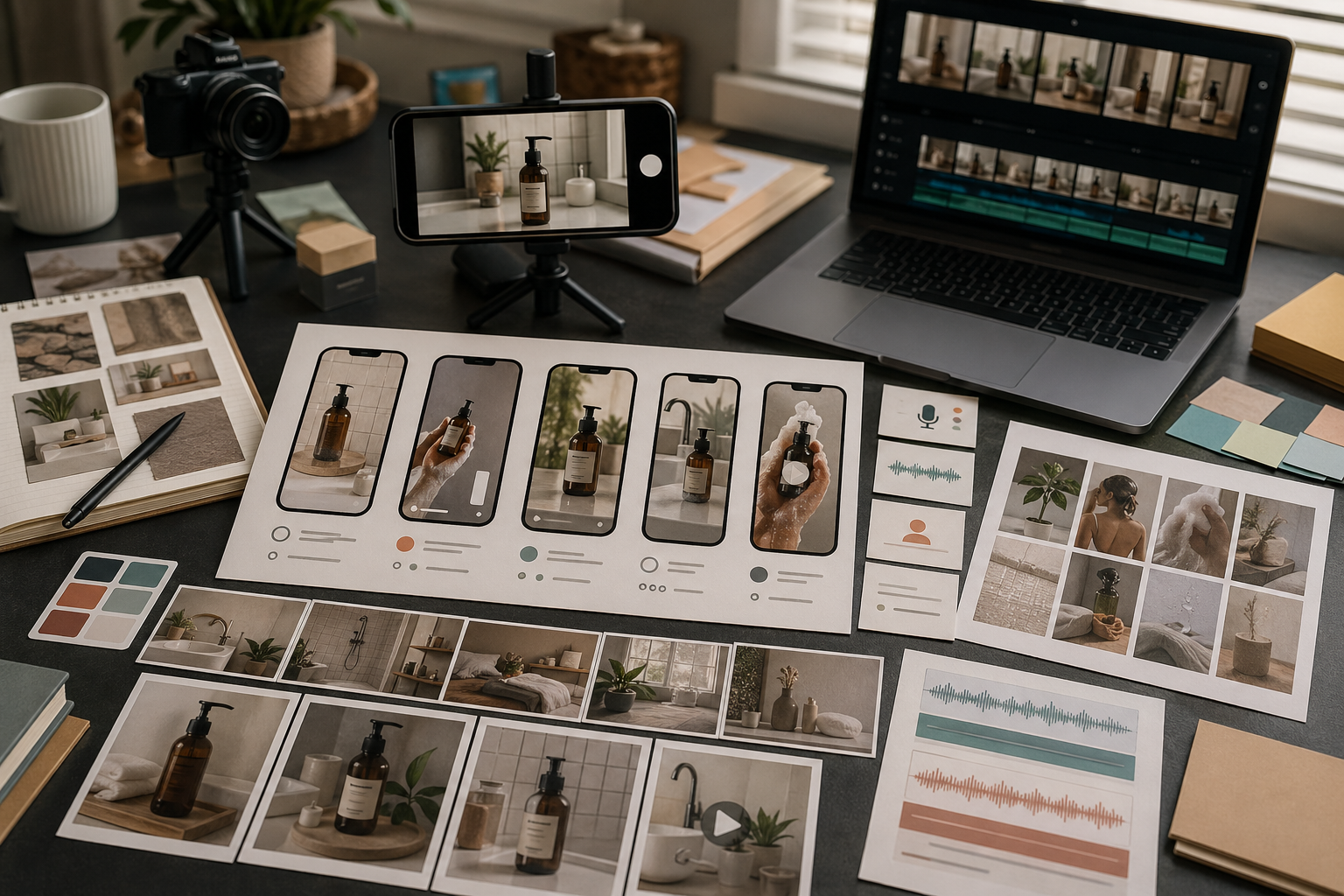
An explainer video should make one idea easier to understand.
It should not try to become a full product tour, brand film, tutorial, and ad at the same time. Rivya works best when the explainer has a clear subject, a short structure, and a review standard before you generate.
Start With One Explanation
Before choosing a model, write the one thing the viewer should understand.
Examples:
how a product feature works
why a workflow saves time
what happens before and after using a tool
how a customer moves from problem to result
what a new launch actually changes
If the explanation cannot fit into one sentence, the video probably needs to be split into multiple assets.
Choose The Explainer Format
Explainer videos can take different forms:
product demo
before-and-after clip
simple process animation
voice-over with supporting visuals
founder-style explanation
short social explainer
Choose the format before writing the prompt. A product demo and a voice-over explainer need different inputs.
Plan Motion In Three Beats
A simple explainer structure is:
show the problem or starting state
show the product or workflow action
show the result or next step
This keeps the video focused. If you add too many scenes, the viewer may remember the motion but miss the point.
Decide Whether Narration Helps
Narration helps when the concept needs context.
Use narration for:
abstract software workflows
process explanations
localized explainers
founder-style product notes
clips that need a clear spoken message
If the visual can explain the idea by itself, test the motion first and add narration later through Audio Studio in Rivya.
Review For Understanding
Review an explainer video by asking:
Does the viewer understand the main idea quickly?
Does the motion support the explanation?
Is the product or workflow still recognizable?
Is the narration too dense?
Does the clip need to be shorter?
Is the next step obvious?
A good explainer is clear before it is clever.
Common Explainer Mistakes
Common mistakes include:
explaining too many things in one clip
starting with visual style before message
using a script that sounds like a landing page
asking for small readable UI text
changing camera angle too often
skipping a simple before-and-after structure
Keep the explanation narrow, then make the asset polished.
Explainer Brief Template
Use a small brief before generating:
Audience: [new visitor / buyer / teammate / support user]
One thing to explain: [feature, process, product benefit, policy]
Starting confusion: [what they misunderstand]
Three beats: [problem] → [mechanism] → [result]
Visual anchor: [screen, product, diagram, person, object]
Narration: [none / short caption / full voice-over]
Success check: [what the viewer should understand after watching]
A good explainer is usually narrow. If the brief contains three separate lessons, split it into three clips.
Rivya Production Path
A stable explainer workflow is:
Draft the explanation in Chat or a prompt template.
Convert it into three visual beats.
Generate the video branch from Video with one clear motion goal.
Add narration only if the visuals cannot carry the explanation.
Review the clip without sound first, then with sound.
Save the result and reuse the structure for related explainers.
This keeps the video from becoming a moving brochure with too many claims.
Next Steps In Rivya
Start the explainer motion in Video, and add narration from Audio only when the visual branch is clear.
Use Video Studio in Rivya to create explainer motion.
Use Audio Studio in Rivya when narration matters.
Use Prompt Writing Basics in Rivya to tighten the brief.
Read AI Product Demo Video Generator when the explainer is really a product demo.