
Rivya Journal

Author
Categories
Keep exploring
Continue with related guides, product notes, and workflow breakdowns from the Rivya team.
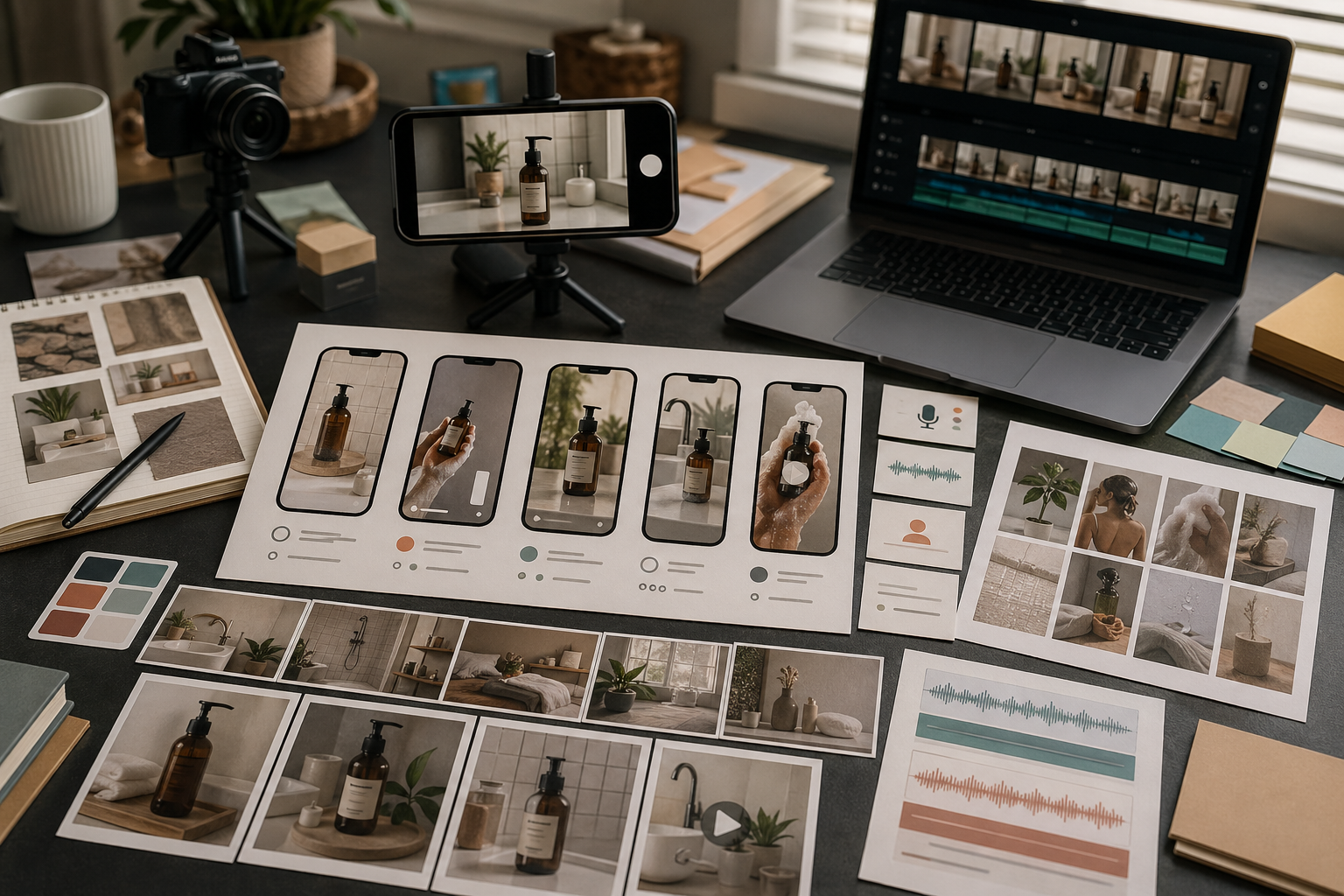
UGC-style video is not just vertical video with a casual look.
It works when the scene feels believable, the product moment is clear, and the message sounds like something a person would actually say. Rivya can help create UGC-style assets, but the prompt should stay grounded.
Start with a scene a real creator could plausibly film.
Examples:
unboxing a product on a desk
showing a skincare step in a bathroom
explaining a tool on a laptop
holding a product near a window
recording a quick founder-style update
Avoid scenes that are too polished, too cinematic, or too complicated. UGC-style assets usually need credibility before spectacle.
A short UGC-style clip should focus on one product moment.
That could be:
first impression
before and after
one feature demo
one problem statement
one reason to try the product
one quick comparison
Trying to fit a full product page into one short UGC-style video usually makes it feel fake.
Voice can make UGC-style content more believable, but only if the script is simple.
Use voice when you need:
a creator-style explanation
a quick testimonial structure
a product demo narration
a localized version
a founder-style update
If the visual idea is still unstable, test the motion first. Add voice once the scene and product moment work.
A practical Rivya workflow looks like this:
plan the scene and product moment
generate or choose a product visual if needed
start from Video and use Video Studio in Rivya for the motion clip
start from Audio and use Audio Studio in Rivya for voice-over or narration
review the clip for believability before making variants
Do not make variants until the base clip feels credible.
UGC-style review is different from polished ad review.
Check:
Does the scene feel plausible?
Is the product moment clear?
Does the voice sound over-scripted?
Does the clip make a claim you cannot support?
Would this still work on a phone screen?
Does it feel like a person using the product, not a brand pretending to be casual?
Authenticity is the point of the format.
Common mistakes include:
making the scene too cinematic
asking for too many product benefits
using a voice script that sounds like a landing page
ignoring platform crop
forcing exact text into the video
generating variants before the base scene works
A good UGC-style asset is specific, simple, and believable.
Use this before generating a UGC-style video in Rivya:
Product: [what appears on screen]
Viewer problem: [one pain point]
Scene: [bathroom mirror / kitchen counter / desk / unboxing table]
Moment: [first use / quick comparison / before-after / reaction]
Camera feel: [handheld, close crop, natural light]
Spoken line: [optional one-sentence hook]
Must avoid: [fake claim, over-polished ad look, unreadable product, unsafe use]
UGC-style does not mean unplanned. The more believable the scene is, the less the clip needs to shout.
After the first video result, check it in this order:
Is the product recognizable in the first seconds?
Does the hand, face, or camera motion feel plausible?
Is the claim safe and not exaggerated?
Would the crop work on a phone feed?
If voice is present, does the timing fit the motion?
If the video works visually but the voice does not, keep the video branch and regenerate the audio or narration separately.
Start the base UGC-style clip from Video, then add creator-style voice from Audio after the scene works.
Use Video Studio in Rivya for UGC-style motion tests.
Use Audio Studio in Rivya for creator-style voice-over.
Read AI Video Generator for Marketing when the asset belongs to a broader campaign.
Read AI Social Media Content Workflow for social distribution planning.


