
Rivya Journal

Author
Categories
Keep exploring
Continue with related guides, product notes, and workflow breakdowns from the Rivya team.
Social content does not get easier just because AI can generate more assets.
It gets easier when every asset has a job: announce, explain, demonstrate, remind, compare, localize, or retarget. Rivya works best when you plan the system first, then choose image, video, audio, or chat workflows.
Before generating, map the post to a job:
| Content job | Best asset shape | Rivya path |
|---|---|---|
| Announce | Product hero or teaser | Image Studio / Video Studio |
| Explain | Carousel-style visual or short explainer | Chat Studio + Image Studio |
| Demonstrate | Product demo clip | Video Studio |
| Remind | Retargeting visual | AI Ad Creative Workflow |
| Humanize | UGC-style clip or voice-over | Video Studio + Audio Studio |
| Localize | Native-language variant | Content Localization |
A post that tries to do all of these at once usually becomes unclear.
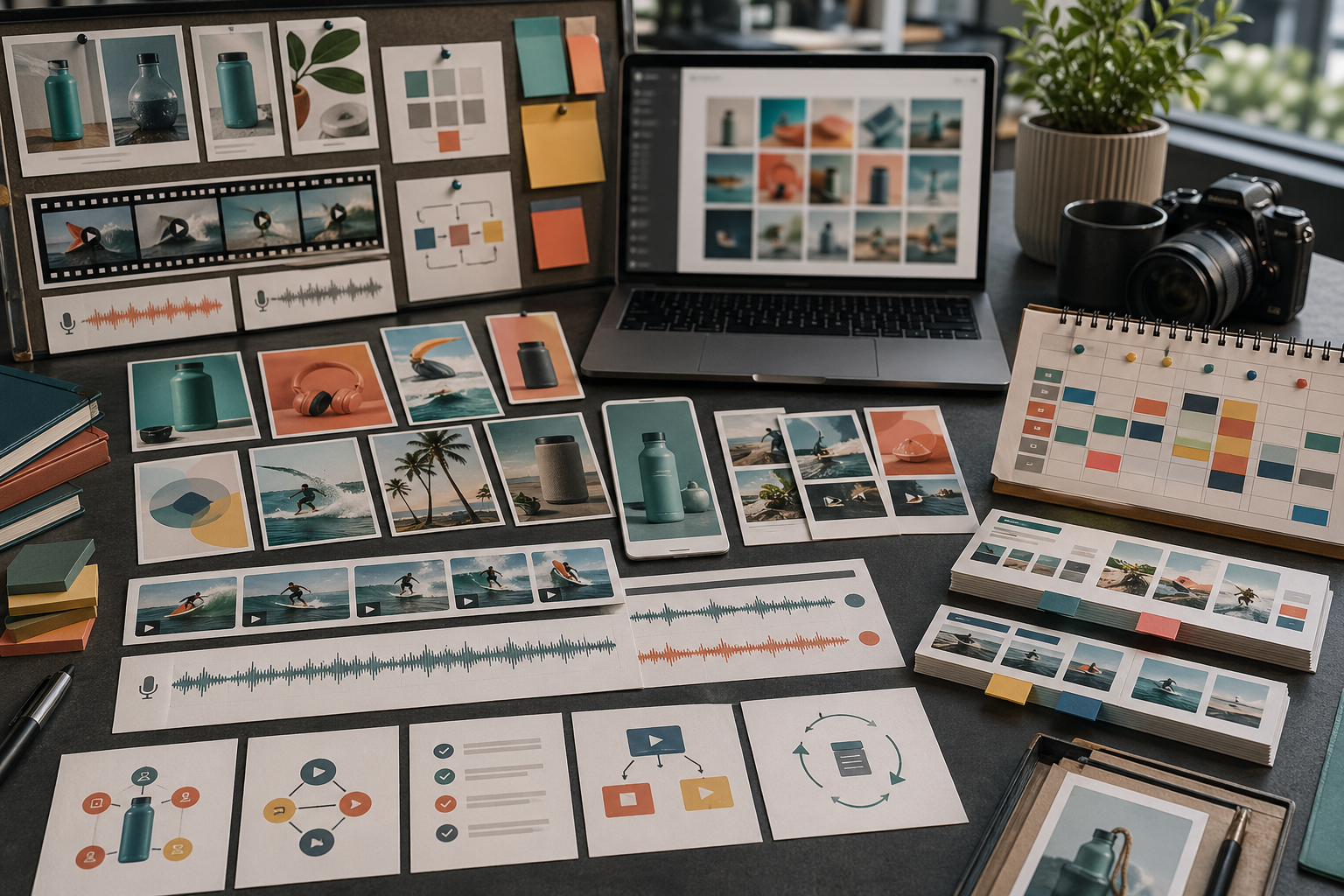
For one campaign, create a small system instead of isolated posts.
A useful set might include:
one clean product still
one short product motion clip
one educational graphic
one voice-over script
one localized variant
one square crop
one vertical crop
one retargeting version
This makes the feed feel intentional instead of random.
Think in sequence:
announce the thing
show the product or result
explain one benefit
demonstrate one action
answer one objection
retarget with proof or reminder
localize the best performer
This sequence gives each asset a role. It also helps you decide what should be generated first.
Split production by format:
use Image and Image Studio in Rivya for static posts, product stills, and campaign graphics
use Video and Video Studio in Rivya for motion posts, product clips, and UGC-style tests
use Audio and Audio Studio in Rivya when a post needs narration, voice-over, or localization
use Chat and Chat Studio in Rivya for planning, rewriting, and prompt shaping
use History in Rivya to reuse useful outputs instead of restarting
Do not force every social post into the same medium.
Variants are useful when they change one important thing at a time.
Useful variant axes include:
hook
background
product angle
crop
audience segment
voice tone
call to action
language version
Avoid changing product, scene, copy, crop, and tone all at once. You will not know what improved the asset.
Review social outputs in the context where they will appear.
Check:
is the point visible quickly?
does the crop fit the channel?
is small text actually needed?
is the product recognizable on mobile?
does the asset match the landing page or storefront?
does it feel like the same campaign as the rest?
would this stop someone in a feed for the right reason?
A beautiful asset can still fail if it does not survive the feed.
Avoid:
producing volume before the message is clear
generating isolated assets with no campaign system
using one prompt for every channel
making variants that change too many variables
relying on tiny text inside images
skipping mobile-sized review
reposting the same asset without adapting the job
Good AI social production is structured repetition, not random output volume.
Start static posts in Image, motion posts in Video, voice assets in Audio, and planning in Chat.
Use AI Ad Creative Workflow when the social asset is part of paid acquisition.
Use AI Product Launch Assets when the campaign supports a launch.
Use AI UGC-Style Video Generator for human-feeling video tests.
Use AI Content Production Checklist before publishing.


