
Z-Image is Rivya's low-cost Alibaba image option for rough concepts, early ad directions, and quick social drafts when speed and cost matter more than maximum polish.
The final task cost is rounded up to whole credits.
Example output
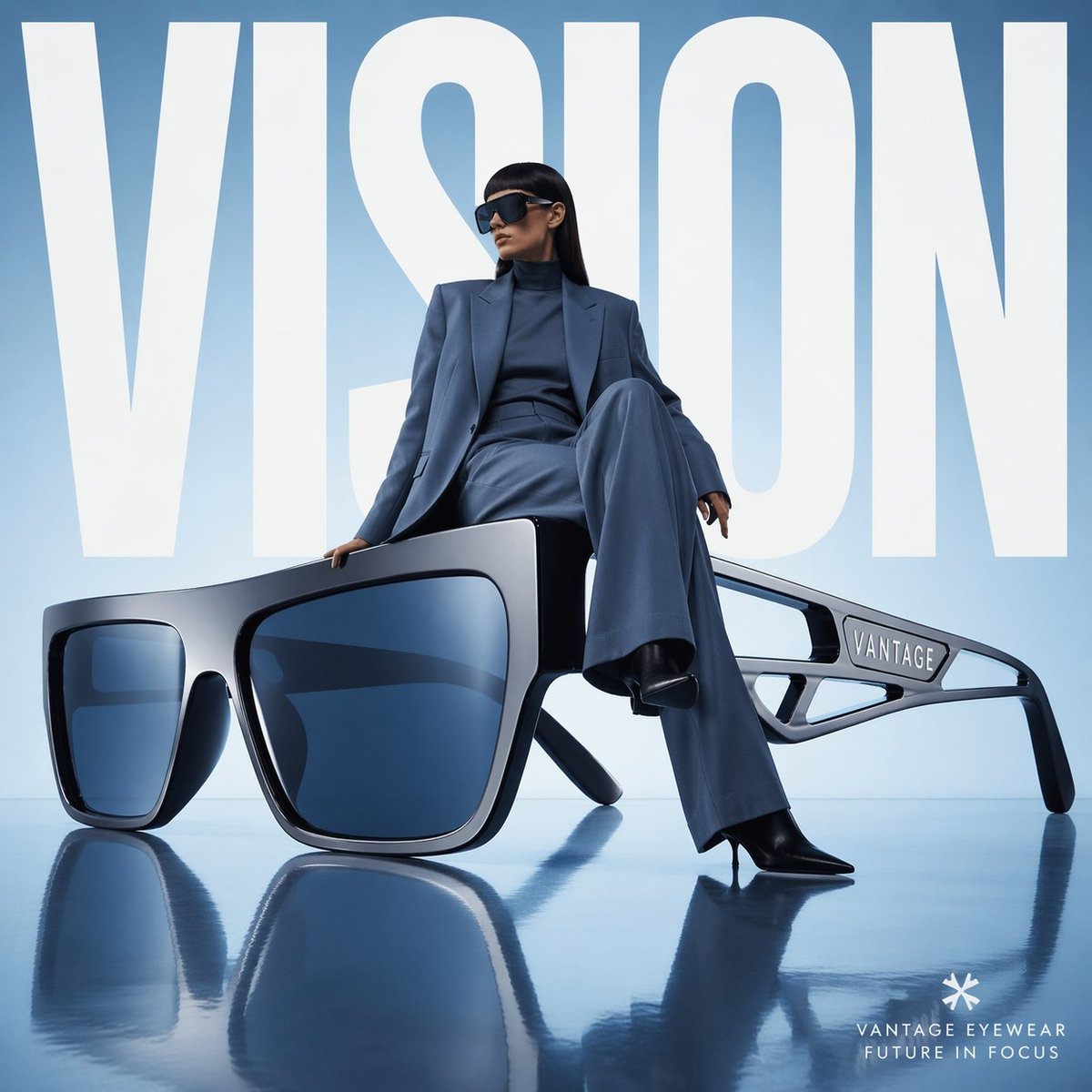
Example; generating model unverified · Preview for Sculptural Eyewear Studio Campaign, focused on product scale, editorial lighting, and editable campaign type.
Text to Image
Example output
Example; generating model unverified · Preview for Sculptural Eyewear Studio Campaign, focused on product scale, editorial lighting, and editable campaign type.
Best for
Supports
Online trial
No results to display yet.
Prompt starters
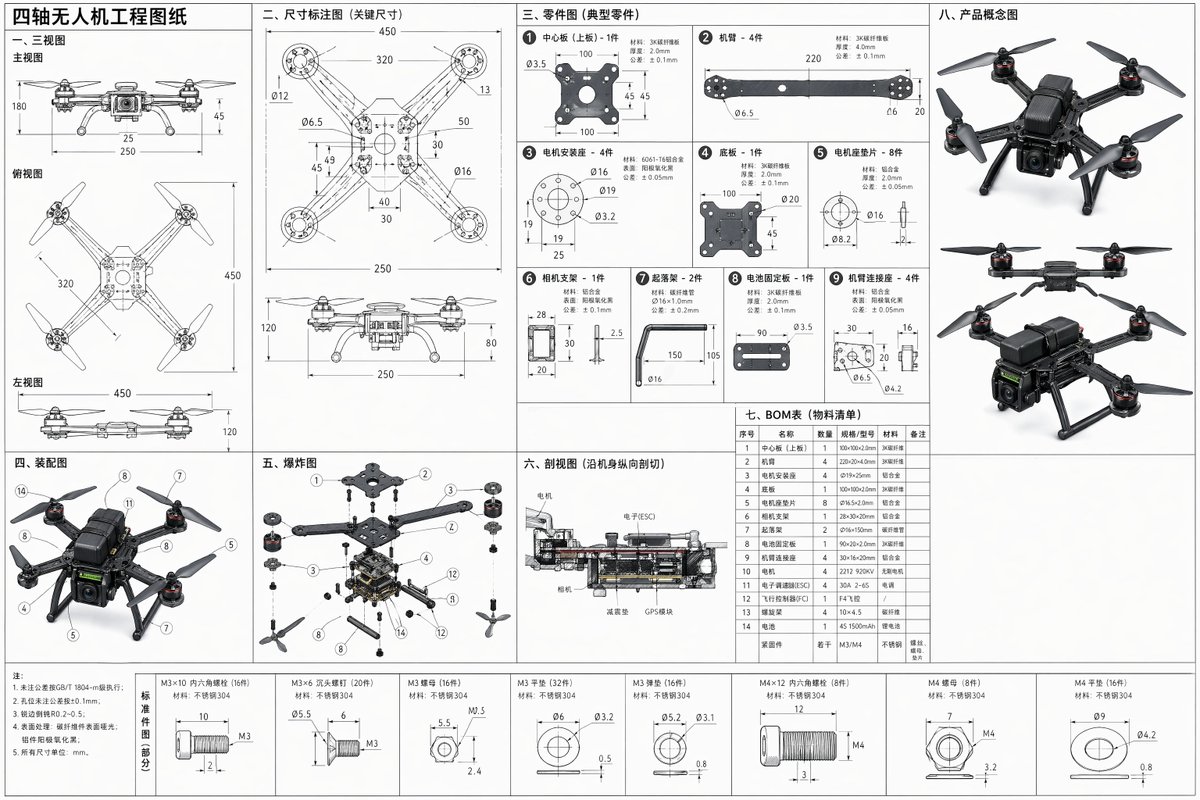
Image Prompt
Create a full-dimension quadcopter engineering drawing prompt with three-view layout, separated parts, assembly notes, exploded view, cross-section, BOM table, and concept thumbnails.
Open the full prompt in the recommended model, then shorten it before generating.
Model examples
Browse template previews for ideas. Each caption indicates whether generation with this model has been verified.
Example; generating model unverified · Preview for Sculptural Eyewear Studio Campaign, focused on product scale, editorial lighting, and editable campaign type.
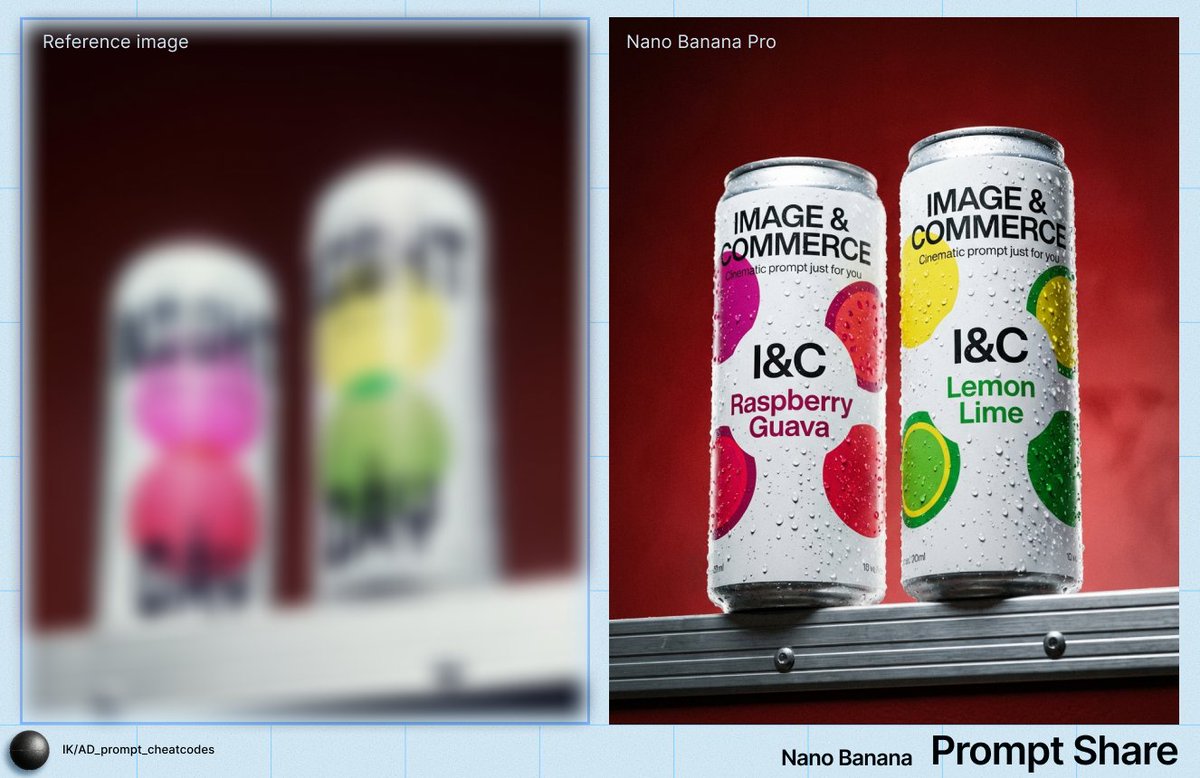
Example; generating model unverified · Product macro preview focused on drink clarity, realistic condensation, editable label zones, clean negative space, crop safety, and brand-safe production constraints.
Example; generating model unverified · A full quadcopter engineering sheet organized around orthographic views, part callouts, exploded assembly, cross-section, BOM, tolerances, and concept thumbnails.
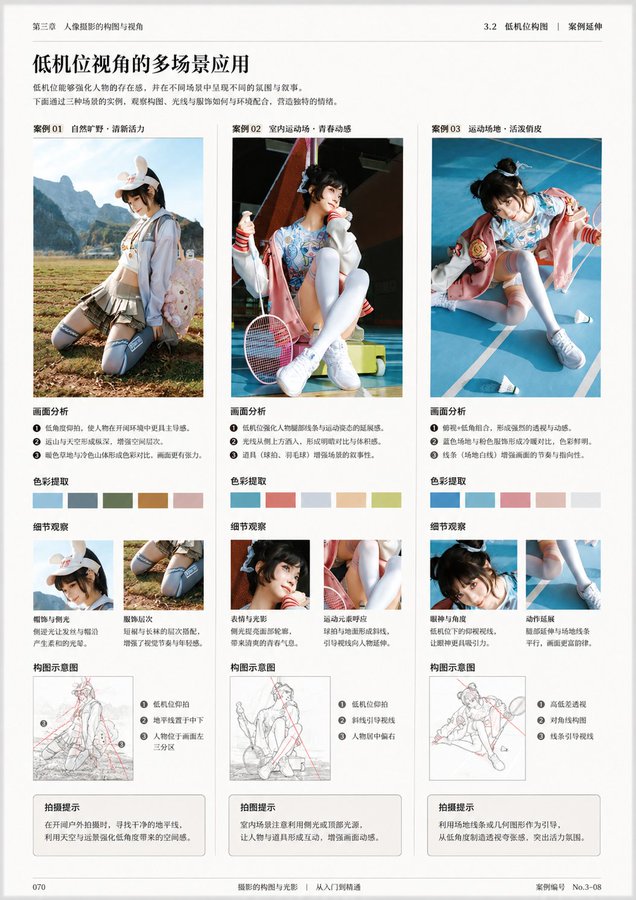
Example; generating model unverified · Book layout preview focused on editorial hierarchy, margin discipline, caption legibility, editable placeholders, and print-ready delivery.
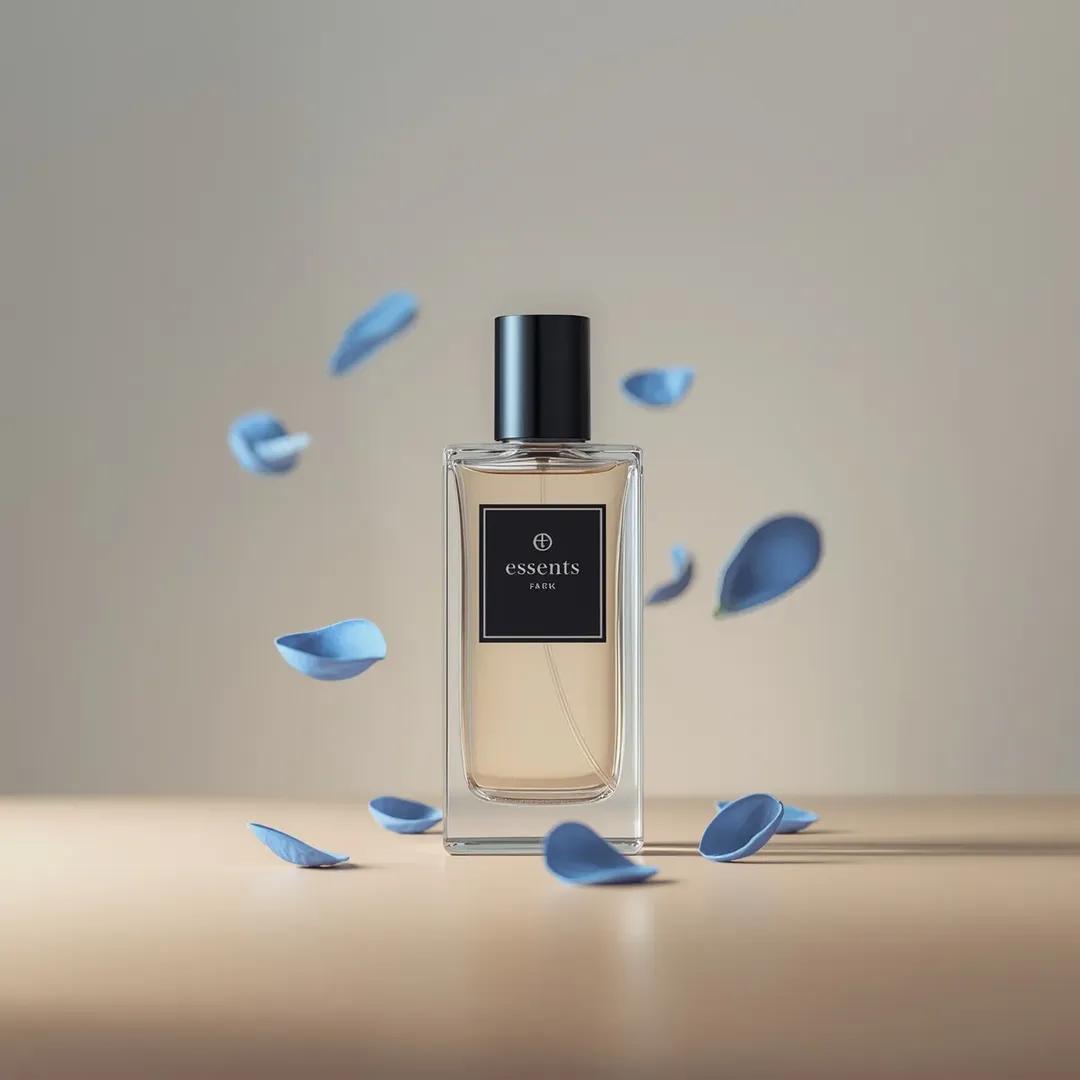
Example; generating model unverified · Preview for Luxury Fragrance Petal Product Shot, focused on premium product hierarchy and clean studio styling.
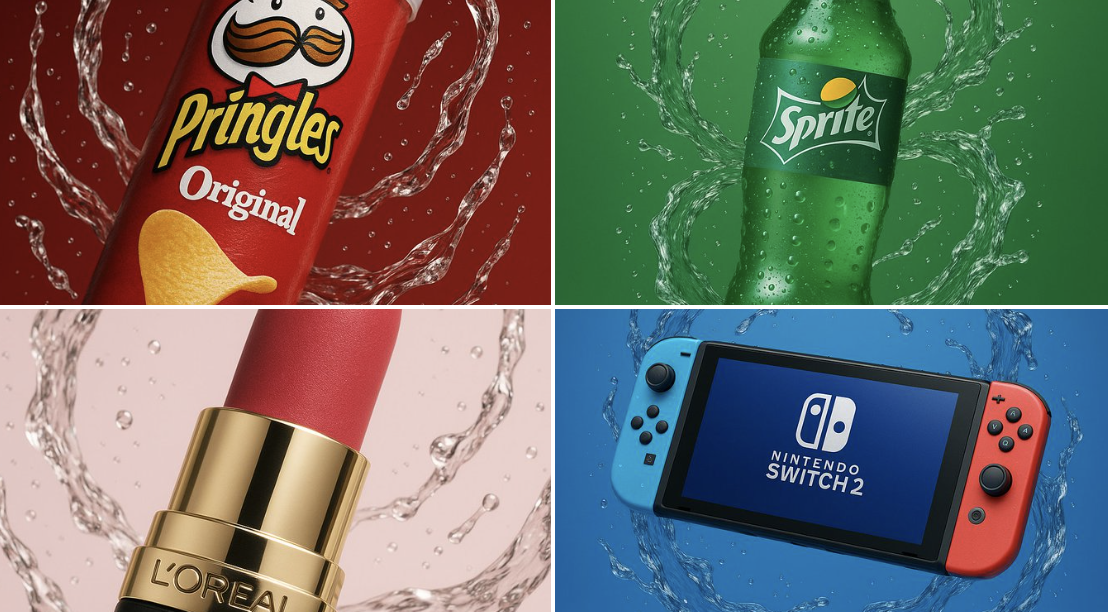
Example; generating model unverified · Preview for Water Swirl Suspended Product Shot, focused on clean product hierarchy and controlled water motion.
Decision fit
Decision fit
Z-Image FAQ
Use Z-Image for low-cost concept drafts, early social-graphic direction checks, and prompt testing before moving to a pricier model. It produces one image at 1 credit per generation, making it suited to rapid exploration rather than final polish.
On Rivya, Z-Image currently supports text to image.
Choose the frame shape that matches the intended placement and keep the prompt focused on one visual direction. Z-Image is meant to answer whether a rough concept is worth pursuing, not to prove final-detail quality.
Rivya lists Z-Image at 1 credit per generation. That is the lowest image entry tier in the current catalog, making it appropriate for disposable prompt tests and rough concepts before a more expensive run.
Choose Z-Image when you need the lowest image entry tier at 1 credit per generation and fast single-image output for rapid iteration. Move to a higher-cost model when the work needs richer controls, reference-image guidance, or more final-detail polish.
Start here when the first run is aimed at low-cost early visual concepts, social graphic direction checks, and prompt testing before using a pricier model. That keeps the first run practical: check the input, direction, and output quality here before turning it into a longer project.
This page currently supports text to image. That keeps the first result prompt-led, which is usually enough to tell whether this model is a good fit for low-cost early visual concepts before the project gets heavier.
Before you run it, choose the frame shape that matches the intended placement. That decision usually determines whether you can keep iterating toward a low-cost early visual concept without making the setup heavier than it needs to be.
The page is public, but the actual initial prompt-led image run is still gated behind sign in. Rivya currently lists pricing from 1 credit per generation. You can line up the prompt and output shape first, then sign in when you are ready to generate.
Stay on this page while you are still validating the initial prompt and output shape for low-cost early visual concepts. Open the full Studio once the work needs saved history, repeated image revisions, asset management, or a longer visual project around the same material.
Compare alternatives
Generate images from text or edit with up to 16 reference images. Choose 1K, 2K, or 4K and an automatic, transparent, or opaque background.
Why consider it
Consider it when your next task needs Prompt + optional images.
Generate images from text or edit with up to 16 reference images. Choose 1K, 2K, or 4K and an automatic, transparent, or opaque background.
Why consider it
Consider it when your next task needs Prompt + optional images.
OpenAI's newer GPT Image model on Rivya, with text-to-image, image-to-image, up to 16 reference images, and clear 1K / 2K / 4K credit tiers.
Why consider it
Consider it when your next task needs Prompt + optional images.
Best-fit tasks
Use it when the task looks like this
Model details
Provider
Alibaba
Category
Image
Capabilities
Text to Image
Credit model
Credit rate: 0.8 / image
Input path
Prompt only
Prompt setup
Up to 1,000 chars
Developer access
Call Z-Image from Public API v1 after checking the model fields, reference media rules, and credit behavior.