
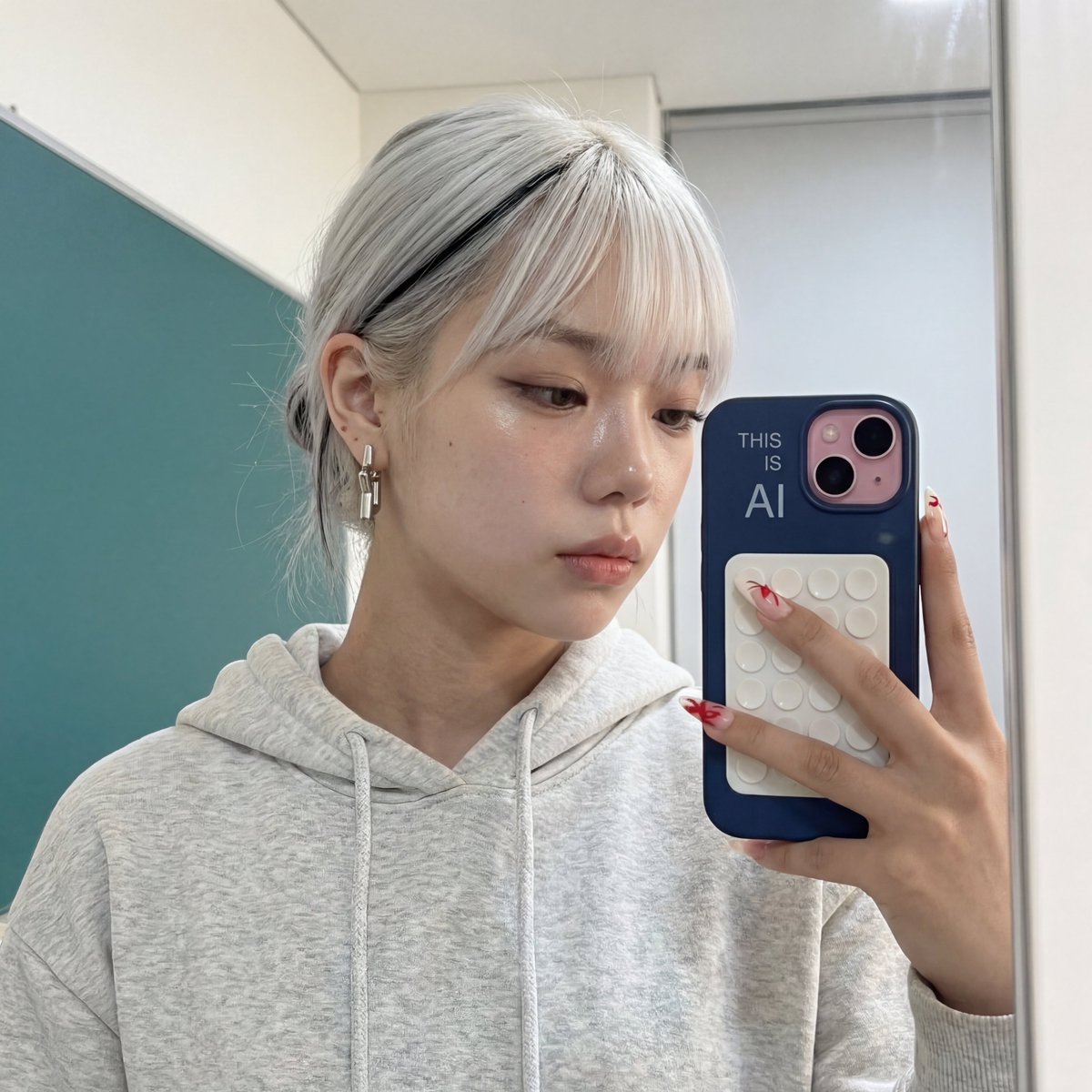
Nano Banana is Rivya's flexible Google AI image generator for product compositions, portraits, multi-reference drafts, and broad aspect-ratio exploration at a lighter tier.
The final task cost is rounded up to whole credits.
Example output
Example; generating model unverified · Preview for Reference-Style Product Refresh, focused on composition, editable details, visual hierarchy, and brand-safe production constraints.
Text to Image · Image to Image
Example output
Example; generating model unverified · Preview for Reference-Style Product Refresh, focused on composition, editable details, visual hierarchy, and brand-safe production constraints.
Best for
Supports
Online trial
No results to display yet.
Prompt starters
Model examples
Browse template previews for ideas. Each caption indicates whether generation with this model has been verified.
Example; generating model unverified · Preview for Reference-Style Product Refresh, focused on composition, editable details, visual hierarchy, and brand-safe production constraints.
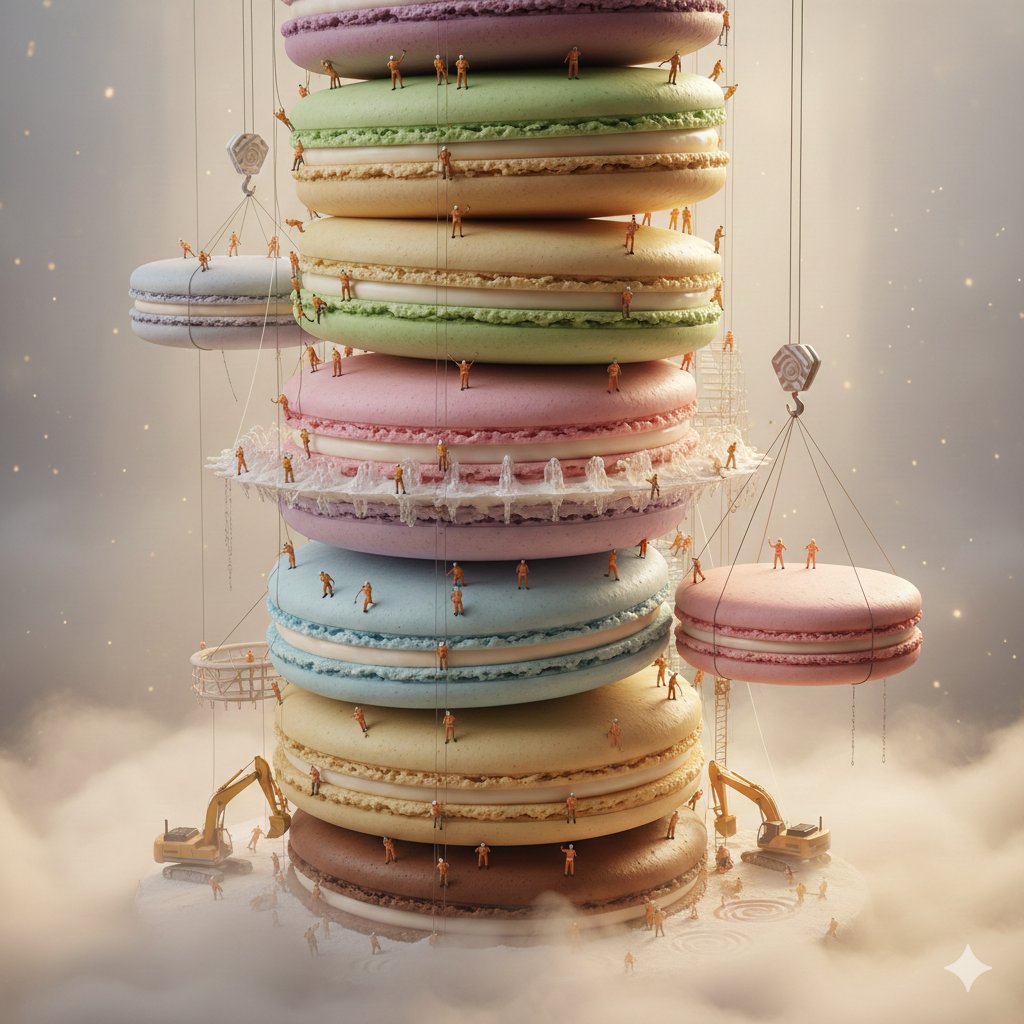
Example; generating model unverified · Preview for a surreal macaron construction campaign, focused on scale cues, miniature props, clean studio lighting, and delivery fit.
Nano Banana FAQ
Use Nano Banana for product compositions with multiple references, portrait or editorial images, and wide campaign visuals. It accepts up to 10 reference images and offers 11 aspect ratios, including automatic framing and ultra-wide 21:9.
On Rivya, Nano Banana currently supports text to image and image to image. It can also take up to 10 reference images.
Compare alternatives
Generate images from text or edit with up to 16 reference images. Choose 1K, 2K, or 4K and an automatic, transparent, or opaque background.
Why consider it
Consider it when the credit note fits your next run: Credit rate: 3–16 / image.
Generate images from text or edit with up to 16 reference images. Choose 1K, 2K, or 4K and an automatic, transparent, or opaque background.
Why consider it
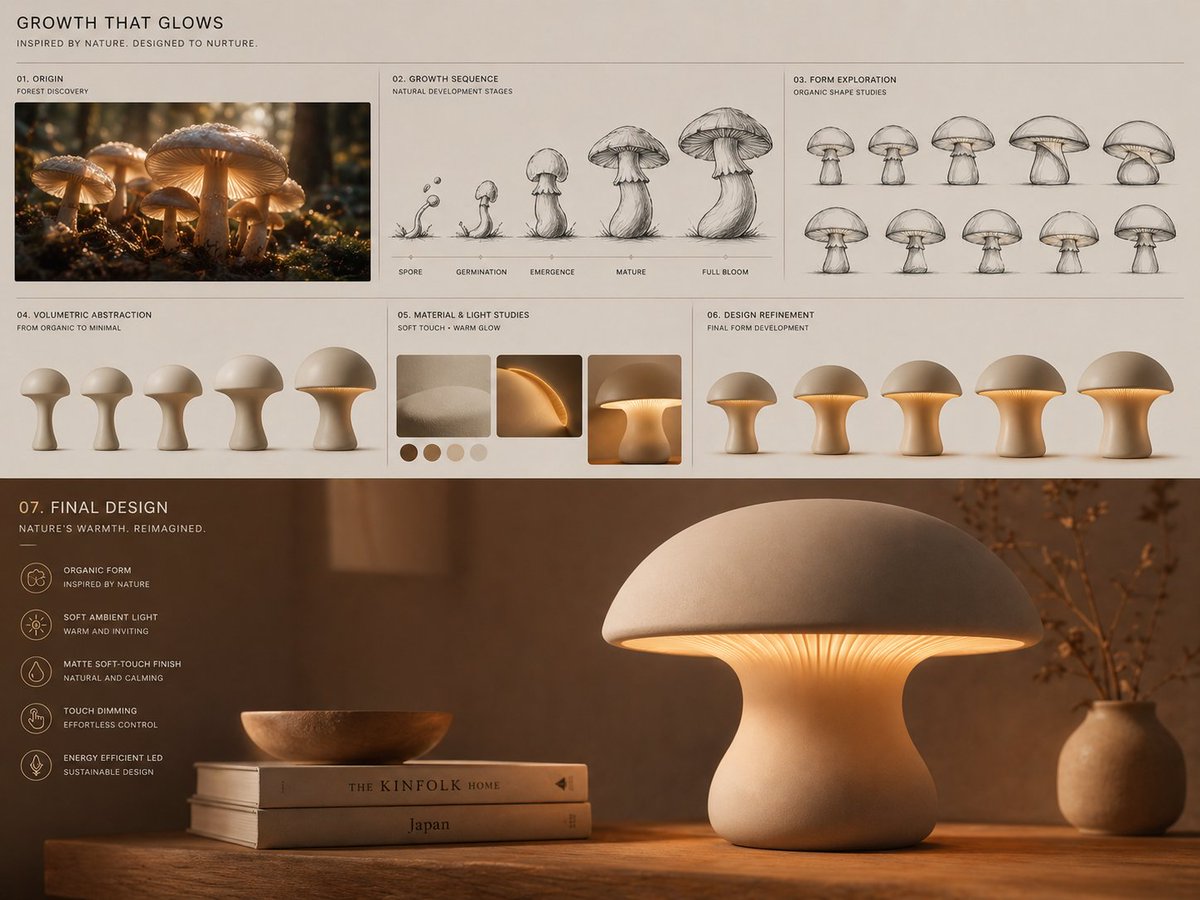
Example; generating model unverified · Preview for Mushroom Lamp Design Board, focused on composition, lighting, style control, and delivery fit.
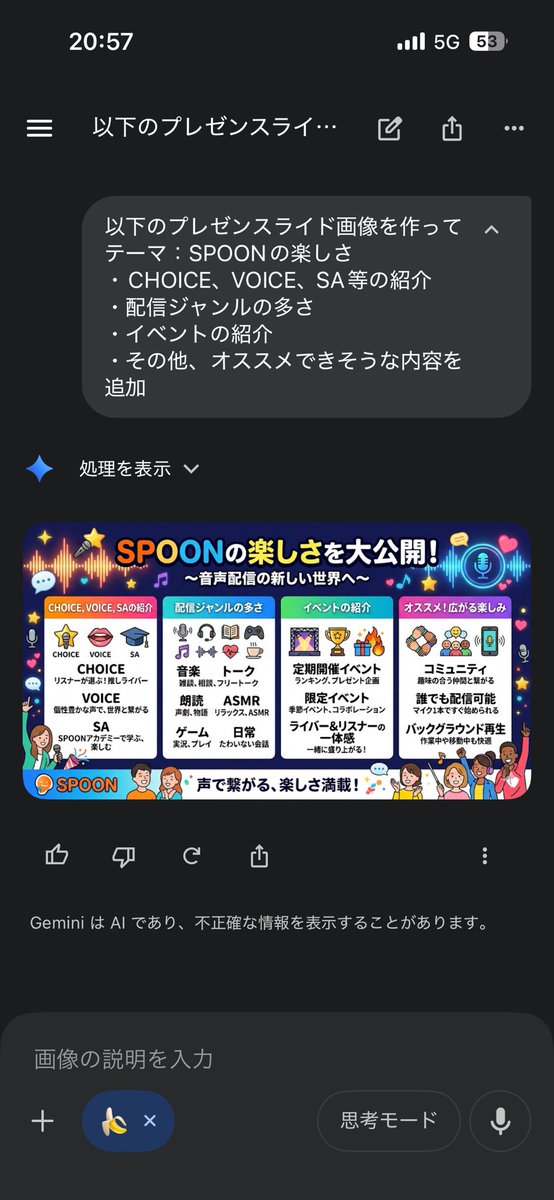
Example; generating model unverified · Preview for Minimal Business Slide Infographic, focused on hierarchy, editable data blocks, and restrained executive layout.
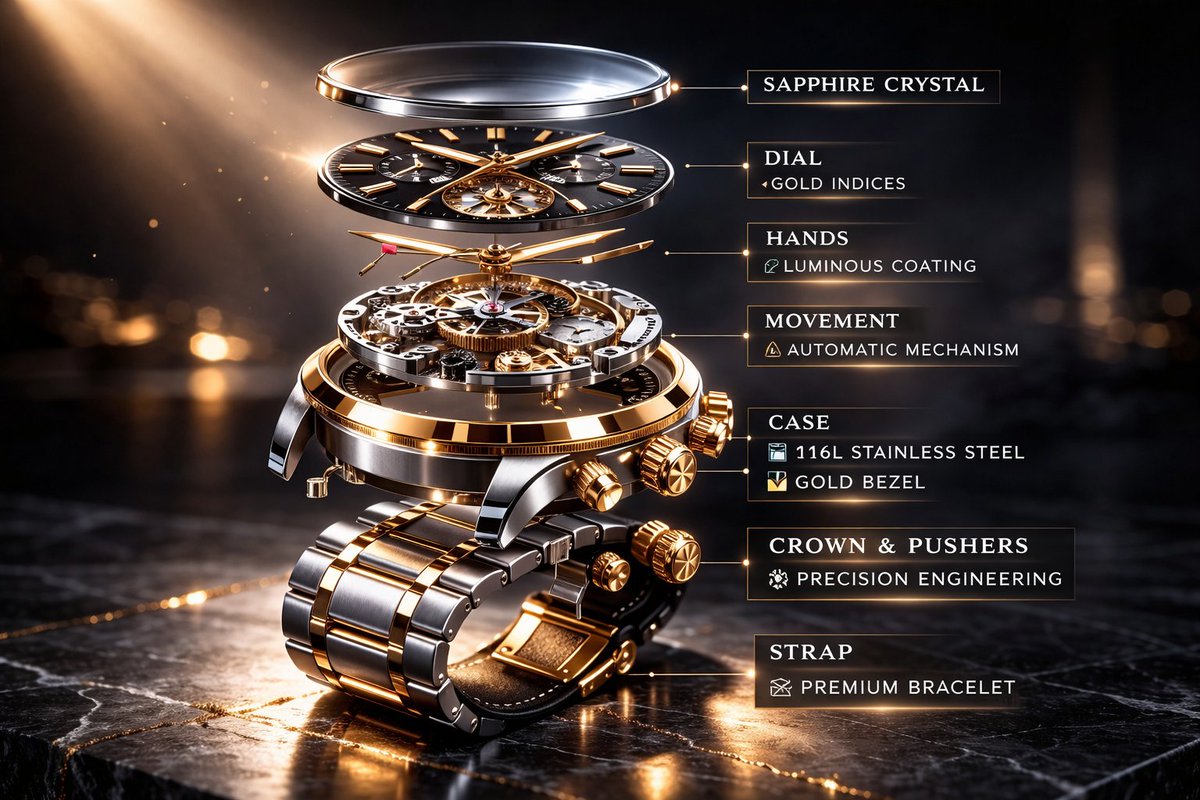
Example; generating model unverified · Preview for a mechanical watch exploded view ad, focused on luxury product lighting, structure clarity, and editable callouts.
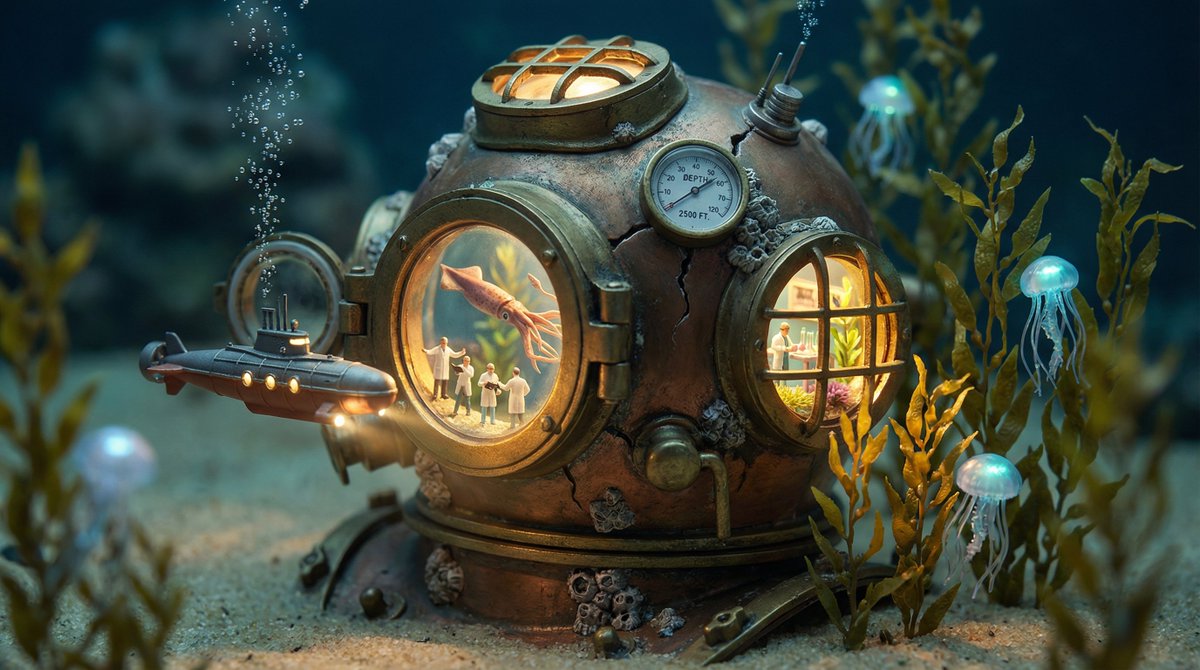
Example; generating model unverified · Preview for a cracked container miniature world, focused on believable container material, warm interior light, tiny story details, and macro depth.
Decision fit
Decision fit
Best-fit tasks
Use it when the task looks like this
Model details
Provider
Category
Image
Capabilities
Text to Image · Image to Image
Credit model
Credit rate: 3 / request
Input path
Prompt + optional images
Prompt setup
Up to 5,000 chars
Developer access
Nano Banana has callable Public API modes, but reference-media modes still need Files API upload support. Check the model reference before submitting.
Choose the destination aspect ratio and export format, then keep only references that contribute a clear subject, style, layout, or material cue. Too many conflicting images will weaken the composition even though the model accepts up to 10.
Rivya charges a fixed 3 credits per Nano Banana generation. It is a useful low entry point for multi-reference compositions; move to Pro only when higher resolution or finish is worth the additional spend.
Choose Nano Banana when you need 11 aspect ratios including ultra-wide 21:9 and auto mode and up to 10 reference images for guided creation. If you are still narrowing down the direction, start with a lighter draft option.
Start here when the task needs product compositions with multiple visual references, portrait or editorial image generation, and wide-ratio campaign or landing-page visuals. That keeps the first run focused enough to check the input, direction, and result before expanding the work.
This page currently supports text to image and image to image. That gives you a clean first result to judge whether the job is easier to start from a prompt, an existing image, or a mixed reference setup when you are aiming for product compositions with multiple visual references. You can also bring in up to 10 reference images.
Before you run it, the main checks are output tiers like 1:1, 9:16, 16:9, and 3:4, export format, and reference-input quality. Those are usually the pieces that decide whether the first result is close enough that you can keep iterating here toward product compositions with multiple visual references without making the setup heavier than it needs to be.
The page is public, but the actual first image run is still gated behind sign in. Rivya currently charges a fixed 3 credits per generation. You can line up the prompt, aspect ratio, and any reference images first, then sign in when you are ready to generate.
Stay on this page while you are still validating the initial prompt, reference setup, and whether the first result is getting you close to product compositions with multiple visual references on Nano Banana. Open the full Studio once the work needs saved history, repeated image revisions, asset management, or a longer visual project around the same material.
Consider it when the credit note fits your next run: Credit rate: 3–16 / image.
OpenAI's newer GPT Image model on Rivya, with text-to-image, image-to-image, up to 16 reference images, and clear 1K / 2K / 4K credit tiers.
Why consider it
Consider it when the credit note fits your next run: Credit rate: 3–8 / image.