
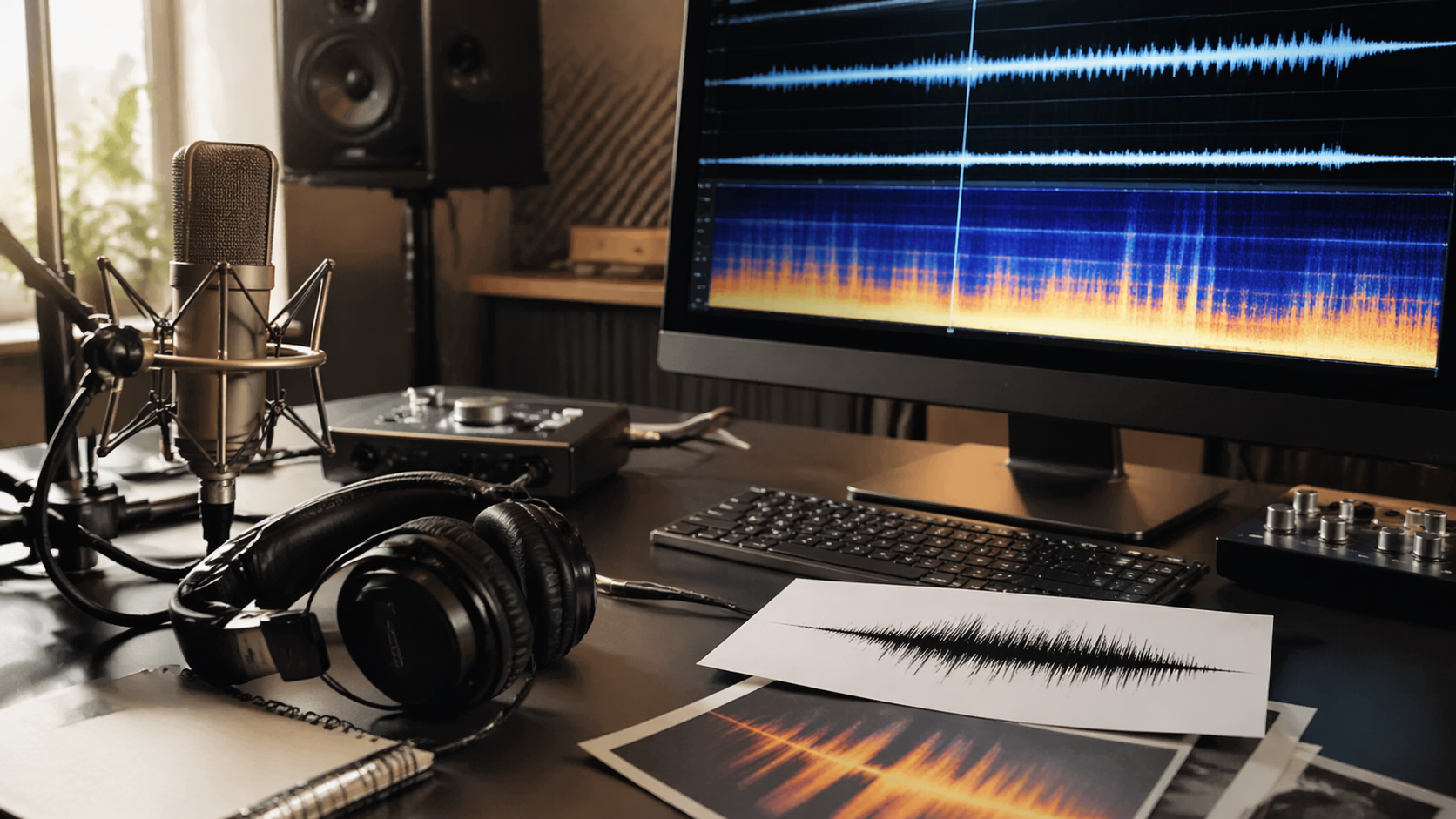
如果工作是改善一段 existing recording,請從 ElevenLabs Audio Isolation 開始。
這仍然是 Rivya 中最清楚的 cleanup-first path。
本頁是關於修復 Existing Audio
這份指南依照 Rivya 在 2026 年 4 月 21 日的 live audio catalog 撰寫。
- cross-checked 的 public paths:
/audio、/ai-models,以及目前 live audio model pages - reviewed 的相關 product guides:Rivya Audio Workflows、Rivya References 與 Uploads,以及 Rivya 目前上線功能
- 本頁只討論改善 existing recording,不討論生成 new speech、effects 或 music
這裡第一個有用問題很簡單:
- 你是在修復已經有的東西嗎?
- 還是你想建立新的東西?
這是不同工作,應該從不同門出去。
依 Source Asset 選擇,而不是只看「Audio」
當 source file 已經存在,而且目標是讓它更可用時,使用 ElevenLabs Audio Isolation。
這是下列工作的更好路徑:
- 清理 spoken recording
- isolating vocals
- 準備 audio file 給 editing、subtitles、dubbing 或 reuse
如果真正工作是從 text 生成新的 sound effect,請切到 ElevenLabs Sound Effect V2。
如果真正工作是生成 new speech,請切到 spoken-voice pages,而不是留在這裡。
為什麼這條路徑不同
Cleanup work 和 prompt-driven generation 的行為不同:
- 它從 upload 開始
- 它依賴 source file quality
- result 是用 improvement 判斷,而不是 invention
- cost pattern 更直接跟 audio length 相關
所以 cleanup 應該被視為自己的 workflow branch。
更快的 Cleanup Decision Order
如果你想要最短且可靠的順序,使用這個:
- 判斷 task 是 repair 還是 generation
- 如果是 repair,請在 upload step 前登入
- upload source file,並留在 cleanup path
- 只有當真正工作變成 new generation 時,才切到 prompt-driven models
這能避免這裡最常見的錯誤第一步:強迫 generator 做 repair job。
下一步去哪裡
- 如果真正 task 是生成 new sound effect,請閱讀 Best AI Sound Effect Generator in 2026。
- 如果真正 task 是 new speech generation,請閱讀 Best AI Voice Generator in 2026。
- 如果你需要更廣的 workflow guides,請閱讀 Rivya Audio Workflows 和 Rivya References 與 Uploads。
準備 Cleanup Brief
Cleanup work 從 source file 開始,所以 brief 應該描述 repair job,而不是發明新的 sound。
寫下:
- source type:interview、voice memo、screen recording、vocal take 或 production audio
- main problem:background noise、weak separation、rough capture 或 reuse preparation
- 必須保持 intact 的內容,尤其是 timing 和 spoken content
- target use:editing、subtitles、dubbing prep、video reuse 或 archive cleanup
- noise reduction 和 natural sound 之間可接受的 tradeoff
- output 是否應該立即 downloaded,或保留給另一個 workflow
這會讓 cleanup path 和 sound-effect 或 voice generation 分開。如果 source file 本身就是 asset,task 就先是 repair。
Review Cleaned Audio
用 improvement 判斷 result,而不是 novelty。
檢查:
- speech 或 target sound 是否更清楚
- timing 是否仍和 original file 對齊
- noise reduction 是否引入 metallic artifacts
- output 是否對 target use 仍然夠自然
- source 是否太 damaged,需要不同 plan
- reuse rights 是否取決於 uploaded recording 本身
如果 cleaned file 有用,請在 downstream 使用前先存入 History。如果沒有用,請先 review source 和 cleanup goal,再切到 generation model。



