用 Rivya API 接入多模態工作流
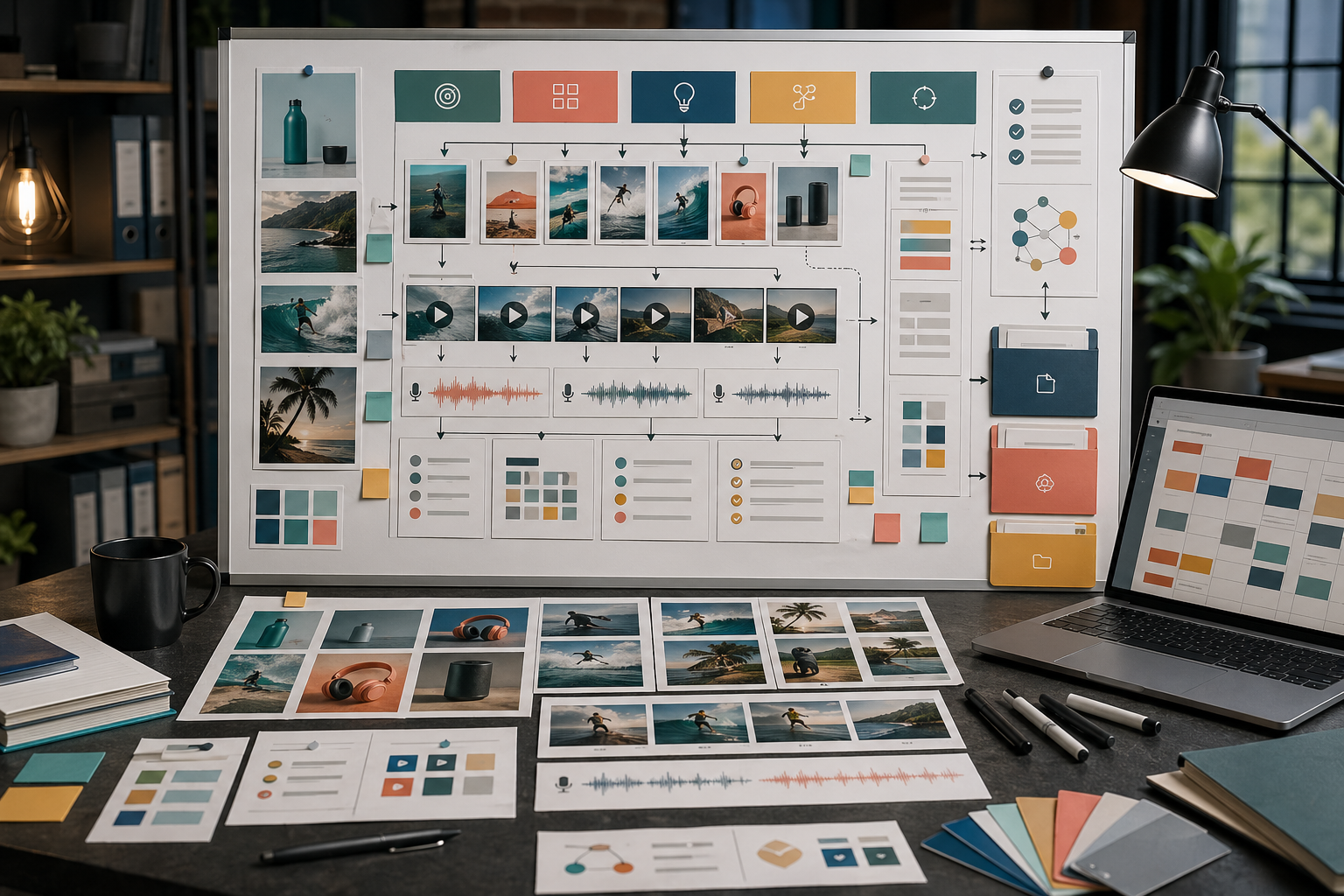
規劃一條 Rivya API 工作流:涵蓋模型、檔案、生成任務、Chat turn、Webhook、積分,以及回到產品審核的交接方式。
署名
來自 Rivya AI 的工作流指南、任務頁寫作和雙語編輯註記,涵蓋公開入口頁、Studio 交接和內容邊界。
近期閱讀
瀏覽此署名下最新發布的指南與產品筆記。

規劃一條 Rivya API 工作流:涵蓋模型、檔案、生成任務、Chat turn、Webhook、積分,以及回到產品審核的交接方式。

把一個 offer 變成 Rivya ad creatives,涵蓋 product stills、short videos、voice-over、variants、review 和 handoff。

用 references、prompt constraints、reusable style notes 和實用 review checklists,讓 Rivya brand visuals 保持一致。

發布 AI images、videos、audio 或 campaign assets 前,使用這份 Rivya checklist 檢查 fit、quality、rights、channels 和 reuse。

用 Rivya 將一個 product idea、workflow 或 feature 做成 explainer video,並保持清楚 motion、narration 和 review criteria。

用 product facts、background choices、reference roles、lighting notes 和 delivery checks 撰寫 Rivya product-photo prompts。

規劃 Rivya AI localization,分清 images、video 和 voice 中的 message、visual context、language、cultural fit、review 與 delivery。

在生成前先拆分腳本、聲音、語言、清理與復用需求,用 Rivya 規劃 podcast、旁白與 spoken workflows。

用 Rivya 規劃產品發布素材,涵蓋產品圖片、demo 影片、landing-page visuals、social variants、voice-over、本地化與復用。

使用 Rivya 參考圖時,先判斷它控制的是 identity、layout、lighting、style 還是 continuity,避免 brittle prompts。

用 Rivya 規劃社群媒體內容,涵蓋 images、short videos、voice、localization、campaign variants、review、scheduling 與 reuse。

用 Rivya 規劃 UGC-style 影片,包含可信場景、產品時刻、voice direction、review checks 與 variant generation。

透過定義 product、scene、motion beats、camera behavior、audio needs 與 review criteria,寫出更好的 Rivya 產品 demo 影片 prompts。

用 Rivya 規劃 AI 創意 campaign:先定義 offer、素材組、提示詞系統、變體、審核標準、復用路徑和發布檢查。

使用 Rivya Audio Isolation 清理 existing recordings、reduce noise,並判斷何時 cleanup 比生成 new audio 更合適。

使用 Rivya 做 AI dubbing:分清 multilingual replacement、one-speaker voiceover 和 multi-speaker dialogue scenes。

為產品導向的付費社群廣告、行銷活動系統、重文案優惠素材,以及氛圍導向的廣告概念,選擇 Rivya 的廣告創意路徑。

為 conversion heroes、page systems、premium launch moments 或 mood-led brand surfaces 選擇 Rivya landing-page visuals。

在 Rivya 使用 reference images 時,依 structure、brand accuracy、style、continuity 和 delivery pressure 選擇正確 model。

使用 Rivya 製作 AI 旁白時,先判斷真正的任務是單一聲音、多語言交付,還是接近對話的場景。

使用 Rivya 規劃 AI 產品 demo 影片,涵蓋 explainer、launch demo、proof-of-motion 測試與 audio-led deliverables。

使用 Rivya 製作 Amazon 產品圖片時,依 listing clarity、variant consistency、secondary assets 與 ecommerce handoff 選擇模型。

為 clean studio stills、reference-led shoots、premium hero shots 與 editorial brand scenes 選擇 Rivya 產品攝影路徑。

為 campaign defaults、premium launch films、reference-led variants 與 structured promo clips 選擇 Rivya marketing-video 路徑。

用 Rivya 製作帶 audio 的 AI 影片時,區分 native-audio video、dialogue polish、audio-aware iteration 與 structured clips。

使用 Rivya 製作影片 voice-over 時,區分單一說話者旁白、多語言交付與 spoken-scene dialogue。

使用 Rivya AI Calculator 處理公式、百分比、換算和情境計算,並理解 Rivya 裡免費起步的意思。

使用 Rivya AI Solver 處理分步方程和完整解題說明,並理解 Rivya 裡免費起步的意思。

在 Rivya 建立 AI 語音與聲音:先分清語音、多語言交付、對話、音效、清理或音樂,再選對路徑。

在 Rivya 建立第一版 AI 音樂草稿:先區分歌曲、聲音草圖、歌詞優先構思、登入時機和保存結果。

在 Rivya 生成 AI 圖片:先選對入口,帶著上下文選模型,使用參考圖,並從 History 繼續。

在 Rivya 生成 AI 影片:先選對入口,判斷文字或參考輸入,用好真實控制項,並從保存狀態繼續。