Rivya Journal

如何使用參考圖而不過度控制 AI

使用 Rivya 參考圖時,先判斷它控制的是 identity、layout、lighting、style 還是 continuity,避免 brittle prompts。
工作流
發布於 2026/04/24作者:Rivya 內容編輯團隊
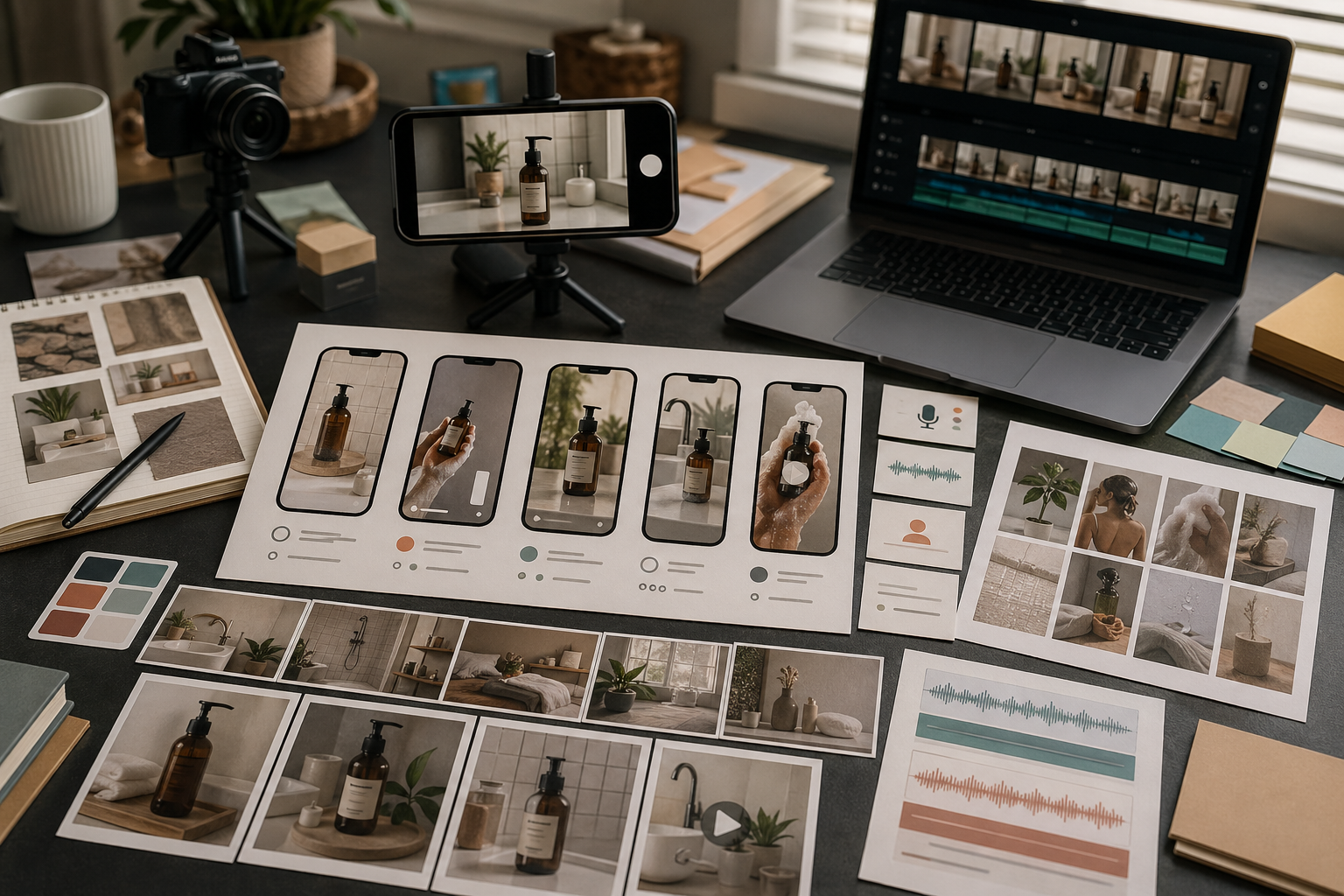
Rivya 參考圖工作流封面,包含 visual anchors、product identity、layout control、style notes 與 generated variants。

Reference images 很有力,但也可能讓 prompt 變混亂。

常見錯誤,是把每一張 reference 都當成應該控制所有事情。在 Rivya 裡,更好的 workflow 是替每張 reference 指派一個工作:product identity、layout、lighting、style 或 continuity。

判斷 Reference 的用途

上傳 reference 前,先說出它的目的。

Reference 可以協助:

  • product identity
  • 精確產品角度
  • composition structure
  • background direction
  • lighting mood
  • material feel
  • previous output continuity

如果你說不出 reference 的用途,模型可能會借錯東西。

把 Product References 和 Style References 分開

Product references 和 style references 不應該用同一種方式處理。

Product reference 的意思是:保持這個物件可辨識。

Style reference 的意思是:借用氛圍或視覺品味。

如果你上傳一張產品照片和一張 mood board image,請說明哪張是哪種。否則輸出可能保留 mood 卻改掉產品,或保留產品卻忽略 style。

探索時使用較少 References

當你還在探索時,較少 references 通常效果更好。

下列情況使用一張強 reference:

  • 產品很簡單
  • 構圖可以保持彈性
  • style 可以用文字描述
  • 目標是找到方向

太早使用太多 references,可能讓一次生成顯得 overconstrained。把較重的 reference sets 留到你已經知道方向需要控制時再使用。

需要一致性時使用更多 References

當 consistency 很重要時,更多 references 會變得有用。

下列情況使用較大的 set:

  • product identity 必須保持穩定
  • 輸出必須匹配既有 campaign
  • 多個角度或細節很重要
  • 你正在建立一組相關 images
  • brand system 已經定義

到了這個階段,工作不再是開放探索,而是 controlled production。

搭配短指令使用 References

References 不會取代 prompts。

把 uploads 搭配短指令,例如:

  • Use the reference for product shape only.
  • Keep the composition close, but change the background.
  • Borrow the lighting mood, not the objects.
  • Use this as a style reference for the whole campaign.

短而具體的 notes,通常比一段和 reference 互相拉扯的長 prompt 更好。

檢查模型借用了什麼

生成後,檢查 Rivya 實際借用了什麼:

  • product shape
  • 顏色
  • layout
  • lighting
  • props
  • background
  • mood

如果它借錯東西,先修改 reference instruction,再修改整個 prompt。

可重複使用的 Reference Brief

在 Rivya 上傳 references 前,寫下每張 image 應該控制什麼:

Reference 1: preserve [product / person / object identity]
Reference 2: borrow [lighting / angle / composition]
Reference 3: borrow [mood / campaign style / color palette]
Do not borrow: [logo text / extra props / face details / background clutter]
Output goal: [product photo / ad variant / hero image / social crop]
Review focus: [shape, material, label, crop, artifacts]

這可以避免一種常見失敗:模型跟隨 reference mood,卻改掉產品;或保留物件,卻忽略 layout。

Rivya Execution Path

實用的 reference-led image run 通常像這樣:

  1. 當模型適配是第一個決策時,從 Image、Image Studio 或 AI Models 開始。
  2. 只上傳目前決策需要的最低限度 references。
  3. 在 prompt 裡替每張 reference 指派工作。
  4. 先生成一個窄範圍的第一版結果,而不是完整 campaign set。
  5. 檢查哪些內容借得正確,哪些漂移了。
  6. 只有在控制行為可接受後,才從 history 繼續。

如果第一次生成借錯東西,不要用同一條含糊 prompt 繼續反覆生成。請先重寫 reference roles。

當 asset 需要 exact logo、exact text、strict packaging geometry 或 legal-grade reproduction 時,這個 workflow 並不理想。在這些情況下,用 references 探索方向,然後在發布前依靠 approved source assets 和 manual review。

Rivya 下一步

繼續探索

更多文章

繼續閱讀 Rivya 團隊整理的相關指南、產品筆記和工作流拆解。

保持同步

下一篇工作流、模型筆記或產品更新,直接送到你的收件匣

給創作者看的精簡 newsletter,提供實用想法、更精準的判斷,少一點一次性噪音。

新模型上線與功能發布可以快速套用的短工作流想法

不寄垃圾郵件,可隨時取消訂閱。