Explainer video 應該讓一個想法更容易理解。
它不應該同時變成 full product tour、brand film、tutorial 和 ad。Rivya 在 explainer 有清楚 subject、短 structure 和 review standard 後再生成,效果最好。
從一個 Explanation 開始
選擇 model 前,先寫出 viewer 應該理解的一件事。
Examples:
- product feature 如何運作
- workflow 為什麼省時間
- 使用 tool 前後發生什麼
- customer 如何從 problem 走到 result
- new launch 實際改變什麼
如果 explanation 無法放進一句話,video 可能需要拆成多個 assets。
選擇 Explainer Format
Explainer videos 可以有不同形式:
- product demo
- before-and-after clip
- simple process animation
- voice-over with supporting visuals
- founder-style explanation
- short social explainer
寫 prompt 前先選 format。Product demo 和 voice-over explainer 需要不同 inputs。
用三個 Beats 規劃 Motion
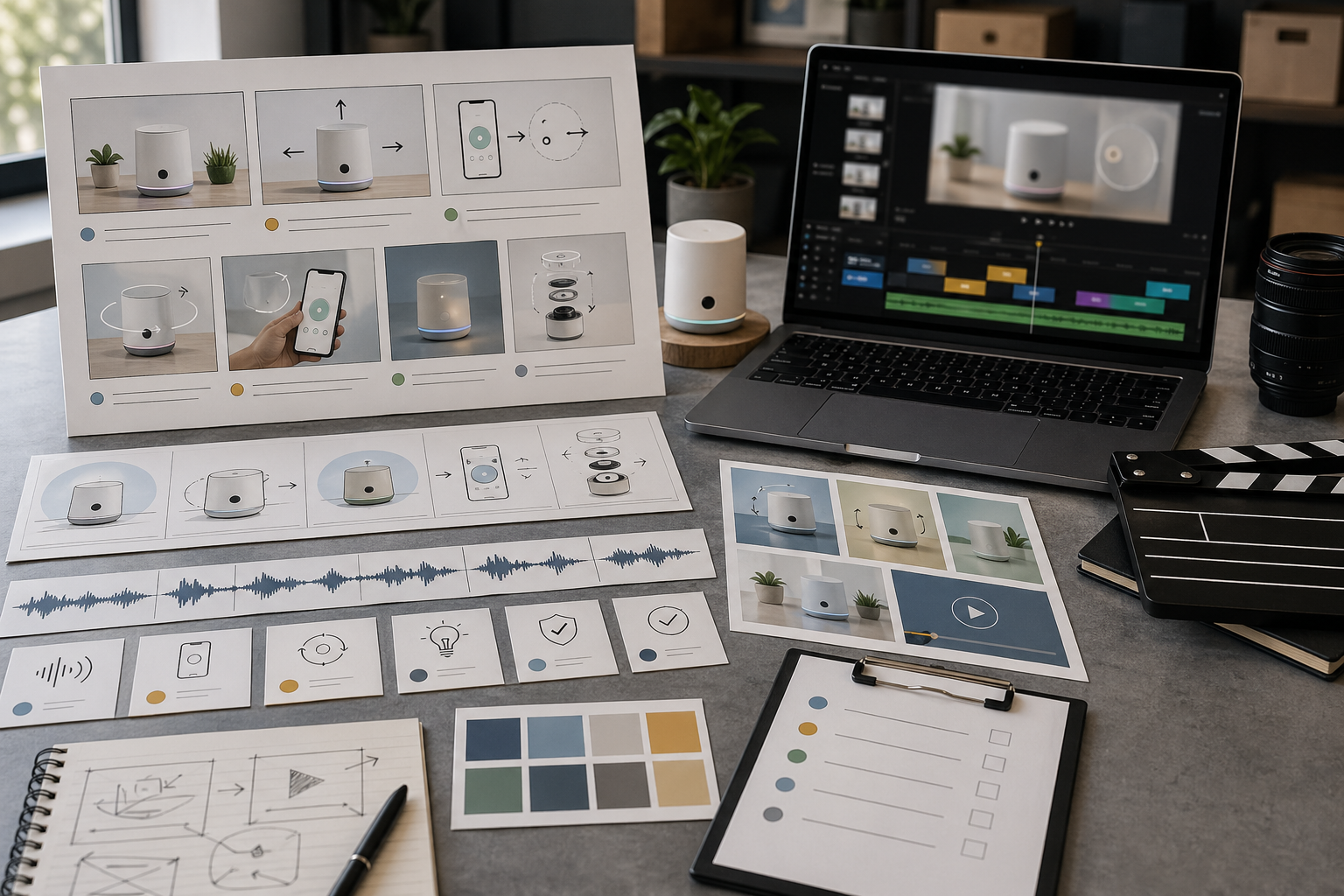
簡單 explainer structure 是:
- show the problem or starting state
- show the product or workflow action
- show the result or next step
這能讓 video 保持聚焦。如果加入太多 scenes,viewer 可能記住 motion,卻錯過重點。
判斷 Narration 是否有幫助
當 concept 需要 context 時,narration 很有幫助。
使用 narration 處理:
- abstract software workflows
- process explanations
- localized explainers
- founder-style product notes
- 需要清楚 spoken message 的 clips
如果 visual 本身能解釋 idea,請先測試 motion,再透過 Rivya Audio Studio 稍後加入 narration。
以理解效率 Review
Review explainer video 時,請問:
- viewer 是否能快速理解 main idea?
- motion 是否支援 explanation?
- product 或 workflow 是否仍然可辨識?
- narration 是否太 dense?
- clip 是否需要更短?
- next step 是否明顯?
好的 explainer 先清楚,再聰明。
常見 Explainer 錯誤
常見錯誤包括:
- 在一個 clip 裡解釋太多東西
- 先從 visual style 開始,而不是 message
- 使用聽起來像 landing page 的 script
- 要求 small readable UI text
- camera angle 改變太頻繁
- 跳過簡單 before-and-after structure
先讓 explanation 變窄,再讓 asset 更 polished。
Explainer Brief Template
生成前先使用小 brief:
Audience: [new visitor / buyer / teammate / support user]
One thing to explain: [feature, process, product benefit, policy]
Starting confusion: [what they misunderstand]
Three beats: [problem] → [mechanism] → [result]
Visual anchor: [screen, product, diagram, person, object]
Narration: [none / short caption / full voice-over]
Success check: [what the viewer should understand after watching]好的 explainer 通常很窄。如果 brief 包含三個分開的 lessons,請拆成三個 clips。
Rivya Production Path
穩定的 explainer workflow 是:
- 在 Chat 或 prompt template 中草擬 explanation。
- 將它轉成三個 visual beats。
- 從 Video 生成 video branch,且只設定一個清楚 motion goal。
- 只有 visuals 無法承載 explanation 時才加入 narration。
- 先無聲 review clip,再開聲音 review。
- 儲存 result,並重複使用結構製作相關 explainers。
這能避免 video 變成塞入太多 claims 的 moving brochure。
Rivya 中的下一步
- 從 Video 開始 explainer motion;只有 visual branch 清楚時,再從 Audio 加入 narration。
- 使用 Rivya Video Studio 建立 explainer motion。
- narration 很重要時,使用 Rivya Audio Studio。
- 使用 Rivya Prompt Writing Basics 收緊 brief。
- 當 explainer 其實是 product demo 時,閱讀 AI Product Demo Video Generator。