
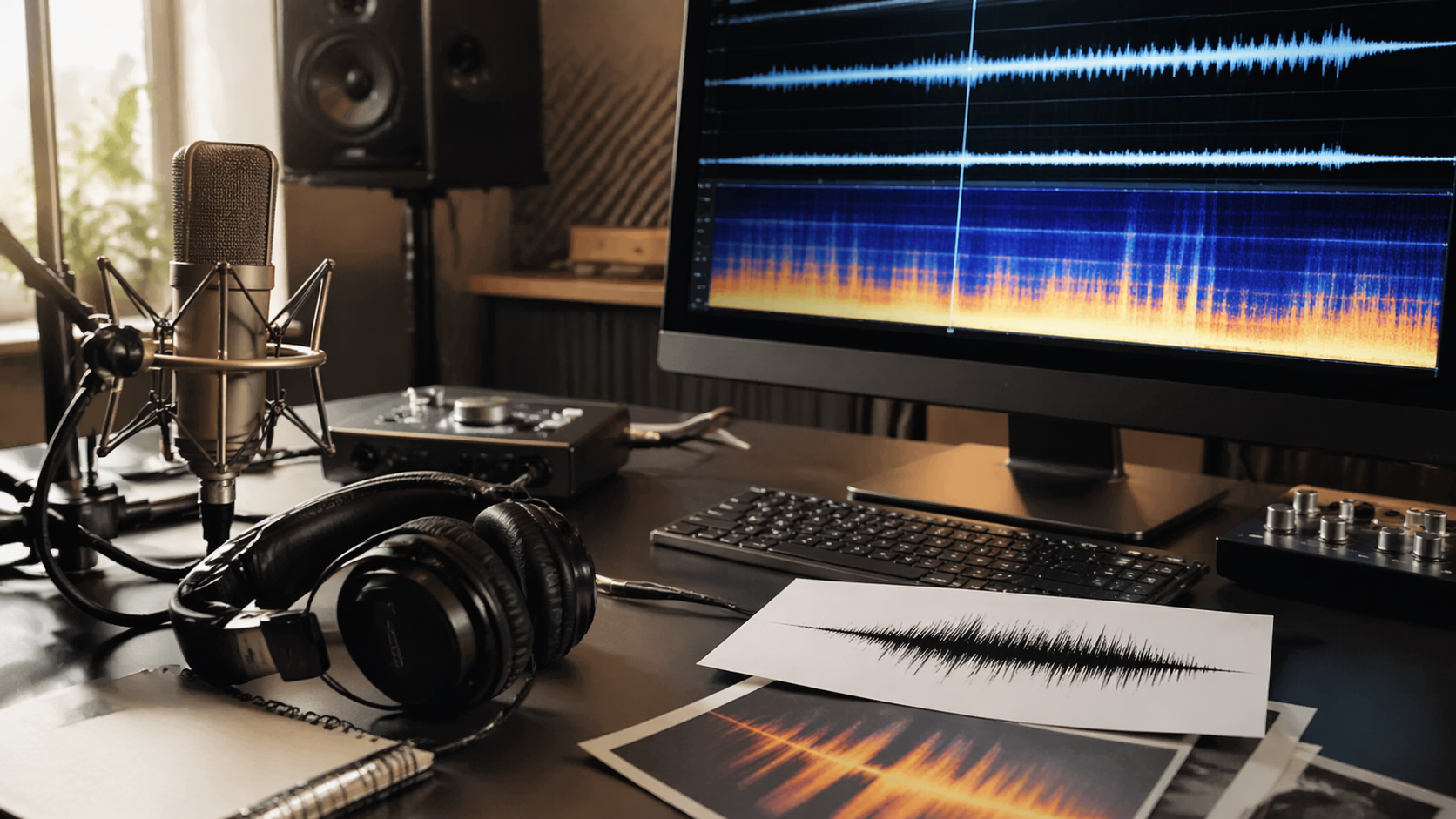
Rivya does not currently have a runnable audio cleanup model. ElevenLabs Audio Isolation is paused: its page remains available as a status reference, but it cannot create a task or deduct credits.
That distinction matters. Cleaning a recording is a repair job; generating new speech, music, or ambience creates a different asset and does not restore the source.
Check The Cleanup Status Before You Upload Anything
Use the model status page to confirm whether Audio Isolation has returned. While it is unavailable, do not plan a Rivya workflow around uploading a recording for noise removal or vocal isolation.
If repair cannot wait:
keep an untouched copy of the source recording
note what must survive, such as timing, speech, room tone, or music
use a trusted audio editor or repair service outside Rivya
compare the repaired file with the source before replacing anything
Rivya's References and Uploads guide explains how source assets are handled in workflows that do support uploads, but it does not make the paused cleanup model available.
Repair And Replacement Are Different Decisions
Stay with a repair workflow when the original performance or timing must remain intact. Typical examples include interviews, voice notes, dialogue takes, and existing video sound.
Consider replacement only when a new asset is acceptable:
For new narration or dialogue, compare currently available voice models on the audio model directory.
For a new ambience bed, loop, or short sound texture, try Suno Sounds.
Suno Music is a status page. Wait for Music to resume before starting a song; keep the creative brief for later.
Available narration and Sounds create new audio; Lyrics creates text. These are not noise-reduction or recording-repair tools.
Suno Sounds and Suno Lyrics remain available. Vocal separation is allowed only for eligible successful Sounds results. Existing Music tasks can still be read, polled for status, and downloaded when results exist.
Prepare A Cleanup Brief For Later
If you are waiting for a cleanup model to return, document the job now:
source type and duration
the main problem: noise, bleed, weak separation, clipping, or inconsistent level
what must remain unchanged
the intended use after repair
acceptable tradeoffs between aggressive cleanup and natural sound
whether the recording contains private or sensitive material
This brief will make it easier to evaluate any future cleanup path without repeatedly uploading the source.
How To Review A Repaired File
Judge repair by preservation, not novelty. Compare it against the original and check whether:
speech or the target sound is clearer
timing remains aligned
cleanup introduced metallic, watery, or pumping artifacts
quiet details disappeared
the result still sounds natural in its final context
your rights allow you to process and reuse the recording
Keep the source and repaired version as separate files until the result has passed that review.
Where To Go Next
Read Audio Workflows in Rivya for the currently supported branches.
Read Best AI Sound Generator in Rivya when the real task is creating a new effect or ambience layer.
Read Best AI Voice Generator when replacing narration is acceptable.



