
Rivya Journal

作者
分類
繼續探索
繼續閱讀 Rivya 團隊整理的相關指南、產品筆記和工作流拆解。
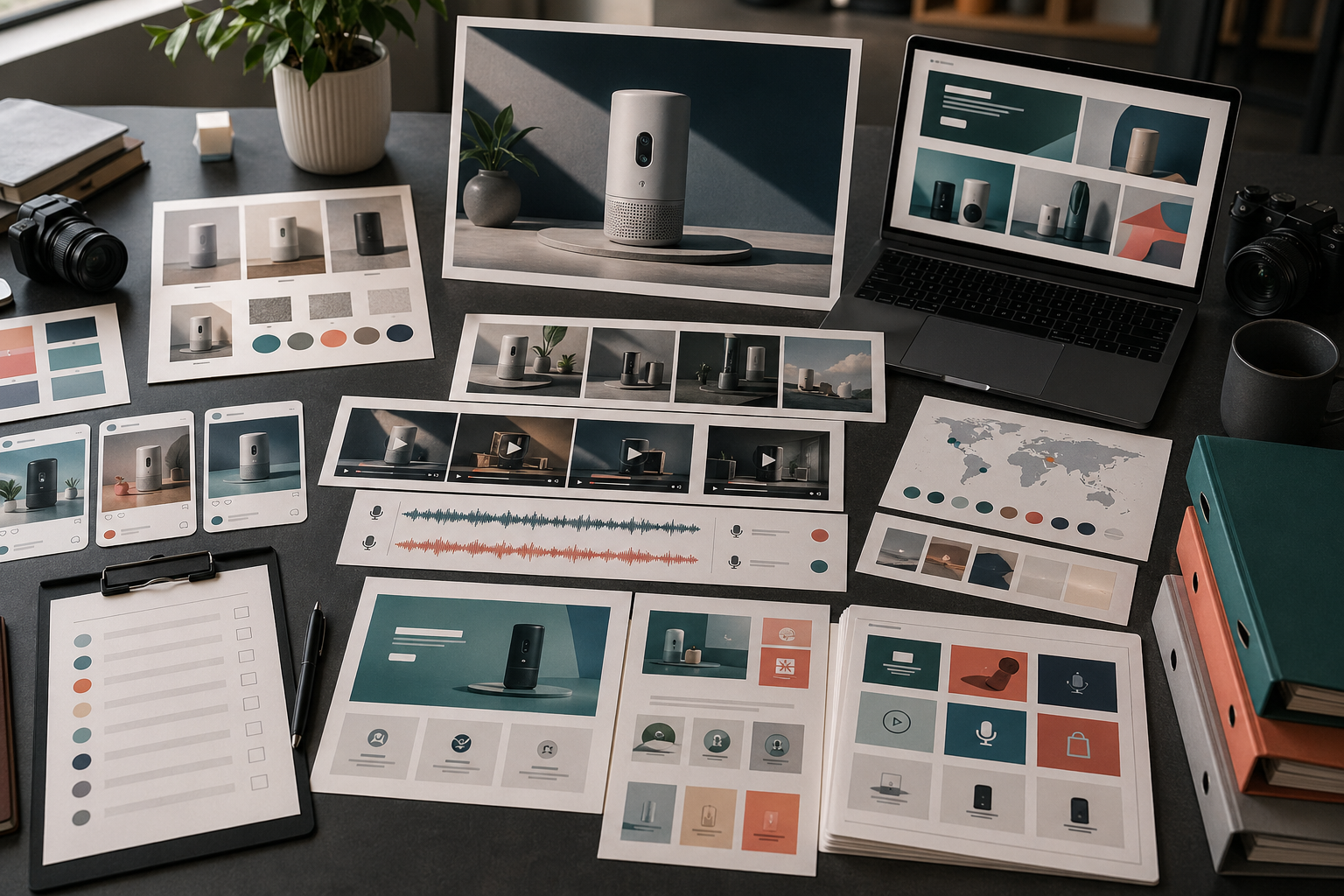
一次產品發布通常不只需要一張主視覺。
它需要一套小型素材系統:一致的訊息、多種格式、清楚的複核規則,以及發布後的重複使用空間。先規劃整套系統,再生成單一素材,才能更有效地使用 Rivya。
先將發布介面對應到所需素材:
| 發布介面 | 素材 | 用途 | Rivya 路徑 |
|---|---|---|---|
| 登陸頁 | 主視覺 | 快速說明主要承諾 | 圖片工作室 |
| 產品頁 | 乾淨的產品靜態圖 | 清楚展示產品 | 圖片工作室 |
| 社群平台 | 方形或直式預告素材 | 增加曝光並提醒受眾 | 圖片工作室 / 影片工作室 |
| 付費廣告 | 以方案為主的變體 | 測試一個吸睛切角或優點 | AI 廣告創意工作流程 |
| 影片 | 短版展示片段 | 展示一項產品動作 | 影片工作室 |
| 語音 | 發布旁白 | 快速說明訊息 | 音訊工作室 |
| 支援內容 | 說明或新手引導視覺 | 減少發布後的困惑 | 對話工作室 + 圖片工作室 |
不是每次發布都需要每種素材,但在生成前,你應該知道哪些發布介面最重要。
製作素材前,先用一句話寫下發布訊息。
例如:
一種能更快把產品照片轉成可發布視覺素材的方法。
一個能在同一處生成圖片、影片與音訊素材的簡單工作區。
一種不必從空白時間軸開始製作產品展示的新工作流程。
把這當作錨點。格式可以改變,但故事不應該漂移。
實用的發布素材組通常包含:
一張主要產品主視覺
一張乾淨的產品靜態圖
一張以優點為主的視覺素材
一支產品展示短片
一張社群裁切版或預告素材
一個旁白選項
一項可重複使用的備用素材
從主視覺或產品靜態圖開始。如果這個方向不成立,其餘發布素材通常也會偏離。
依素材類型拆分製作:
圖片與 Rivya 圖片工作室用於主視覺、產品圖片與登陸頁圖片
影片與 Rivya 影片工作室用於展示影片、預告片與動態測試
音訊與 Rivya 音訊工作室用於旁白、解說或在地化音訊
當方向需要更清楚的企劃時,使用 Rivya 提示詞寫作基礎
使用 Rivya 工作記錄 保留有用方向並繼續工作
這會讓每項素材都連回自己的實際任務。
不要只逐一審核發布素材。
把它們放在一起並檢查:
是否能辨認出同一個產品?
產品優點是否一致?
視覺品質是否匹配?
登陸頁與社群素材是否相互呼應?
是否有素材暗示了無法支持的宣稱?
整組是否有足夠變化,但不顯得隨機?
素材是否適合行動版裁切與動態消息版面?
把素材放在網格中比較,比查看單一檔案更容易發現發布一致性問題。
發布素材不應在發布週結束後就被擱置。
好的發布素材可以延伸為:
再行銷廣告
社群後續貼文
說明中心視覺素材
新手引導圖片
銷售郵件圖片
在地化版本
產品更新提醒
使用 下載與使用生成結果 判斷哪些內容要儲存、下載並繼續。
避免:
核心訊息尚未穩定就生成社群貼文
製作漂亮、卻沒有說明產品的主視覺
在不同發布介面使用不同視覺規則
沒有乾淨的產品靜態圖就發布
視覺方向尚未成立就先製作影片
忘記支援內容與新手引導素材
對宣稱跳過商業使用複核
發布素材系統應該讓產品更容易理解,而不只是放大聲量。
使用 AI 創意行銷活動規劃方法 制定整體行銷活動計畫。
使用 AI 社群媒體內容工作流程規劃發布內容的分發。
使用 AI 產品展示影片生成器處理以展示為主的發布活動。
發布素材前,檢查 Rivya 生成結果的所有權與商業使用。


