
Rivya Journal

作者
分類
繼續探索
繼續閱讀 Rivya 團隊整理的相關指南、產品筆記和工作流拆解。
AI 能生成更多素材,不代表社群內容就會自動變簡單。
只有在每項素材都有明確任務時,流程才會變簡單:發布消息、解說、展示、提醒、比較、在地化或重新觸及受眾。使用 Rivya 時,最穩妥的做法是先規劃內容系統,再選擇圖片、影片、音訊或對話工作流程。
生成前,先為每則貼文指定一項任務:
| 內容任務 | 最合適的素材形式 | Rivya 路徑 |
|---|---|---|
| 發布消息 | 產品主視覺或預告片 | 圖片工作室 / 影片工作室 |
| 解說 | 輪播式視覺或短版解說 | 對話工作室 + 圖片工作室 |
| 展示 | 產品展示片段 | 影片工作室 |
| 提醒 | 重新觸及受眾的視覺素材 | AI 廣告創意工作流程 |
| 增加真人感 | UGC 風格片段或旁白 | 影片工作室 + 音訊工作室 |
| 在地化 | 符合當地語言習慣的版本 | 內容在地化 |
一則貼文如果試圖一次完成所有任務,通常會變得不清楚。
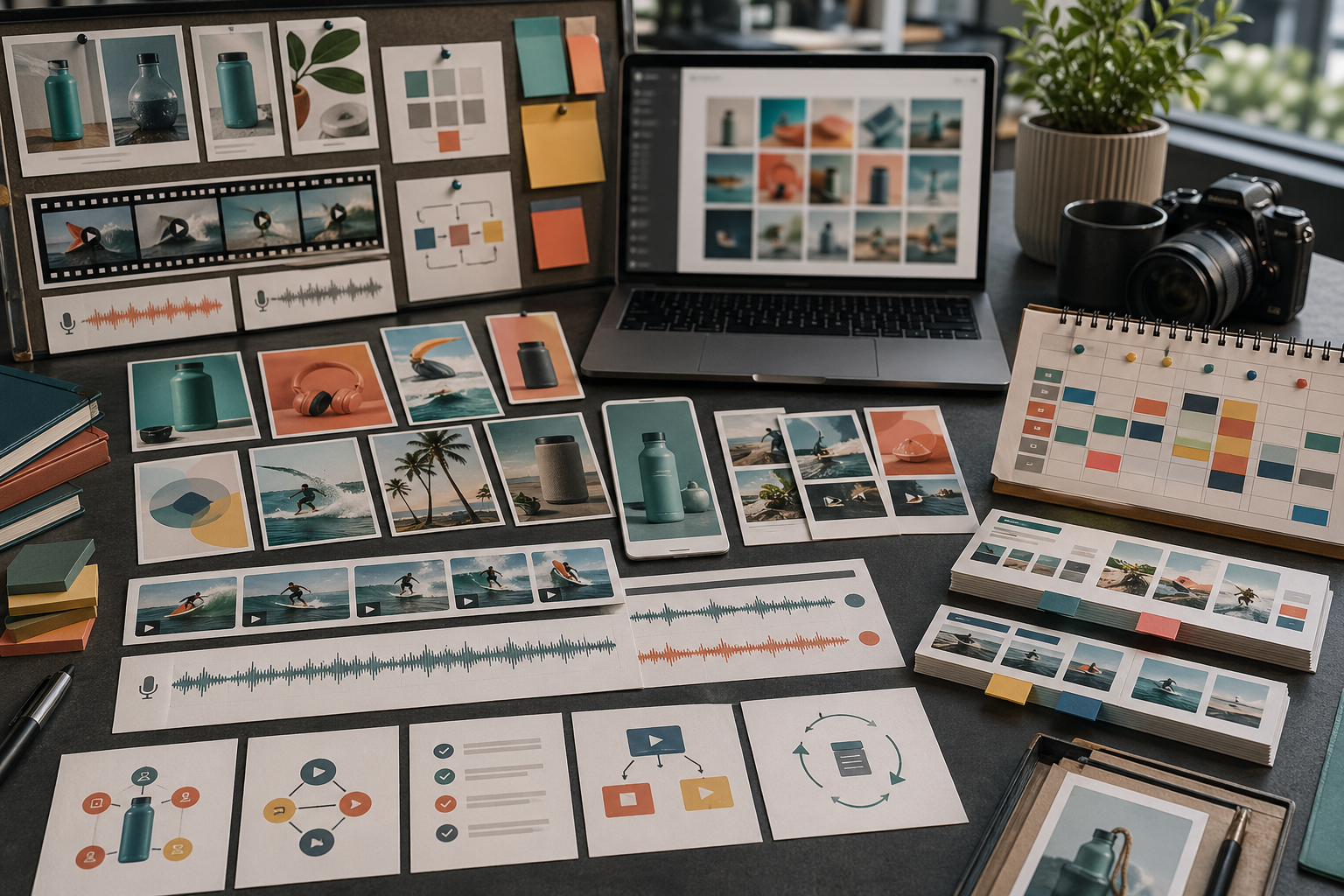
為一場行銷活動建立小型系統,而不是製作彼此孤立的貼文。
一組有用素材可能包含:
一張乾淨的產品靜態圖
一支產品動態短片
一張教學圖卡
一份旁白腳本
一個在地化變體
一個方形裁切版
一個直式裁切版
一個再行銷版本
這會讓動態消息看起來經過規劃,而不是隨機拼湊。
依順序思考:
發布消息
展示產品或結果
解釋一項優點
展示一個動作
回答一項疑慮
用證明或提醒進行再行銷
將表現最好的版本在地化
這個順序讓每項素材都有角色,也能幫你決定應先生成什麼。
依格式拆分製作:
使用圖片與 Rivya 圖片工作室製作靜態貼文、產品圖片與行銷活動圖像
使用影片與 Rivya 影片工作室製作動態貼文、產品短片與 UGC 風格測試
當貼文需要解說、旁白或在地化時,使用音訊與 Rivya 音訊工作室
使用對話與 Rivya 對話工作室進行規劃、改寫與提示詞整理
使用 Rivya 工作記錄 重用有用的生成結果,不必從頭開始
不要把每則社群貼文都硬塞進同一種媒介。
變體一次只改變一個重要因素時,才有比較價值。
值得測試的變因包括:
開場吸睛句
背景
產品角度
裁切方式
受眾分群
說話語氣
行動呼籲
語言版本
避免同時改變產品、場景、文案、裁切方式與語氣,否則無法判斷究竟是哪項調整改善了素材。
請在社群輸出實際會出現的脈絡中複核。
檢查:
重點是否能很快看見?
裁切是否適合發布管道?
小字是否真的必要?
產品在行動裝置上是否可辨識?
素材是否匹配登陸頁或店面頁?
它是否與其餘行銷素材風格一致?
它是否會因正確理由讓人在動態消息中停下?
漂亮的素材如果不適合動態消息環境,仍然可能失敗。
避免:
訊息尚不清楚就追求數量
在缺少行銷活動系統時生成孤立素材
每個發布管道都使用同一段提示詞
變體一次改變太多變因
依賴圖片裡的小字
跳過行動版尺寸複核
未經調整就重發同一項素材
好的 AI 社群製作是有結構的重複運用,而不是大量隨機輸出。
當社群素材是付費獲客的一部分時,使用 AI 廣告創意工作流程。
當行銷活動支援產品發布時,使用 AI 產品發布素材指南。
使用 AI UGC 風格影片生成器製作更有人味的影片測試。
發布前使用 AI 內容製作檢查清單。


