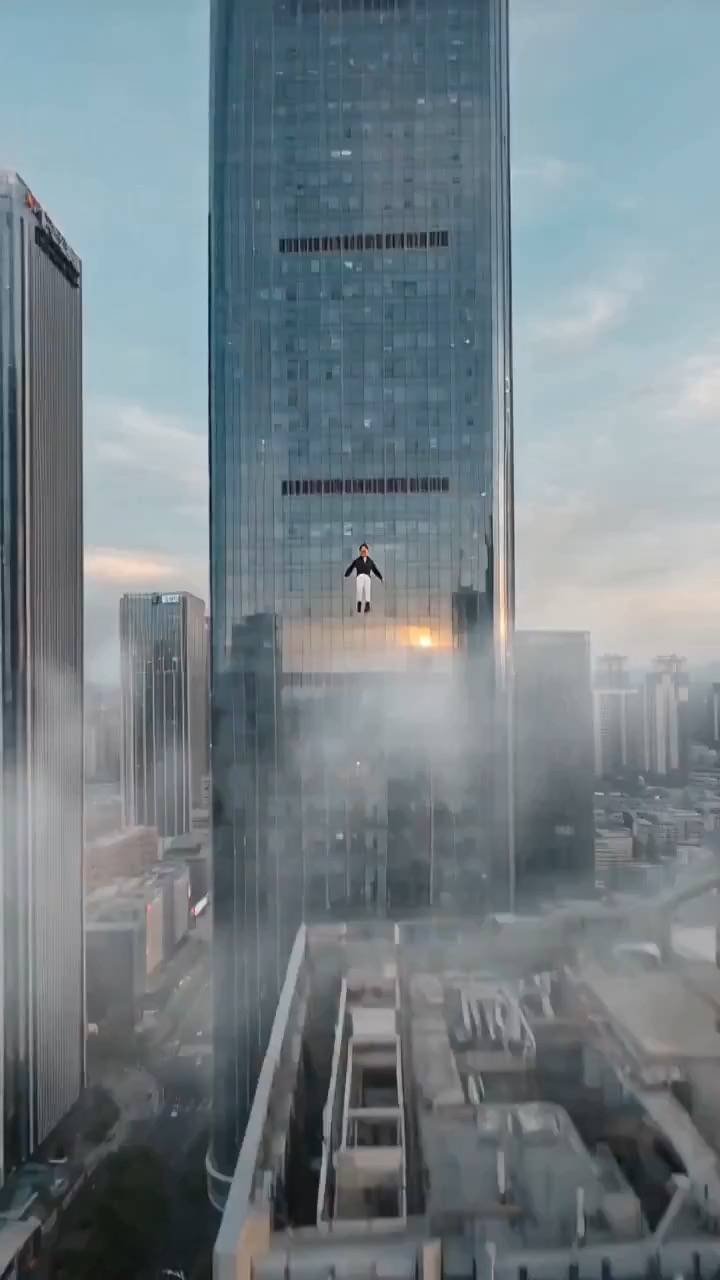
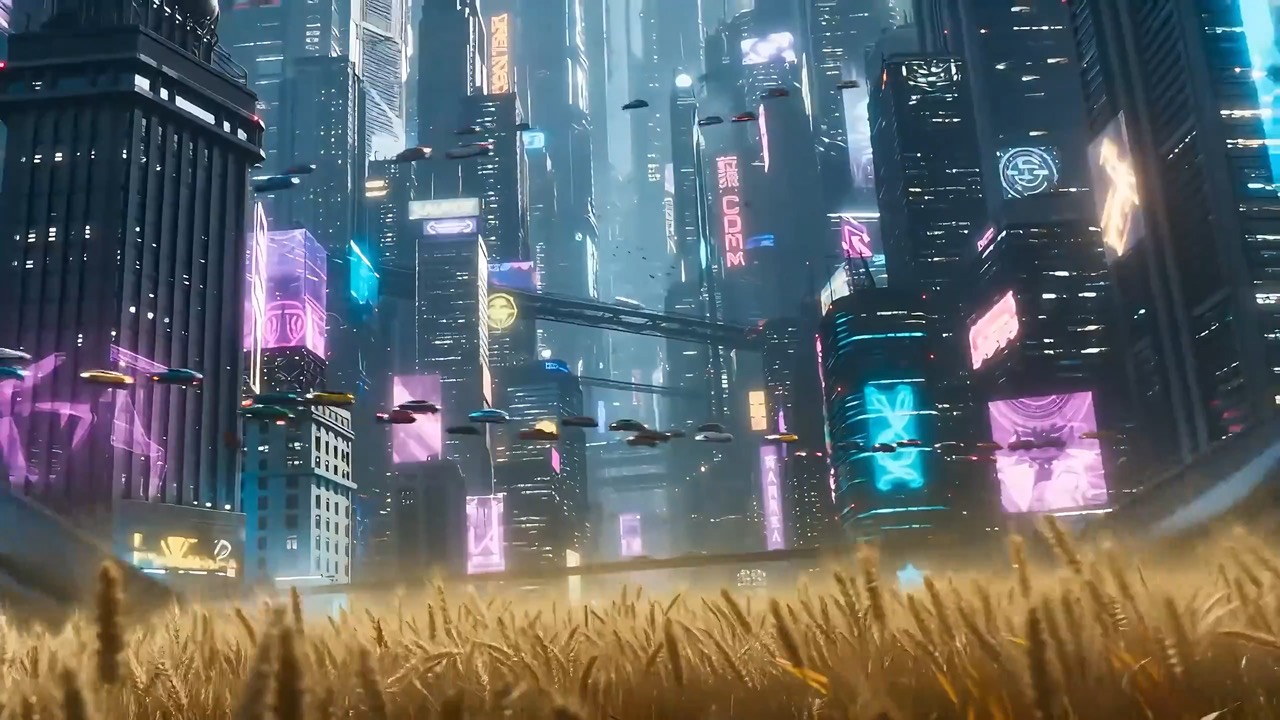
Urban Flyer Cloud Flight Shot video preview showing motion rhythm, subject continuity, camera direction, and final hero frame.
Urban Flyer Cloud Flight Shot video brief: setup / main motion / camera path / continuity / hero ending / review checks
Create an 8-10 second surreal cinematic clip where a person, room, or street scene stays frozen while small traces of water, dust, fabric, and light continue to drift.
Preview
Video Prompt
Preview focused on a paused action, drifting details, slow camera motion, stable props, and a calm final frame.
Surreal time-freeze video prompt with a nearly still subject, drifting particles, slow camera motion, stable scale, and a clear final frame.
Create an 8-10 second cinematic video about a frozen moment with flowing time. Set the scene in an editable street corner, studio room, hallway, or cafe at the instant of a paused action: a person mid-step, a cup tipping, papers hanging in the air, rain drops suspended, or a curtain caught by wind. Hold the main subject almost still while tiny details continue moving: dust motes drift through a sunbeam, water beads creep down glass, fabric edges breathe, reflections slide slowly, and a clock hand or light streak advances subtly. Use a slow dolly, orbit, or push-in that reveals the frozen action from one clean angle without teleport cuts. Keep scale, face shape, hands, props, suspended objects, shadows, and reflections stable. End on a calm final frame where the contrast between frozen subject and moving time is unmistakable. Keep subject, location, props, time indicator, weather, color palette, and optional text area editable. Avoid real brand names, celebrity likeness, violent accidents, panic, medical danger, unreadable text, random symbols, melting objects, distorted anatomy, impossible gravity changes, or extra scenes that break the single paused moment.

Usage notes
Replace the subject, location, paused action, moving details, time indicator, camera move, color palette, and any editable text area before running.
Prompt FAQ
Replace the subject, location, paused action, moving details, time indicator, camera move, color palette, and any editable text area.
Check that the main subject stays stable, the moving details remain subtle, suspended objects keep their scale, and the final frame clearly reads as frozen time.
Yes. Keep the single paused moment and small moving details, then adjust camera speed, motion density, aspect ratio, and duration for the model you choose in Rivya.
More prompts in this mode