Runway is Rivya's simple short-form video path for 5 or 10 second text-to-video or single-image animation. Choose it when you want a lightweight branded motion draft with clear duration and resolution controls.
Clear public price evidence for both text and image tiersText and image generation share one aligned model entry
Text mode keeps `aspectRatio` while image mode follows the source image ratio
Input
Prompt + optional images
Output
AI Video Generator
Credits
Credit rate: 12–30 / video
Best for
5-second launch teasers and social ads
The final task cost is rounded up to whole credits.
Example output
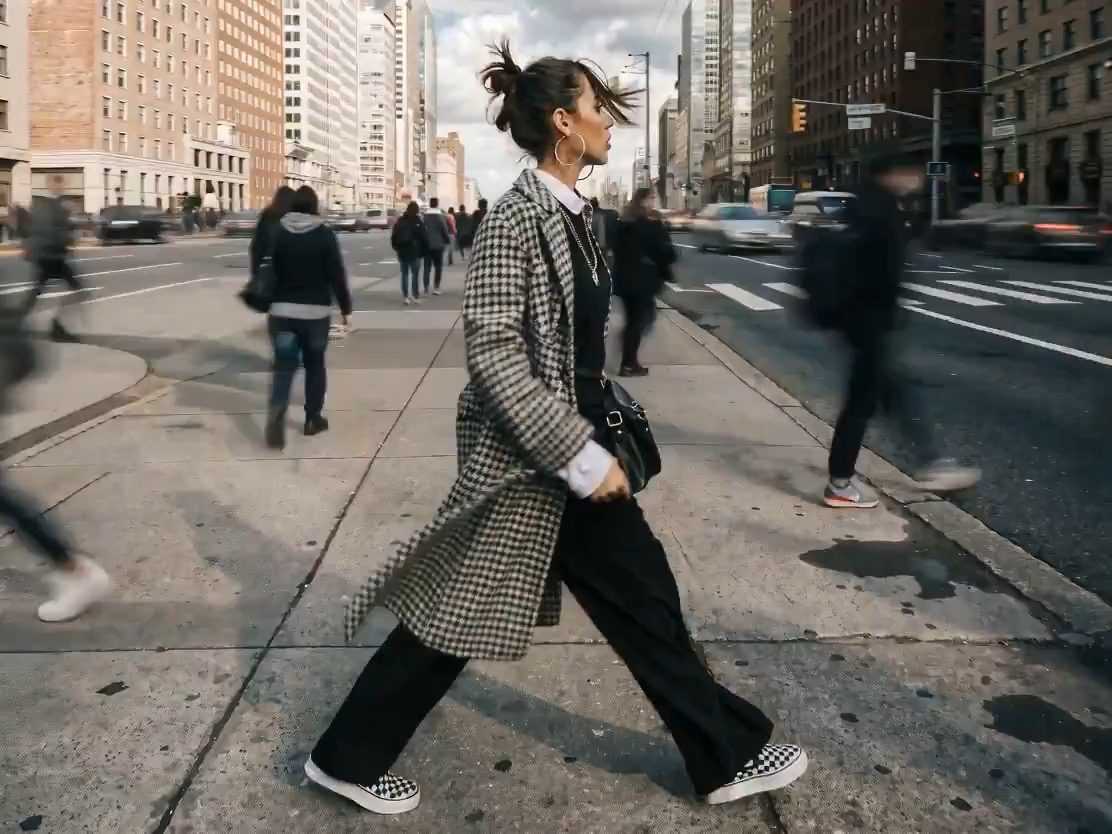
Example; generating model unverified · Preview focused on a paused action, drifting details, slow camera motion, stable props, and a calm final frame.
Check current availability, input, output, credits, and proof first. If an online trial is available, test the model on the page; use Studio for saved history, assets, and longer iteration.
Example output
Example; generating model unverified · Preview focused on a paused action, drifting details, slow camera motion, stable props, and a calm final frame.
Best for
5-second launch teasers and social adsSingle-image motion tests from one product stillShort branded experiments where simple controls are enoughTeams comparing Runway against heavier video models
Supports
Text to VideoImage to Video
Online trial
Try Runway
Use Runway for quick 5 to 10 second text-to-video or image-to-video drafts with a small, predictable control set.
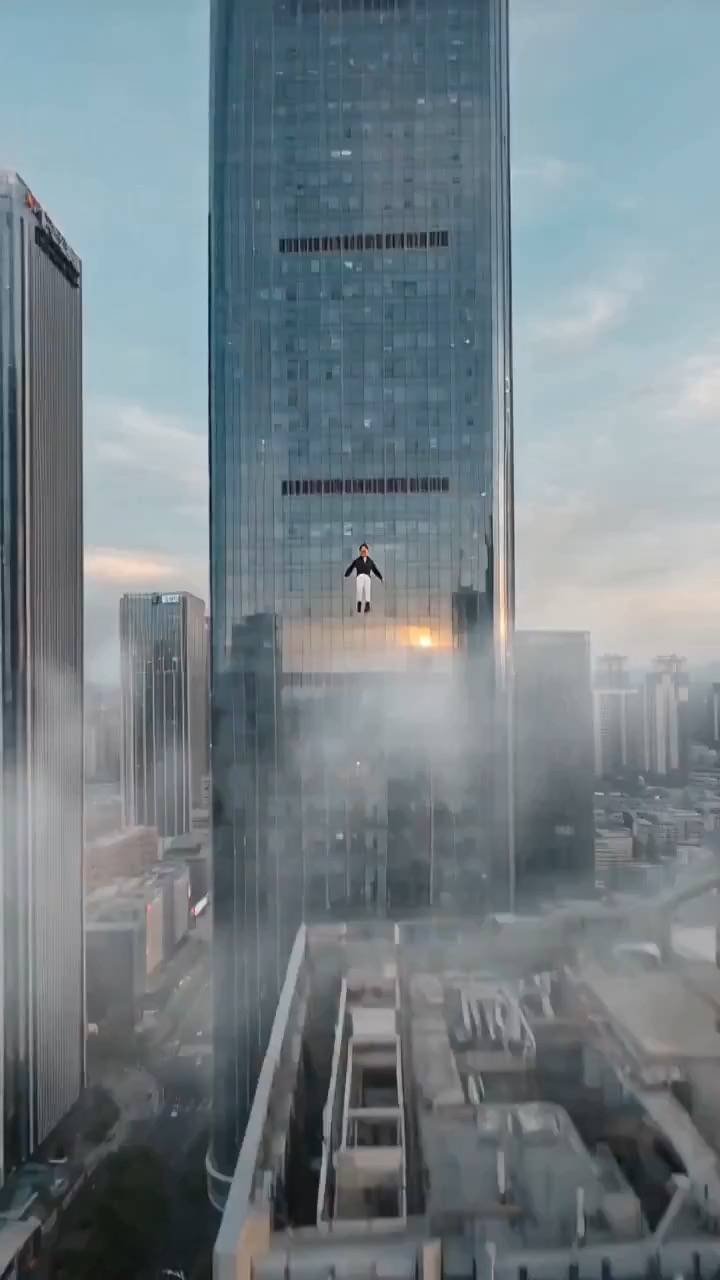
Example; generating model unverified · Preview for Urban Flyer Cloud Flight Shot, focused on scene setup, camera path, motion continuity, editable details, and the final hero frame.
Example; generating model unverified · Preview for a surreal sky zipper reveal, focused on the calm sky setup, zipper motion, hidden-world reveal, and stable ending frame.
Decision fit
When this model is the right choice
Decision fit
Fit signals
Clear public price evidence for both text and image tiers
Text and image generation share one aligned model entry
Text mode keeps `aspectRatio` while image mode follows the source image ratio
FAQ
Runway FAQ
When should I use Runway for video work?
Runway is strongest when the clip is supposed to stay short, clean, and usable quickly: launch teasers, social ads, product reveal motion, and still-to-motion tests where you do not need a huge control setup. Its appeal is not maximal complexity; it is the fact that 5 or 10 second motion stays predictable enough to make decisions quickly.
What is Runway's real scope on Rivya right now?
On Rivya, Runway currently supports both text-to-video and image-to-video, with one still image as the entry into image-led motion. The verified public set is 720p at 5 or 10 seconds, plus 1080p at 5 seconds, so the option stays focused on short prompt-led clips and single-image animation rather than a heavier multi-asset production project.
Which controls or inputs matter most once you're evaluating Runway for real work?
The useful early decisions are: is this prompt-led or still-led, should the first result be 5 or 10 seconds, and is 720p enough or does the shot really need 1080p at 5 seconds? With Runway, those choices usually matter more than trying to over-specify the camera language in the very first attempt.
When is Runway worth the current credit tier on Rivya?
At the current verified ladder, 720p for 5 seconds is 12 credits, while 720p for 10 seconds or 1080p for 5 seconds is 30. Runway is easiest to justify when the clip is already tied to a real teaser, product reveal, or ad concept you might actually keep. If the work is still totally open-ended, cheaper motion options are often the better place to burn first-pass credits.
When should I choose Runway over a lighter or cheaper alternative on Rivya?
Choose Runway when you want a short-form model with clear pricing, a straightforward 5s/10s ladder, and one predictable path for both prompt-led and still-led clips. Go lighter when the clip is disposable exploration, and go heavier only when you already know you need a richer production toolchain.
What can I test first on this page?
This page is best for the first short-form motion pass: a teaser, a social ad, a product reveal, or a single-still animation test. It is the right place to check whether Runway gives you a usable clip shape quickly before you commit the idea to a bigger video project.
What can I set up on this page?
You can start from text-to-video or switch into image-to-video from one still image. The public options stay intentionally small: 5 or 10 seconds, 720p for both lengths, and 1080p for 5 seconds. That keeps the page lightweight on purpose: one prompt path, one still-led path, and enough control to judge whether the clip direction is viable.
Which controls are worth checking before I hit run?
Before the first result, decide whether the shot should begin from text or from a still, whether 5 seconds is enough or 10 is necessary, and whether 720p already answers the question or 1080p at 5 seconds is worth it. On Runway, those choices usually tell you more than an overgrown prompt does.
Do I need to sign in before I run here, and how do credits work?
The page is public, but the actual first video run is still gated behind sign in. Public guidance is currently 12 credits for 720p at 5 seconds, and 30 credits for either 720p at 10 seconds or 1080p at 5 seconds, so it is worth deciding the source type, duration, and output tier here first, then signing in once you are ready to spend on the clip.
When should I stay on this page, and when should I move into the full Studio?
Stay here while you are still checking the first shot idea, the first still-led setup, or the first duration choice. Open the full Studio once you need saved versions, more assets, repeated variants, or a longer production thread around the same concept.
Compare alternatives
Other models to consider next
Video
Seedance 2.5
Seedance 2.5 is Rivya's larger Seedance workflow for prompt-only video, first- and last-frame guidance, multimodal references, and video-guided transformation. It adds a 1080p tier, output up to 30 seconds, automatic duration, MP4 or MOV output, and substantially larger image, video, and audio reference capacity than Mini.
Why consider it
Consider it when your next task needs Up to 50 reference files.
Input
Up to 50 reference files
Credits
Credits depend on inputs and settings. Check the estimate before generating.
Best for
1080p multimodal video projects with several visual or audio references
ByteDance's full Seedance 2.0 video model with explicit support for prompt-only generation, frame-driven animation, and multimodal reference generation. Rivya keeps the documented role split explicit so frame inputs and multimodal references stay mutually exclusive instead of collapsing into one ambiguous upload bucket.
Why consider it
Consider it when your next task needs Prompt, frames, or image/video/audio references.
Input
Prompt, frames, or image/video/audio references
Credits
Credits depend on inputs and settings. Check the estimate before generating.
Best for
Higher-quality short videos from prompts, frames, or reference bundles
Video
Seedance 2.0 Fast
ByteDance's faster Seedance 2.0 video model with full scene routing for prompt-only generation, frame-driven image animation, and multimodal reference video generation. Rivya keeps the documented scene split explicit so first/last-frame inputs do not collide with reference image, video, and audio roles.
Why consider it
Consider it when your next task needs Prompt, frames, or image/video/audio references.
Input
Prompt, frames, or image/video/audio references
Credits
Credits depend on inputs and settings. Check the estimate before generating.
Only publicly confirmed 720p / 1080p combinations are exposed
Good for short-form video concepts and social content tests
Best-fit tasks
Use it when the task looks like this
5-second launch teasers and social adsSingle-image motion tests from one product stillShort branded experiments where simple controls are enoughTeams comparing Runway against heavier video modelsFast proof-of-concept clips before editing
Model details
Inputs, output, and credits to confirm
Provider
Runway
Category
Video
Capabilities
Text to Video · Image to Video
Credit model
Credit rate: 12–30 / video
Input path
Prompt + optional images
Prompt setup
Up to 1,800 chars
Developer access
Partly available via API
Runway has callable Public API modes, but reference-media modes still need Files API upload support. Check the model reference before submitting.