15.1 sec
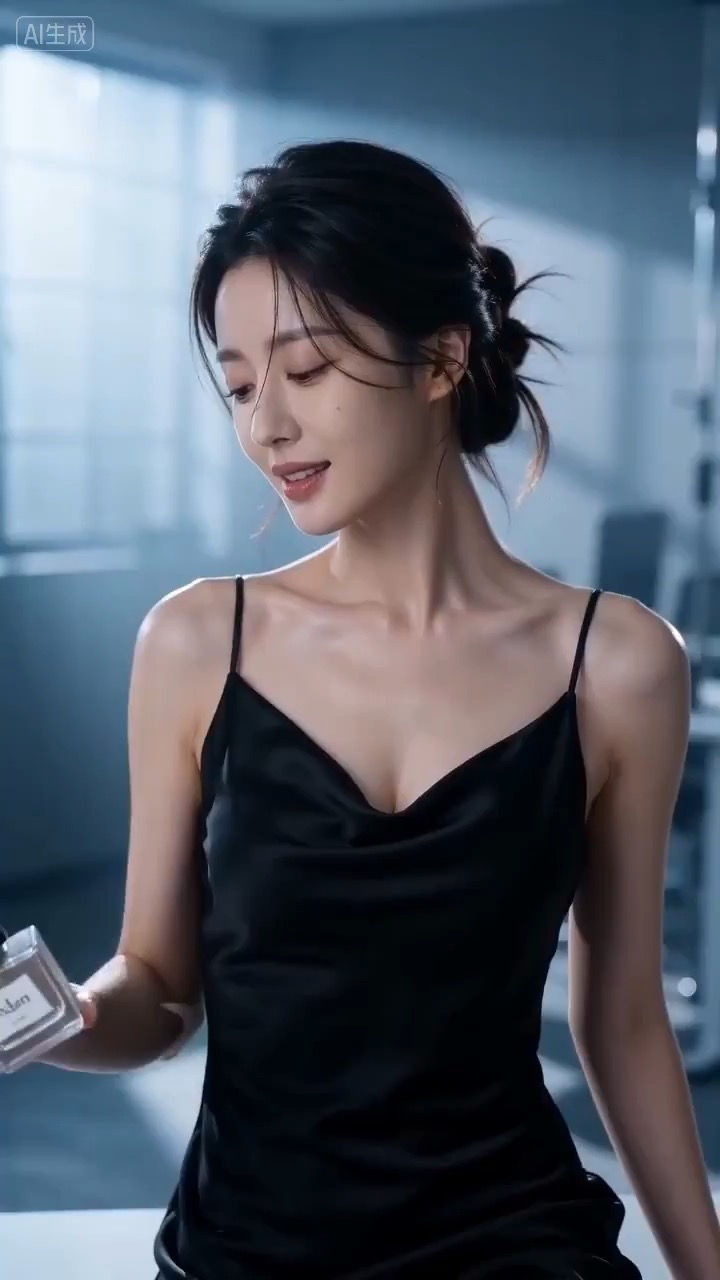
Cinematic perfume launch video preview showing product motion, light direction, camera path, and final frame.
Cinematic perfume launch video brief: setup / product reveal / camera path / continuity / clear final frame / review checks
Create a reusable video prompt for a daylight carousel half-orbit, with editable attraction details, travel mood, orbit distance, natural exposure, and review checks.
The recommended model and prompt are filled in. Choose your own inputs and generation settings.
Preview
Video Prompt
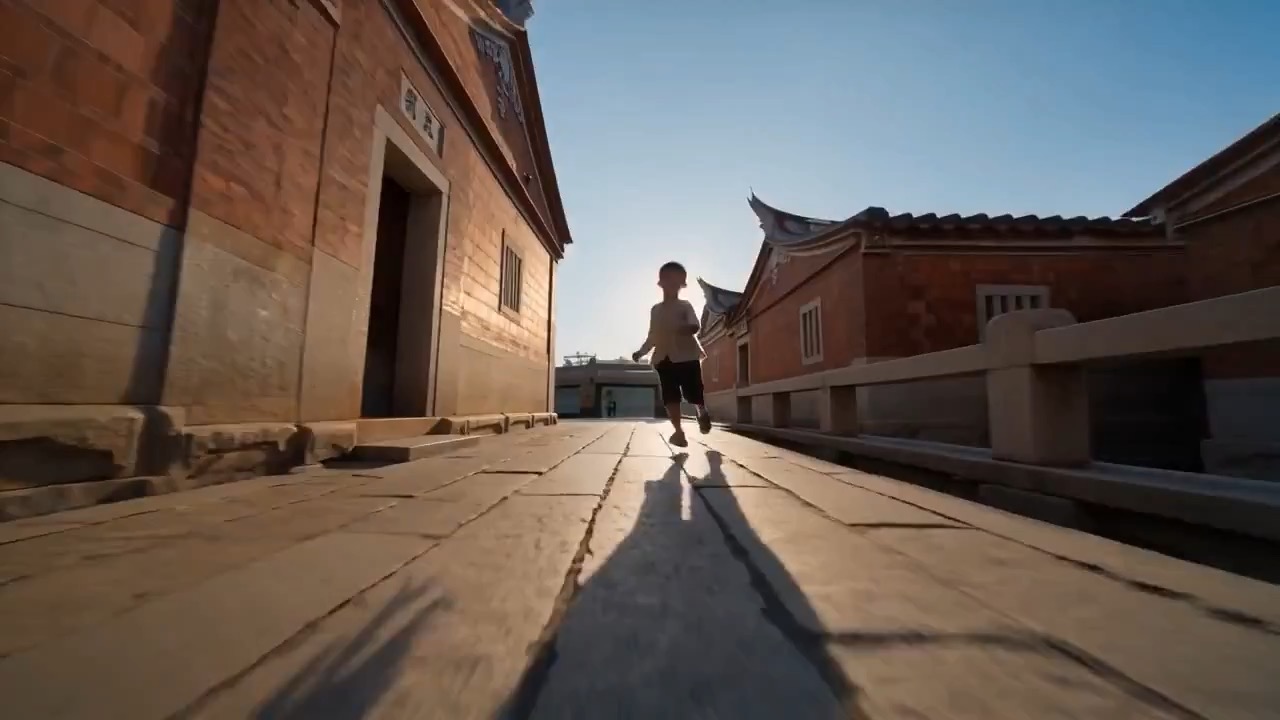
Preview for a daylight carousel half-orbit shot, focused on natural exposure, orbit stability, crowd control, carousel details, and the final close detail.
Daylight carousel half-orbit video prompt with editable attraction details, orbit distance, natural exposure, charming final detail, and brand-safe constraints.
Create an 8-10 second daylight half-orbit shot around a carousel or outdoor fairground detail. Build it as a reusable video brief with three concrete beats: open on a clean establishing frame that shows the carousel, surrounding walkway, daylight direction, season, and background crowd level; move through a smooth half-circle orbit at a controlled distance while the carousel motion, painted panels, bulbs, railings, and travel atmosphere stay consistent; end on one charming detail such as lights catching sunlight, a painted panel, a moving horse, or a clean fairground texture with an editable text or logo area kept clear. Specify pacing, lens feel, orbit distance, camera height, exposure, shadow softness, crowd density, motion blur, and continuity rules so the output stays readable. Keep the attraction, location, season, color palette, signage treatment, text, and logos editable. Avoid readable brand signs, ticket prices, copyrighted characters, warped faces, excessive motion blur, unstable orbit speed, duplicate crowds, unsafe ride behavior, and unrelated extra scenes.
Usage notes
Replace the carousel or attraction, location, season, crowd level, orbit distance, camera height, final detail, lens feel, duration, delivery channel, and any editable text or logo area before running.
Prompt FAQ
Replace the attraction, location, season, crowd level, orbit distance, camera height, final detail, lens feel, duration, delivery channel, and any editable text or logo area.
Review orbit stability, natural exposure, carousel detail consistency, crowd control, face safety, brand safety, usable final detail, and any generated text or logos that need cleanup.
Yes. Keep the core structure, then adjust detail level, aspect ratio, and constraints for the model you choose in Rivya.
More prompts in this mode