
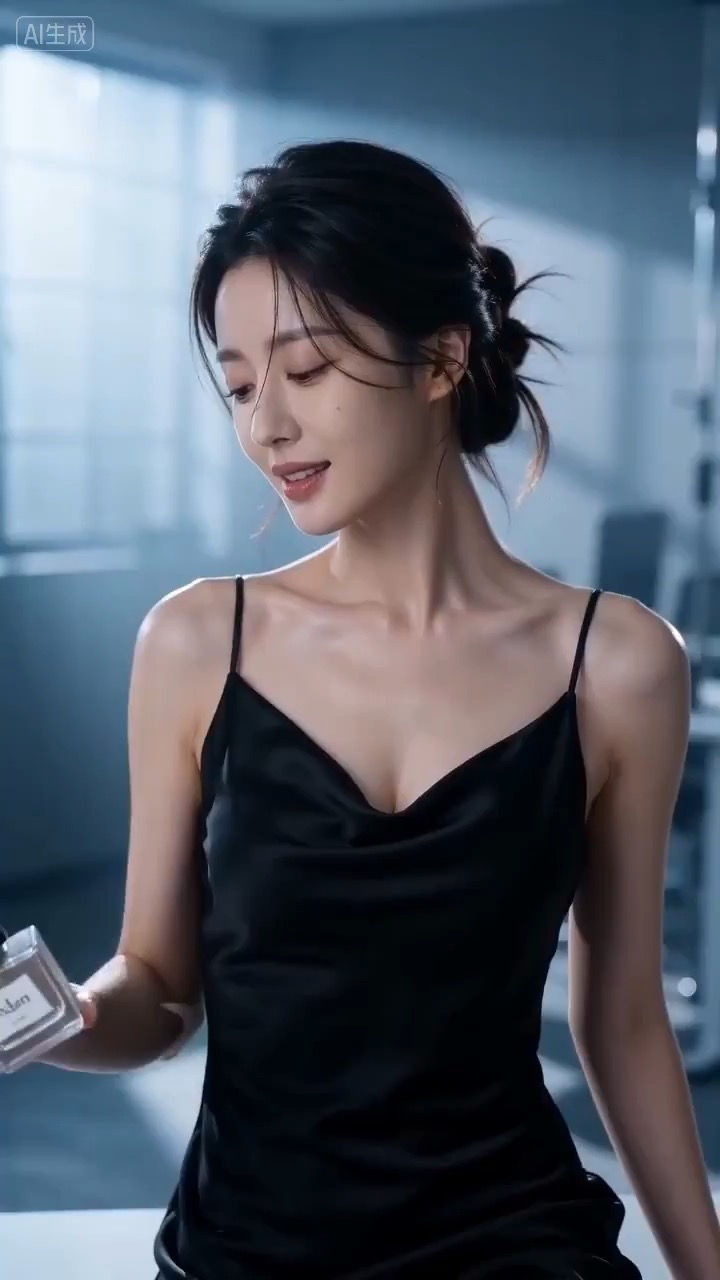
15.1 sec
Cinematic perfume launch video preview showing product motion, light direction, camera path, and final frame.
Cinematic perfume launch video brief: setup / product reveal / camera path / continuity / clear final frame / review checks
Create a reusable video prompt for an app onboarding motion storyboard, with editable UI steps, screen copy, gesture cues, camera path, and review checks.
The recommended model and prompt are filled in. Choose your own inputs and generation settings.
Preview
Video Prompt
Preview for an app onboarding motion storyboard, focused on welcome setup, UI step transitions, gesture cues, editable copy, and the final success frame.
App onboarding motion storyboard prompt with editable UI steps, screen copy, gesture cues, camera path, success ending, and brand-safe constraints.
Generate an 8-10 second video prompt centered on an app onboarding motion storyboard. Build it as a reusable video brief with three concrete beats: open on a clean welcome screen that frames the user's goal and the app's first promise; move through two or three editable UI panels where sign-up, setup, and first action connect through animated cards, arrows, tap cues, or cursor highlights; end on a stable success screen or dashboard hero frame that can work for a landing page preview, product showcase, or social cutdown. Shape the clip like a product explainer: keep interface text generic and editable, make screen transitions readable, preserve spatial continuity between panels, and show one satisfying motion beat that explains the workflow without exposing real customer data. Specify pacing, lens feel, camera distance, lighting, motion blur, and continuity rules so the output stays readable. Keep all app screens, interface text, user details, icons, colors, and logos editable. Avoid real brand names, celebrity references, fixed IP, unreadable microcopy, customer data, unsafe claims, sudden teleport cuts, inconsistent UI scale, warped hands, and unrelated extra scenes.
Usage notes
Replace the app category, onboarding steps, screen mockups, UI copy, gesture cues, camera move, duration, delivery channel, and any editable logo area before running.
Prompt FAQ
Replace the app category, onboarding steps, screen mockups, UI copy, gesture cues, camera move, duration, delivery channel, and any editable logo area.
Check motion readability, subject continuity, camera stability, brand safety, usable final frame, and whether any generated text or signage needs cleanup.
Yes. Keep the beat structure and constraints, then adjust detail density, aspect ratio, and duration for the model you choose in Rivya.
More prompts in this mode
Cinematic perfume launch video preview showing product motion, light direction, camera path, and final frame.
Cinematic perfume launch video brief: setup / product reveal / camera path / continuity / clear final frame / review checks
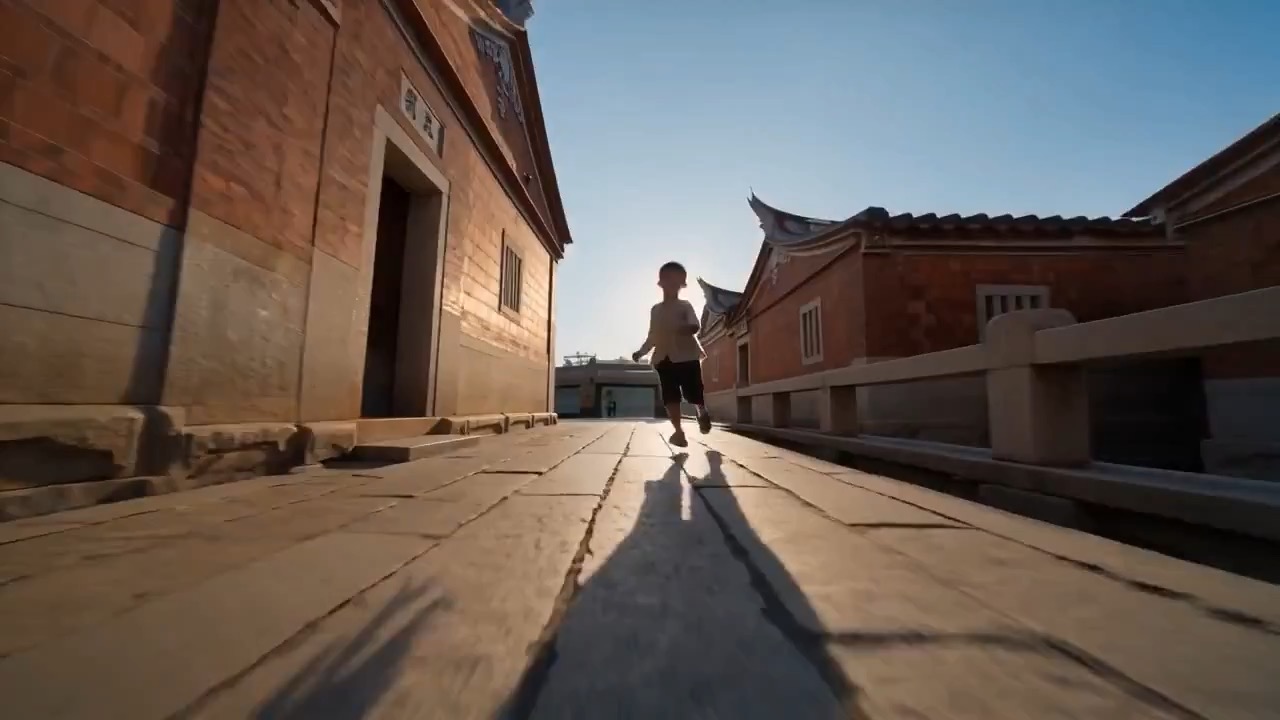
Quanzhou heritage event teaser video preview with warm old-street details and editable event title space.
Warm light crosses Quanzhou-inspired stone streets, the camera glides past maritime and temple details, visitors move naturally, and the teaser ends with editable event title space.
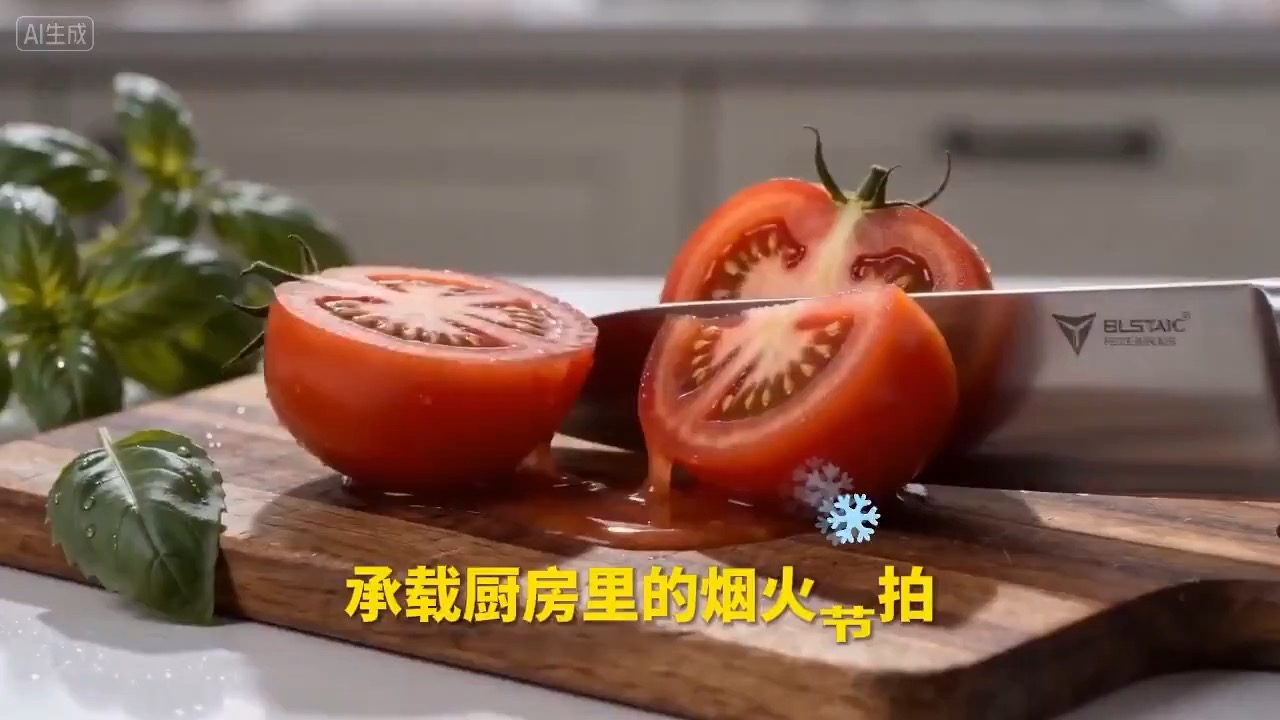
Social food ad cutdown video preview showing motion rhythm, subject continuity, camera direction, and final hero frame.
Social food ad cutdown video brief: setup / main motion / camera path / continuity / hero ending / review checks