15.1 sec
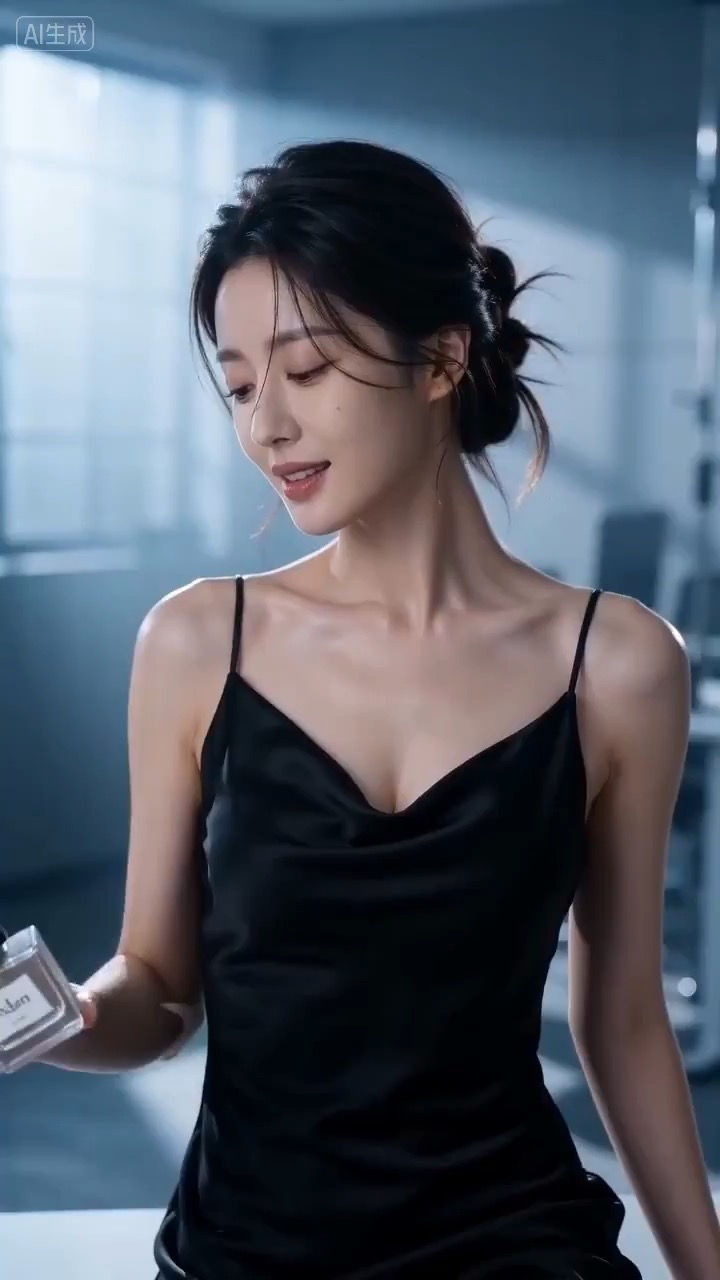
Cinematic perfume launch video preview showing product motion, light direction, camera path, and final frame.
Cinematic perfume launch video brief: setup / product reveal / camera path / continuity / clear final frame / review checks
A backstage performance prompt for rising tension, practical light, and a clean stage-entrance reveal.
The recommended model and prompt are filled in. Choose your own inputs and generation settings.
Preview
Video Prompt
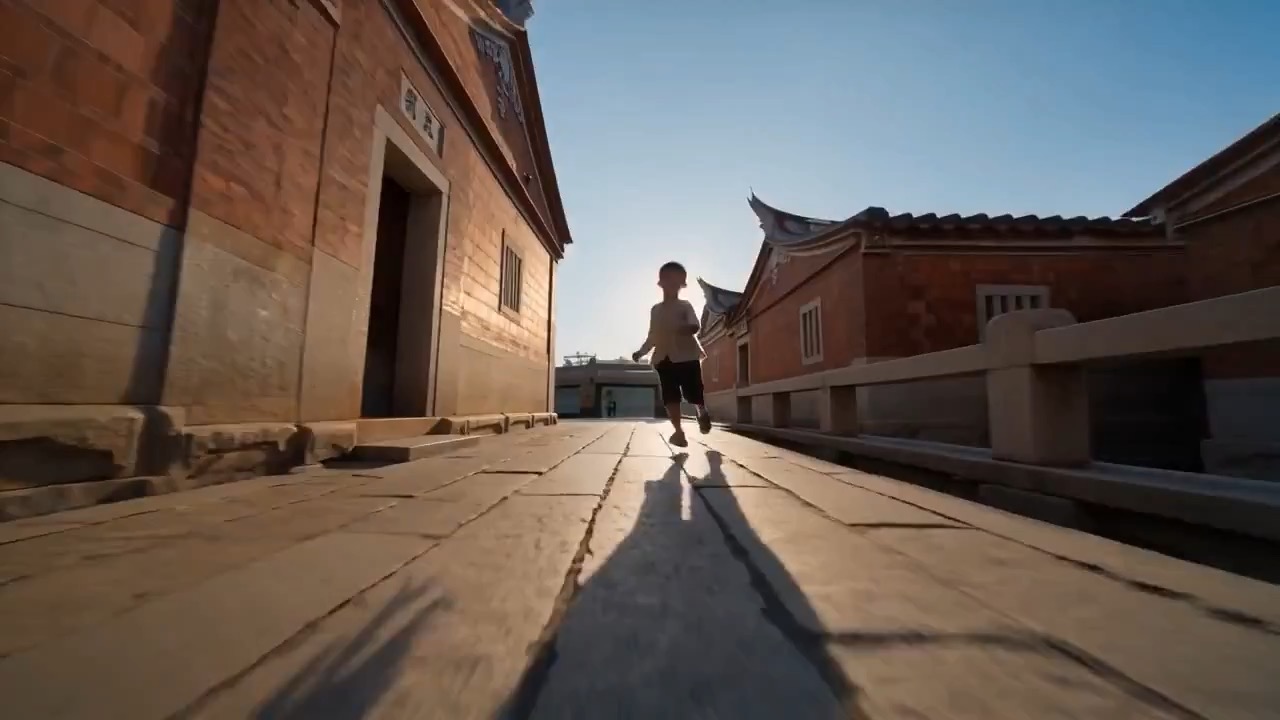
Preview clip for a backstage stage-entrance countdown, focused on practical light, camera rhythm, continuity, and the final reveal.
Backstage stage-entrance countdown video prompt: scene setup, motion beats, camera rhythm, continuity guardrails, and final reveal frame.
Create an 8-10 second backstage stage-entrance countdown. Begin in dim practical light with curtain texture, show hands adjusting a prop or costume detail, introduce a spotlight spill, then end as the performer steps toward the stage entrance. Keep identities generic and the venue fictional. Avoid real show names, copyrighted costumes, readable posters, unsafe rigging, or exaggerated stage smoke that hides the action.
Usage notes
Replace the performance type, prop, lighting cue, entrance beat, and stage scale.
Prompt FAQ
Replace the performance type, setting, clip length, prop or costume detail, lighting cue, camera move, and final entrance beat before running.
Review the output for readable motion, stable subject continuity, clean camera rhythm, usable ending frame, and any generated text or logos that need manual cleanup.
Yes. Keep the core structure, then adjust detail level, aspect ratio, and constraints for the model you choose in Rivya.
More prompts in this mode