
Back to prompt library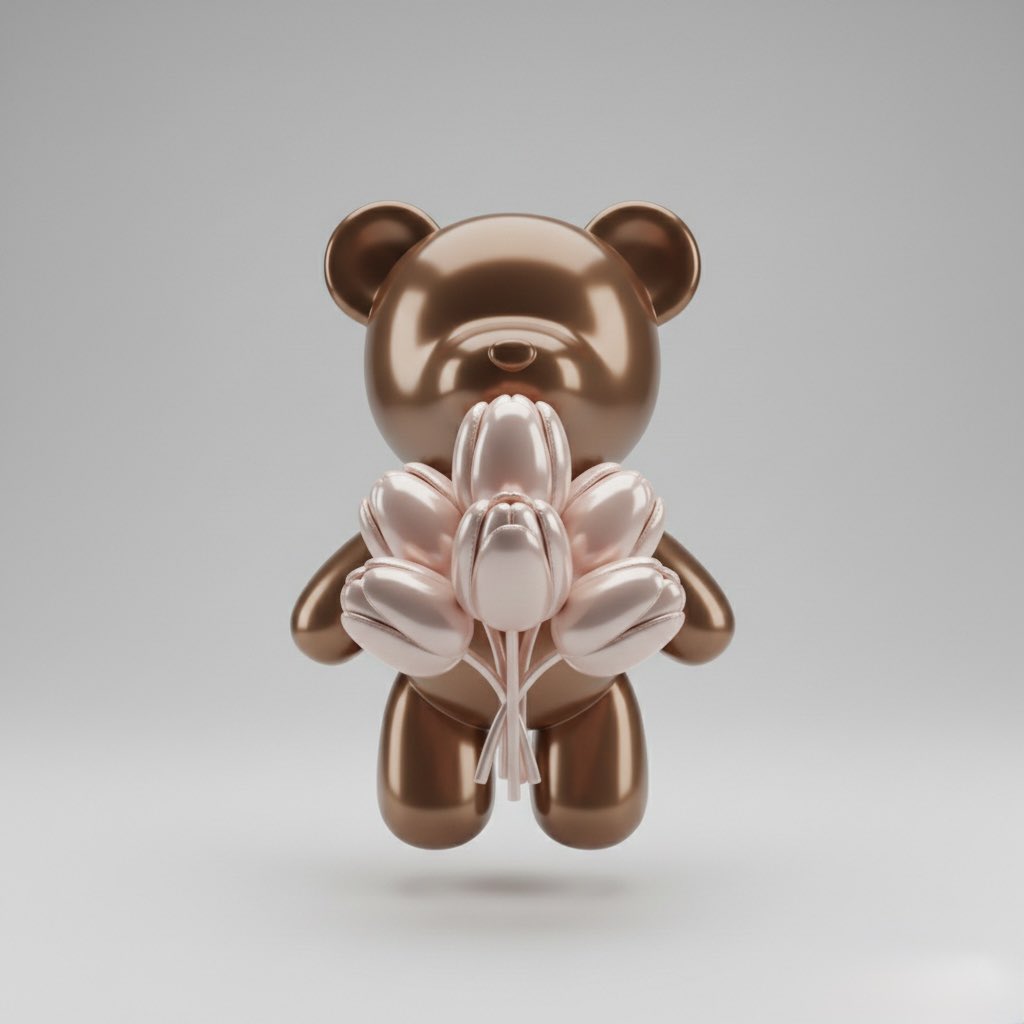


Prompt libraryImage Prompt
Designer Toy Clean Cutout
Create a product-ready cutout prompt for an original designer toy with crisp silhouette, clean background, soft shadow, and editable markings.
ProductClean backgroundCutout
Preview
Image Prompt
Recommended model
Recraft Remove Background
Output format
Image prompt template
Preview
Image Prompt
Preview for a designer toy clean cutout, focused on original character shape, clean material finish, edge quality, and editable markings.
Full prompt
Designer Toy Clean Cutout
Designer toy clean cutout prompt with original toy character, crisp silhouette, soft studio shadow, clean background, and editable markings.
Recommended model: Recraft Remove BackgroundOutput format: Image prompt template
Full prompt
Image PromptDesign a production-ready image prompt for a designer toy clean cutout. Define the original toy character, pose, head shape, body proportions, material finish, color palette, small accessories, front-facing or three-quarter angle, studio lighting, edge shadow, background color, transparent-background needs, aspect ratio, and final delivery use. Treat the toy as a product asset: keep the silhouette crisp, show clean vinyl, resin, plush, or clay texture, separate the figure from the background, and leave enough padding around ears, limbs, props, and base for ecommerce, catalog, sticker, packaging, or social use. Keep face markings, symbols, labels, and packaging details abstract or editable. Avoid protected characters, copied toy designs, real brand logos, celebrity likenesses, readable fixed text, messy edge halos, cropped limbs, warped proportions, noisy backgrounds, harsh reflections, and elements unrelated to a designer toy clean cutout.
Usage notes
Replace the toy character, pose, material finish, palette, accessory set, camera angle, background treatment, aspect ratio, and delivery use before running.
Prompt FAQ
Before you use this prompt
Quick checks for inputs, model fit, and how to adapt the template without weakening the result.
What should I customize in this designer toy cutout?
Replace the toy character, pose, material finish, palette, accessories, camera angle, background treatment, padding, aspect ratio, and delivery channel.
How should I review the image output?
Check that the toy is original, edges are clean, limbs and accessories are not cropped, markings remain editable or abstract, and no protected characters or real logos appear.
Can I adapt this for another product asset?
Yes. Keep the cutout logic, clean background, edge review, and rights review, then swap the toy type, material, pose, palette, and crop.
More prompts in this mode