
Recraft Remove Background is Rivya's focused AI background remover for turning product photos, portraits, and design assets into clean cutouts without starting a new image generation run.
The final task cost is rounded up to whole credits.
Example output
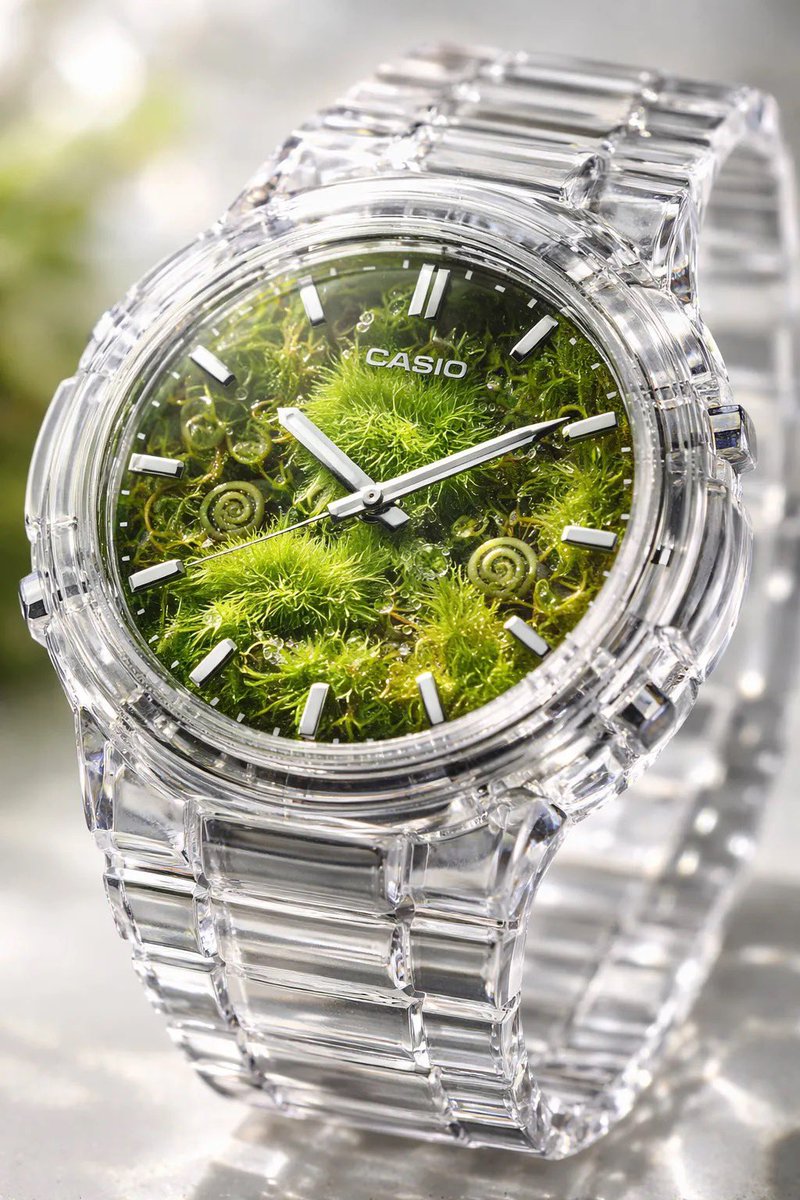
Example; generating model unverified · Preview for a transparent crystal watch micro oasis, focused on crisp product geometry, glass reflections, miniature oasis detail, and editable marks.
Background Removal · Subject Cutout
Example output
Example; generating model unverified · Preview for a transparent crystal watch micro oasis, focused on crisp product geometry, glass reflections, miniature oasis detail, and editable marks.
Best for
Supports
Online trial
No results to display yet.
Prompt starters
Model examples
Browse template previews for ideas. Each caption indicates whether generation with this model has been verified.
Example; generating model unverified · Preview for a transparent crystal watch micro oasis, focused on crisp product geometry, glass reflections, miniature oasis detail, and editable marks.
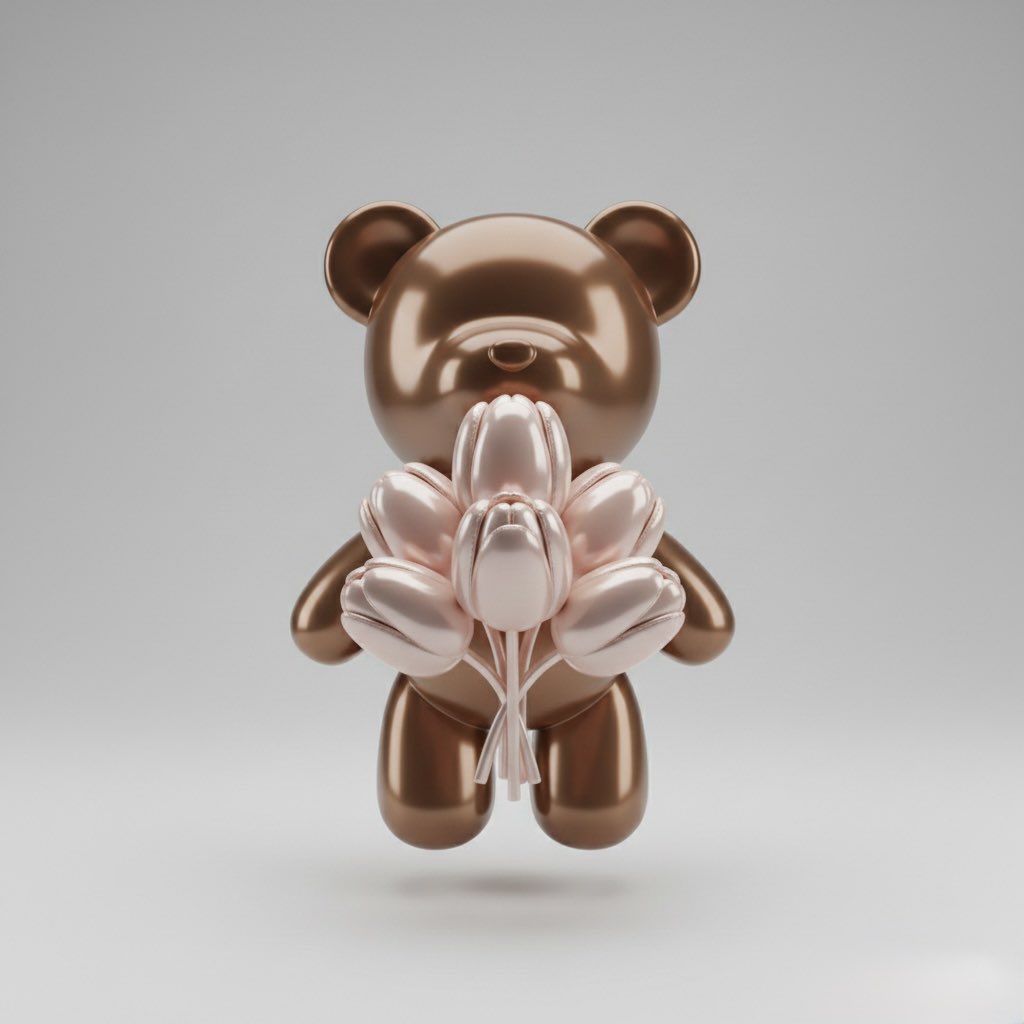
Example; generating model unverified · Preview for a designer toy clean cutout, focused on original character shape, clean material finish, edge quality, and editable markings.
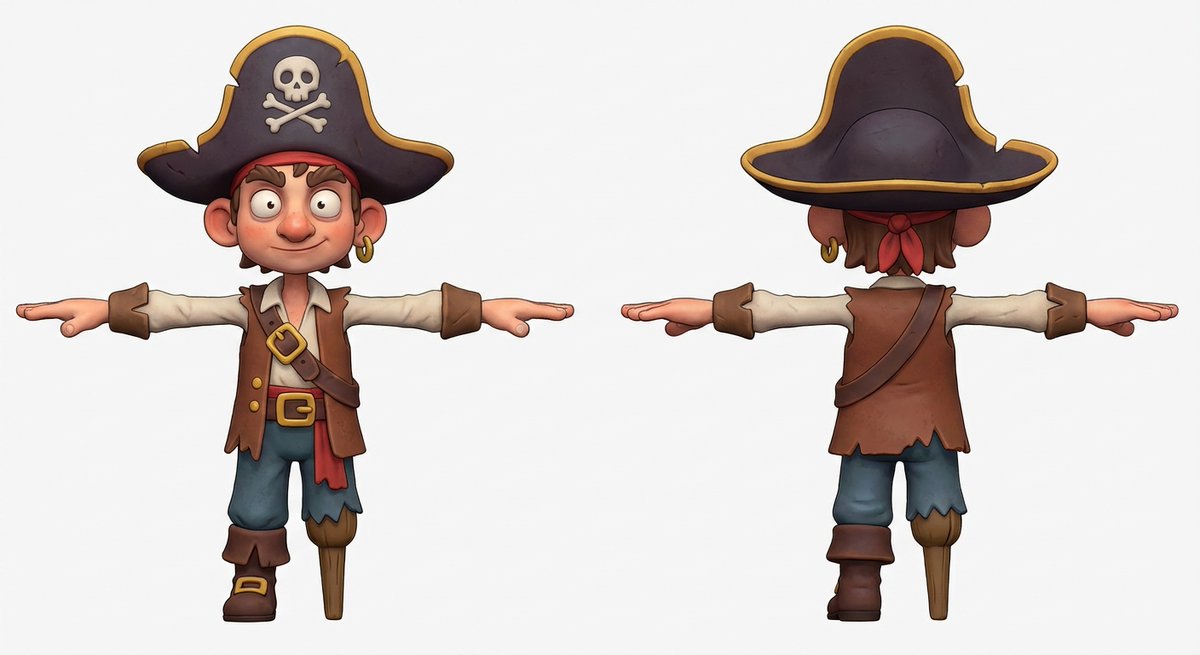
Example; generating model unverified · Preview for Clay Character Turnaround Cutout, focused on character consistency, clay texture, clean background, full-body crop, and cutout readiness.
Decision fit
Decision fit
Recraft Remove Background FAQ
Use Recraft Remove Background when the subject is already right and only the background needs to go. It fits product and catalog cutouts, transparent assets for ads or marketplaces, and cleaner profile or team photos before layout work begins.
On Rivya, Recraft Remove Background currently supports background removal and subject cutout. It can also take one source image. This option is built around an existing source asset rather than a prompt-only generation flow.
The first thing to judge here is source-asset quality. On projects like this, the value usually does not come from writing a more elaborate prompt; it comes from deciding whether the source asset is already good enough to justify enhancement or cleanup instead of regeneration.
Rivya charges a fixed 1 credit for each background-removal request.
Choose Recraft Remove Background when the source asset is already the right asset and the job is to preserve it while improving one specific part of the result. If you still need new composition, style, motion, or content, a generation or edit option is usually the better first stop.
Start here when the first run is aimed at removing the background from one product, portrait, or catalog image before design work, preparing transparent cutouts for ads, decks, listings, and marketplaces, or cleaning profile and team photos when the only change needed is the background. That keeps the first run practical: check the input, direction, and output quality here before turning it into a longer project.
This page currently supports background removal and subject cutout. That keeps the first result centered on whether the existing source is worth taking through removing the background from one product, portrait, or catalog image before design work rather than restarting the work from scratch. You can also bring in one source image. Where the model is not prompt-first, this page stays organized around the source asset instead of pretending everything starts from a blank prompt.
Before you run it, the main checks are source-asset quality and whether the source asset is actually ready for a processing step. On cleanup, enhancement, and upscale options, the real first decision is often whether the source file is already strong enough to preserve.
The page is public, but processing requires sign-in. Each request costs a fixed 1 credit.
Stay on this page while you are still judging whether the source asset is worth processing and whether the first result is enough to move toward removing the background from one product, portrait, or catalog image before design work. Open the full Studio once the work starts involving multiple source files, saved versions, or a longer post-processing project.
Compare alternatives
Generate images from text or edit with up to 16 reference images. Choose 1K, 2K, or 4K and an automatic, transparent, or opaque background.
Why consider it
Consider it when your next task needs Prompt + optional images.
Generate images from text or edit with up to 16 reference images. Choose 1K, 2K, or 4K and an automatic, transparent, or opaque background.
Why consider it
Consider it when your next task needs Prompt + optional images.
OpenAI's newer GPT Image model on Rivya, with text-to-image, image-to-image, up to 16 reference images, and clear 1K / 2K / 4K credit tiers.
Why consider it
Consider it when your next task needs Prompt + optional images.
Best-fit tasks
Use it when the task looks like this
Model details
Provider
Recraft
Category
Image
Capabilities
Background Removal · Subject Cutout
Credit model
Credit rate: 1 / image
Input path
1 image reference
Prompt setup
Optional