
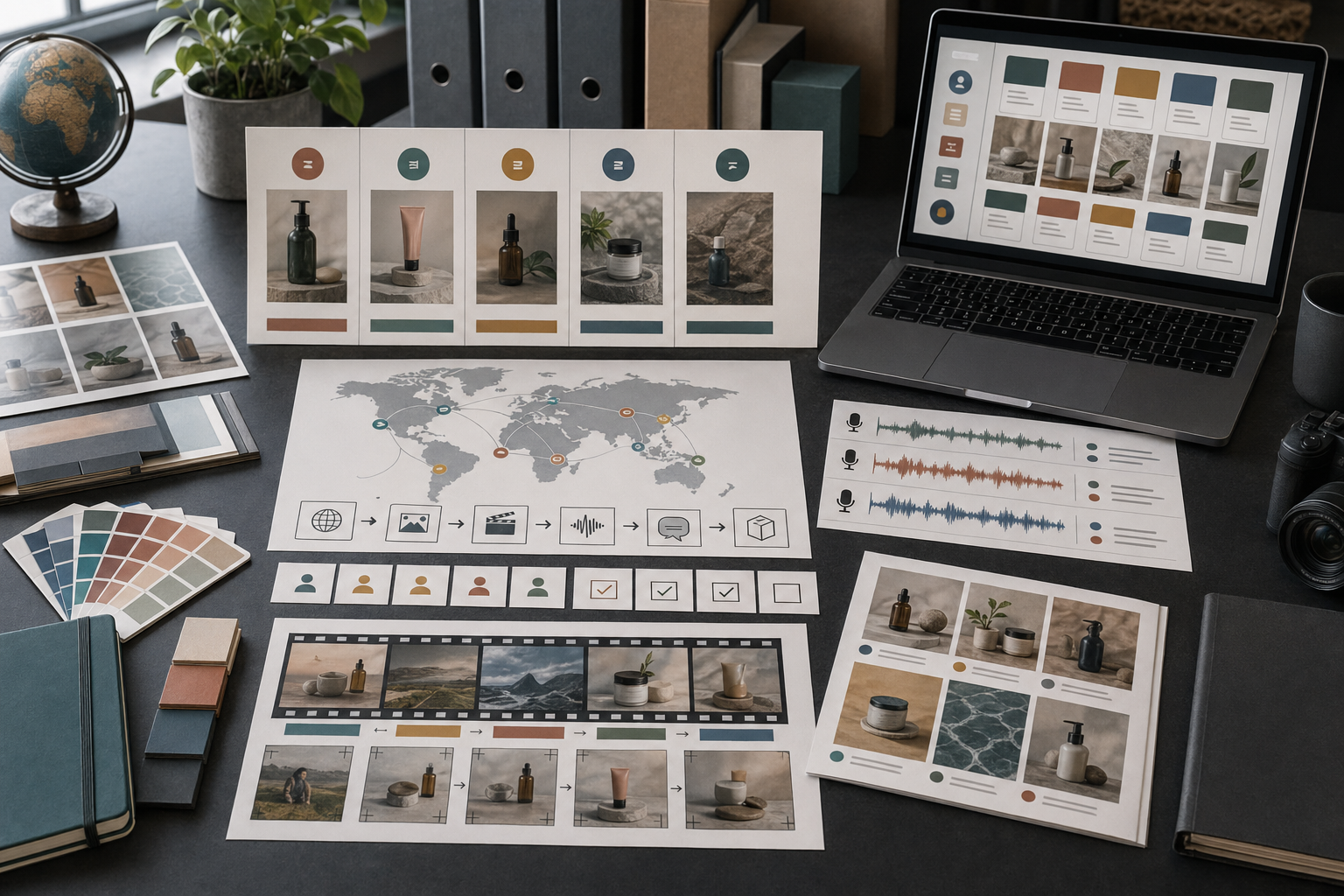
Localization is not translation with a new file name.
For creative assets, localization can change text, voice, visuals, examples, pacing, claims, and the way a call to action feels. Rivya can help across image, video, audio, and chat workflows, but only if the localization brief says what should stay the same and what can adapt.
The Localization Brief
Before localizing an asset, write a brief:
Original asset: [image, video, voice, landing-page visual, campaign set]
Target audience: [locale, market, user group]
Core message: [what must stay the same]
Adaptable elements: [examples, voice tone, visuals, units, CTA]
Do not change: [product promise, legal claim, feature wording, brand rule]
Review risk: [claims, cultural fit, voice, text, visual context]
A clear brief prevents localization from becoming random rewriting.
Preserve Meaning, Adapt Expression
The core message should stay stable.
But expression may need to change:
sentence length
examples
idioms
voice tone
visual context
units and currency
call to action
pacing for spoken content
A localized asset should feel native to the audience, not copied from another language.
Separate Text, Visuals, And Voice
Localization can touch different layers:
captions and on-page text
spoken voice
background scenes
product screenshots
people, gestures, or props
offer wording
video pacing
Do not localize every layer equally. Sometimes only the voice changes. Sometimes the image context changes while the product message stays the same.
Localize Images Carefully
For images, check whether the asset includes:
readable text
region-specific props
people or gestures
packaging or claims
currency or measurement units
marketplace expectations
If the image is product-led, keep the product stable. Localize the surrounding context only when it improves audience fit.
Use Image Studio in Rivya for visual versions and Image References in Rivya when product identity must stay stable.
Localize Video And Voice Together
Video and voice should be reviewed as one asset.
A translated script may become longer. A localized voice may need different pacing. A scene that feels natural in one market may feel staged in another.
Use Video Studio in Rivya for visual direction and Audio Studio in Rivya for spoken versions. Then review the combined result before publishing.
Review For Native Fit
Check:
does the wording sound natural?
do examples fit the audience?
are units, dates, and currency appropriate?
does the voice tone match the market?
does the visual context feel believable?
does the call to action sound normal?
did the core promise stay unchanged?
Semantic alignment matters. Mechanical translation is not enough.
Common Localization Mistakes
Avoid:
translating every sentence literally
keeping visuals that no longer fit
using the same voice pace across languages
changing the core promise while adapting examples
forgetting claim or legal review
treating localized pages as duplicate content instead of native versions
ignoring how the asset will look in the target channel
Localization should preserve meaning while adapting expression.
A Practical Rivya Localization Flow
Use this sequence:
Write the localization brief.
Decide which layers need adaptation: text, image, video, voice, or all of them.
Start in Chat or Chat Studio to reshape copy or prompts when needed.
Use Image, Video, or Audio with the matching Studio for the actual localized asset.
Review the localized version with a native-speaker mindset.
Use Commercial Review Checklist before publishing campaign assets.
Next Steps In Rivya
Start visual localization in Image, motion localization in Video, and spoken localization in Audio.
Use Localizing Content with Rivya for the product-level localization guide.
Use AI Podcast and Voice Workflow when spoken content is central.
Use AI Content Production Checklist before final delivery.
Use Safe Upload Guidelines before uploading sensitive source files.



