Wan Animate 2 cannot generate videos on Rivya yet. If you need to make a video now, compare the available Wan and Kling models below.
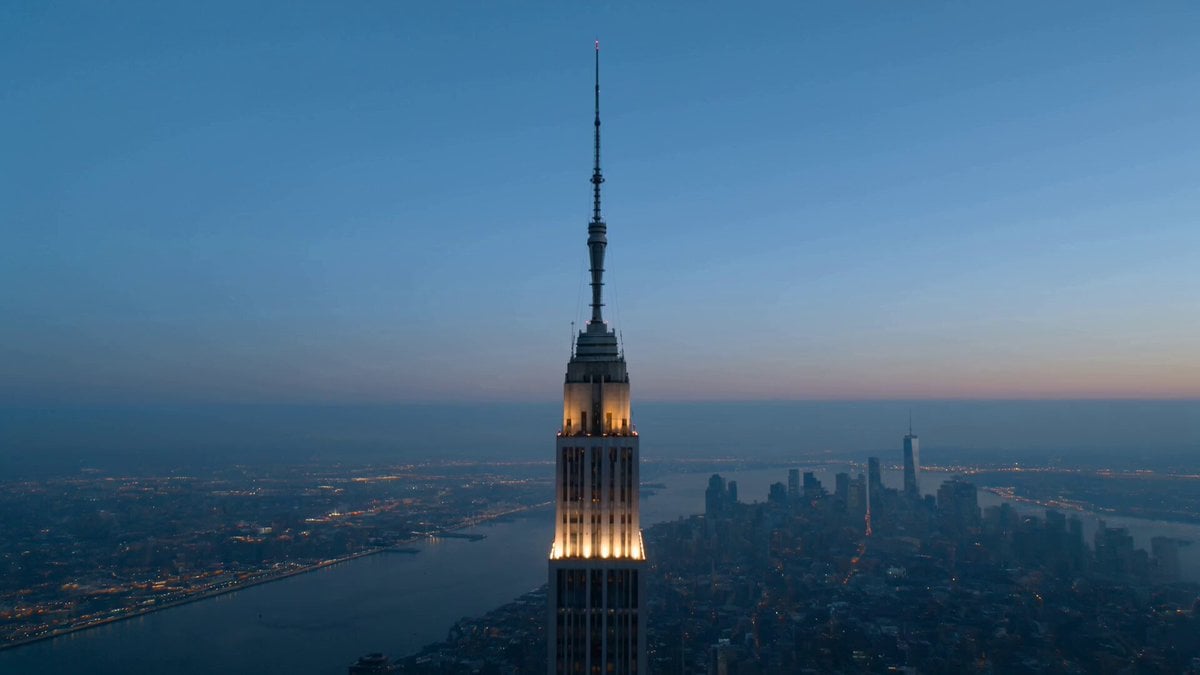
Example output
Wan Animate 2
Example output
Wan Animate 2
Best for
Supports
Coming Soon
This page shows Wan Animate 2's status. It does not offer generation or uploads, and the model cannot accept Public API requests. No release date is announced here.
Available alternatives
Model examples
Review examples to help decide whether the model fits your task.
Model strengths
Model strengths
Suggested uses
Tasks to consider
Model details
Provider
Wan
Category
Video
Wan Animate 2 FAQ
It is listed on Rivya, but you cannot generate with it yet. The "Video to Video" label describes how it is listed, not an available workflow. Rivya has not published generation settings, media limits, pricing or a release date for this model.
No. Wan Animate 2 cannot run in Studio or through the Public API. Choose an available video model below and check its inputs before starting.
Compare alternatives
Choose Wan Animate Replace when the source clip already has the right motion and framing, and only the visible subject should change. Go back to prompt-led generation when the whole shot needs to be reimagined, or use a broader editing project when more than a subject swap is on the table.
Why consider it
Wan 2.2 Animate Replace requires 1 replacement image and 1 source video. You do not need a text prompt. Check its media requirements before uploading.
Exact 1-image + 1-motion-video project keeps identity and movement roles clear Standard (720P): 20 × verified motion-video seconds; Pro (1080P): 27 × seconds
Why consider it
Kling 3.0 Motion Control needs 1 character image and 1 reference video. Choose character orientation and check the accepted media formats before uploading.
Dedicated motion-transfer project for driving one subject from one reference image plus one motion video. Use it when you want a cheaper Kling motion-control pass and can live without the extra scene controls in Kling 3.0 motion-control.
Why consider it
For Kling 2.6 Motion Control, prepare 1 character image and 1 reference video. Check its orientation settings, media limits and credit estimate before choosing it.
