Kling 2.6 Motion Control is Rivya's lower-cost Kling motion-transfer path for driving one character image with one motion clip when text-to-video is not the goal.
Exact 1-image + 1-motion-video project, so it is clear what drives identity and what drives movementCheaper entry point than Kling 3.0 motion-control at 16 / 22 credits
Optional prompt lets the uploaded motion clip stay primary
Input
1 image + 1 motion video
Output
AI Video Generator
Credits
From 16 credits per generation
Best for
Driving one character from a still image plus a separate motion-reference clip
Example output
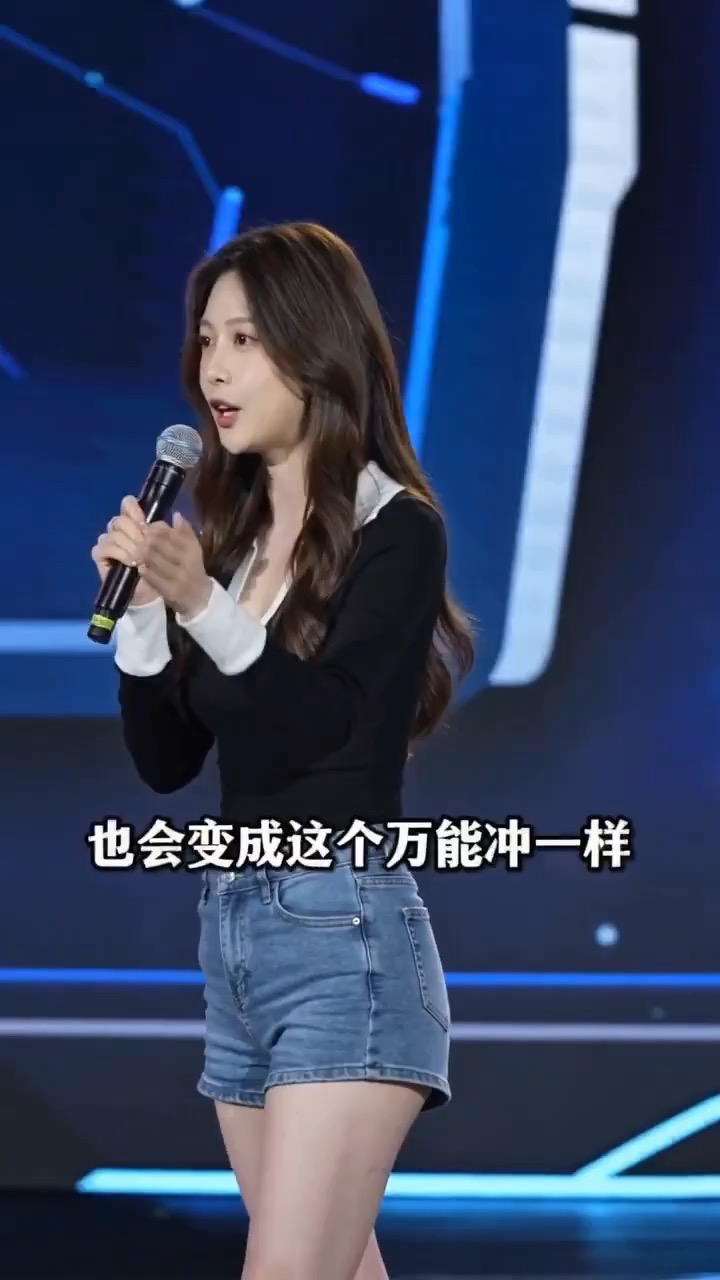
Preview for an AI era warning stage speech, focused on scene setup, camera path, motion continuity, editable details, and the final hero frame.
Check the input, output, credits, and example result, then try this model directly on the page. Move into Studio when you need saved history, assets, or longer iteration.
Example output
Preview for an AI era warning stage speech, focused on scene setup, camera path, motion continuity, editable details, and the final hero frame.
Best for
Driving one character from a still image plus a separate motion-reference clipLower-cost motion-transfer tests before moving up to Kling 3.0 motion-controlShort dance, gesture, and previs studies where orientation control mattersCases where the motion video should stay primary and the prompt should stay light
Supports
Motion TransferReference Motion Video
Online trial
Try Kling 2.6 motion-control
Use Kling 2.6 Motion Control to transfer motion from one driving clip onto one character image at a lower Kling control tier.
Results
Kling 2.6 motion-control
KuaishouVideo to Video
Kling 2.6 Motion Control is Rivya's lower-cost Kling motion-transfer path for driving one character image with one motion clip when text-to-video is not the goal.
Kling 2.6 motion-control
No result yet. Submit a prompt to start a run.
Motion TransferReference Motion Video
Prompt starters
Start Kling 2.6 motion-control with a proven prompt
Use a template already mapped to Kling 2.6 motion-control when you want a stronger first run than a blank prompt.
Preview for an AI era warning stage speech, focused on scene setup, camera path, motion continuity, editable details, and the final hero frame.
AI era warning stage speech video preview showing motion rhythm, speaker continuity, camera direction, and final hero frame.
Input
1 image + 1 motion video
What to notice
AI era warning stage speech video preview showing motion rhythm, speaker continuity, camera direction, and final hero frame.
Credits per use
From 16 credits per generation
Why this model works
Exact 1-image + 1-motion-video project, so it is clear what drives identity and what drives movement
Cheaper entry point than Kling 3.0 motion-control at 16 / 22 credits
Optional prompt lets the uploaded motion clip stay primary
Best-fit tasks
Best-fit tasks
Driving one character from a still image plus a separate motion-reference clipLower-cost motion-transfer tests before moving up to Kling 3.0 motion-controlShort dance, gesture, and previs studies where orientation control mattersCases where the motion video should stay primary and the prompt should stay light
Model proof
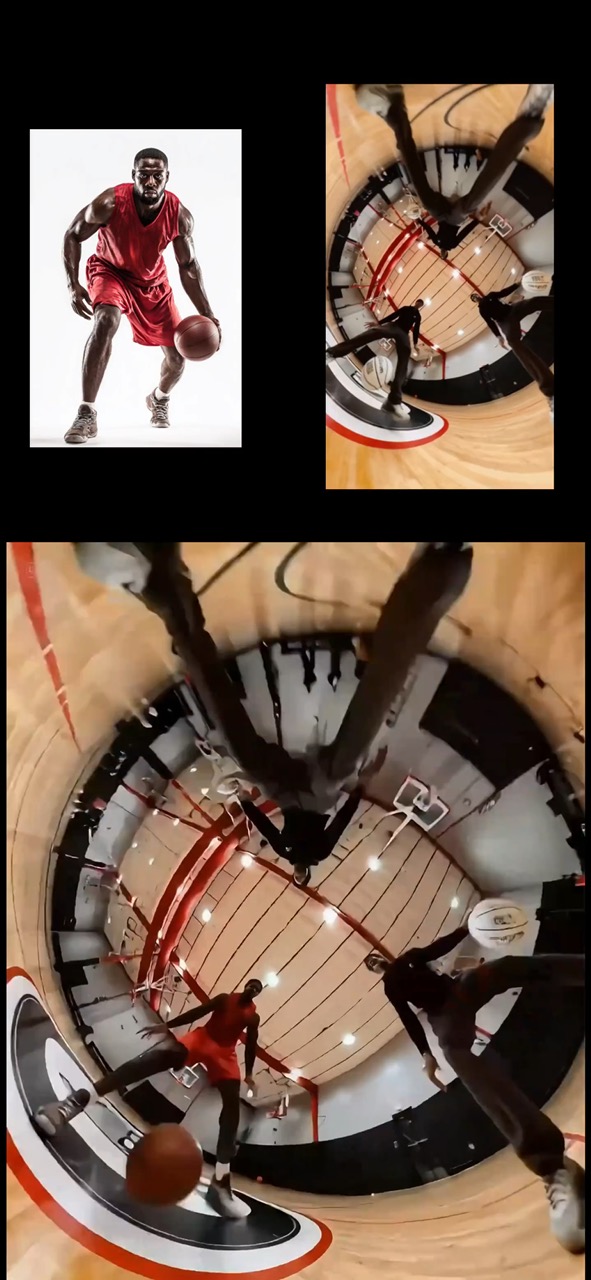
Preview for basketball player motion transfer, focused on athlete consistency, source action timing, and sports-safe continuity.
Basketball motion transfer video preview showing a referenced athlete keeping the original movement from a source clip.
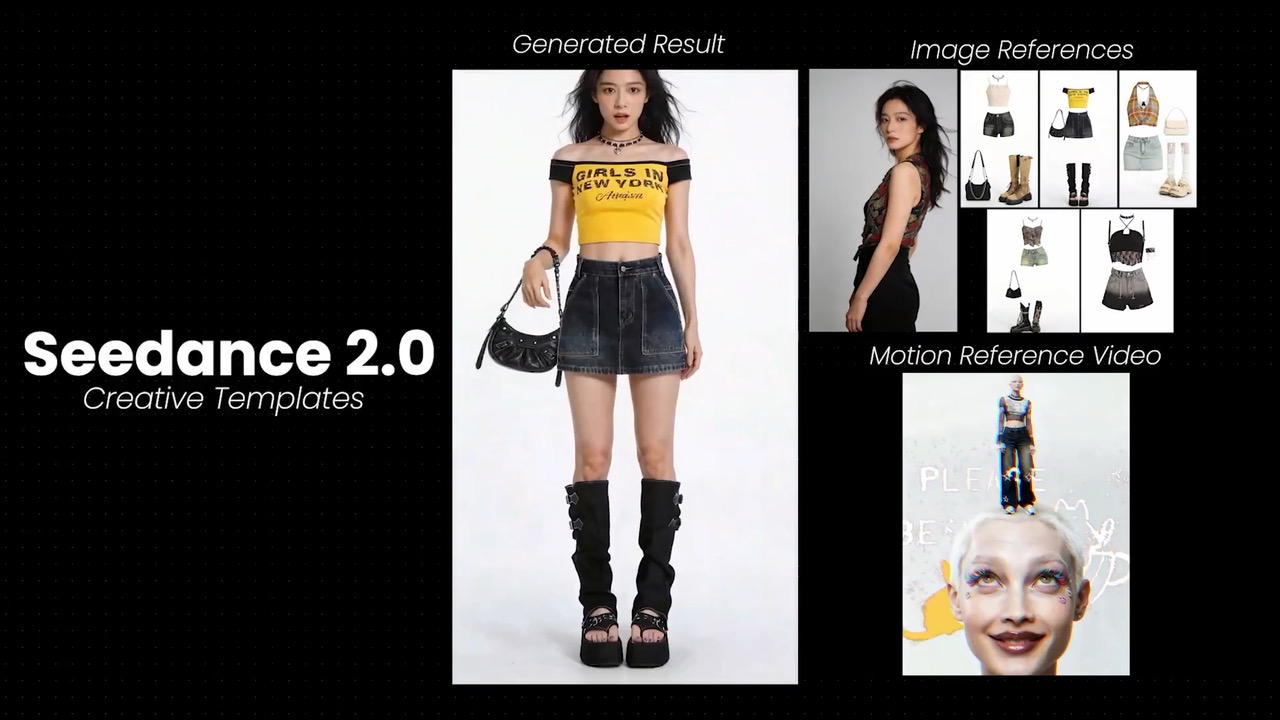
Preview for closeup outfit pose control, focused on facial consistency, outfit transitions, and restrained camera movement.
Closeup pose control video preview showing one model switching expressions and outfits near the camera.
Decision fit
When this model is the right choice
Decision fit
Fit signals
Exact 1-image + 1-motion-video project, so it is clear what drives identity and what drives movement
Cheaper entry point than Kling 3.0 motion-control at 16 / 22 credits
Optional prompt lets the uploaded motion clip stay primary
Character orientation control decides whether the result follows the motion video or the reference image more closely
Supports MP4, QuickTime, and Matroska motion videos
Best-fit tasks
Use it when the task looks like this
Driving one character from a still image plus a separate motion-reference clipLower-cost motion-transfer tests before moving up to Kling 3.0 motion-controlShort dance, gesture, and previs studies where orientation control mattersCases where the motion video should stay primary and the prompt should stay light
Quiet facts
Inputs, output, and credits to confirm
Provider
Kuaishou
Category
Video
Capabilities
Motion Transfer · Reference Motion Video
Credit model
From 16 credits per generation
Input path
1 image + 1 motion video
Prompt setup
Optional
FAQ
Kling 2.6 motion-control FAQ
When should I use Kling 2.6 motion-control for video work?
Kling 2.6 motion-control is strongest when you already have one still character image and one driving clip, and the real goal is a cheaper motion-transfer pass rather than a more configurable scene build. It fits dance, gesture, previs, and character tests where identity transfer and motion direction matter, but you do not need the extra background-source decision that Kling 3.0 motion-control adds.
What is Kling 2.6 motion-control's real scope on Rivya right now?
On Rivya, this option is built around exactly one reference image and one motion video, plus an optional prompt. The real controls are 720p versus 1080p output and character orientation, which means it is narrower and simpler than Kling 3.0 motion-control because there is no separate background-source control.
Which controls or inputs matter most once you're evaluating Kling 2.6 motion-control for real work?
The biggest decision is usually orientation, not prompt density. Follow the motion video when the driving clip should dominate the body's angle and pose; follow the reference image when the still is the identity anchor and the motion clip only needs to lend movement. That choice usually tells you quickly whether 2.6 is enough or whether the job really needs the added scene logic in 3.0.
When is Kling 2.6 motion-control worth the current credit tier on Rivya?
Rivya currently lists 16 credits at 720p and 22 at 1080p. That makes 2.6 a sensible lower-cost proving ground when you want to test identity transfer and movement before paying for the extra control setup in Kling 3.0 motion-control.
When should I choose Kling 2.6 motion-control over a lighter or cheaper alternative on Rivya?
Choose base Kling 3.0 if the shot is still mainly prompt-led. Choose Kling 3.0 motion-control when background ownership itself is part of the creative decision. Choose Kling 2.6 motion-control when you already have one image and one driving clip, and a cheaper, simpler transfer run is enough.
What can I test first on this page?
Start here when the first result is mainly about proving that one still image and one driving clip can transfer motion cleanly at the cheaper Kling tier. Use it for short dance, gesture, and previs tests when you want to validate motion and identity before deciding whether the shot deserves the heavier 3.0 option.
What can I set up on this page?
This page is built around exactly one reference image, one motion video, an optional prompt, and a simple orientation choice. You can run it at 720p or 1080p, but you do not get the background-source control that exists on Kling 3.0 motion-control.
Which controls are worth checking before I hit run?
Before you run, decide whether character orientation should follow the motion video or the reference image, and start at 720p unless the shot already looks worth the extra spend. On this model, those two choices usually matter more than adding a lot of prompt text.
Do I need to sign in before I run here, and how do credits work?
The page is public, but the actual first motion-control run is still gated behind sign in. Rivya currently lists 16 credits at 720p and 22 at 1080p, so you can line up the image, the driving clip, and the orientation choice first, then sign in when you are ready to run.
When should I stay on this page, and when should I move into the full Studio?
Stay on this page while you are checking one image-plus-video pair and checking whether 2.6 is enough for the shot. Open the full Studio once the work needs saved versions, multiple source pairs, or a longer sequence project around the same character.
Compare alternatives
Other models to consider next
Video
Seedance 2.0
ByteDance's full Seedance 2.0 video model with explicit support for prompt-only generation, frame-driven animation, and multimodal reference generation. Rivya keeps the documented role split explicit so frame inputs and multimodal references stay mutually exclusive instead of collapsing into one ambiguous upload bucket.
Why consider it
Consider it when your next task needs Prompt, frames, or image/video/audio references.
InputPrompt, frames, or image/video/audio references
CreditsFrom 64 credits per run
Best forHigher-quality short videos from prompts, frames, or reference bundles
ByteDance's faster Seedance 2.0 video model with full scene routing for prompt-only generation, frame-driven image animation, and multimodal reference video generation. Rivya keeps the documented scene split explicit so first/last-frame inputs do not collide with reference image, video, and audio roles.
Why consider it
Consider it when your next task needs Prompt, frames, or image/video/audio references.
InputPrompt, frames, or image/video/audio references
CreditsFrom 52 credits per run
Best forFast ad previs from prompts or storyboard frames
Video
Seedance 1.5 Pro
A Seedance video model for text-to-video and image-to-video with native audio-visual sync. It supports 480p–1080p, 4–12s clips, 6 aspect ratios, dynamic or fixed lens control, optional audio generation, and lip-sync.
Why consider it
Consider it when your next task needs Prompt + optional images.
InputPrompt + optional images
CreditsFrom 28 credits per generation
Best forShort clips with synced dialogue and motion