Back to prompt library
Prompt libraryVideo Prompt

Urban Flyer Cloud Flight Shot

Create a reusable video prompt for Urban Flyer Cloud Flight Shot, with editable scene beats, camera path, motion continuity, and review checks.

CityFlightCinematic
Preview

Video Prompt

Recommended model

Runway

Output format

Video prompt template

Preview

Video Prompt

8-10s
8-10s

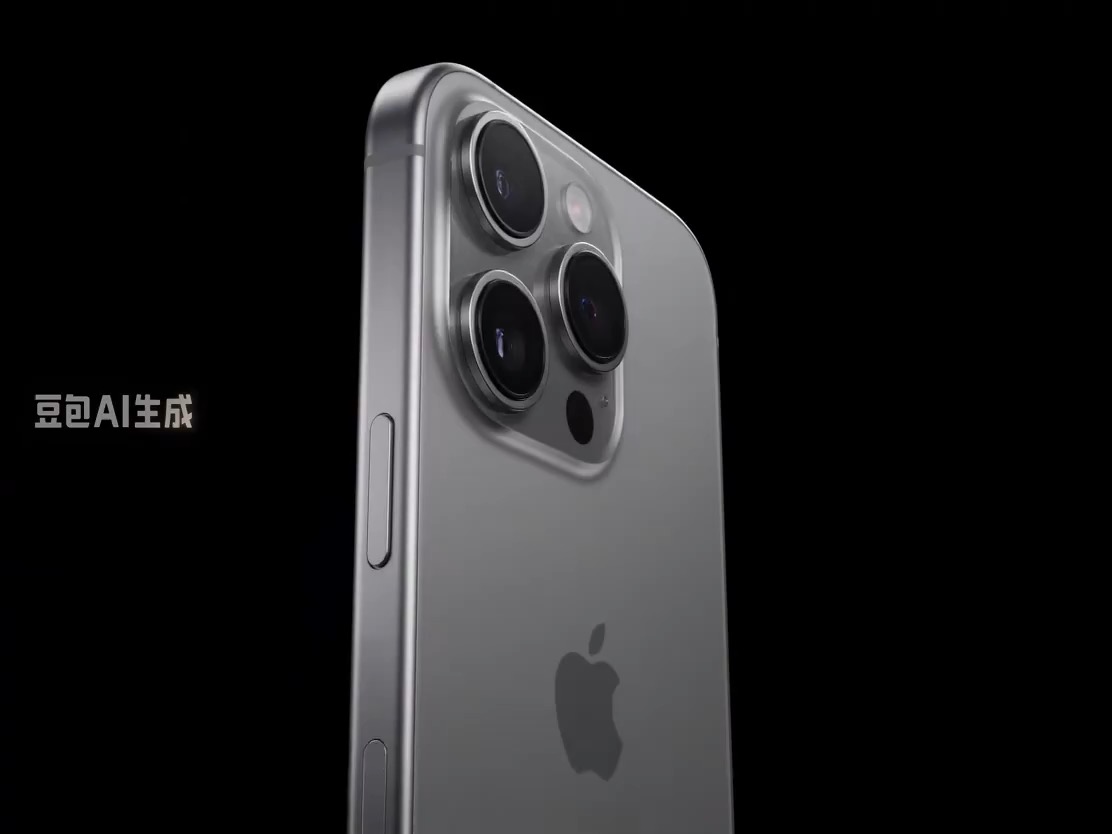
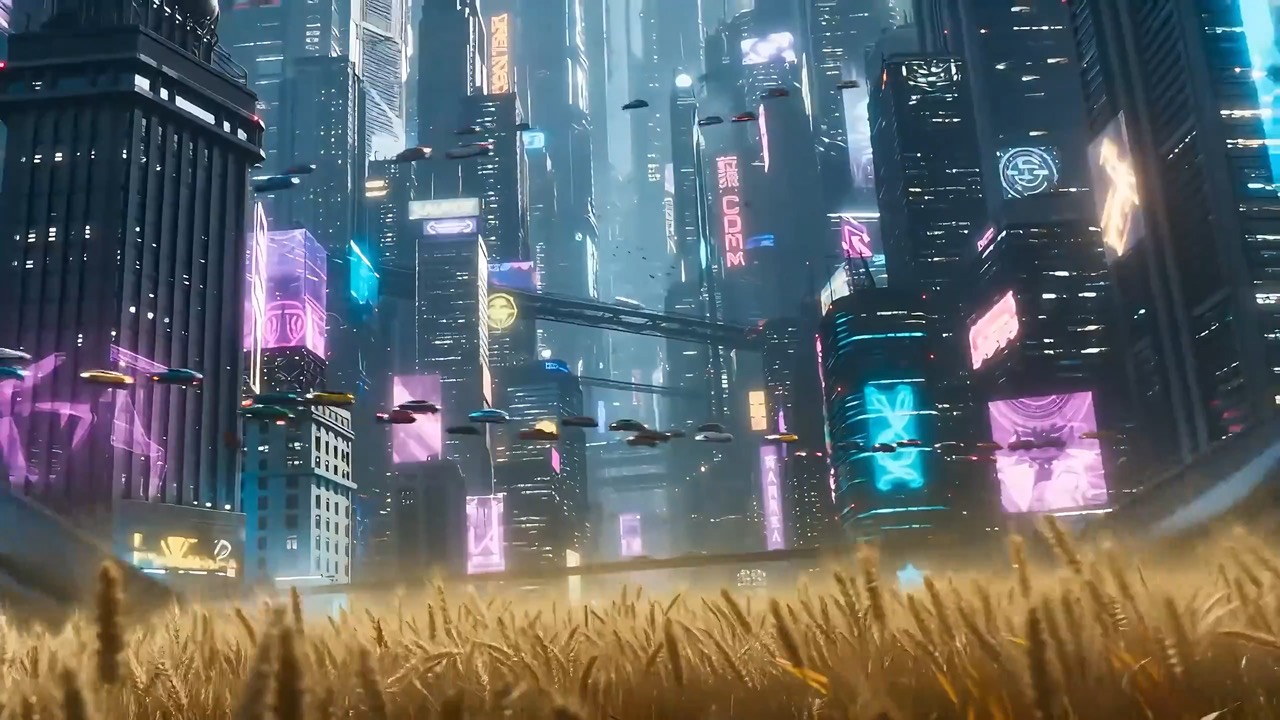
Urban Flyer Cloud Flight Shot video preview showing motion rhythm, subject continuity, camera direction, and final hero frame.

Preview for Urban Flyer Cloud Flight Shot, focused on scene setup, camera path, motion continuity, editable details, and the final hero frame.

Full prompt

Urban Flyer Cloud Flight Shot

Urban Flyer Cloud Flight Shot video prompt with editable beats, camera path, motion continuity, hero ending, and brand-safe constraints.

Recommended model: RunwayOutput format: Video prompt template
Full prompt
Video Prompt
Generate an 8-10 second video prompt centered on Urban Flyer Cloud Flight Shot. Build it as a reusable video brief with three concrete beats: open by establishing the subject, setting, and visual promise; move into the main action, transformation, or reveal with a clear camera path; end on a stable hero frame that can work for a landing page preview, product showcase, or social cutdown. Keep the surreal or stylized idea grounded through concrete beats, controlled camera motion, consistent scale, and visual rules that prevent random symbols from overtaking the concept. Specify pacing, lens feel, camera distance, lighting, motion blur, and continuity rules so the output stays readable. Keep all subjects, props, locations, text, and logos editable. Avoid real brand names, celebrity references, fixed IP, readable signage that cannot be changed, unsafe action, sudden teleport cuts, inconsistent scale, warped anatomy, and unrelated extra scenes.

Usage notes

Replace the subject, setting, props, camera move, motion beat, duration, delivery channel, and any editable text or logo area before running.

Prompt FAQ

Before you use this prompt

Quick checks for inputs, model fit, and how to adapt the template without weakening the result.

What should I customize in Urban Flyer Cloud Flight Shot?

Replace the subject, setting, props, camera move, motion beat, duration, delivery channel, and any editable text or logo area.

How should I review the video output?

Check motion readability, subject continuity, camera stability, brand safety, usable final frame, and whether any generated text or signage needs cleanup.

Can I adapt this prompt for another model?

Yes. Keep the beat structure and constraints, then adjust detail density, aspect ratio, and duration for the model you choose in Rivya.

More prompts in this mode