15.2 sec
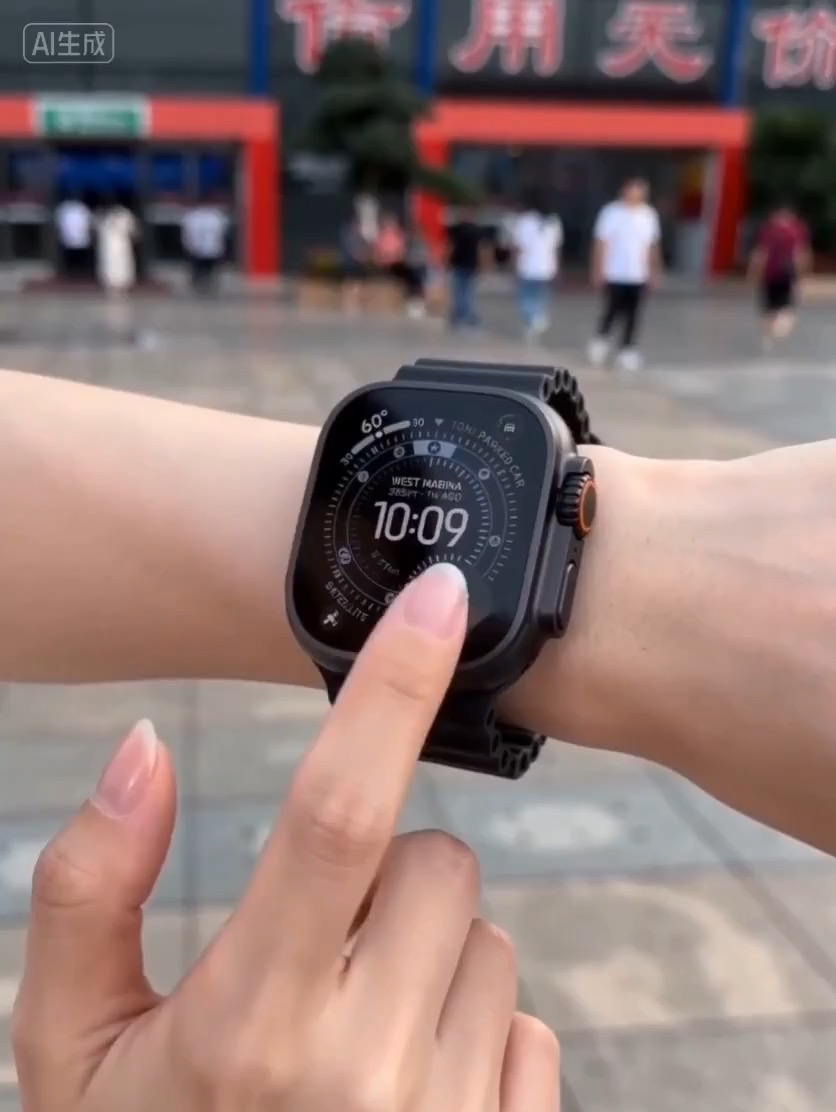
Luxury watch macro reveal video preview with dark reflective surface, light sweep, close dial detail, and clean product hero frame.
Video brief: premium watch / macro detail / controlled light sweep / slow push-in / commerce hero frame
Create a warm tabletop video that compresses a toy-brick build from scattered pieces to a finished object with readable hand motion.
The recommended model and prompt are filled in. Choose your own inputs and generation settings.
Preview
Video Prompt
Preview for Toy Brick Assembly Timelapse, focused on readable hand motion, staged construction, warm lighting, and brand-safe toy details.
Toy-brick assembly video prompt with sunlit desk setup, timelapse hand motion, staged build progress, and finished reveal.
Create a 10-12 second warm craft video showing [BUILDER] assembling colorful toy bricks at a sunlit desk. Use a bright 3D animation, stop-motion, or stylized live-action look with smooth lines, clean shapes, and a family-safe tone. Beat 1: start with a wide room or tabletop view; morning sunlight crosses the surface, sorted brick colors sit in small groups, and the builder studies the first pieces. Beat 2: switch into a controlled timelapse where hands snap pieces together, the structure grows in clear stages, and the camera alternates between overhead, three-quarter, and hand close-up views. Beat 3: slow the pace for the final pieces, show fingers placing one recognizable detail, then pull back to reveal the finished build and the builder's satisfied reaction. Keep the object scale, brick colors, hand count, and table layout consistent. Use gentle room ambience and small plastic click sounds if audio is included. Avoid real toy brand names, visible logos, unsafe small-parts claims, distorted fingers, impossible piece connections, chaotic camera jumps, unreadable text, and random props that distract from the build.
Usage notes
Replace the builder, finished object, brick color palette, animation style, camera angles, and audio direction before running.
Prompt FAQ
Generic toy-brick wording keeps the template reusable and avoids implying a licensed product or brand endorsement.
Define the final object, limit color groups, use a few clear camera angles, and keep the table layout stable across the timelapse.
Check hand continuity, piece connections, object scale, logo absence, text cleanup, and whether the final reveal clearly matches the build stages.
More prompts in this mode