15.2 sec
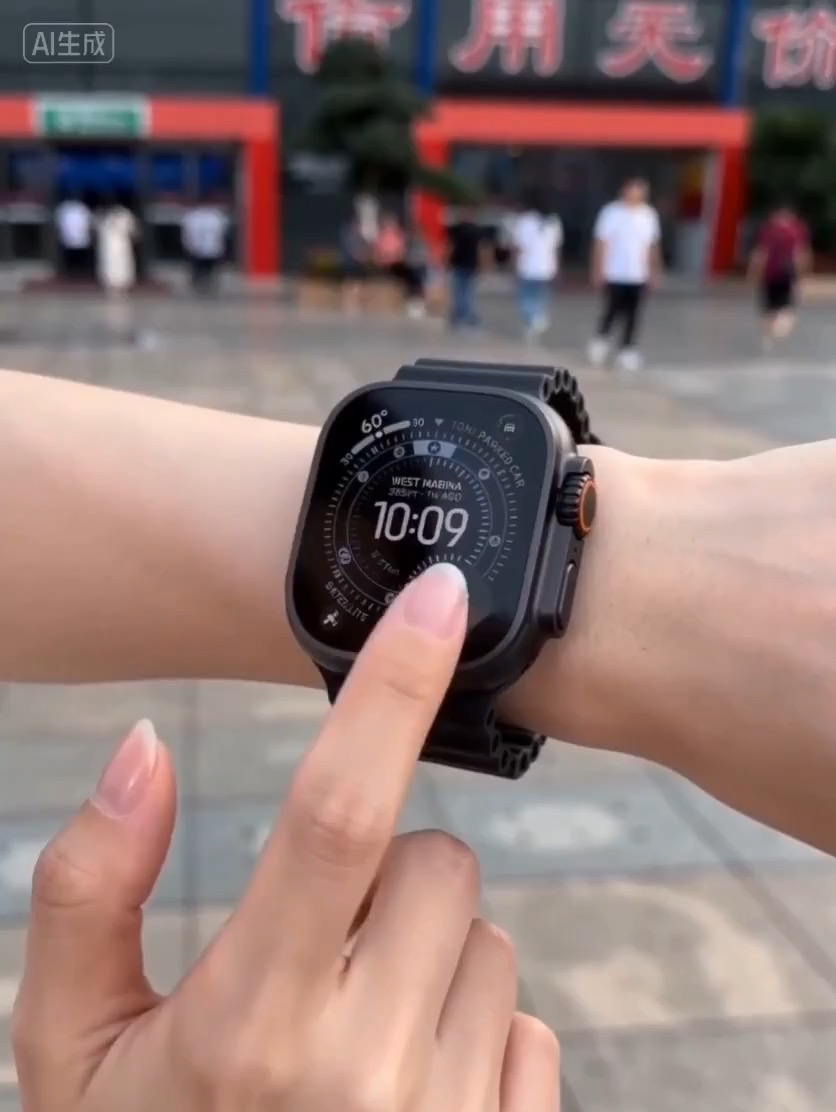
Luxury watch macro reveal video preview with dark reflective surface, light sweep, close dial detail, and clean product hero frame.
Video brief: premium watch / macro detail / controlled light sweep / slow push-in / commerce hero frame
Create a loopable product-demo storyboard for a SaaS feature, with editable UI states, cursor or tap motion, value reveal, and review checks.
The recommended model and prompt are filled in. Choose your own inputs and generation settings.
Preview
Video Prompt
Preview for a SaaS feature loop storyboard, focused on app context, UI transition path, readable copy, editable metrics, and the loopable final frame.
SaaS feature loop storyboard with editable UI states, cursor or tap motion, value reveal, loopable hero frame, and brand-safe constraints.
Create an 8-10 second SaaS feature loop storyboard for a short product-demo video. Build it as a reusable video brief with three concrete beats: open on an anonymized dashboard or app screen that shows the user's starting problem; trigger one clear cursor, tap, or keyboard action that transforms the interface, updates cards, highlights an automation, or reveals a saved step; end on a clean hero frame with the improved state, editable outcome metric, and a subtle loop point that can return to the first frame. Shape the clip like a compact product video: show the context, make the main value visible without dense text, and keep the motion satisfying but readable. Specify pacing, camera distance, screen angle, UI transition style, motion blur, text legibility, and continuity rules. Keep product names, dashboard copy, metrics, icons, text, and logo areas editable. Avoid real brand names, customer data, celebrity references, fixed IP, non-editable readable text, misleading claims, sudden teleport cuts, inconsistent UI scale, and unrelated extra scenes.
Usage notes
Replace the product, feature, UI copy, metric, cursor or tap action, transition style, duration, delivery channel, and any editable text or logo area before running.
Prompt FAQ
Replace the product, feature, UI copy, metric, cursor or tap action, transition style, duration, delivery channel, and any editable text or logo area.
Check motion readability, subject continuity, camera stability, brand safety, usable final frame, and whether any generated text or signage needs cleanup.
Yes. Keep the beat structure and constraints, then adjust detail density, aspect ratio, and duration for the model you choose in Rivya.
More prompts in this mode