15.2 sec
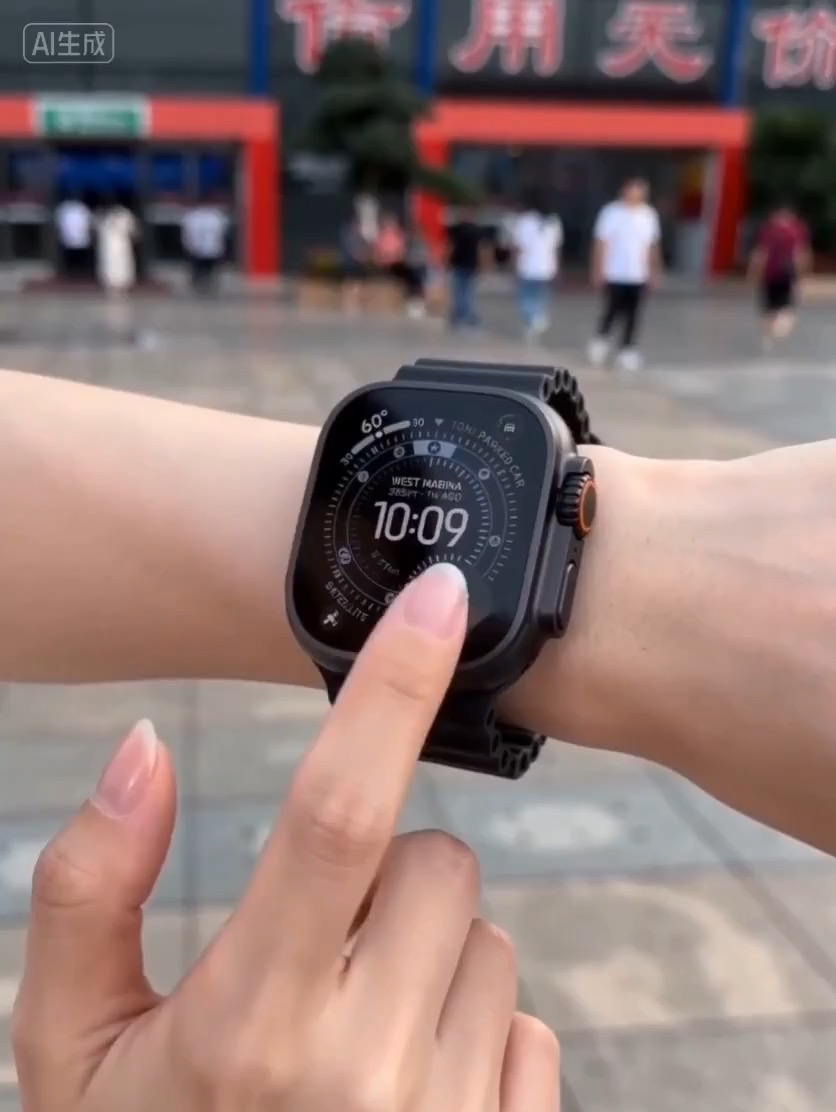
Luxury watch macro reveal video preview with dark reflective surface, light sweep, close dial detail, and clean product hero frame.
Video brief: premium watch / macro detail / controlled light sweep / slow push-in / commerce hero frame
Create a continuous freefall shot where a character's outfit is replaced by powered armor while body motion stays intact.
The recommended model and prompt are filled in. Choose your own inputs and generation settings.
Preview
Video Prompt
Preview for Skyfall Armor Assembly, focused on continuous freefall and staged armor replacement.
Skyfall transformation prompt with one continuous camera path and staged outfit-to-armor replacement.
Create an 8-12 second cinematic vertical freefall video featuring [CHARACTER] falling through high clouds, mist, or open sky in [BASE_OUTFIT]. Use one seamless long take with a slightly wide lens, strong wind motion, cloud parallax, subtle camera shake, and readable body physics. At the start, keep the character identity, face, hair, silhouette, and falling pose clear. Around the 2-second mark, trigger [ENERGY_COLOR] energy arcs or luminous particles around the body and begin replacing the outfit with [ARMOR_FORM]. Let the replacement happen in visible stages: leg and boot plates lock on first, torso armor wraps over the outfit, shoulder and arm components slide into place, then a visor, collar, helmet piece, or final detail completes the look. Preserve the same character, same body proportions, same camera direction, and same downward motion throughout the transformation. End with a short mid-air stabilization, spin, or signature pose as the clouds split from the shockwave. The result should feel like one continuous outfit-to-armor replacement, not a cut between two different shots. Avoid logos, text, duplicated bodies, extra limbs, warped hands, sexualized framing, hard scene cuts, floating armor pieces with no contact, or mechanical parts clipping through the body.
Usage notes
Replace the character, base outfit, armor form, energy color, camera distance, and final pose before running.
Prompt FAQ
Set the character, base outfit, armor form, energy color, camera distance, and final stabilization pose.
Use one falling body, one camera direction, and a staged assembly order so the armor replaces the outfit instead of cutting to a new shot.
Check body proportions, hands, face continuity, armor contact points, cloud motion, and whether the freefall physics remain consistent.
More prompts in this mode