
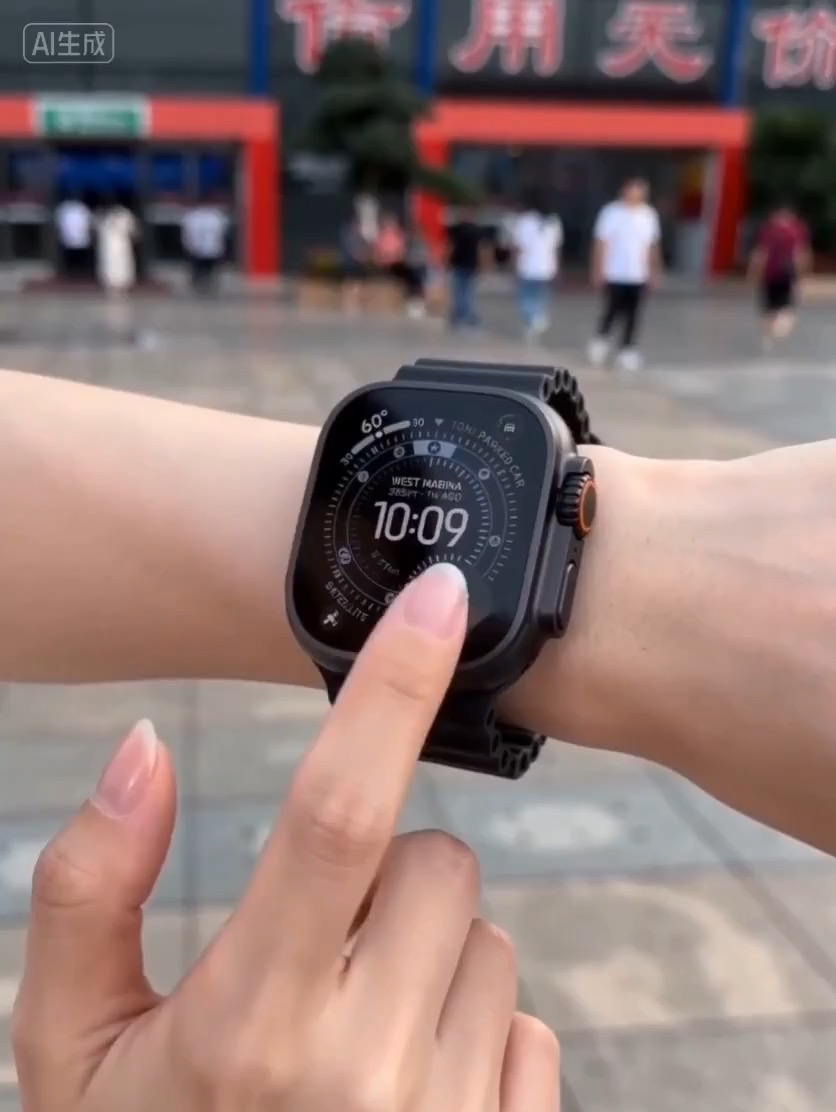
15.2 sec
Luxury watch macro reveal video preview with dark reflective surface, light sweep, close dial detail, and clean product hero frame.
Video brief: premium watch / macro detail / controlled light sweep / slow push-in / commerce hero frame
Create a continuous downhill tracking shot where the environment transforms from one season into another without breaking motion.
The recommended model and prompt are filled in. Choose your own inputs and generation settings.
Preview
Video Prompt
Preview for Season Shift Downhill Chase, focused on continuous motion and seamless environment replacement.
Downhill chase prompt with a continuous camera path and seamless environment replacement from one season to another.
Create an 8-12 second stylized or cinematic action video following [RIDER] from behind as they move down a steep winding road, trail, or path on [BOARD_OR_VEHICLE]. Use a fast FPV chase camera, wide-angle perspective, wind rush, and strong forward momentum. Start in [START_SEASON] with clear environmental cues such as green hills, bright sky, ocean distance, autumn leaves, city trees, or dry road texture. Around the 3-second mark, let a visible transition wave emerge from the rider, board, wheels, or road surface and replace the environment into [END_SEASON]. The change should be seamless: ground texture, roadside objects, sky, weather particles, vegetation, and distant mountains or skyline all transform while the rider and camera path remain continuous. Keep the camera locked behind the rider; do not cut away during the season replacement. Use high-energy motion, readable silhouettes, clean depth, and natural lighting continuity across the change. Avoid logos, text, duplicated riders, warped wheels, impossible road geometry, broken camera direction, or a transition that looks like a hard scene cut instead of an in-motion replacement.
Usage notes
Replace the rider, board or vehicle, starting season, ending season, road setting, and transition source before running.
Prompt FAQ
Set the rider, board or vehicle, starting season, ending season, road setting, and transition source.
Keep one camera path and one rider, then transform ground, weather, vegetation, and distant scenery at the same moment.
Check rider continuity, wheel or board shape, road geometry, camera direction, and whether the season change is a replacement rather than a cut.
More prompts in this mode
Luxury watch macro reveal video preview with dark reflective surface, light sweep, close dial detail, and clean product hero frame.
Video brief: premium watch / macro detail / controlled light sweep / slow push-in / commerce hero frame
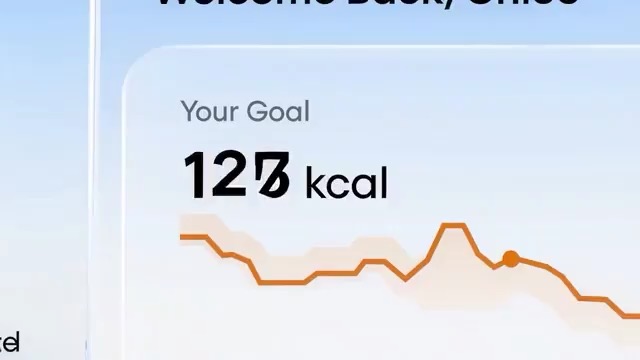
SaaS feature loop storyboard preview showing an app screen, cursor motion, value reveal, and loopable final hero frame.
SaaS feature loop storyboard: app context / user action / UI transition / value reveal / loopable hero frame / review checks
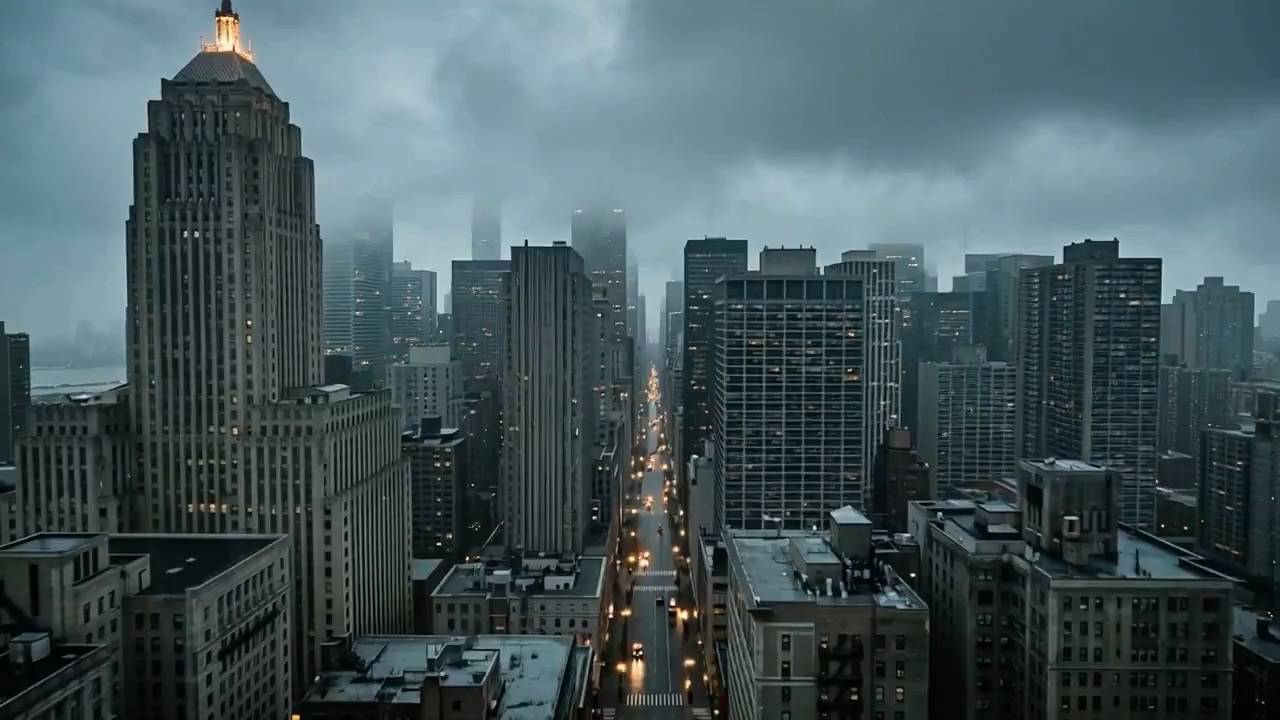
Blue-hour neo-noir city video preview showing motion rhythm, subject continuity, camera direction, and final cinematic frame.
Blue-hour neo-noir city video brief: setup / main motion / camera path / continuity / clean final frame / review checks