12.1 sec
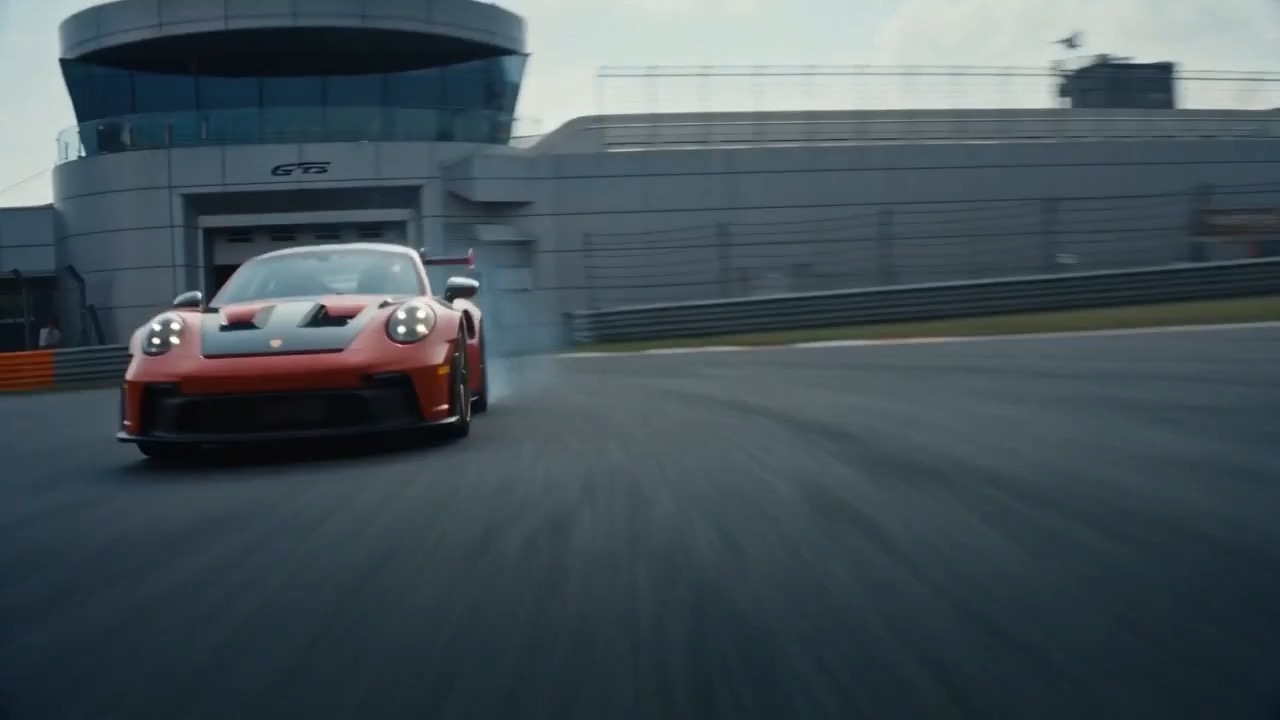
Toy car to race car transition preview with low camera movement and track reveal.
Automotive transition brief: toy car / shadow cover / real track / cockpit / driver-eye ending
Show a 10-12 second mobile scanning workflow where a phone capture turns a real object into a floating 3D model for practical creative use cases.
The recommended model and prompt are filled in. Choose your own inputs and generation settings.
Preview
Video Prompt
Preview clip for a mobile 3D scan promo brief, focused on scan action, model reconstruction, workflow context, and CTA clarity.
Mobile 3D scan promo brief with phone capture, particle reconstruction, workflow transitions, app logo placeholder, and UI safety.
Create a 10-12 second futuristic product promo for a mobile 3D scanning app. A person scans a real object with a smartphone. When the scan completes, glowing particles reconstruct the object into a detailed floating 3D model. Transition the model through three workflow contexts: product design review, 3D software workspace, and virtual exhibition wall. End with a clean generic app logo placeholder and the editable line [TURN REALITY INTO DIGITAL]. Use cinematic volumetric light and realistic device handling. Avoid real app names, emoji graphics, unreadable UI, fake technical claims, and floating text clutter.
Usage notes
Replace the scanned object, app category, workflow contexts, logo placeholder, CTA line, and lighting style.
Prompt FAQ
Replace the scanned object, app category, workflow contexts, logo placeholder, CTA line, and lighting style.
Check motion readability, subject continuity, camera rhythm, final frame usability, and any generated text or logos that need manual cleanup.
Yes. Keep the core structure, then adjust detail level, aspect ratio, and constraints for the model you choose in Rivya.
More prompts in this mode