15.1 sec
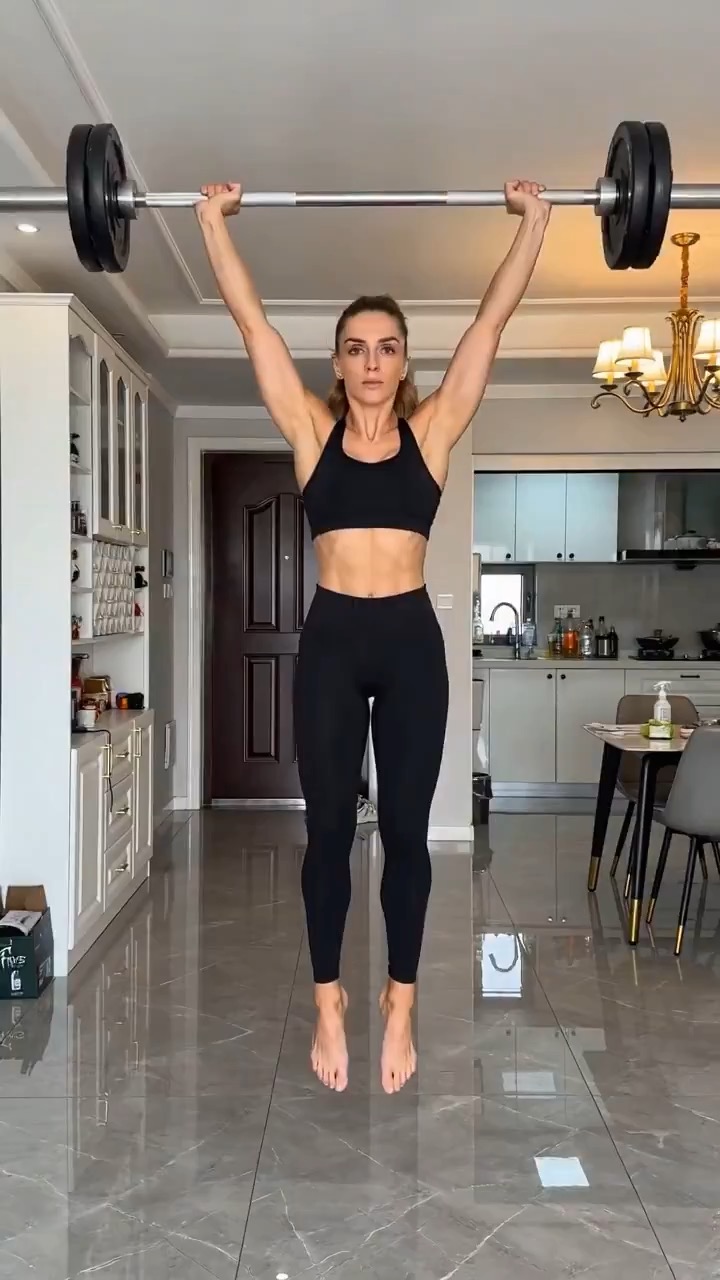
Mobile 3D scan workflow promo preview with phone capture and a floating reconstructed model.
3D scan promo brief: phone scan / particles / floating model / workflow contexts / app CTA
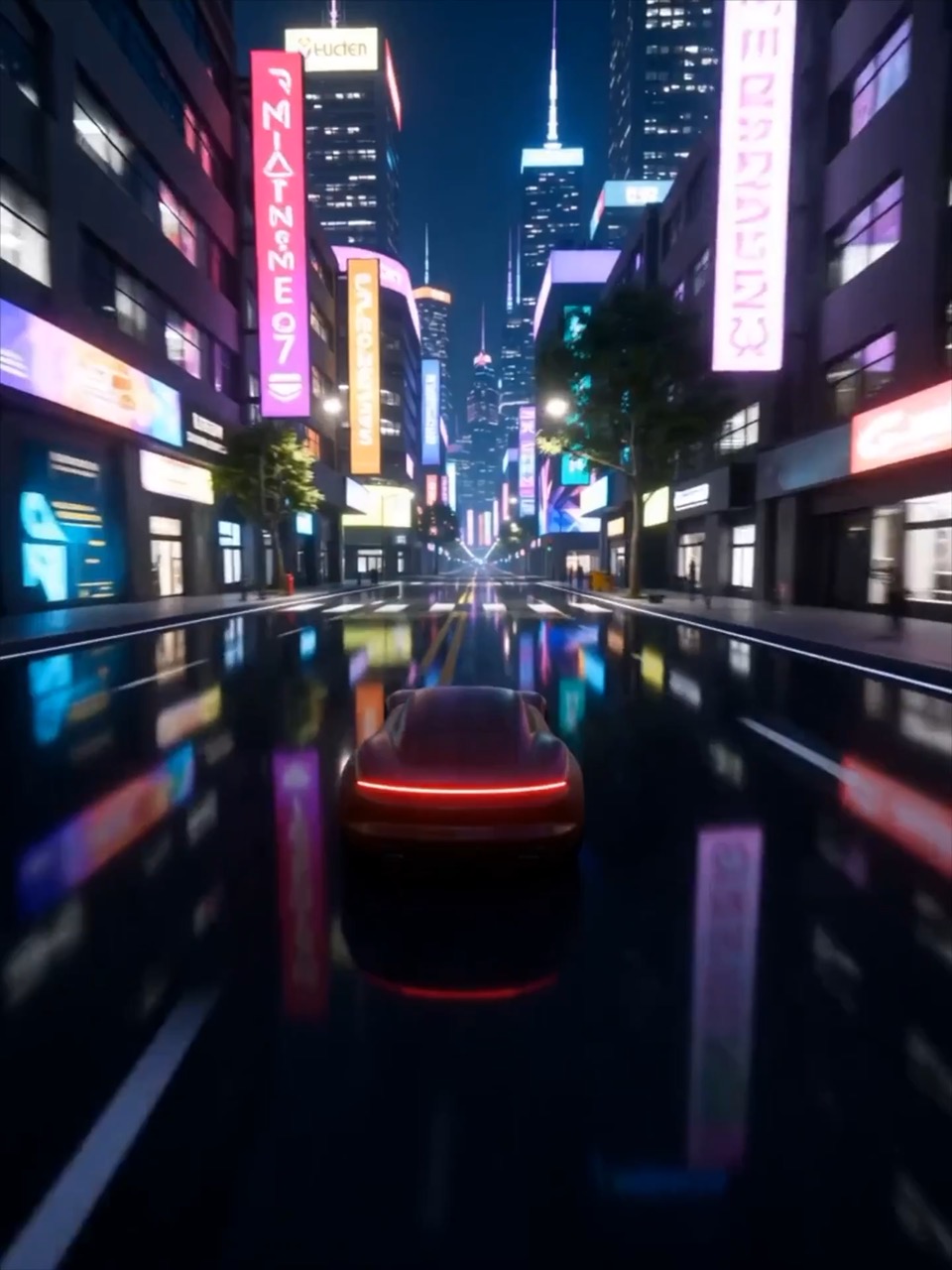
Build a car ad transition from a toy vehicle on carpet to a real track moment, keeping camera height, motion, and identity cues continuous.
The recommended model and prompt are filled in. Choose your own inputs and generation settings.
Preview
Video Prompt
Transition clip focused on camera continuity, shadow cover, speed cue, and cockpit ending.
Car transition prompt: toy setup, shadow match cut, track reveal, cockpit detail, and continuity guardrails.
Create a 10-12 second automotive transition ad. Start with a low macro camera following a red toy sports car across a sunlit carpet, with dust particles and warm childhood atmosphere. Use the toy rushing into shadow as the transition cover. In the next beat, match the same camera height and forward motion as a real red track car bursts out of darkness onto a cool gray racing surface. End inside the cockpit with a gloved hand on the wheel, then a focused driver-eye hero frame. Use a generic vehicle design and editable brand copy. Avoid licensed car badges, age confusion, jump cuts, fake physics, unstable faces, and overdone effects.
Usage notes
Replace the vehicle style, childhood setting, transition cover, track mood, driver detail, and brand copy.
Prompt FAQ
Replace the vehicle style, childhood setting, transition cover, track mood, driver detail, and brand copy.
Check motion readability, subject continuity, camera rhythm, final frame usability, and any generated text or logos that need manual cleanup.
Yes. Keep the core structure, then adjust detail level, aspect ratio, and constraints for the model you choose in Rivya.
More prompts in this mode