15.1 sec
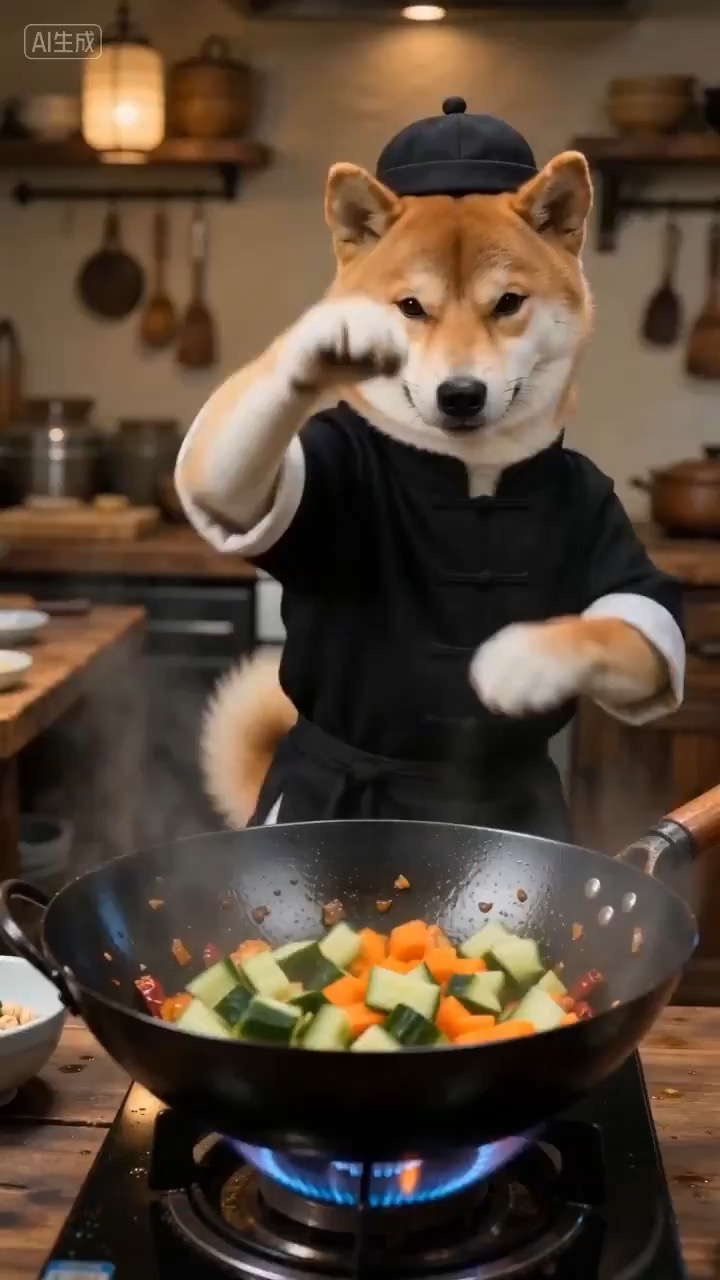
Cinematic wok toss culinary video preview showing ingredients suspended above a hot pan in a clean kitchen.
Video brief: culinary action / suspended ingredients / controlled wok toss / steam detail / plated hero shot
Create a cinematic logo reveal prompt where a golden eagle emerges at dawn, circles an editable emblem, and lands on a clean final brand mark.
The recommended model and prompt are filled in. Choose your own inputs and generation settings.
Preview
Video Prompt
Preview of a dawn logo reveal where a golden eagle circles an editable emblem before landing on a clean final brand frame.
Golden eagle logo reveal prompt with editable emblem, dawn light, controlled wing motion, cinematic camera rhythm, and a clean final brand frame.
Generate an 8-10 second video prompt for a cinematic golden eagle logo reveal at dawn. Build it as a reusable brand intro brief with three beats: open on warm sunrise light crossing mist, clouds, or brushed metal; reveal the golden eagle in controlled flight as it arcs toward an editable emblem or wordmark; finish on a stable logo lockup with the eagle silhouette, rim light, and clean negative space for brand text. Specify camera distance, lens feel, wing motion, particle glow, lighting continuity, motion blur, and timing so the reveal feels premium without becoming chaotic. Keep the emblem, text, color palette, background, tagline, and logo area fully editable. Avoid real brand marks, sports-team references, national emblems, celebrity likenesses, unreadable generated text, unsafe animal action, warped wings, random symbols, and extra objects that distract from the reveal.
Usage notes
Replace the emblem, logo text, tagline, palette, background material, eagle framing, camera move, and delivery format before running.
Prompt FAQ
Replace the emblem, logo text, tagline, palette, background material, eagle framing, camera move, and delivery format.
Check wing motion, emblem readability, camera stability, brand safety, final lockup spacing, and whether any generated text needs cleanup.
Yes. Keep the beat structure and constraints, then adjust detail density, aspect ratio, and duration for the model you choose in Rivya.
More prompts in this mode