10.1 sec
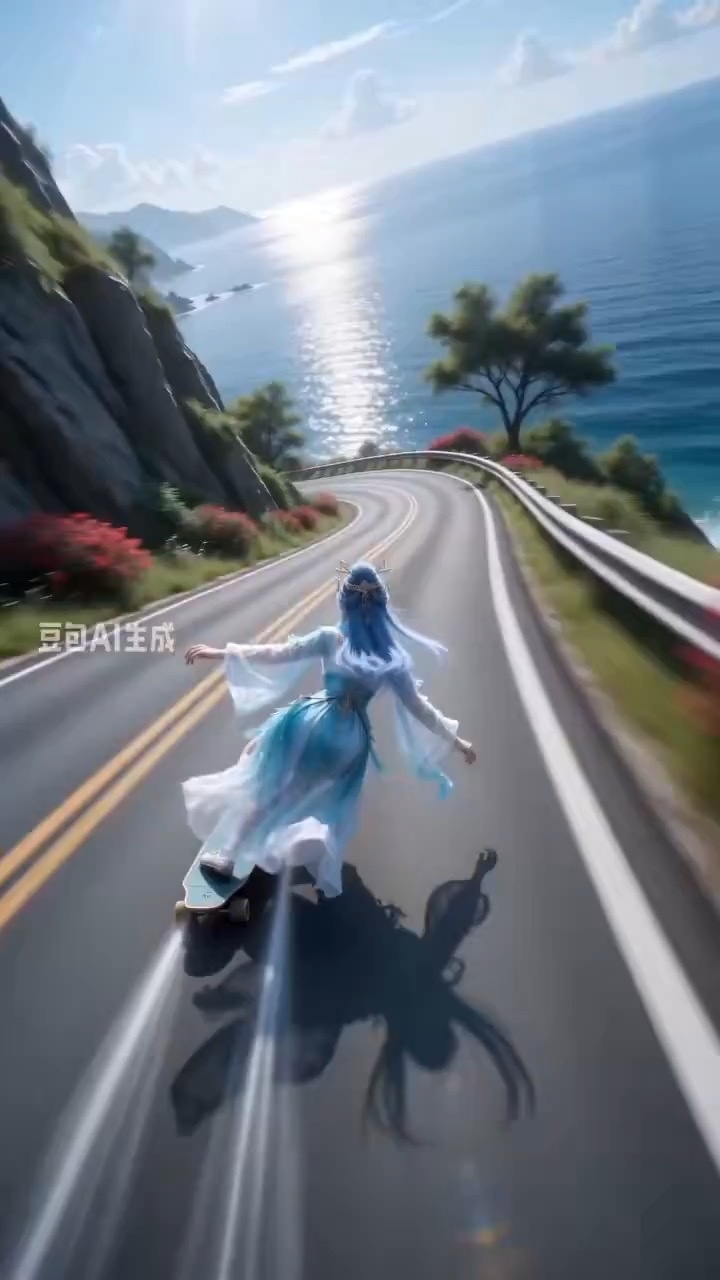
Coastal mountain skateboard rush video preview with ultra-wide camera motion and high-speed curve tracking.
Sports video brief: coastal road / ultra-wide follow shot / S-curve speed / motion blur / stabilized ending
A video prompt for turning an explainer idea into a cinematic keyframe grid with clear panels, readable motion arrows, and editable caption space.
The recommended model and prompt are filled in. Choose your own inputs and generation settings.
Preview
Video Prompt
A cinematic storyboard grid moves through problem, process, and takeaway panels with clean arrows and editable labels.
Explainer storyboard grid video with clean panels, highlighted keyframes, motion arrows, editable labels, and a readable final takeaway.
Generate an 8-10 second video that presents an explainer concept as a cinematic storyboard grid. Start with a clean 6- or 9-panel board layout, then animate through three key panels: problem setup, process or mechanism, and final takeaway. Use subtle camera pushes, panel-to-panel highlights, simple motion arrows, and consistent color coding so the viewer understands the sequence without reading dense text. Keep all labels as short editable placeholders. Maintain even panel spacing, stable perspective, readable icons, consistent character or object scale, and clean negative space for captions. Avoid real brand logos, tiny unreadable text, random symbols, mismatched panel styles, warped anatomy, chaotic transitions, heavy motion blur, and extra scenes outside the storyboard system.
Usage notes
Replace the explainer topic, panel count, step labels, icon style, color coding, camera push, arrow direction, and final takeaway text area.
Prompt FAQ
Replace the explainer topic, panel count, step labels, icon style, color coding, camera push, arrow direction, and final takeaway text area.
Check that panels stay aligned, arrows explain the sequence, labels remain editable and readable, icons keep a consistent style, and the final takeaway is clear.
Yes. Keep the beat structure and constraints, then adjust detail density, aspect ratio, and duration for the model you choose in Rivya.
More prompts in this mode