15.2 sec
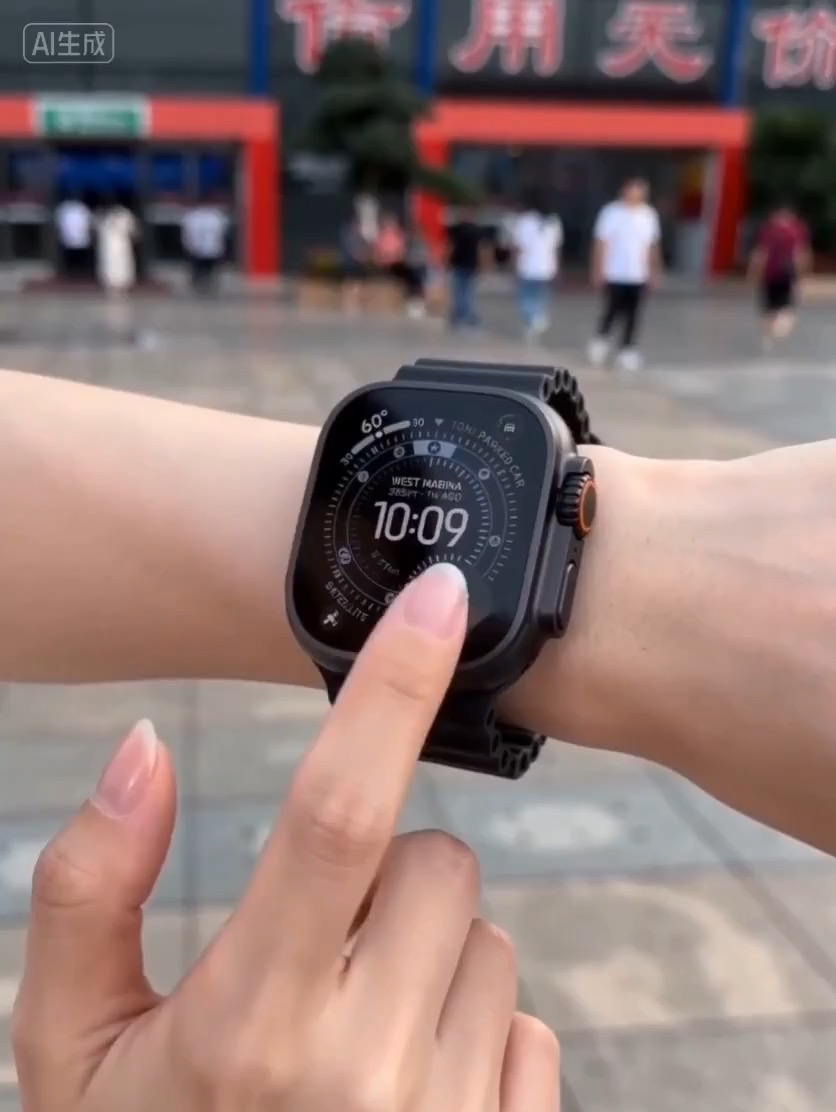
Luxury watch macro reveal video preview with dark reflective surface, light sweep, close dial detail, and clean product hero frame.
Video brief: premium watch / macro detail / controlled light sweep / slow push-in / commerce hero frame
Create a character-and-background video prompt that keeps foreground action and environmental motion cues moving together.
The recommended model and prompt are filled in. Choose your own inputs and generation settings.
Preview
Video Prompt
Preview clip for character and background motion sync, focused on scene beats, camera rhythm, continuity, and the final aligned moment.
Character and background motion video prompt: scene setup, motion beats, camera rhythm, continuity guardrails, and clear ending frame.
Create an 8-10 second character motion clip where the subject and background move as one designed system. Establish the character silhouette, introduce a clear background motion cue such as light sweep, wind, particles, or parallax, then finish with both layers aligned in a readable final beat. Keep the character original and non-franchise. Avoid copied costumes, chaotic effects, unreadable text, random camera spins, or background motion that fights the subject.
Usage notes
Replace the character type, environment, motion cue, timing beat, and final pose.
Prompt FAQ
Replace the subject, environment, speed cue, camera path, safety limits, and ending beat before running.
Review the output for readable motion, stable subject continuity, clean camera rhythm, usable ending frame, and any generated text or logos that need manual cleanup.
Yes. Keep the core structure, then adjust detail level, aspect ratio, and constraints for the model you choose in Rivya.
More prompts in this mode