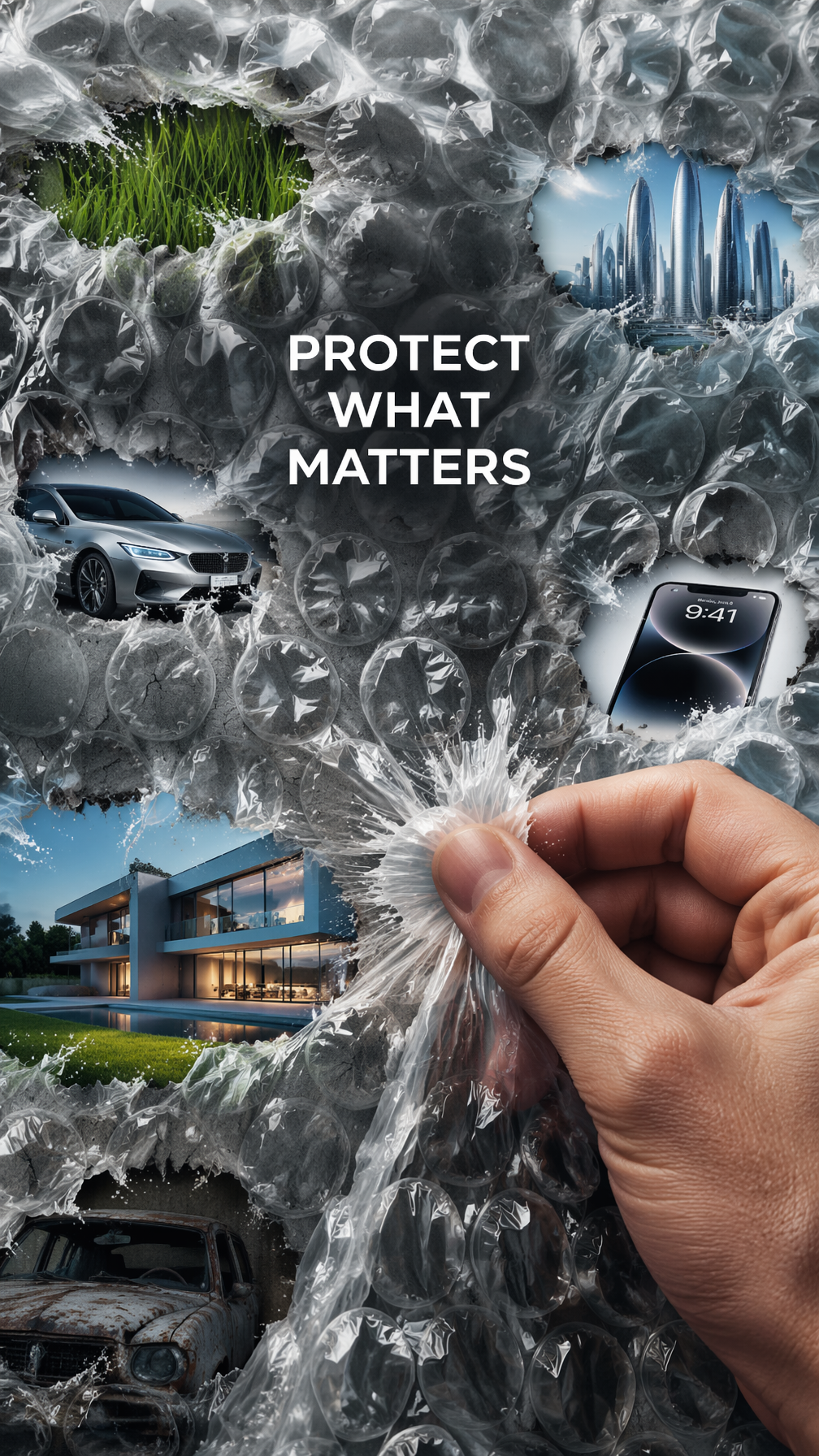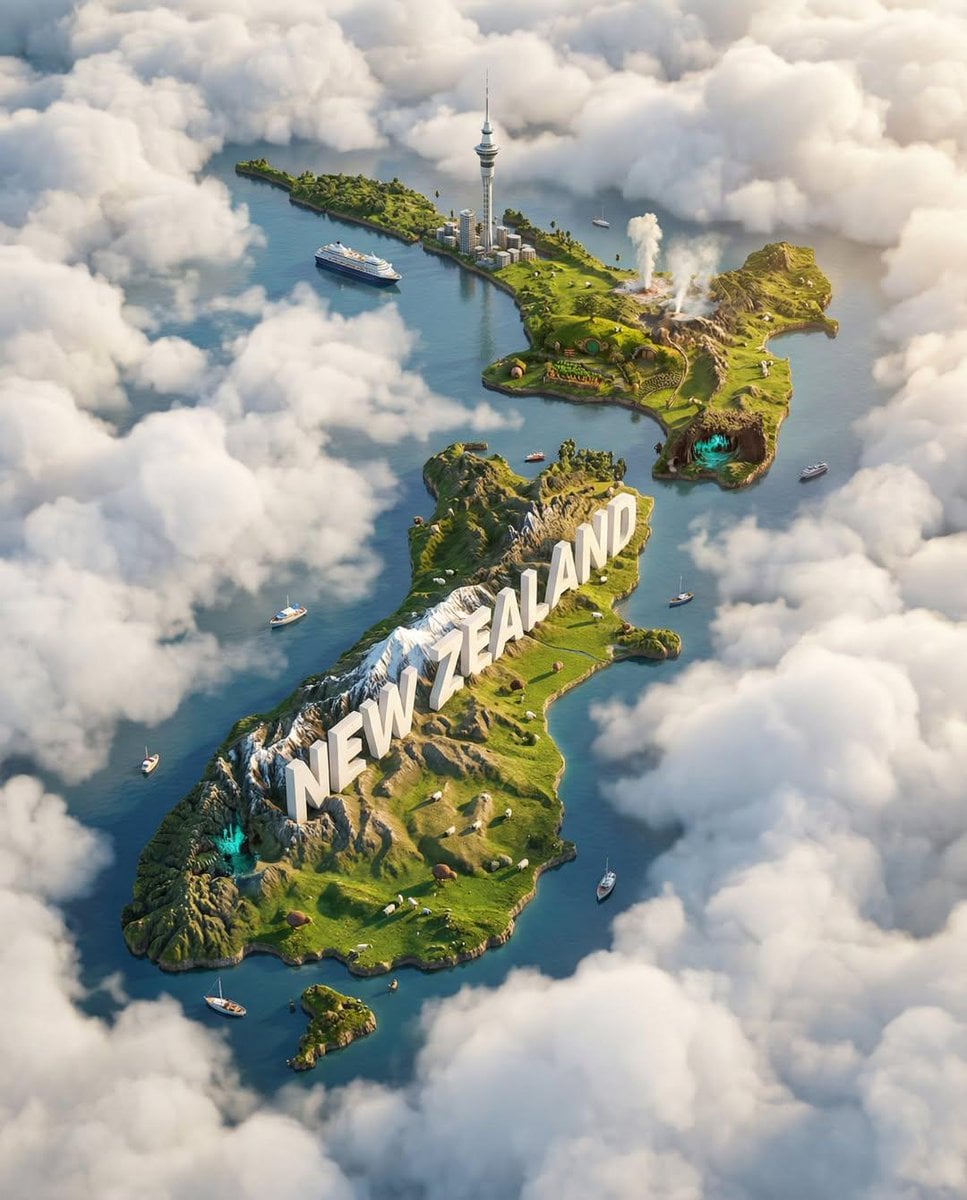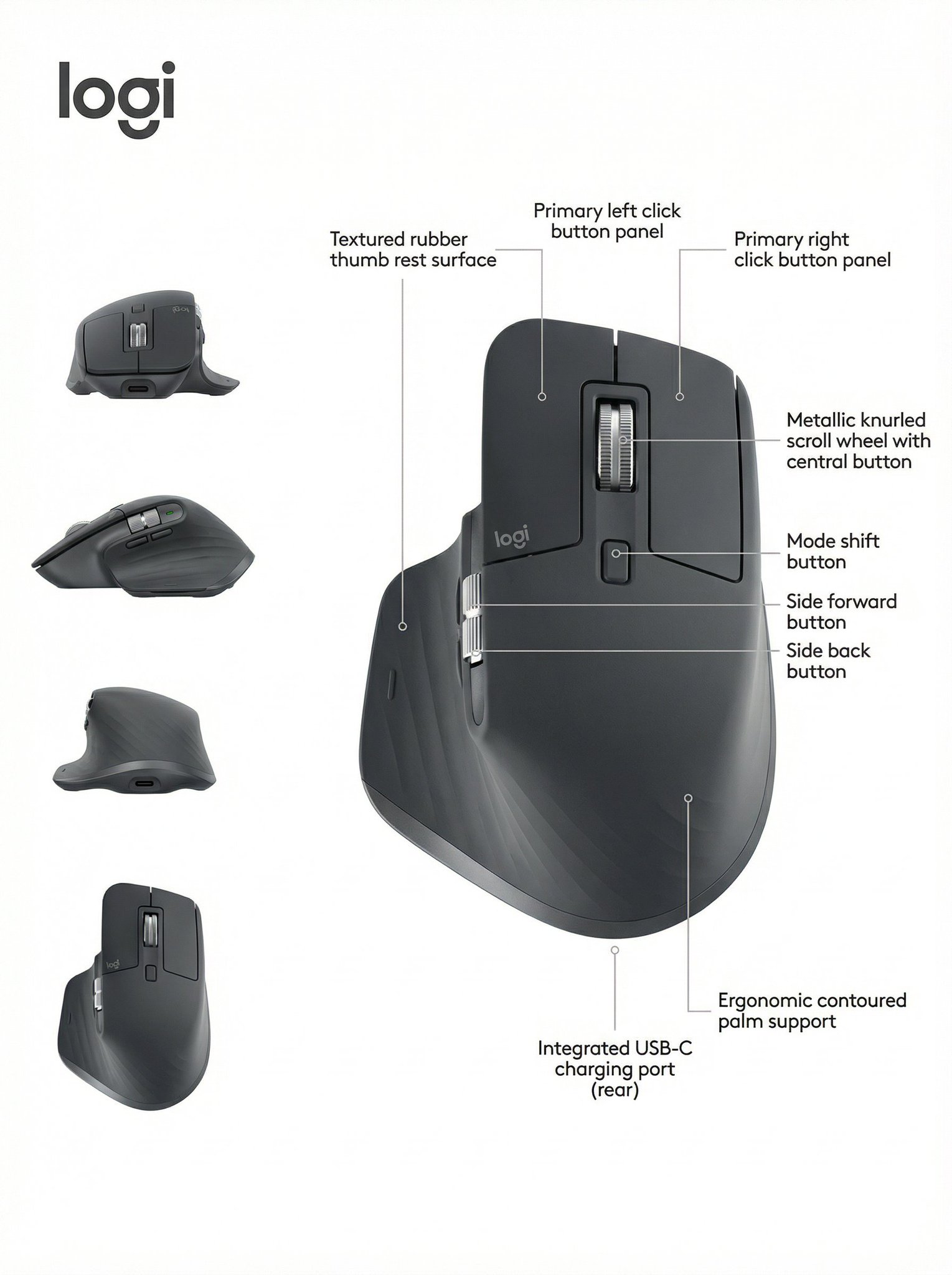
Create a museum-style product evolution poster with a chronological lineup, editable milestones, and technical detail layers.
The recommended model and prompt are filled in. Choose your own inputs and generation settings.
Preview
Image Prompt
Preview for Product Evolution Timeline Poster, focused on timeline clarity, product version continuity, and editable data layers.
Product evolution timeline poster with verified versions, editable milestones, archival texture, callouts, and a clean spec strip.
Create a premium 16:9 product evolution infographic poster for [PRODUCT_FAMILY]. Arrange 6 to 10 verified versions, prototypes, or release milestones in a clean chronological lineup across the center, from earliest concept to latest model. Place them on a subtle ruler or timeline base with year markers, version labels, and short editable notes supplied by the user. Use museum-grade product photography or refined 3D rendering, showing material changes, form-factor shifts, feature additions, and wear or finish differences across the lineup. Add a restrained background layer of user-owned sketches, patent-style diagrams, research notes, or archival textures at low opacity. Include a few zoom-in circles, component callouts, and a bottom spec strip only for details the user can verify. Keep the title, brand mark, and captions editable placeholders. Avoid real brands unless the user owns the rights, fake product history, invented dates, unreadable dense tables, copied logos, celebrity tie-ins, unsupported performance claims, and clutter that hides the chronological story.
Usage notes
Replace the product family, version list, years, verified specs, owned archive assets, title, brand placeholder, and release notes before running.
Prompt FAQ
Prepare the version names, years, key visual changes, verified specs, and any owned sketches or archival images you want to reference.
Only if you own or can lawfully use the brand assets and product history. Otherwise use a fictional or user-owned product family.
Limit the lineup to 6 to 10 versions, keep each note short, and move secondary details into a bottom spec strip or a few zoom-in callouts.
More prompts in this mode