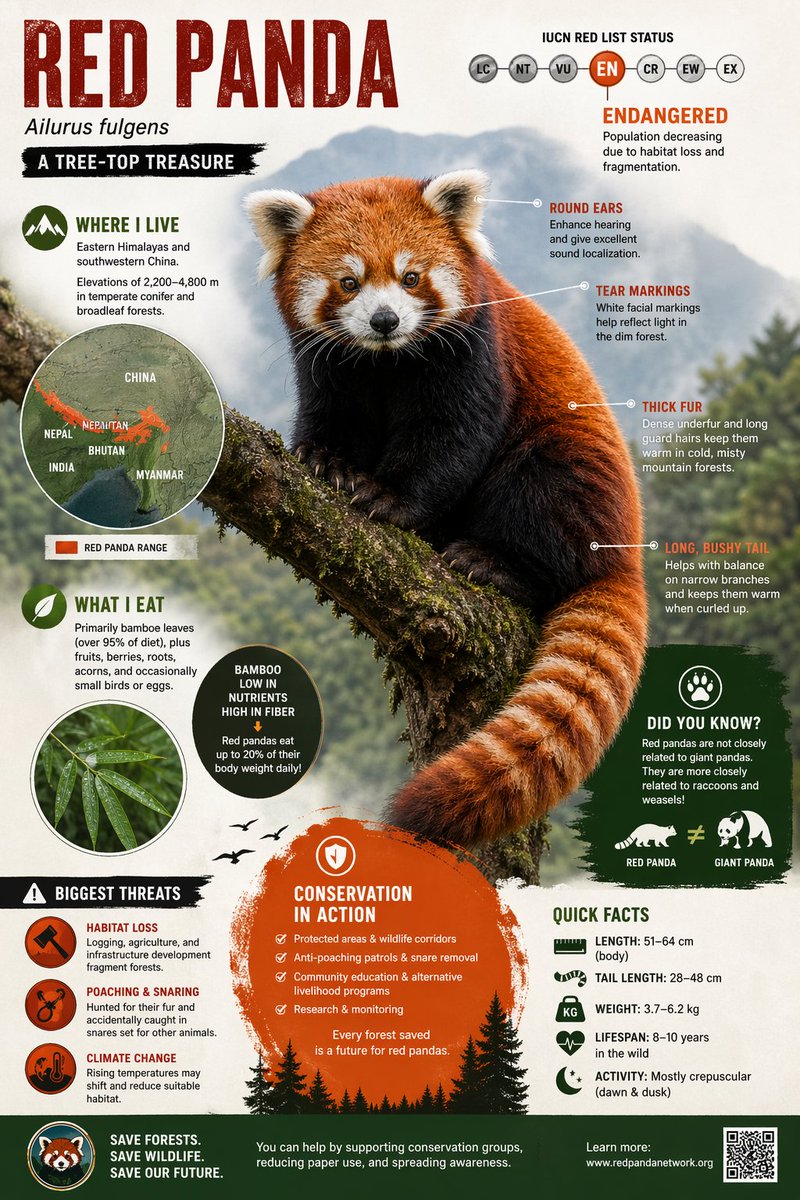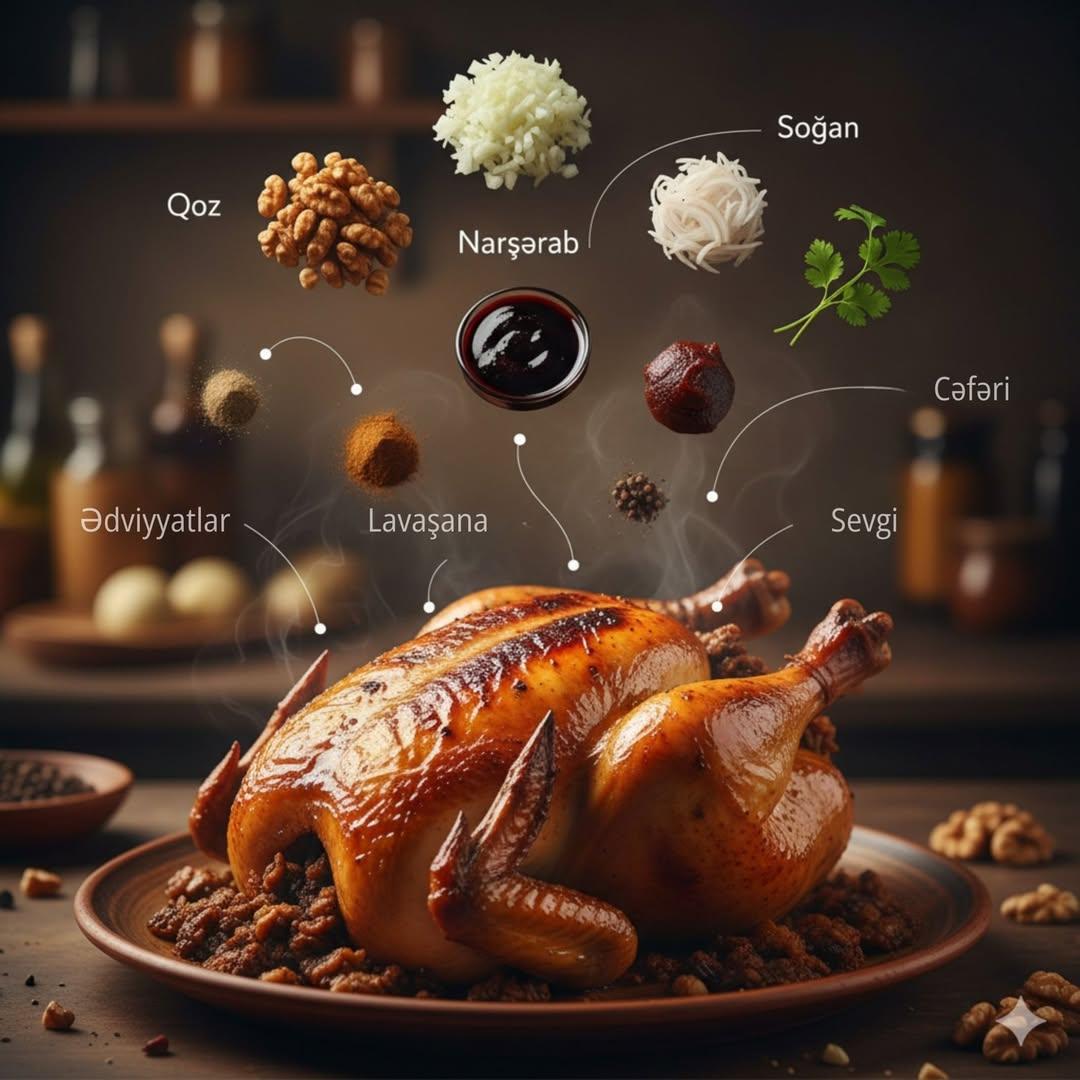
Create a modern pour-over coffee infographic with hero tools, ingredient checklist, brewing steps, parameter badges, and warm cafe light.
Image Prompt
Seedream 4.5
Image prompt template
Preview
Image Prompt
Result · 1/1
Preview for Pour-Over Coffee Brewing Infographic, focused on brewing clarity, warm cafe styling, readable labels, and editable parameters.
Full prompt
Pour-over coffee infographic with hero tools, ingredient checklist, brewing steps, parameter badges, and warm editorial styling.
Create a vertical modern editorial infographic explaining a [POUR_OVER_COFFEE_ROUTINE]. Build the hero visual from a stylized flat-lay or softly floating arrangement of 3-4 coffee tools, such as a ceramic dripper, filter paper, glass server, matte gooseneck kettle, scale, timer, and roasted beans. Add a compact "What you need" section with 6-8 editable ingredient or equipment items, each paired with a clean icon. Add a 5-6 step brewing flow with numbered panels, arrows, and short action labels, covering grind, rinse, bloom, pour pattern, drawdown, and serve. Include 4-5 small parameter badges for brew time, water temperature, ratio, grind size, and flavor note placeholders. Use warm artisan cafe colors such as roasted brown, oat cream, soft copper, and espresso accents, with subtle paper grain, crisp vector icons, generous negative space, and soft morning light. Keep all measurements editable and reviewable. Avoid fake brand names, cafe logos, unreadable microtext, unsupported health claims, over-complicated recipes, messy splashes, incorrect tool geometry, cluttered badges, and text that implies one universal perfect recipe.
Usage notes
Replace the coffee method, tool list, ratio, temperature, grind size, step labels, flavor notes, and language before running.
Prompt FAQ
Quick checks for inputs, model fit, and how to adapt the template without weakening the result.
Yes. Provide your preferred ratio, dose, water temperature, grind size, brew time, and step labels so the generated infographic stays reviewable.
Use short labels, separate tools from steps, limit badges to core parameters, and leave enough blank space around the hero tools.
Avoid brand logos, unsupported caffeine or health claims, tiny text, copied cafe menus, and one-size-fits-all recipe language.
More prompts in this mode