
Create an isometric split-base miniature scene that compares a subject before and after a clear transformation.
Image Prompt
Nano Banana Pro
Image prompt template
Preview
Image Prompt
Result · 1/1
Preview for a miniature before-and-after diorama, focused on transformation clarity, scale, and clean model photography.
Full prompt
Isometric miniature before-and-after diorama with a split raised base, balanced lighting, tiny faceless people, and clear transformation cues.
Create a polished 1:1 isometric miniature 3D split diorama for [SUBJECT] before and after [TRANSFORMATION]. Use one raised base divided into two readable environments: the left side shows the starting condition with specific visual problems, and the right side shows the improved result with matching scale, material continuity, and stronger organization. Set the camera around a 45-degree top-down angle with refined PBR materials, soft shadows, balanced studio lighting, and clean background color. Add tiny faceless stylized people, tools, signage shapes, or workflow props only where they clarify scale and change. Include a short editable title at the top and a minimal transformation symbol between the two halves if text is needed. Keep all generated text simple and manually reviewable. Avoid real brand logos, copied maps, celebrity likenesses, unsafe claims, cluttered labels, mismatched perspective, impossible before-after continuity, distorted tiny people, and decorative details that make the change hard to understand.
Usage notes
Replace the subject, transformation, before-state details, after-state details, background color, title text, and any label language before running.
Prompt FAQ
Quick checks for inputs, model fit, and how to adapt the template without weakening the result.
Workspace redesigns, service workflows, storefront refreshes, product setup changes, city blocks, learning paths, and operations improvements work well because the two halves can show visible contrast.
Use one shared base, matched camera angle, consistent scale, and a few high-signal details on each side instead of many labels or unrelated props.
Keep text short and editable, such as one title and a simple before-after cue. Review generated lettering manually before using the image publicly.
More prompts in this mode
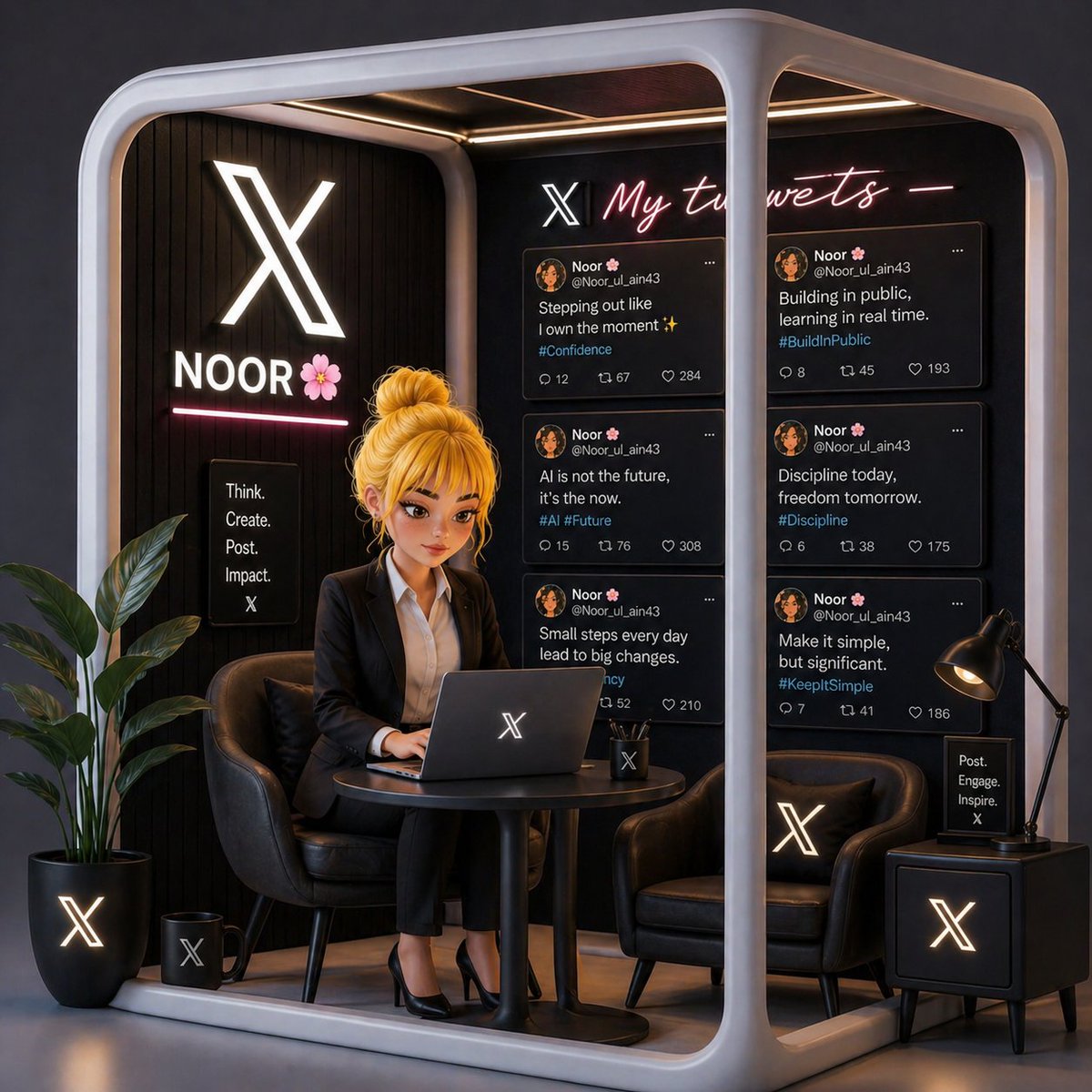
Image Prompt
Recommended model: Nano Banana Pro
A 3D render prompt for a compact branded office booth with neon accents, modular panels, clean signage areas, and a workspace-ready presentation.
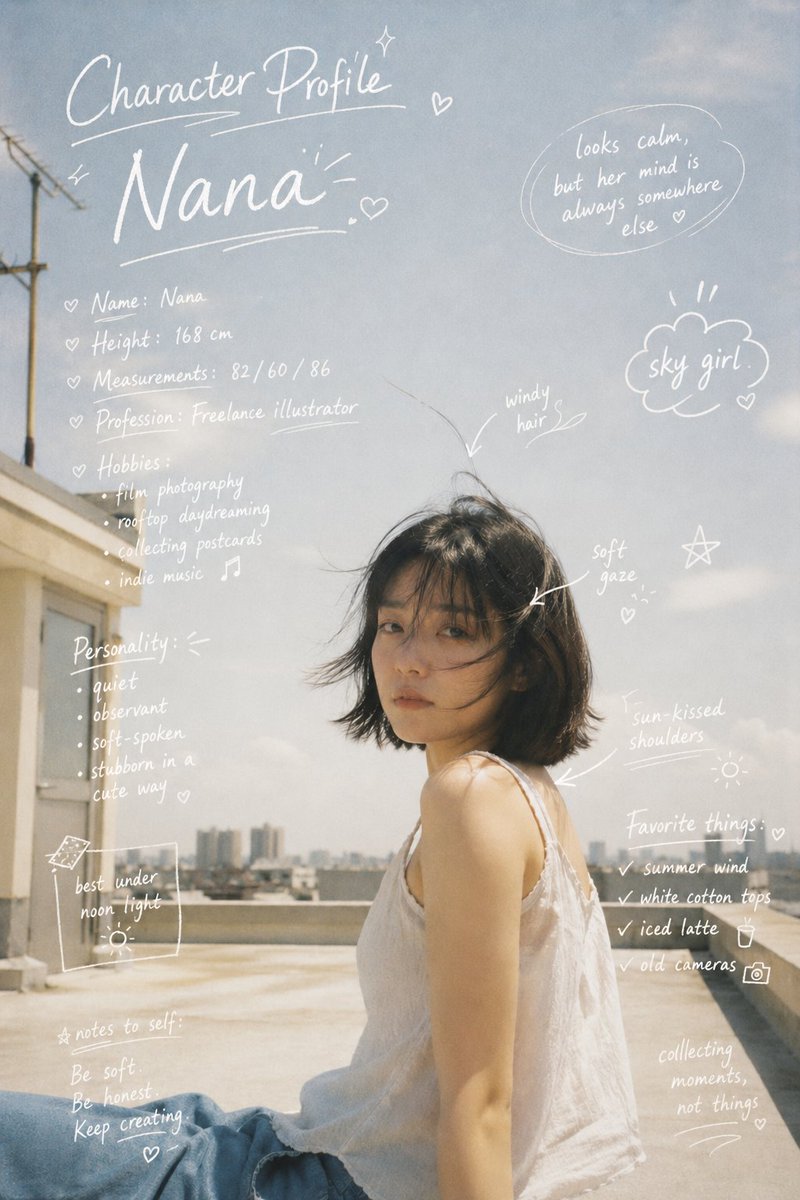
Image Prompt
Recommended model: Nano Banana Pro
Design a reusable image prompt for White Handwritten Profile, with editable subject, composition, lighting, style, and delivery notes.