
Back to prompt library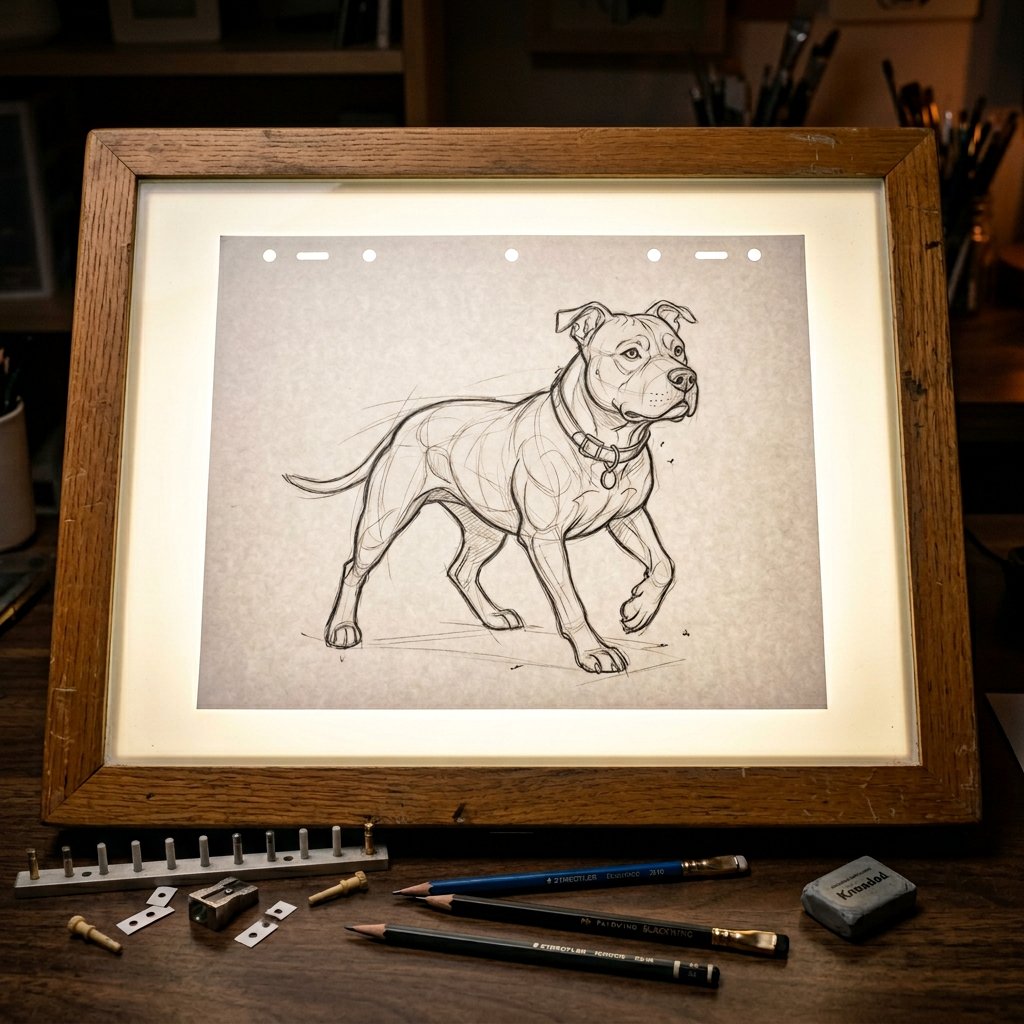


Prompt libraryImage Prompt
Dim Light Animation Sketch Table
Create a photoreal top-down image prompt for a dim studio animation light table with glowing glass, centered paper, and a detailed pencil character sketch.
SketchProcessStudio
Preview
Image Prompt
Recommended model
Ideogram V3
Output format
Image prompt template
Preview
Image Prompt
A dim animation studio light table scene with glowing glass, centered sketch paper, construction lines, pegs, pencils, and soft cinematic rim light.
Full prompt
Dim Light Animation Sketch Table
Top-down animation light table prompt with glowing glass, centered sketch paper, pencil portrait detail, pegs, loose pencils, and cinematic dim-studio lighting.
Recommended model: Ideogram V3Output format: Image prompt template
Full prompt
Image PromptCreate a photorealistic top-down close-up of a professional animation light table in a dimly lit studio. Show a bright soft white glow rising through the glass surface, with a crisp white animation sheet centered on the table and a detailed pencil character portrait drawn in clean confident animator lines. Include visible construction lines, light guidelines, subtle eraser marks, graphite texture, a warm wooden table frame, scattered animation pegs, and a few loose pencils nearby. Use soft rim lighting to define the paper edges and pencil strokes, realistic light diffusion, subtle bloom from the table, and a focused cinematic high-end animation production-still mood. Keep the drawing subject editable while preserving the light-table setup. Avoid distorted anatomy, messy sketch lines, fake logos, real brand names, readable text overlays, extra props that distract from the table, plastic-looking paper, harsh glare, and elements unrelated to an animation sketch workspace.
Usage notes
Replace the character portrait subject, sketch density, nearby tools, table material, aspect ratio, and final crop while preserving the glowing light-table setup.
Prompt FAQ
Before you use this prompt
Quick checks for inputs, model fit, and how to adapt the template without weakening the result.
What should I customize in this animation light table prompt?
Change the character portrait subject, sketch complexity, nearby drawing tools, table frame material, crop, and final delivery ratio.
How should I review the image output?
Check that the camera stays top-down, the paper remains centered, the glow diffuses through the glass, and the pencil strokes, construction lines, eraser marks, pegs, and pencils stay realistic.
Can I adapt it for another sketch subject?
Yes. Keep the dim studio light-table setup and replace only the drawing subject, line style, prop arrangement, and framing needed for the new animation concept.
More prompts in this mode