
Rivya Journal

Author
Categories
Keep exploring
Continue with related guides, product notes, and workflow breakdowns from the Rivya team.
Rivya has a notifications center because temporary feedback stops being enough once a product is handling real work and real account state.
This page is about why durable notifications exist in the product. It is not the exact reference for notification kinds, unread state, or related-link behavior.
A toast is useful for:
your task started
your copy worked
that action just completed
It is not good at:
why did my account state change?
what failed while I was away?
did that payment really land?
why could I not start that run earlier?
That gap is exactly why the notifications center exists.
The current product already has event types that still matter after the moment passes:
subscription started
subscription renewed
payment failed
credit package added
generation succeeded
generation failed
insufficient credits
Those are not vanity events. They change what the user can do next.
One useful distinction in Rivya is:
settings control what you want to manage
notifications tell you what actually happened
That is why newsletter preference belongs in profile, while a failed payment belongs in notifications.
They solve different problems.
Rivya is not a one-page chat app. A user can move between:
chat
image
video
audio
Once a product spans several billable workflows, durable signals matter more:
a generation failed
the wallet was too low
a payment completed
a pack was added
Without that memory, users are forced to reconstruct state from guesswork.
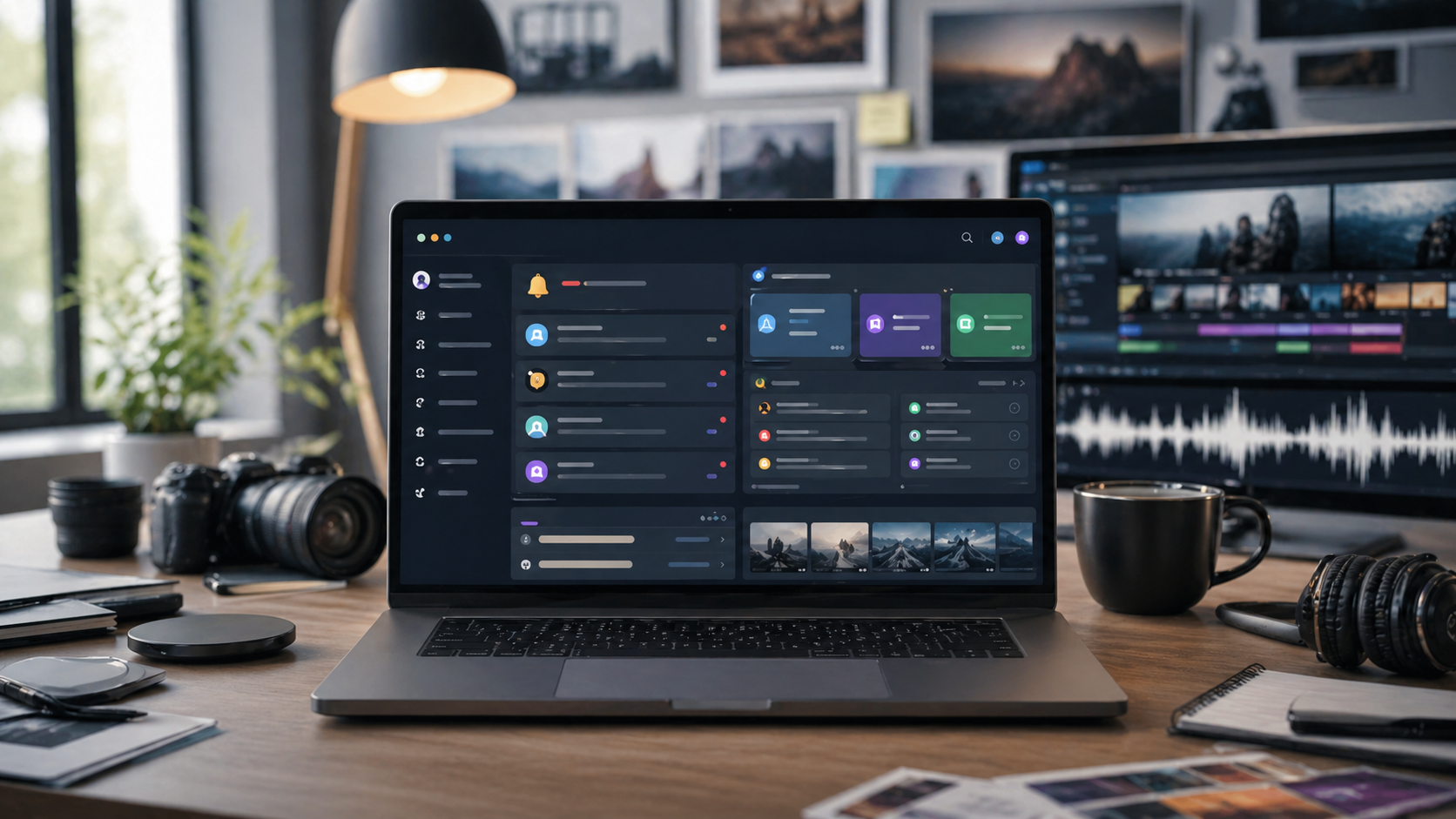
The current /notifications page focuses on useful signal with relatively little noise.
It gives you:
a feed of recent events
counts by event kind
unread state
a mark-all-read action
links back to the most relevant page
That last part matters more than it sounds. A useful notification should take you somewhere actionable.
Rivya is not trying to turn notifications into:
a social inbox
a marketing wall
a stream of every single chat reply
The product becomes more trustworthy only if the center stays selective.
The dashboard shows a lightweight preview of recent notifications.
The full center is where you go when you need the longer operational record.
That pairing is intentional:
dashboard keeps you oriented
notifications keep the record
The notifications center makes Rivya feel less disposable.
When something important happens, the account remembers it.
It sounds like a small product decision, but it changes how safe the system feels during real use.
Need the exact page behavior? Read Notifications Center in Rivya.
How to Move a Project Across Chat, Image, Video, and Audio in Rivya
Before acting on a notification, keep the operational context together:
what changed: billing, credits, generation status, or account state
where to continue: dashboard, history, billing, or the original task
whether action is needed now or the event is only a record
which task, payment, or credit event the notification refers to
The point is to avoid guessing from memory when something important happened while you were away.
Do not treat every notification as a reason to restart work. First check whether the task completed, failed, needs more credits, or simply recorded an account event.
If a generation succeeded, open the result from History. If it failed, inspect the task state before retrying. If the event is billing-related, check credits or payment state before starting another billable run.


