15.2 sec
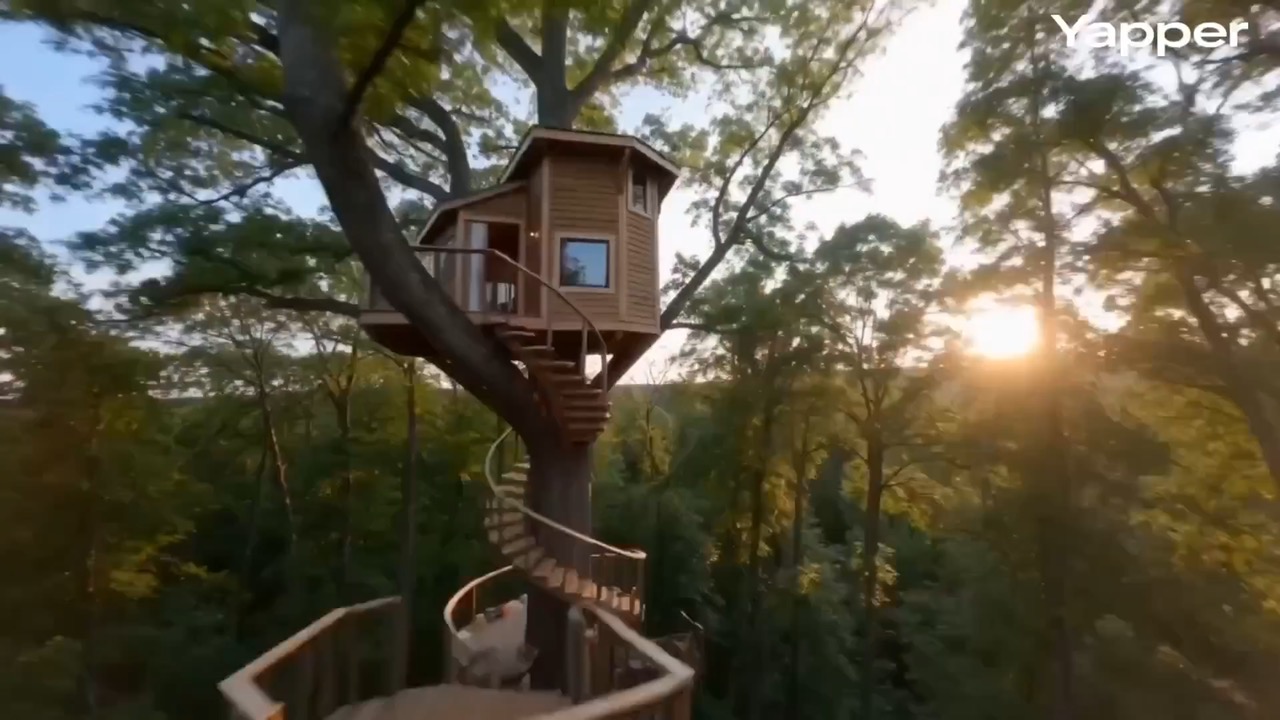
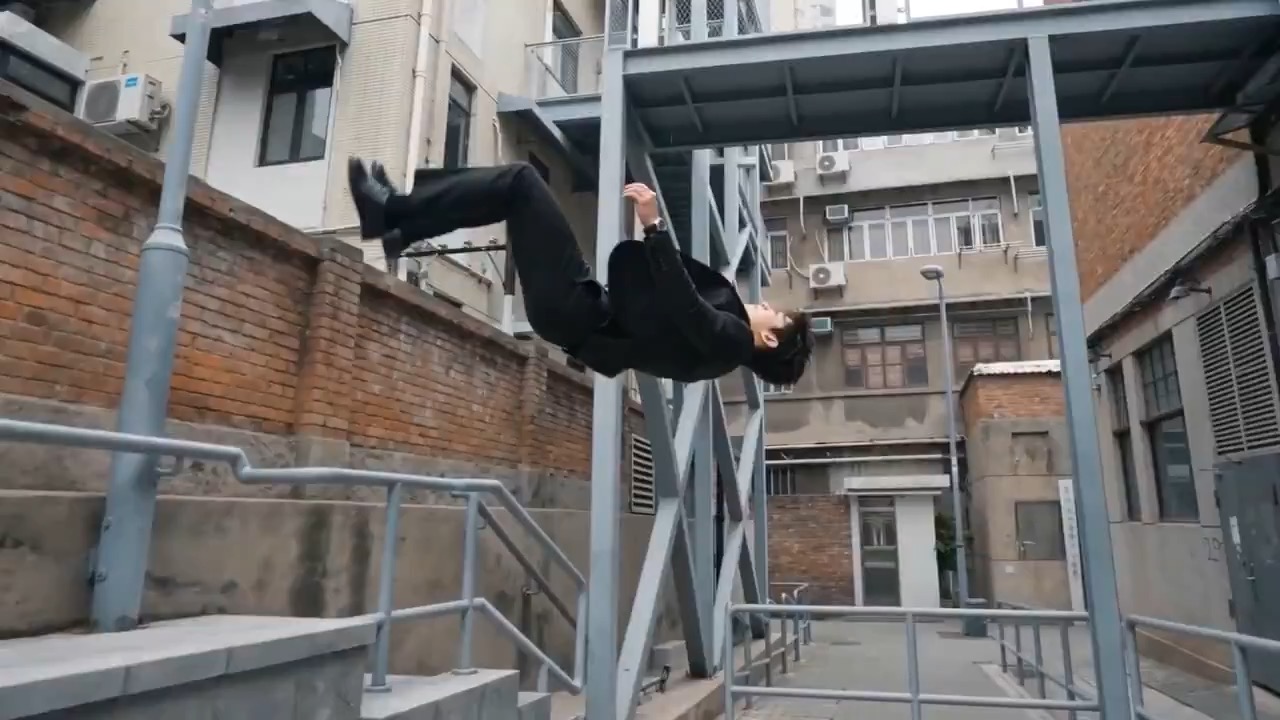
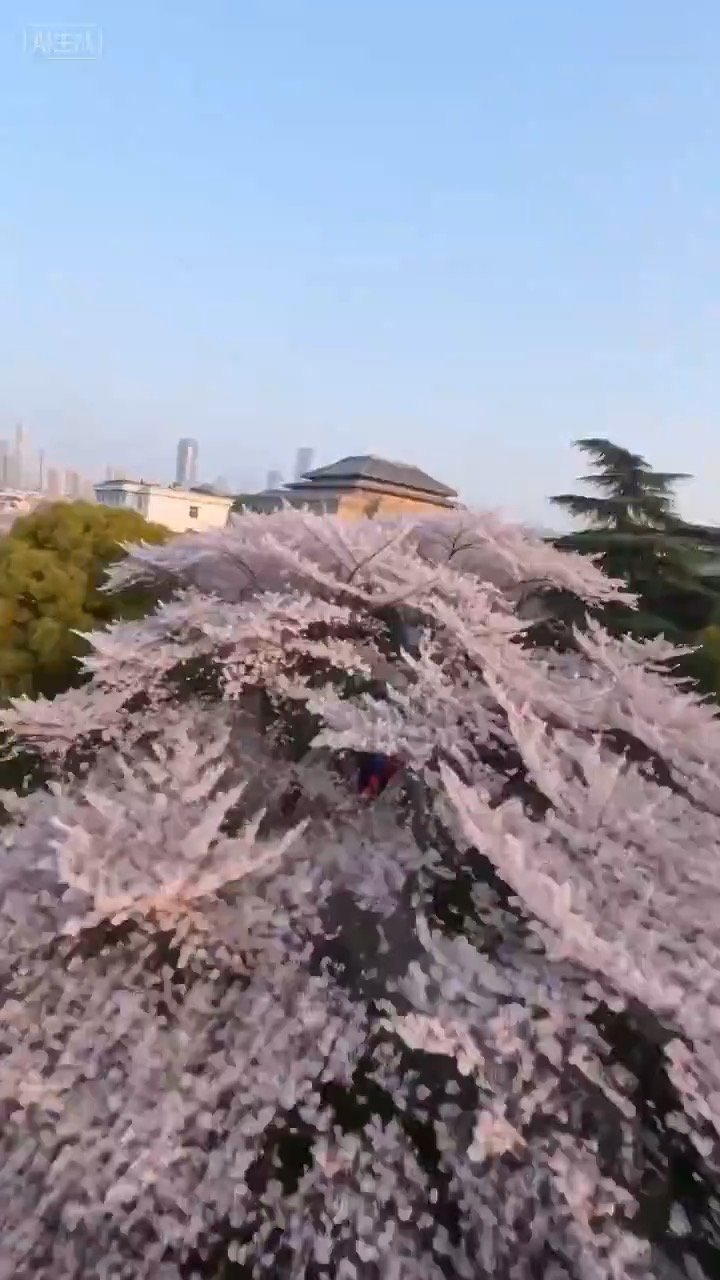
Wuhan FPV city promo preview with river, bridge, landmarks, and night reflections.
City promo brief: food steam / river cut / old street / tower / bridge orbit / night lights
Shape a calm coastal city promo moving from island sunrise to historic interiors, fishing-port life, and a skyline sunset.
The recommended model and prompt are filled in. Choose your own inputs and generation settings.
Preview
Video Prompt
City promo focused on coastal light, cultural texture, drone pacing, and skyline ending.
Xiamen promo prompt: island sunrise, villa interior, fishing port, drone pull-up, skyline, and pacing.
Create a 12-15 second cinematic city promo for Xiamen with a fresh coastal tone. Begin with sunrise over Gulangyu and glittering sea light, using a high drone descent. Cut to a century-old villa interior where hands play a grand piano in dust-filled sunbeams. Move to an old fishing port with colorful walls, a bicycle passing by, and a fisherman mending nets. End with a vertical pull-up over red-roof architecture into a sunset skyline and bridge view. Keep the pacing lyrical and grounded. Avoid crowded tourist text, warped landmarks, over-saturated color, random crowds, and hard location jumps.
Usage notes
Replace the city, landmark sequence, interior detail, local-life beat, music mood, and final title card.
Prompt FAQ
Replace the city, landmark sequence, interior detail, local-life beat, music mood, and final title card.
Check motion readability, subject continuity, camera rhythm, final frame usability, and any generated text or logos that need manual cleanup.
Yes. Keep the core structure, then adjust detail level, aspect ratio, and constraints for the model you choose in Rivya.
More prompts in this mode