
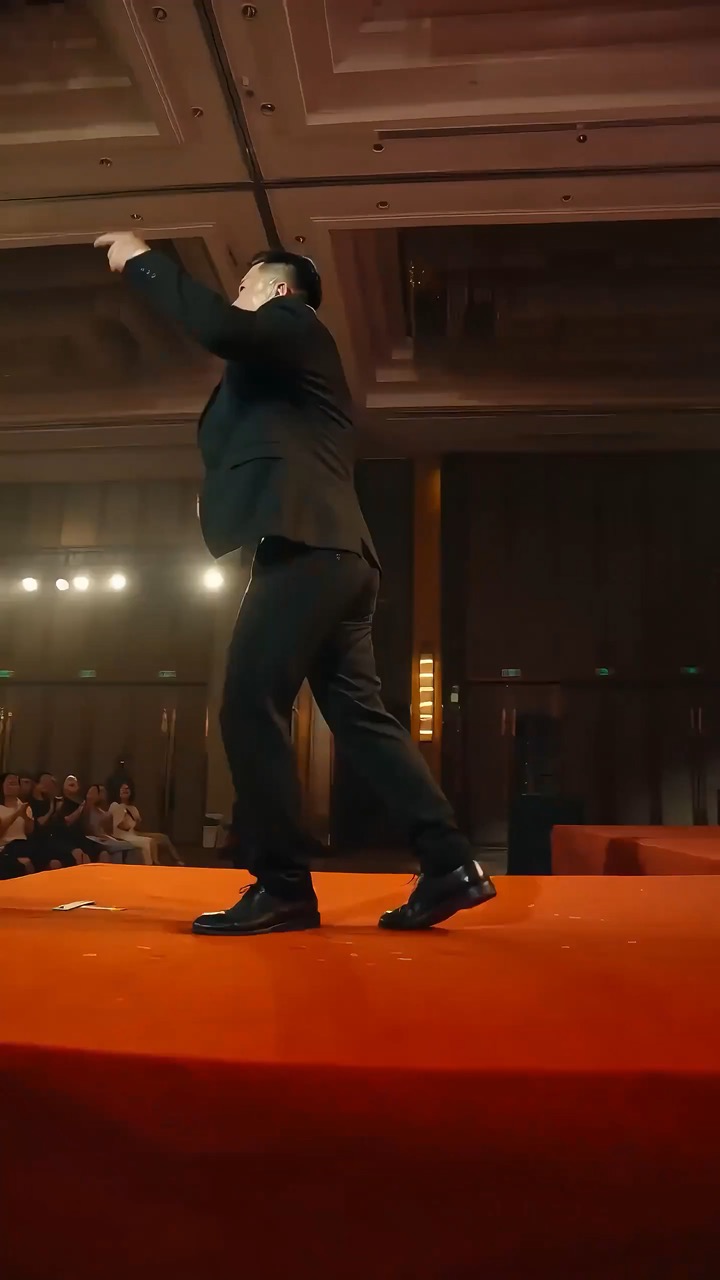
15.1 sec
High-energy keynote stage video preview showing motion rhythm, subject continuity, camera direction, and final hero frame.
Video brief: speaker setup / main stage motion / camera path / continuity / hero ending / quality checks
Create a reusable video prompt for Talking Avatar Script Board, with editable scene beats, camera path, motion continuity, and review checks.
The recommended model and prompt are filled in. Choose your own inputs and generation settings.
Preview
Video Prompt
Preview for Talking Avatar Script Board, focused on scene setup, camera path, motion continuity, editable details, and the final hero frame.
Talking Avatar Script Board video prompt with editable beats, camera path, motion continuity, hero ending, and brand-safe constraints.
Generate an 8-10 second video prompt centered on Talking Avatar Script Board. Build it as a reusable video brief with three concrete beats: open by establishing the subject, setting, and visual promise; move into the main action, transformation, or reveal with a clear camera path; end on a stable hero frame that can work for a landing page preview, product showcase, or social cutdown. Anchor the sequence on an adult speaker or presenter, natural facial motion, clean lip-sync or reaction timing, stable framing, and safe audience-appropriate delivery. Specify pacing, lens feel, camera distance, lighting, motion blur, and continuity rules so the output stays readable. Keep all subjects, props, locations, text, and logos editable. Avoid real brand names, celebrity references, fixed IP, readable signage that cannot be changed, unsafe action, sudden teleport cuts, inconsistent scale, warped anatomy, and unrelated extra scenes.
Usage notes
Replace the subject, setting, props, camera move, motion beat, duration, delivery channel, and any editable text or logo area before running.
Prompt FAQ
Replace the subject, setting, props, camera move, motion beat, duration, delivery channel, and any editable text or logo area.
Check motion readability, subject continuity, camera stability, brand safety, usable final frame, and whether any generated text or signage needs cleanup.
Yes. Keep the beat structure and constraints, then adjust detail density, aspect ratio, and duration for the model you choose in Rivya.
More prompts in this mode
High-energy keynote stage video preview showing motion rhythm, subject continuity, camera direction, and final hero frame.
Video brief: speaker setup / main stage motion / camera path / continuity / hero ending / quality checks
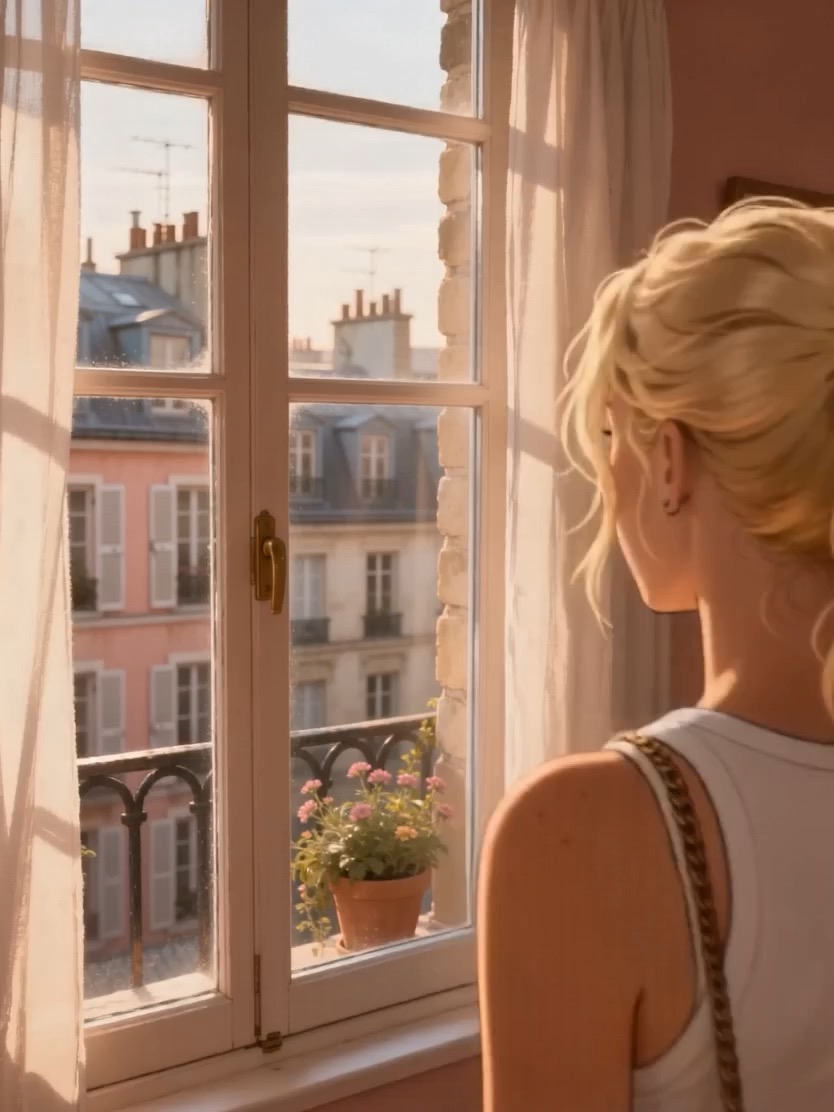
Apartment vlog video preview showing a reflective character moment near a window with soft city light.
Vlog video brief: exterior push-in / mirror close-up / window reveal / subtle realization / soft ambient tone
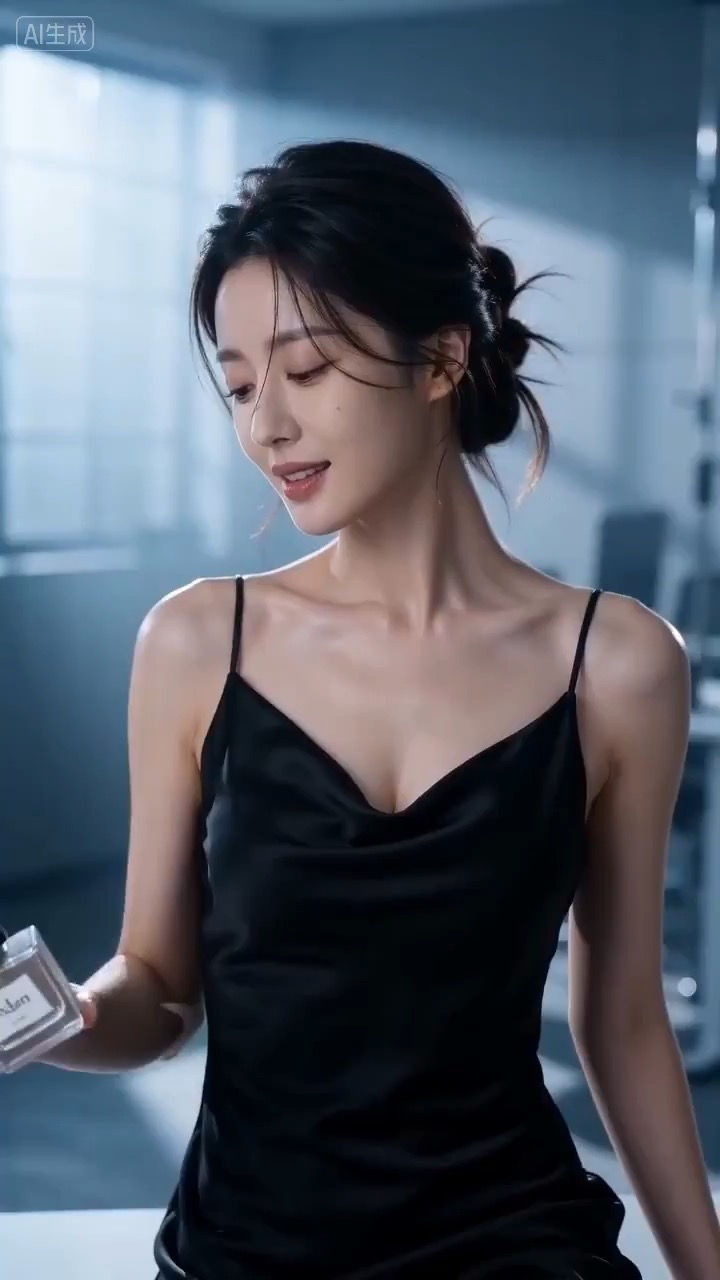
Cinematic perfume launch video preview showing product motion, light direction, camera path, and final frame.
Cinematic perfume launch video brief: setup / product reveal / camera path / continuity / clear final frame / review checks