
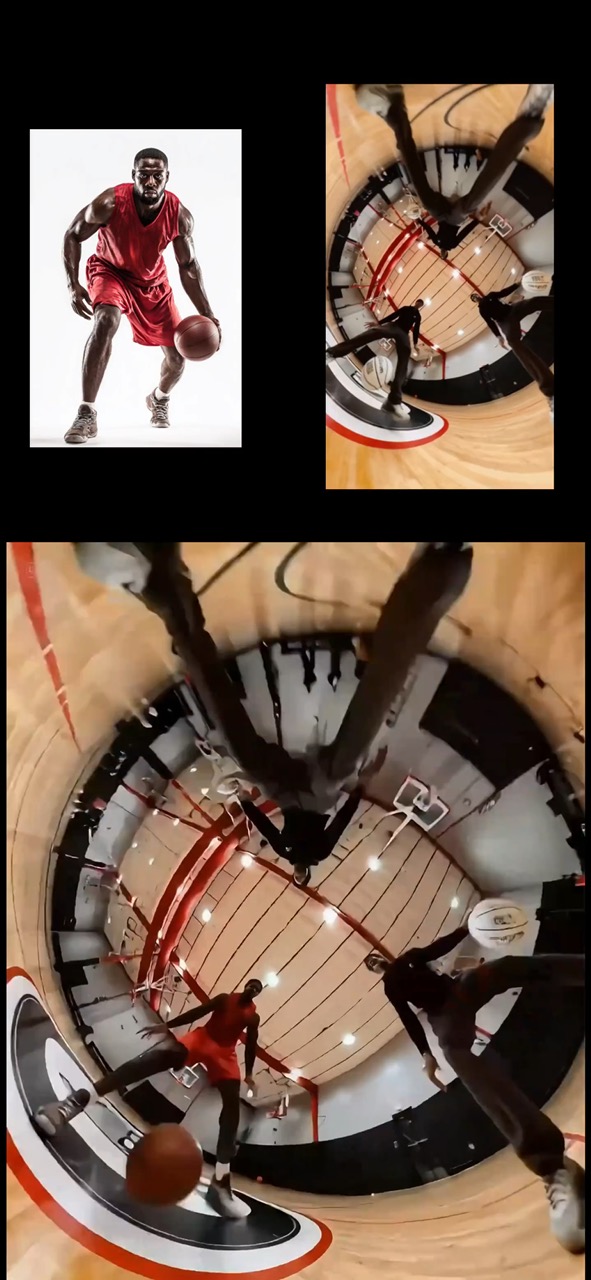
15.1 sec
Basketball motion transfer video preview showing a referenced athlete keeping the original movement from a source clip.
Video brief: source action clip / athlete reference / body consistency / footwork / balanced finish
Create a reusable video prompt for an AI era warning stage speech, with editable scene beats, camera path, motion continuity, and review checks.
The recommended model and prompt are filled in. Choose your own inputs and generation settings.
Preview
Video Prompt
Preview for an AI era warning stage speech, focused on scene setup, camera path, motion continuity, editable details, and the final hero frame.
AI era warning stage speech video prompt with editable beats, camera path, motion continuity, hero ending, and brand-safe constraints.
Generate an 8-10 second video prompt centered on an AI era warning stage speech. Build it as a reusable video brief with three concrete beats: open by establishing the adult speaker, stage setting, and urgent but brand-safe message; move into the main speech beat, audience reaction, or visual emphasis with a clear camera path; end on a stable hero frame that can work for a landing page preview, product showcase, or social cutdown. Anchor the sequence on an adult speaker or presenter, natural facial motion, clean lip-sync or reaction timing, stable framing, and safe audience-appropriate delivery. Specify pacing, lens feel, camera distance, lighting, motion blur, and continuity rules so the output stays readable. Keep all subjects, props, locations, text, and logos editable. Avoid real brand names, celebrity references, fixed IP, readable signage that cannot be changed, unsafe action, sudden teleport cuts, inconsistent scale, warped anatomy, and unrelated extra scenes.
Usage notes
Replace the subject, setting, props, camera move, motion beat, duration, delivery channel, and any editable text or logo area before running.
Prompt FAQ
Replace the subject, setting, props, camera move, motion beat, duration, delivery channel, and any editable text or logo area.
Check motion readability, subject continuity, camera stability, brand safety, usable final frame, and whether any generated text or signage needs cleanup.
Yes. Keep the beat structure and constraints, then adjust detail density, aspect ratio, and duration for the model you choose in Rivya.
More prompts in this mode
Basketball motion transfer video preview showing a referenced athlete keeping the original movement from a source clip.
Video brief: source action clip / athlete reference / body consistency / footwork / balanced finish
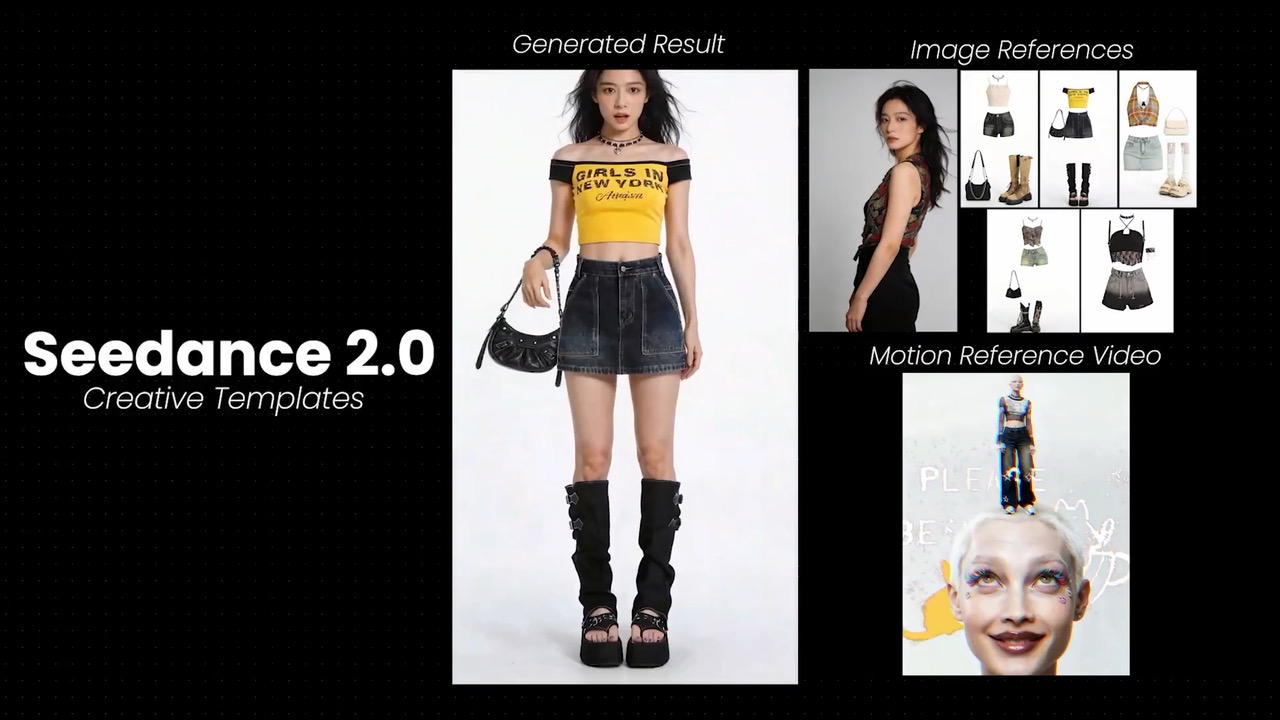
Closeup pose control video preview showing one model switching expressions and outfits near the camera.
Video brief: face reference / wardrobe references / five pose moods / close camera / identity continuity
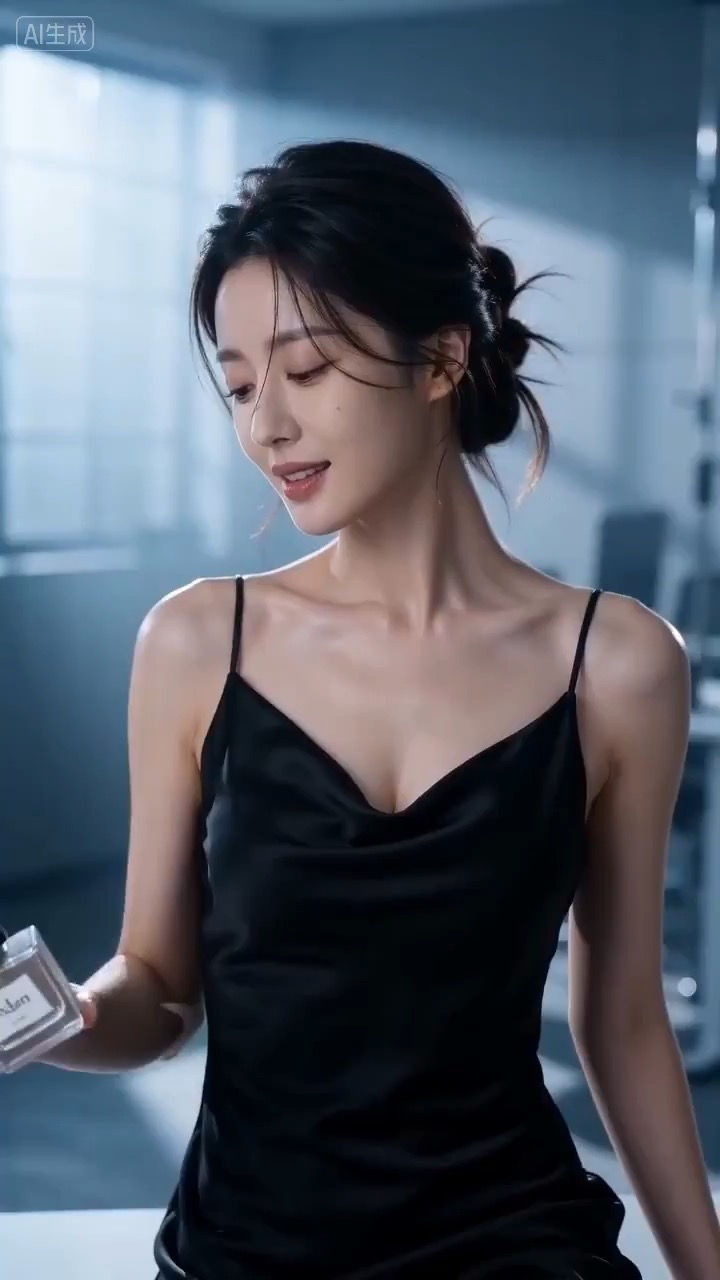
Cinematic perfume launch video preview showing product motion, light direction, camera path, and final frame.
Cinematic perfume launch video brief: setup / product reveal / camera path / continuity / clear final frame / review checks