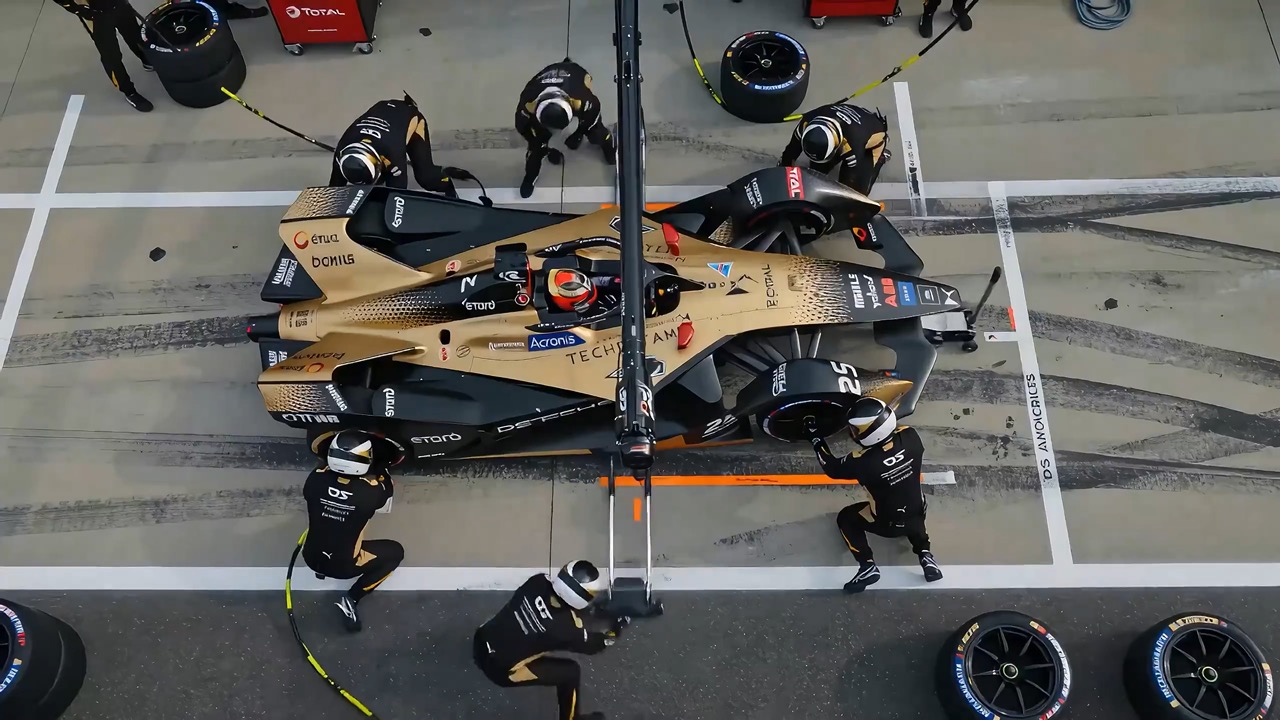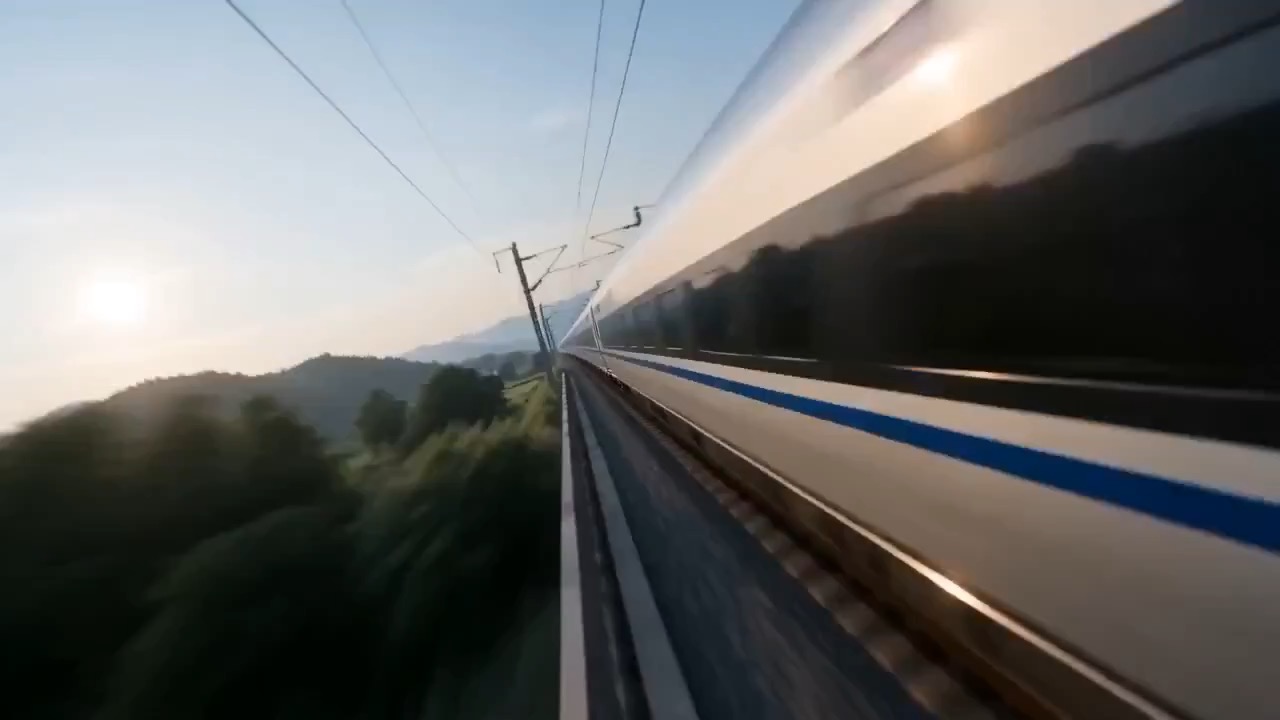
5.12 sec
Steampunk Chef Feast Film video preview showing motion rhythm, subject continuity, camera direction, and final hero frame.
Steampunk Chef Feast Film video brief: setup / main motion / camera path / continuity / hero ending / review checks
A kinetic studio art video prompt where neon paint hits a blank canvas, morphs into a landscape, and ends with a playful pet reaction.
The recommended model and prompt are filled in. Choose your own inputs and generation settings.
Preview
Video Prompt
Preview clip for a neon paint canvas reveal, focused on paint motion, canvas transformation, and a safe playful pet beat.
Neon paint canvas reveal video prompt: paint splash, canvas-to-landscape morph, playful cat reaction, and clean studio guardrails.
Create an 8-10 second cinematic creative studio video. Start with a close-up of an adult artist's hands holding a paintbrush over a clean worktable, neon paint dripping slowly from the bristles while a blank canvas sits softly blurred in the background. Cut to a wide low-angle shot from behind the artist as they step forward and throw a controlled splash of neon paint toward the canvas. The color burst spreads across the white surface in slow motion, with droplets catching cyan, magenta, lime, and amber light, but the studio remains safe and contained. Cut to a slow 50mm push-in on the canvas as the paint swirls, blends, and resolves into a photorealistic mountain landscape with mist, water, and sharp foreground texture. Add a quick whip pan to a calm studio cat sitting safely beside a closed paint can; the cat blinks once and yawns without touching wet paint. End on a medium shot of the artist turning back to camera with a small amused shrug, then freeze on a clean hero frame. Avoid readable text, logos, unsafe paint splashes near eyes, messy product labels, aggressive pet motion, celebrity likeness, face distortion, or impossible canvas geometry.
Usage notes
Replace the paint palette, canvas subject, studio layout, pet reaction, camera cuts, and final freeze-frame pose.
Prompt FAQ
Replace the paint palette, canvas subject, studio layout, pet reaction, camera cuts, and final freeze-frame pose.
Ask for a controlled splash toward the canvas, keep paint away from eyes and pets, and avoid messy labels or unsafe studio chaos.
Yes. Swap the mountain landscape for a product scene, abstract poster, city view, or campaign visual while keeping the same transformation beat.
More prompts in this mode