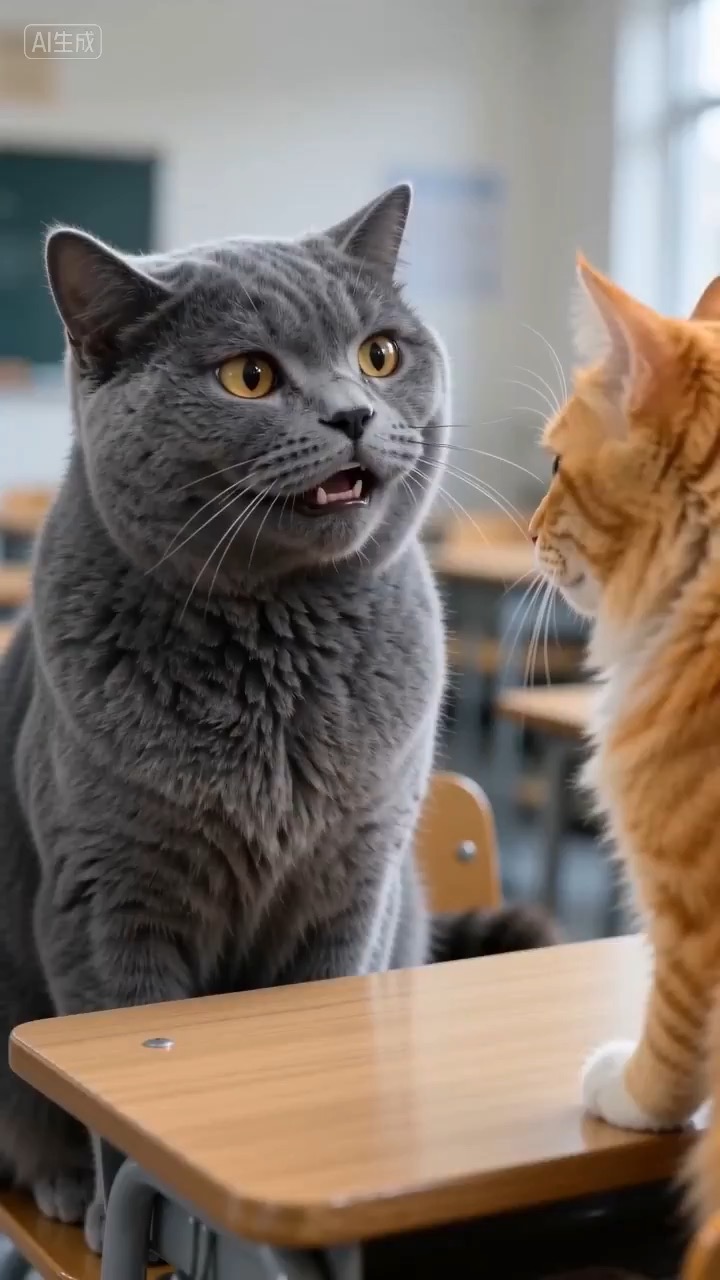
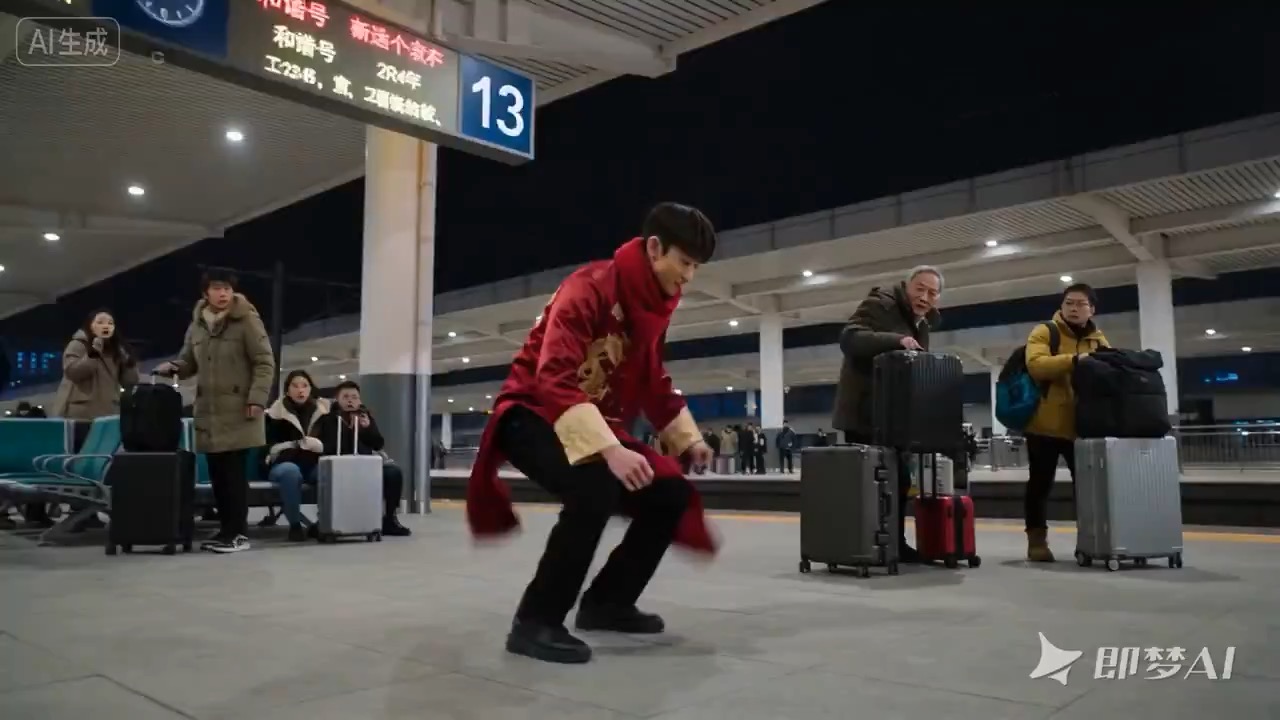
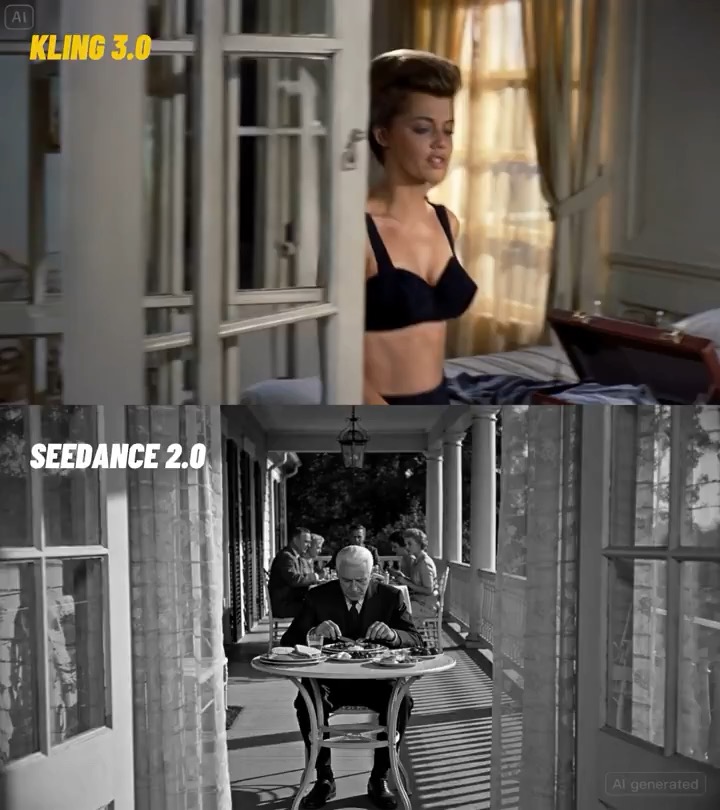
Classroom reaction talking avatar preview showing natural facial motion, lip-sync timing, stable framing, and final frame.
Classroom reaction talking avatar brief: setup / dialogue beat / reaction timing / framing / clear final frame / review checks
Create a reusable talking-avatar video brief for an adult presenter filming a Lunar New Year street selfie, with festive lights, clean lip-sync, stable handheld framing, and review checks.
The recommended model and prompt are filled in. Choose your own inputs and generation settings.
Preview
Video Prompt
Preview for a Lunar New Year street selfie narration brief, focused on the presenter setup, festive background, lip-sync continuity, editable greeting text, and final hero frame.
Lunar New Year street selfie narration video brief with an adult presenter, warm festival lights, clean lip-sync, stable handheld framing, and brand-safe constraints.
Generate a 10-12 second vertical video brief centered on an adult presenter recording a Lunar New Year street selfie narration. Build it with three concrete beats: open with a stabilized phone-selfie frame that establishes the presenter, festival street lights, lantern color, and public celebration mood; move into a short spoken greeting or travel-style narration with natural facial motion, clean lip-sync, small walking or hand movement, and background pedestrians kept softly out of focus; end on a stable smile or sign-off frame that can work for a landing page preview, creator reel, or social cutdown. Keep the camera close enough for a selfie but not distorted, with readable facial expression, steady exposure, warm festive lighting, and continuity rules for mouth shape, eye direction, hair, clothing, and background movement. Keep the presenter look, street setting, props, greeting text, subtitles, and logo areas editable. Avoid real brand names, celebrity references, fixed IP, uneditable readable signage, youth-coded casting, unsafe crowd behavior, political claims, sudden teleport cuts, face flicker, warped anatomy, and unrelated extra scenes.

Usage notes
Replace the presenter look, festival street setting, greeting line, props, camera distance, motion beat, delivery channel, subtitles, and any editable text or logo area before running.
Prompt FAQ
Replace the presenter look, festival street setting, greeting line, props, camera distance, motion beat, delivery channel, subtitles, and any editable text or logo area.
Check lip-sync readability, presenter continuity, handheld camera stability, festive background consistency, usable sign-off frame, and whether any generated text, logo area, or signage needs cleanup.
Yes. Keep the beat structure and constraints, then adjust detail density, aspect ratio, and duration for the model you choose in Rivya.
More prompts in this mode