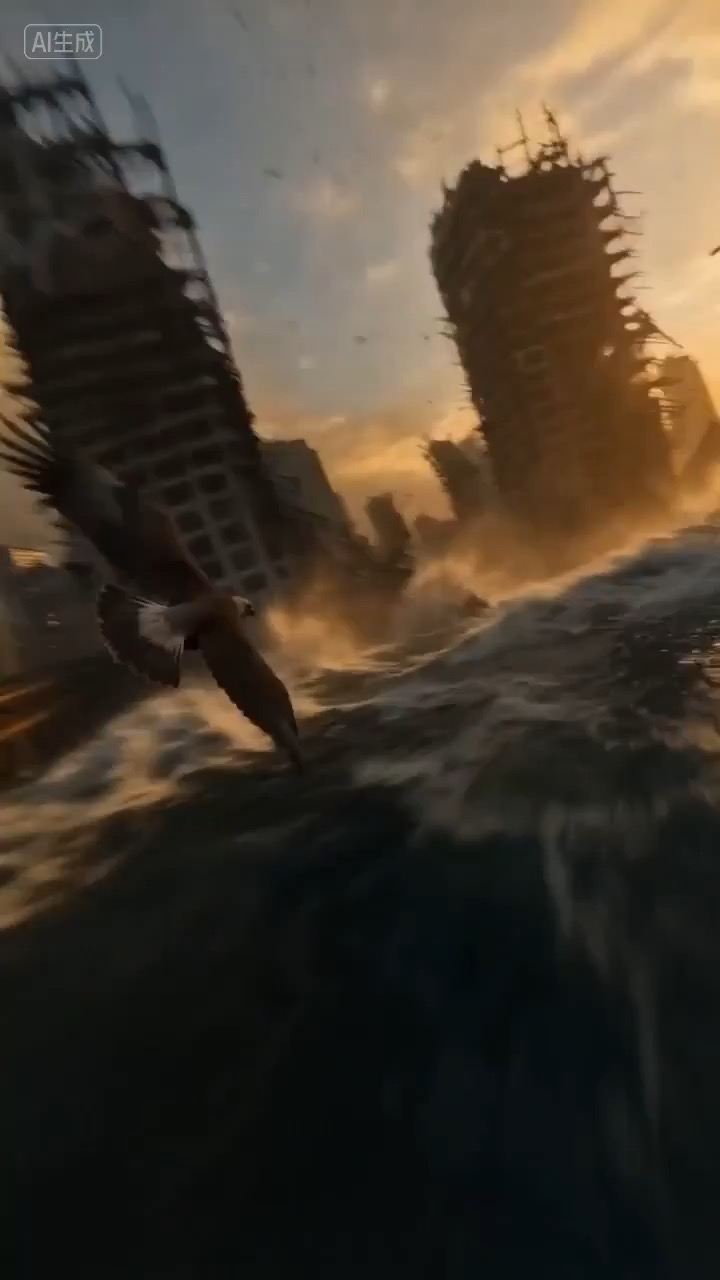
Eagle POV escape flight video preview with a fast readable glide through ruined stone toward open light.
A POV eagle flight skims through ruined stone, clears tight foreground passes, steadies through wind vibration, and exits into open light.
Create a reusable video brief for a solitary robot on a windswept summit, with wide cinematic framing, slow camera drift, atmospheric scale, editable beats, and review checks.
The recommended model and prompt are filled in. Choose your own inputs and generation settings.
Preview
Video Prompt
Preview for a lonely robot summit video brief, focused on the wide establish, slow camera path, atmospheric continuity, editable details, and final hero frame.
Lonely robot summit video brief with a wide establish, slow camera drift, atmospheric scale, motion continuity, hero ending, and clean production constraints.
Generate an 8-10 second video brief centered on a solitary robot standing on a remote summit above the clouds. Build it with three concrete beats: open on a wide establishing shot that shows the peak, the robot silhouette, weather, and horizon; move into a slow push-in or orbit that reveals mechanical detail, wind, dust, and the scale of the landscape; end on a stable hero frame that can work for a landing page preview, concept reel, or social cutdown. Keep the surreal idea grounded through controlled camera motion, consistent scale, a clear horizon line, and visual rules that prevent random symbols from overtaking the scene. Specify pacing, lens feel, camera distance, lighting, motion blur, and continuity rules so the output stays readable. Keep the robot design, terrain, weather, text, and logo areas editable. Avoid real brand names, celebrity references, fixed IP, unreadable or uneditable signage, unsafe action, sudden teleport cuts, inconsistent scale, warped anatomy, and unrelated extra scenes.

Usage notes
Replace the robot design, summit landscape, weather, camera move, motion beat, duration, delivery channel, and any editable text or logo area before running.
Prompt FAQ
Replace the robot design, summit landscape, weather, camera move, motion beat, duration, delivery channel, and any editable text or logo area.
Check motion readability, robot continuity, camera stability, landscape scale, usable final frame, and whether any generated text, logo area, or signage needs cleanup.
Yes. Keep the beat structure and constraints, then adjust detail density, aspect ratio, and duration for the model you choose in Rivya.
More prompts in this mode