15.2 sec
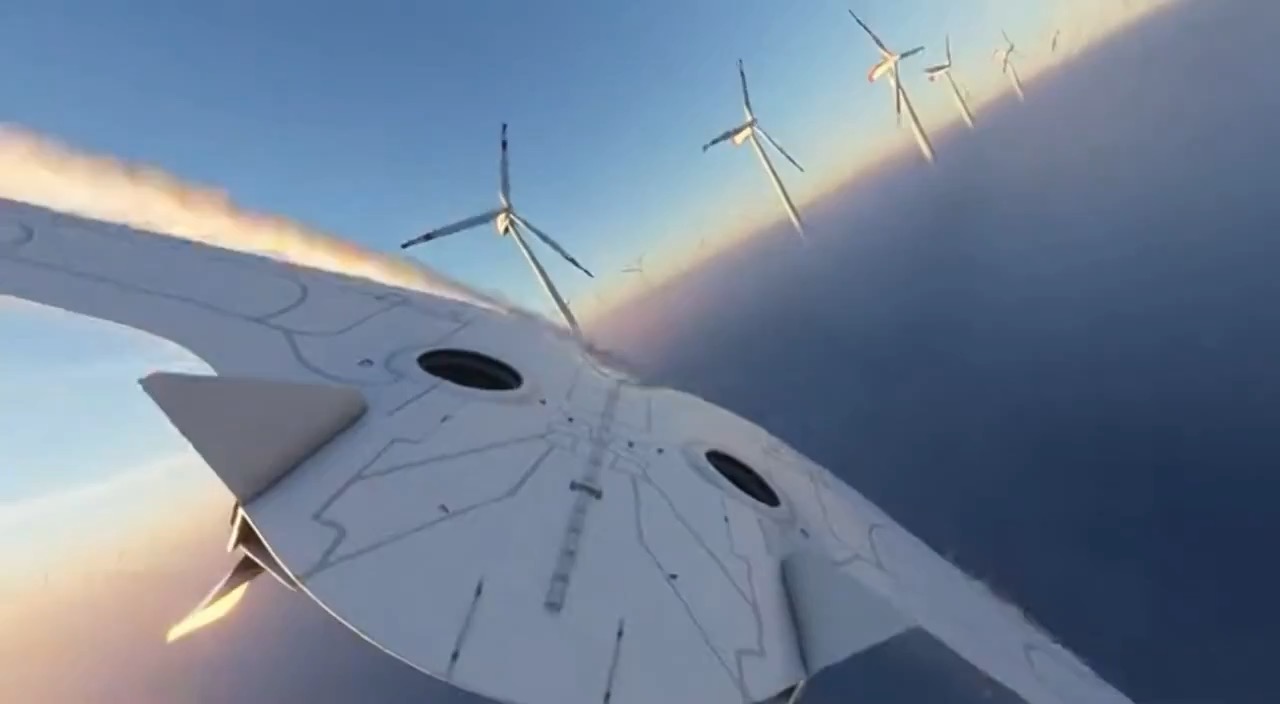
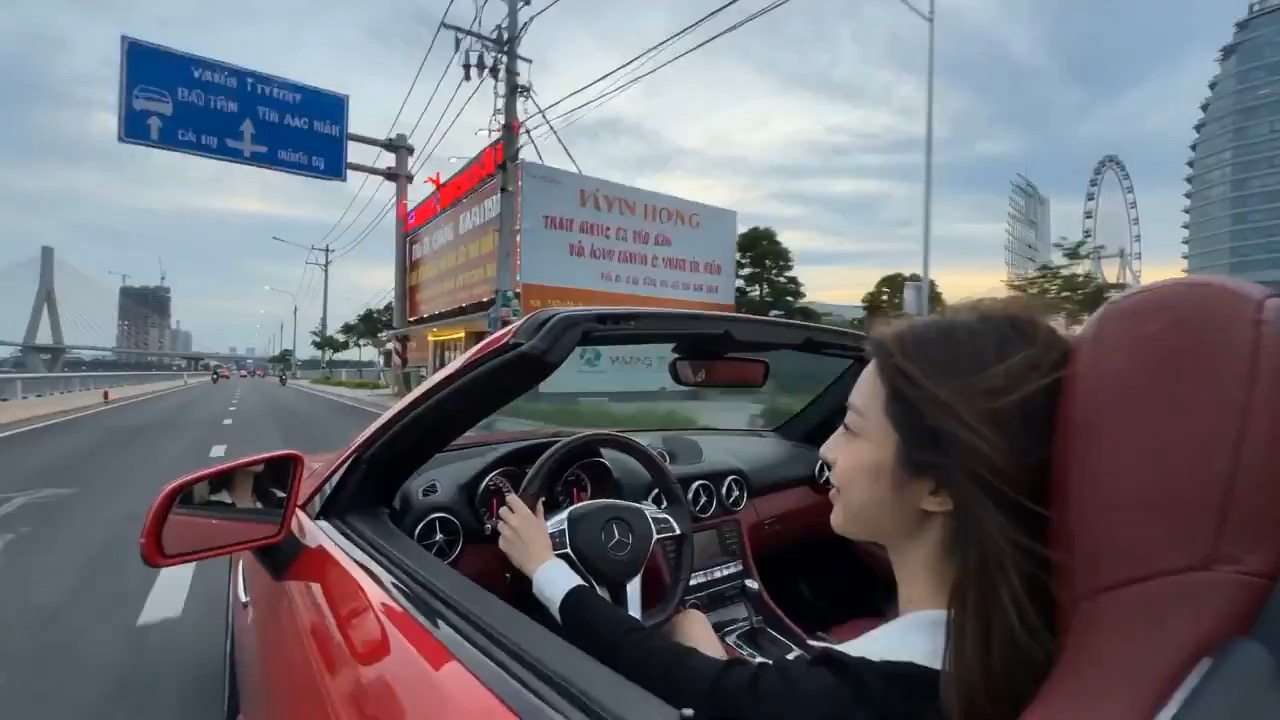
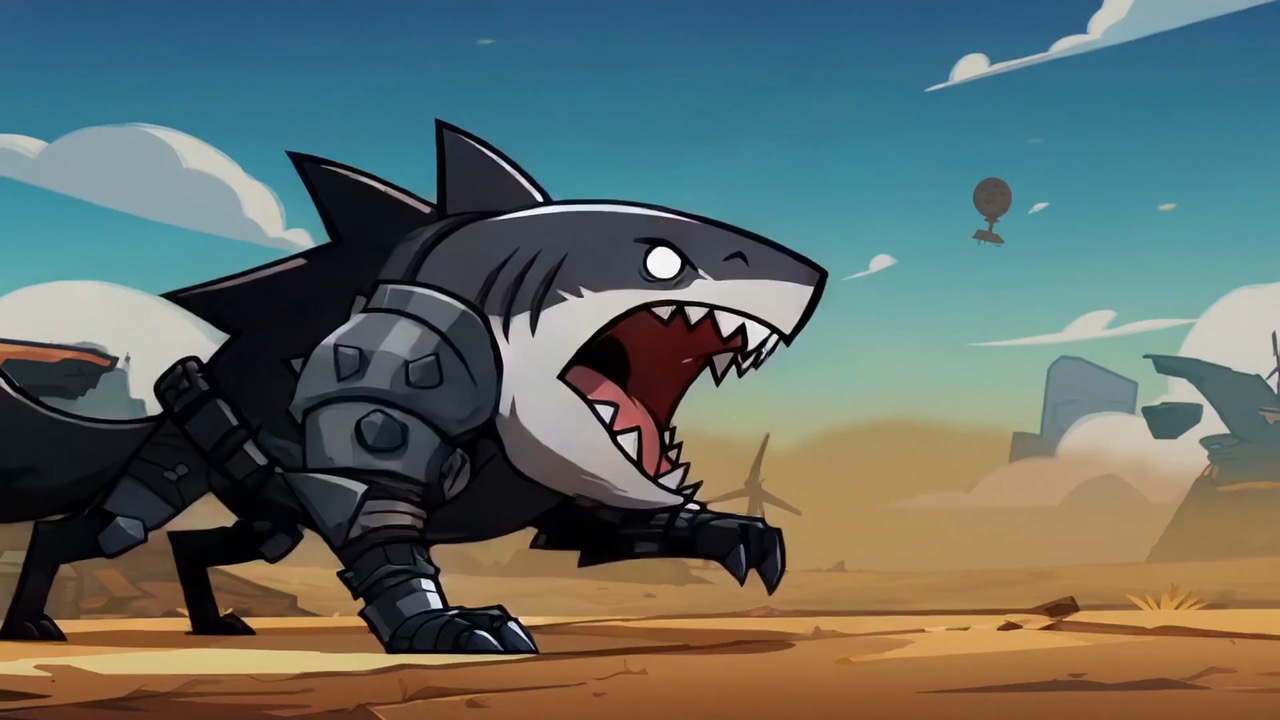
Neon doodle storm animation preview showing motion rhythm, subject continuity, camera direction, and final hero frame.
Video brief: neon doodle setup / main motion / camera path / continuity / hero ending / review checks
Animate a four-character title from darkness into ink-and-light strokes, balancing particle build-up, readable type, and final lockup.
The recommended model and prompt are filled in. Choose your own inputs and generation settings.
Preview
Video Prompt
Title motion focused on particle timing, ink edges, readability, and final lockup.
Ink typography video brief: dark start, particle build-up, blade stroke, ink letterform, and readable title lockup.
Create an 8-10 second typography motion clip for the title [FOUR CHARACTER TITLE]. Start from pure black with a faint cyan-white particle stream forming a vertical light band. Let the particle density build like an approaching storm, then release one sharp blade-like white stroke through the center. As the light passes, the characters form through ink splash edges and controlled blue-black gradients. End on a stable title lockup with clean negative space. Keep the title readable and avoid excessive particles, illegible calligraphy, random symbols, flickering strokes, and unrelated imagery.
Usage notes
Replace the title text, particle color, stroke style, music cue, background tone, and final frame.
Prompt FAQ
Replace the title text, particle color, stroke style, music cue, background tone, and final frame.
Check motion readability, subject continuity, camera rhythm, final frame usability, and any generated text or logos that need manual cleanup.
Yes. Keep the core structure, then adjust detail level, aspect ratio, and constraints for the model you choose in Rivya.
More prompts in this mode