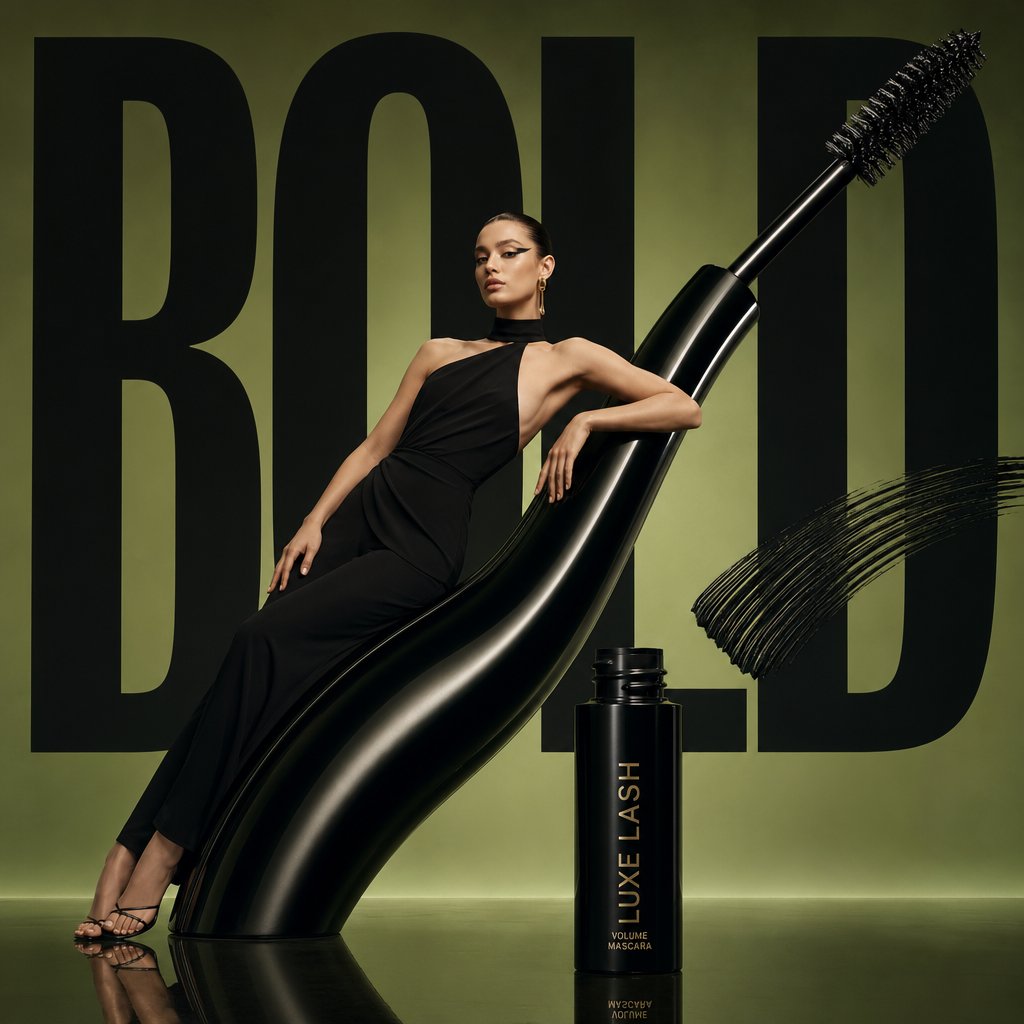
Design a reusable wide social thumbnail system for announcements, with a strong subject, editable headline safe area, accent blocks, variant rules, and anti-fake-UI constraints.
The recommended model and prompt are filled in. Choose your own inputs and generation settings.
Preview
Image Prompt
Preview for a wide social thumbnail system, focused on small-size readability, editable headline zones, export fit, and anti-fake-UI constraints.
Wide social thumbnail prompt with editable headline safe area, strong subject, accent blocks, platform-neutral layout, export ratio, variants, and brand-safe constraints.
Create a wide social thumbnail system for a product update, creator post, launch note, or editorial announcement. Define the announcement topic, central subject image, headline placeholder, supporting badge, diagonal visual tension, brand-color accent blocks, safe title area, thumbnail grid alignment, background texture, export ratio, and delivery channel. Build the image as a platform-agnostic cover template with one clear focal point, strong contrast at small size, generous negative space for editable copy, and variant-friendly zones for recurring posts. Keep all text, badges, and marks editable, avoid copying any platform interface, and leave room for localization and crop-safe exports. Do not include real logos, fake engagement numbers, unreadable dense copy, clickbait claims, misleading UI chrome, celebrity likenesses, protected assets, cluttered overlays, or elements unrelated to the wide social thumbnail system.
Usage notes
Replace the announcement topic, subject image, headline placeholder, badge copy, accent color, background texture, title safe area, export ratio, and delivery channel before running.
Prompt FAQ
Replace the announcement topic, subject image, headline placeholder, badge copy, accent color, background texture, title safe area, export ratio, and delivery channel.
Check small-size readability, focal hierarchy, editable text zones, crop safety, platform neutrality, absence of fake UI, and any generated text or claims that need cleanup.
Yes. Keep the headline safe area, accent block logic, focal hierarchy, and review checks, then swap the subject, topic, color set, and export ratio for each installment.
More prompts in this mode